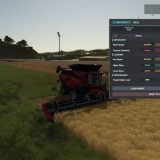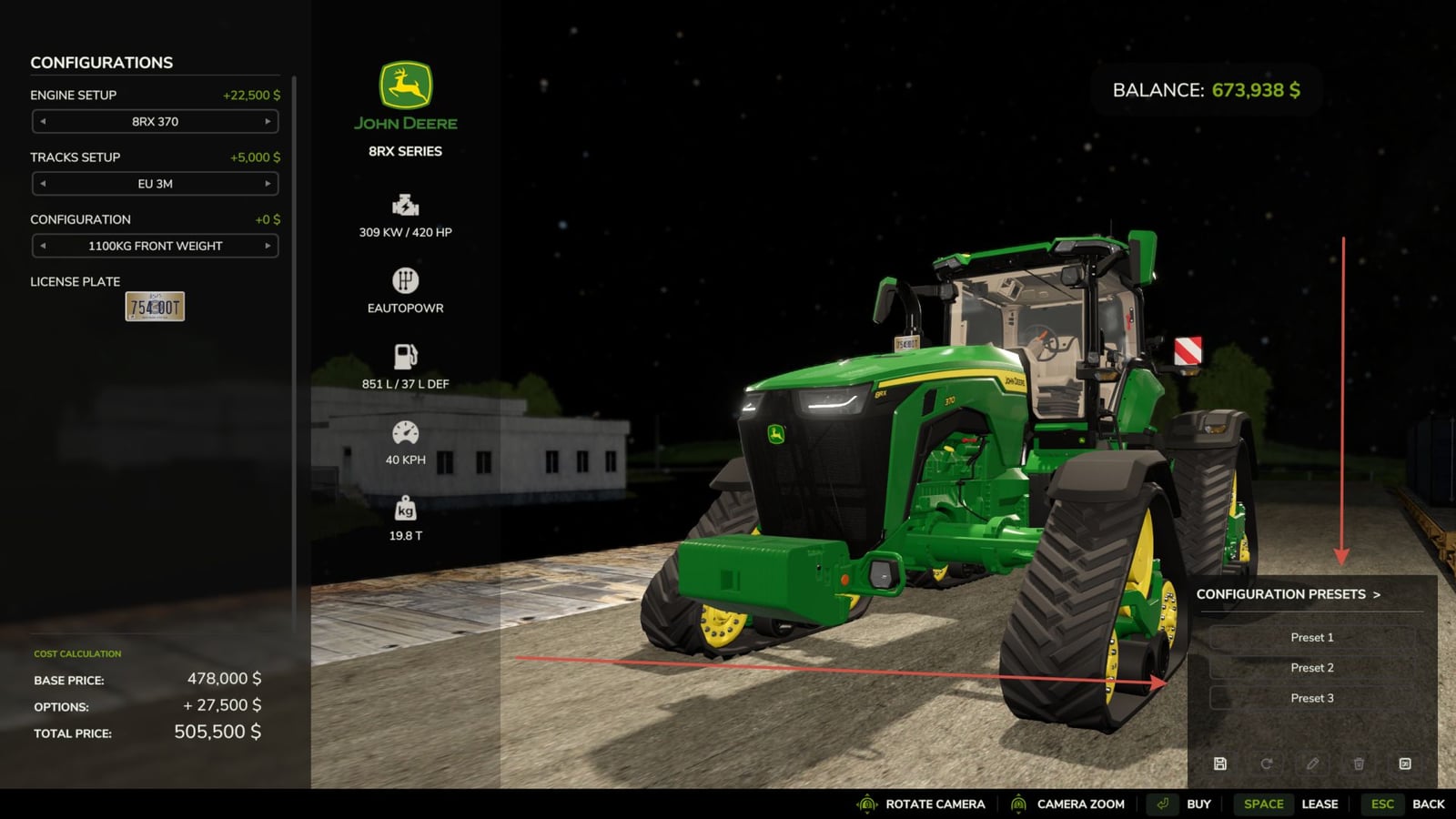
With Equipment Configuration Presets, you can save equipment setups and drop them into the shop with a single click. That makes it easy to keep the variants you like ready for your next purchase.
Features
- Make multiple named presets for each equipment model and keep them separate.
- Your selected colors are saved too, including custom shades and materials.
- Pick a setup fast from the handy scrollable list.
- Change saved presets later or delete the ones you no longer want.
- Hit the random configuration button, check out a new variant, and save the result you like.
- Applying settings also updates the equipment price and preview automatically.
- Your presets stay saved between game sessions and can be used on different maps within the same profile.
- New equipment in the shop is supported, including modded equipment that uses the standard configuration system.
- License plates are not saved in presets!!!
- After third-party equipment gets updated, you may need to update its presets if the author changed the configuration options.
How to use
Configure the equipment in the shop first. Then open the presets panel, click “Save new preset”, and give it a name. Next time you buy that model, choose your saved variant from the list and use it right away.
Changelog
V1.0.1.0
- You can now pick and create presets in the Workshop, not just while purchasing equipment.
- French, Polish, German, Italian, Portuguese, and Czech translations are now included.
- The preset configuration window interface has been reworked.