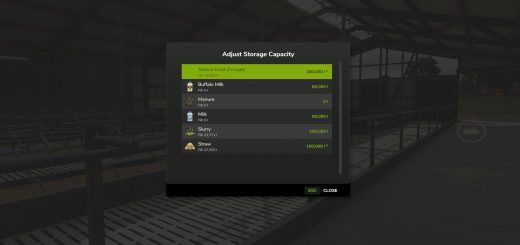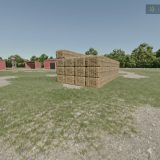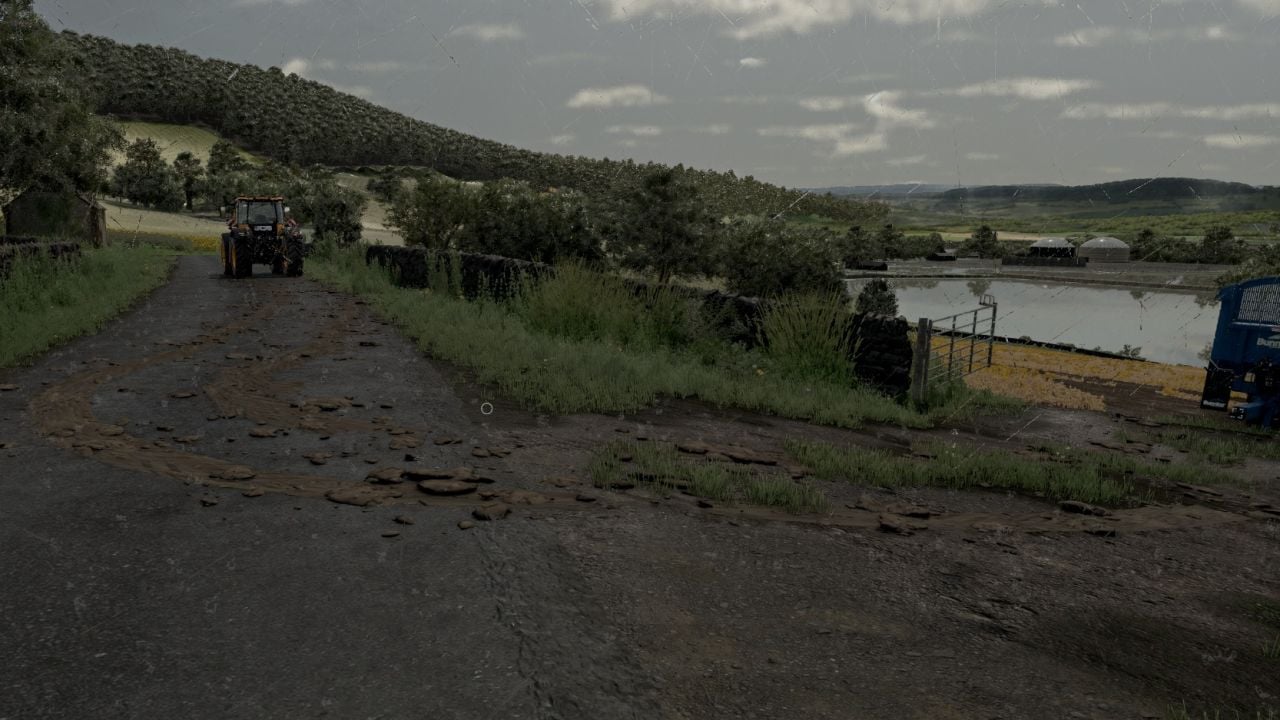
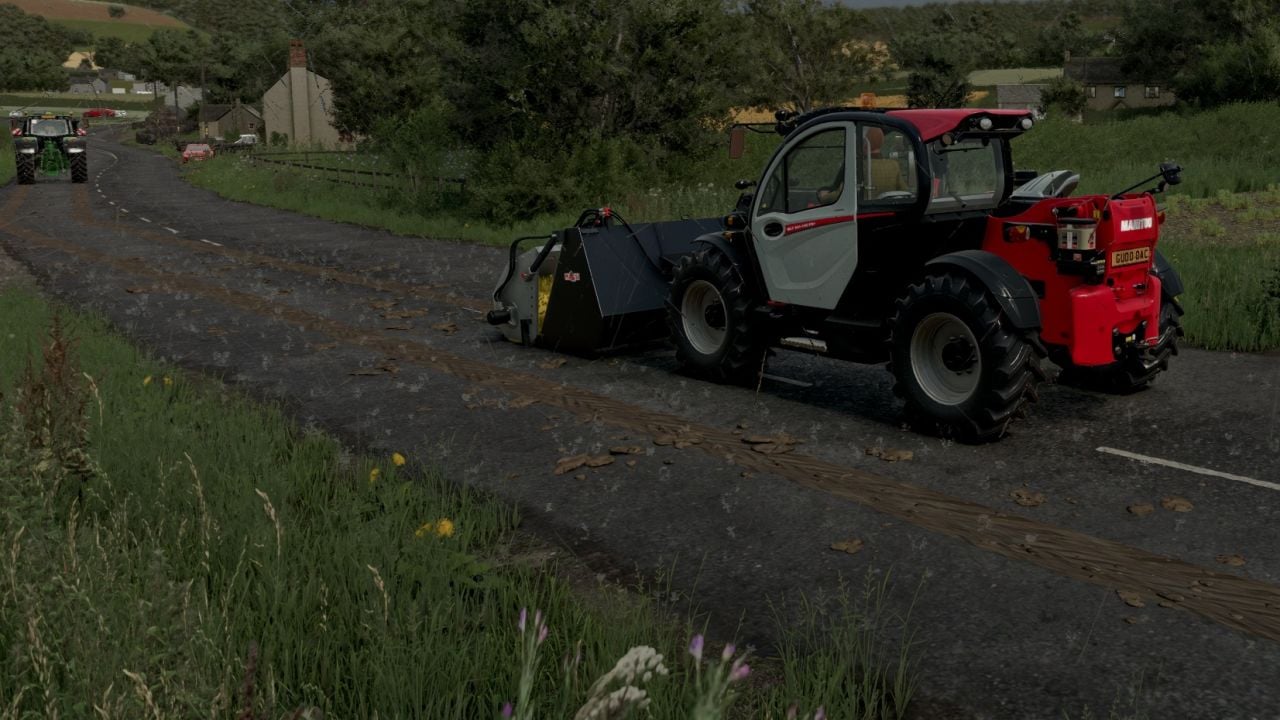
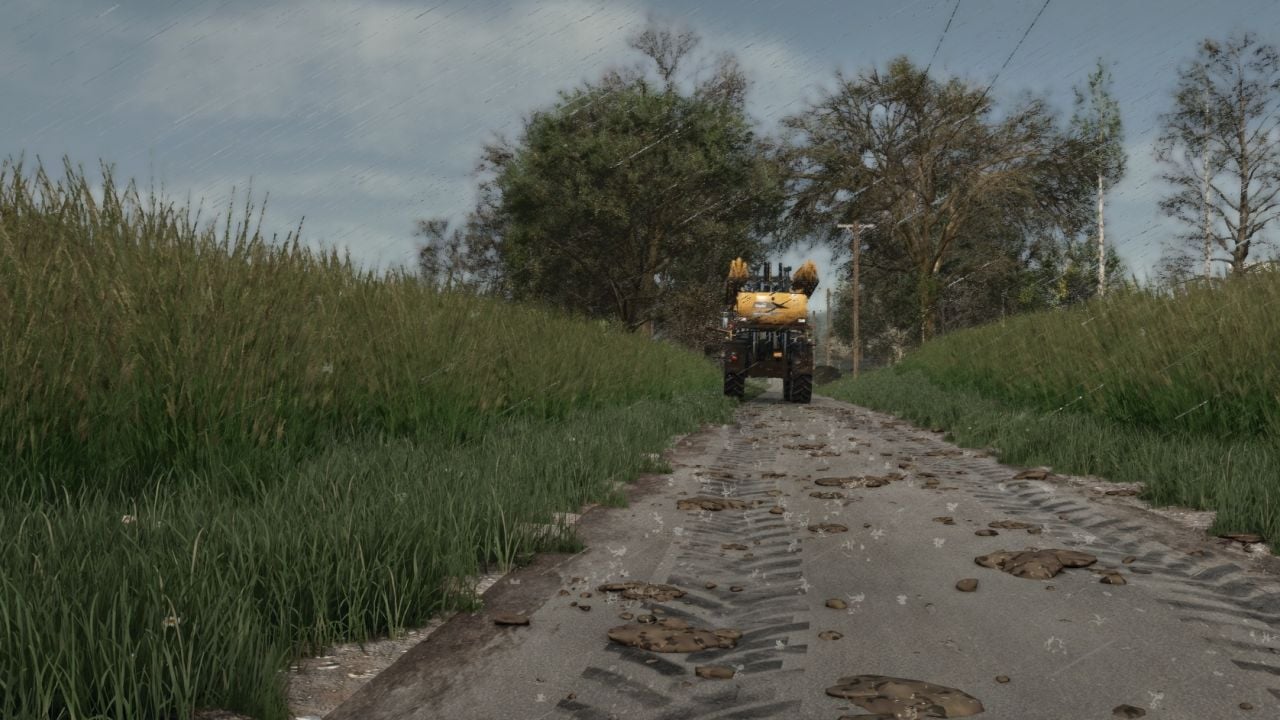
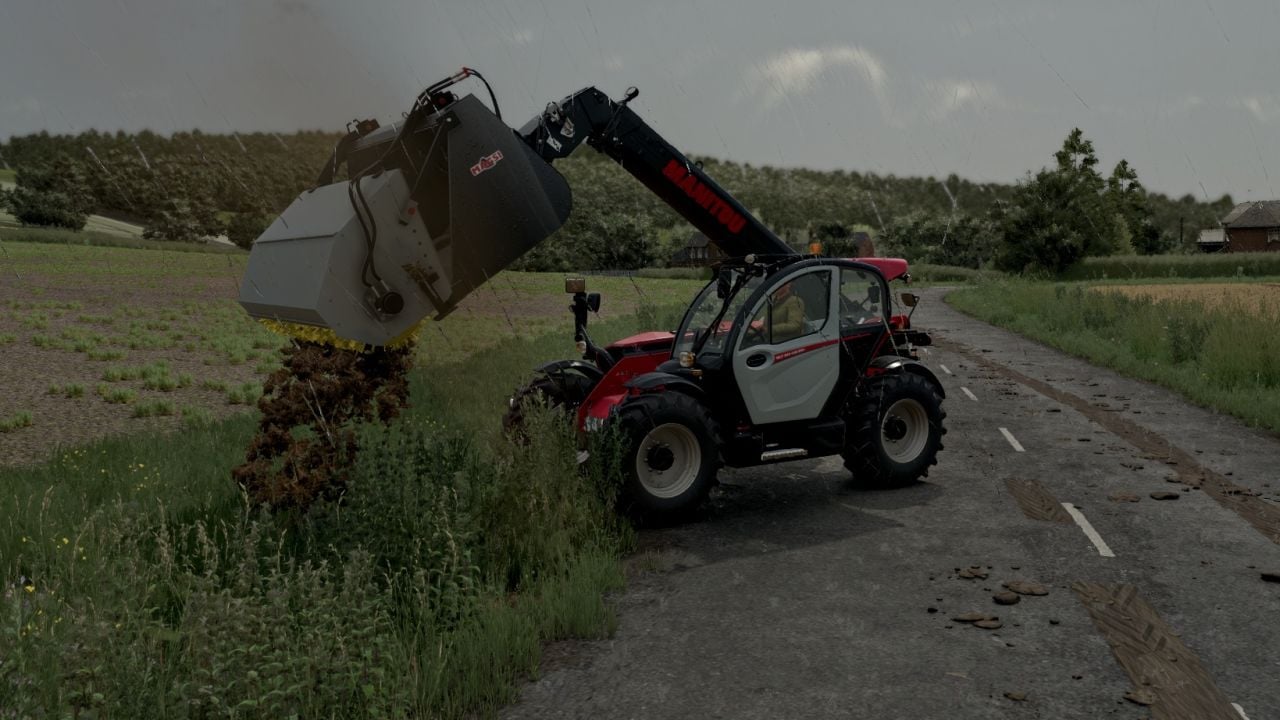
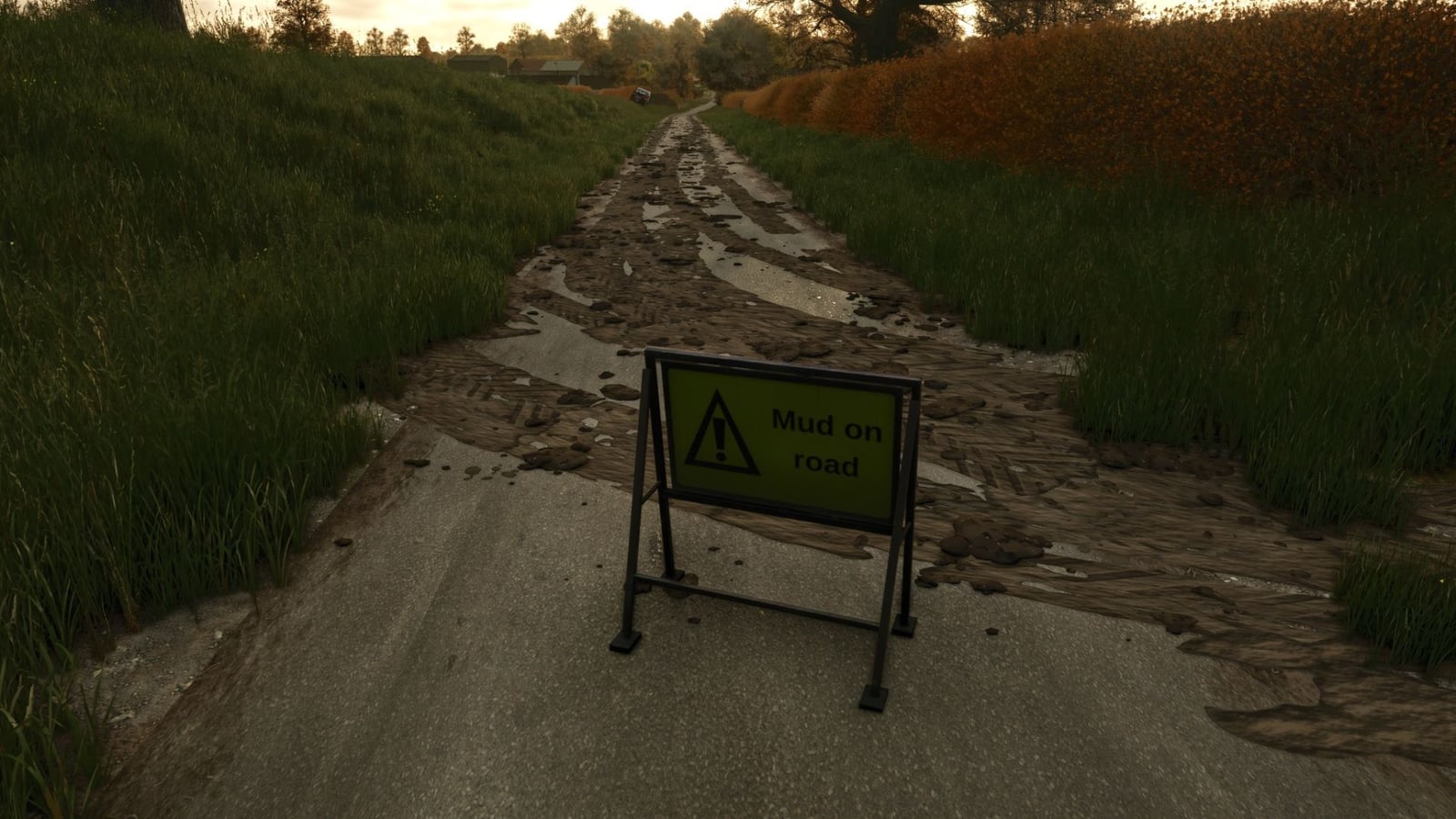
Mud On the Road makes your wheeled vehicles and trailers leave visible mud effects, and AI helpers are included too. The mud is saved with your savegame, so your roads keep their state. In multiplayer, it is only visual and each PC works it out locally, which means no network traffic is added.
Features
- Your tyres only drop mud when they really have mud on them, the same mud the game shows after working in a field. Wash or clean the tyres first and they leave nothing behind.
- Take a muddy vehicle onto roads, yards or tracks and you get smeared tyre prints plus flying clods. Drive faster and the clods get thrown farther across the road.
- The mud comes off the tyres while you drive. The tyres clean themselves as the trail slowly fades away over a few hundred metres.
- Turn the wheels through a corner and the smears follow the bend.
- Old mud can get built up again. Drive over it to freshen and thicken the patch, with each new layer sitting over the previous one.
- All vehicles and trailers with wheels work with the mod, including AI helpers.
- Rain takes care of the road mud. Heavy rain clears it in about 5 in-game hours, while light rain takes around half a day.
- Dry weather changes the mud too. It dries, turns pale and disappears after about three in-game days.
- Use a sweeper to clean it. Any sweeper brush that is switched on removes the mud it drives over.
- You can also scrape the mud with a bucket. Set down a loader, telehandler or wheel loader bucket with the lip touching the road, then push forward. The base game puts the mud into the bucket as manure. When another mod adds the fill type, it goes in as mud/dirt/soil.
- Your savegame keeps the mud.
- For multiplayer, the mud is visual only and is calculated on every PC, so it does not add network traffic.
- Multiplayer is now supported.
- At first start, the settings file
modSettings/FS25_MudOnRoad.xmlis created. Use it to change how long mud remains, how far it is carried, how many clods are thrown, the maximum amount on the map and more.
Universal Bucket with Brush
- You get a telehandler bucket with a Cherry-style road brush attached.
- The setup uses a galvanised hood, black arms, yellow poly bristles and a hydraulic motor.
- Shop section: Telehandler tools.
- Price: £5,000.
Mud On Road sign
- This is a small A-frame warning sign saying “Mud on road”, using the UK road-sign style.
- Shop section: Decorations.
- Price: 25.
Console commands
Press ~ and use the following commands:
- For testing,
mudOnRoadLoadTyrescovers your tyres in mud. It works in single player or for the host. mudOnRoadClearcleans all roads.- Check the amount of mud around you with
mudOnRoadInfo. - Use
mudOnRoadToggleto turn mud dropping on or off. - If the bucket is not scraping as expected,
mudOnRoadBucketInfoshows why it is or is not collecting mud.
Changelog
- V3.0.3.1
- Improved: The lower parts of vehicles now cake up with mud. Spend about 3 minutes on a wet field and mud builds on mudguards, wheel arches, the low chassis, steps, weights and hitches. These parts finish up far muddier than the rest of the machine.
- Even if you have just washed the tractor, the caking starts straight away.
- On the road, the caked mud dries slowly and drops off over about 90 minutes. The pressure washer still takes it off at once.
- With the new settings
nearWheelBuildMinutesandnearWheelDryMinutes, you can set how quickly it builds and dries. - Fixed: Mud On Road sign. The sign can now be sold and removed in demolition mode. Click the sign, or click the ground right at its feet. Already placed signs work this way too.
- The warnings about the test area and the missing clear, indoor, AI update and leveling areas are fixed. The sign’s collision has been rebuilt as well.
- New: Czech translation. The entire mod is now in Czech, covering the description, menu options, messages, map text, sign and bucket brush.
- V3.0.1.0
- New: You can find Mud On Road options in the game menu at Settings → Game → Mud On Road:
- Tyre print trails start on by default. Switch them off if you want clods of mud on the road but no tyre print trails or mud streaks across the lane.
- Muddy tyres still create the clods as before. The clods still fade, wash away, appear on the map and count for fines.
- Any mud already on the road stays there until cleaning or fading removes it. The setting only changes mud made afterwards.
- Fines for mud on public roads are on by default. Leave mud from your farm on a public road for hours and you get a warning, followed by fines until it is cleaned up.
- Put a Mud On Road sign nearby to stop those fines. Turn the option off if you want no fines at all.
- Vehicles spread mud is off by default. A clean vehicle driving through mud picks some up and carries it farther along the road, while traffic squashes the clods and carries them away.
- The game saves your choices, and multiplayer gives the host the only permission to change them.
- The options are available in English, German and French.
- V3.0.0.0
- New: Mud on the map. Road mud now shows on the PDA map and mini map as red dashed lines following the mud along the road.
- Only mud on proper roads, tarmac and concrete appears there. Field-edge tracks and grass are left out.
- Hover over a dash to check how much mud is at that spot and whether it could get you fined.
- As mud gets swept, scraped or washed away, the lines update too.
- Look for them under the map filter “Other”. The new console command
mudOnRoadMapturns them on or off. - New: There is now a “Vehicles spread mud” option under Settings → Game → Mud On Road. It starts off by default.
- Turn it on and clean vehicles driving through road mud pick some up and spread it farther along. Traffic squashes the clods and carries them away.
- Your choice is saved, and only the host can change it during multiplayer.
- Settings file: new settings include
mapMarkers,mapSpacing, metres between dashes, default 8, andmapRoadsOnly. - Other: all new texts are available in English, German and French.