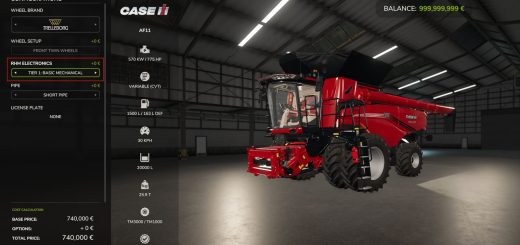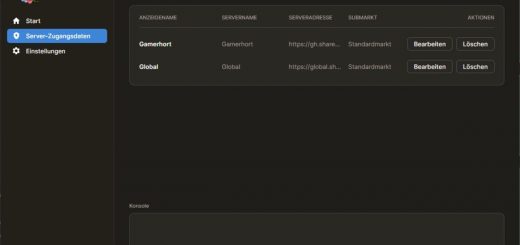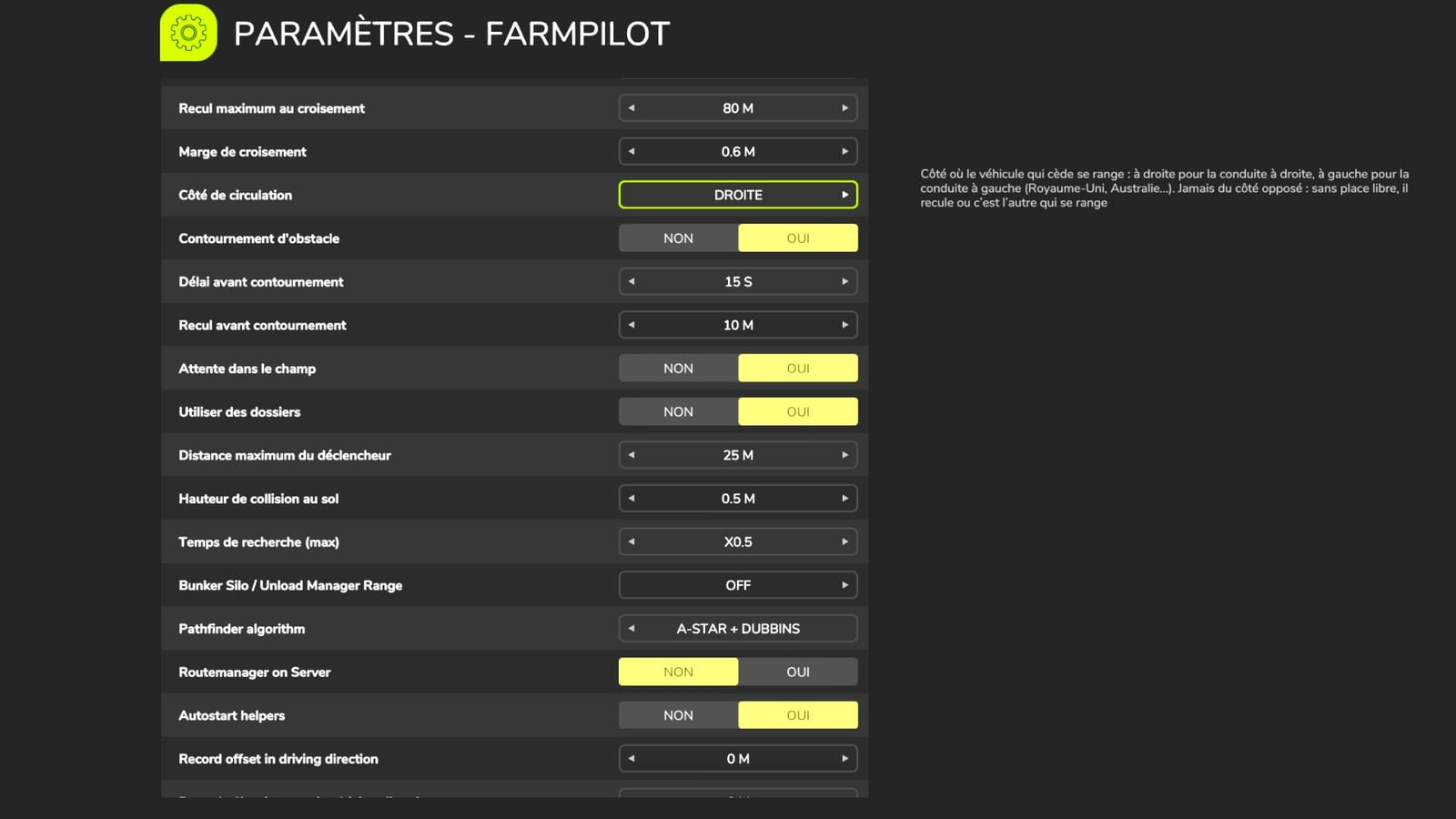
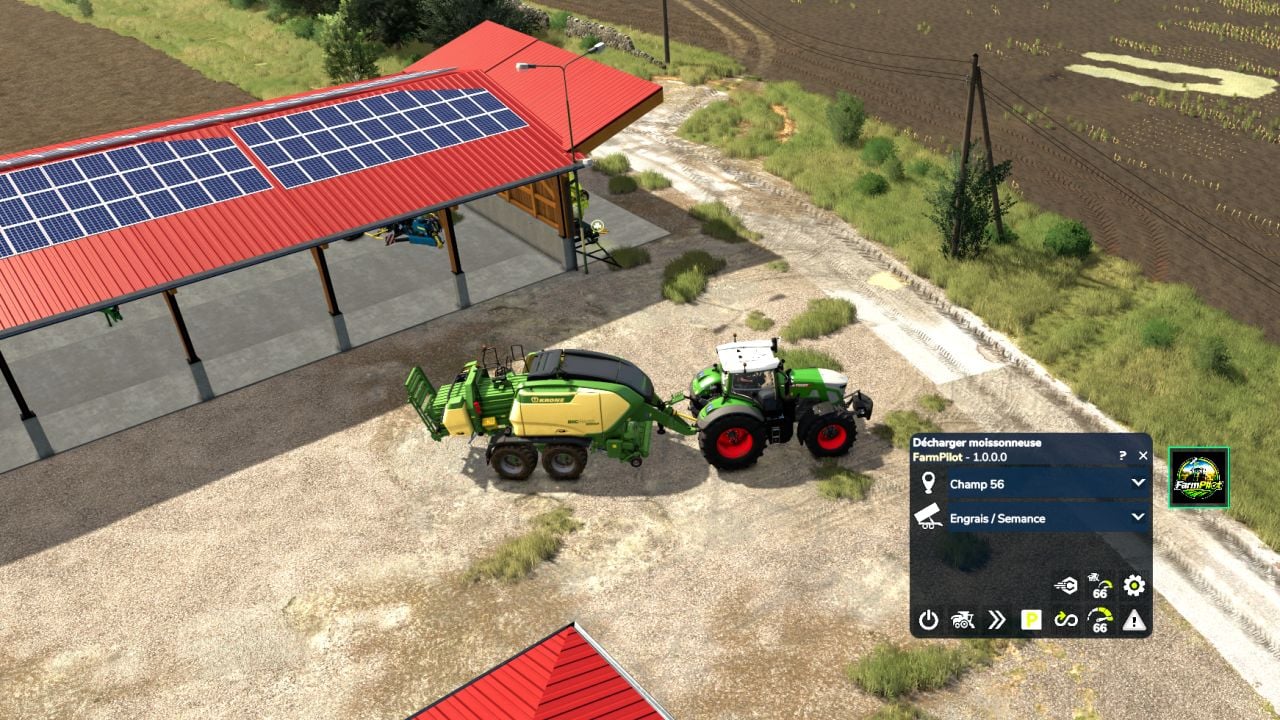
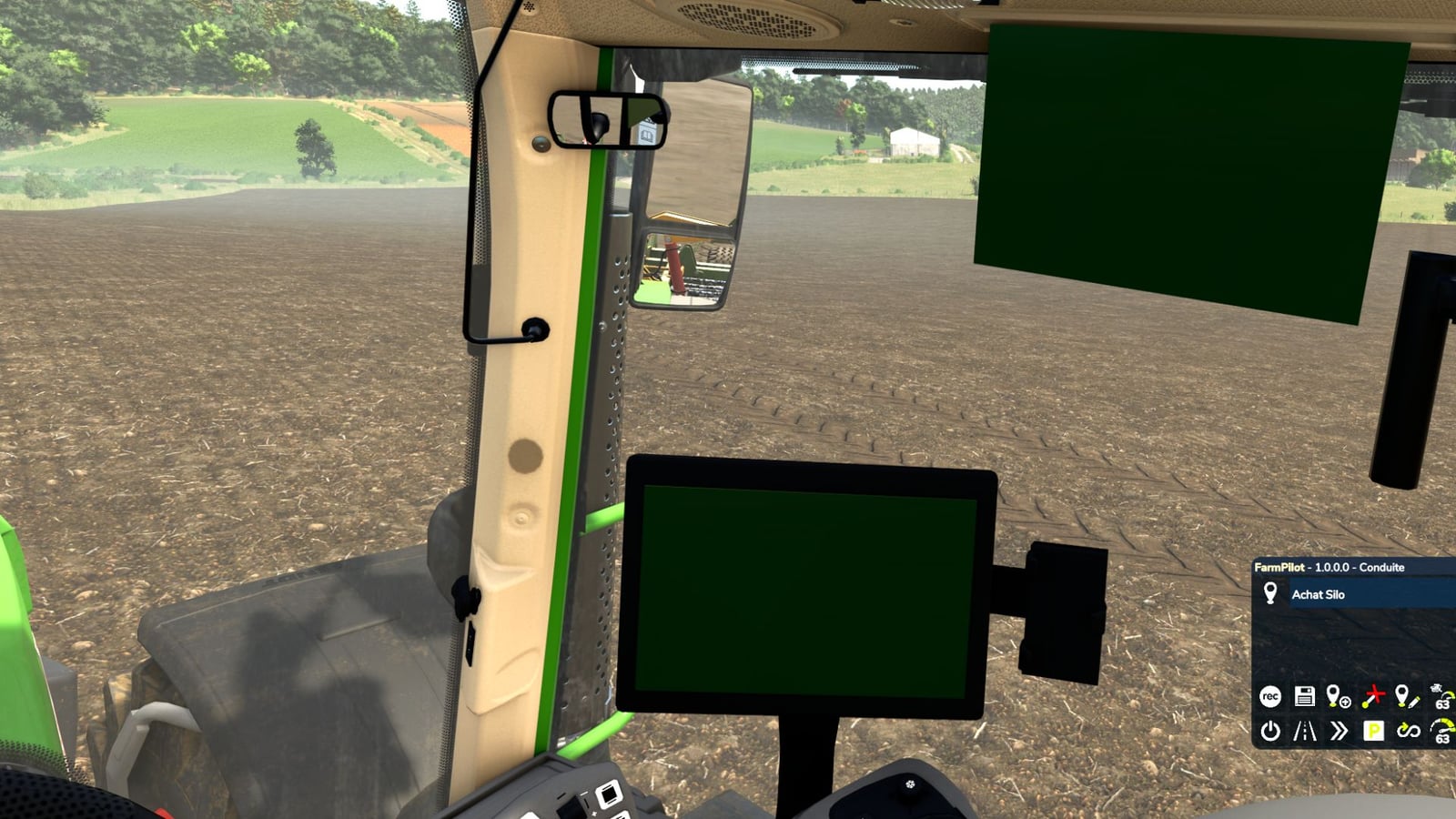
With FarmPilot, your farm keeps working on its own. Give it the field to handle, the tool to use and the field after that, and it links the jobs together. It gets the tool, reverses when needed, hitches it, connects the hoses and PTO, drives out to the field, works, refills, returns, parks the tool and heads to the next field. You stay in charge of the farm, while FarmPilot takes care of the driving and jobs.
Features
- Autonomous mode: your farm works by itself.
- No need to take the tool from the shed yourself: FarmPilot fetches the chosen tool, including reversing, hitching, hoses and PTO, then drives to the field and starts that field’s Courseplay course at the right width.
- Keep the fields moving one after another: the HUD shows the next field and tool. When a field is done, the tool is parked at its spot, the tractor picks up the next tool and leaves for the next field.
- Seeders: set the in-season crop and refill zone for every field. The seeder fills before it leaves. Once empty, it drives off the field, refills from pallets, big bags or silos, returns and carries on from the last point.
- Spreaders and sprayers: pick the product, choose “Full” or “Just enough” for the quantity, and select the refill zone. Leftovers stay aboard when the next field uses the same product. If not, they are emptied into big bags or IBCs.
- Baler: follows the track left by the combine or windrower that worked before it.
- Bale trailer: gathers all wrapped and unwrapped bales, drops them at the zone you choose for sale or storage, then comes back while bales are still left.
- Trailers: the farm trailer is hitched when the job starts and parked back at its spot when it ends. The trailer gets swapped at delivery.
- Combines and forage harvesters: unloaders queue on harvested ground at the field edge, stay beneath the pipe while unloading and avoid driving into standing crop. The forage harvester is followed from behind, headland turns included.
- Parking button: press it to park every attached tool at its spot, empty the spreader and then park the tractor.
Driving
- When vehicles meet head-on, one pulls over and the other reverses, following the traffic rules on tracks.
- Posts, poles and other obstacles are driven around. If the gap is too tight, the vehicle uses a forward or reverse manoeuvre.
- Combinations take corners using their real radius, with adapted speed and indicators at the right distance.
- Secondary and tertiary roads are selected only if they save time.
- Tools are allowed to fold before departure, and the field is left without driving through the crop.
- Vehicles queue at and use the weighbridge without overtaking.
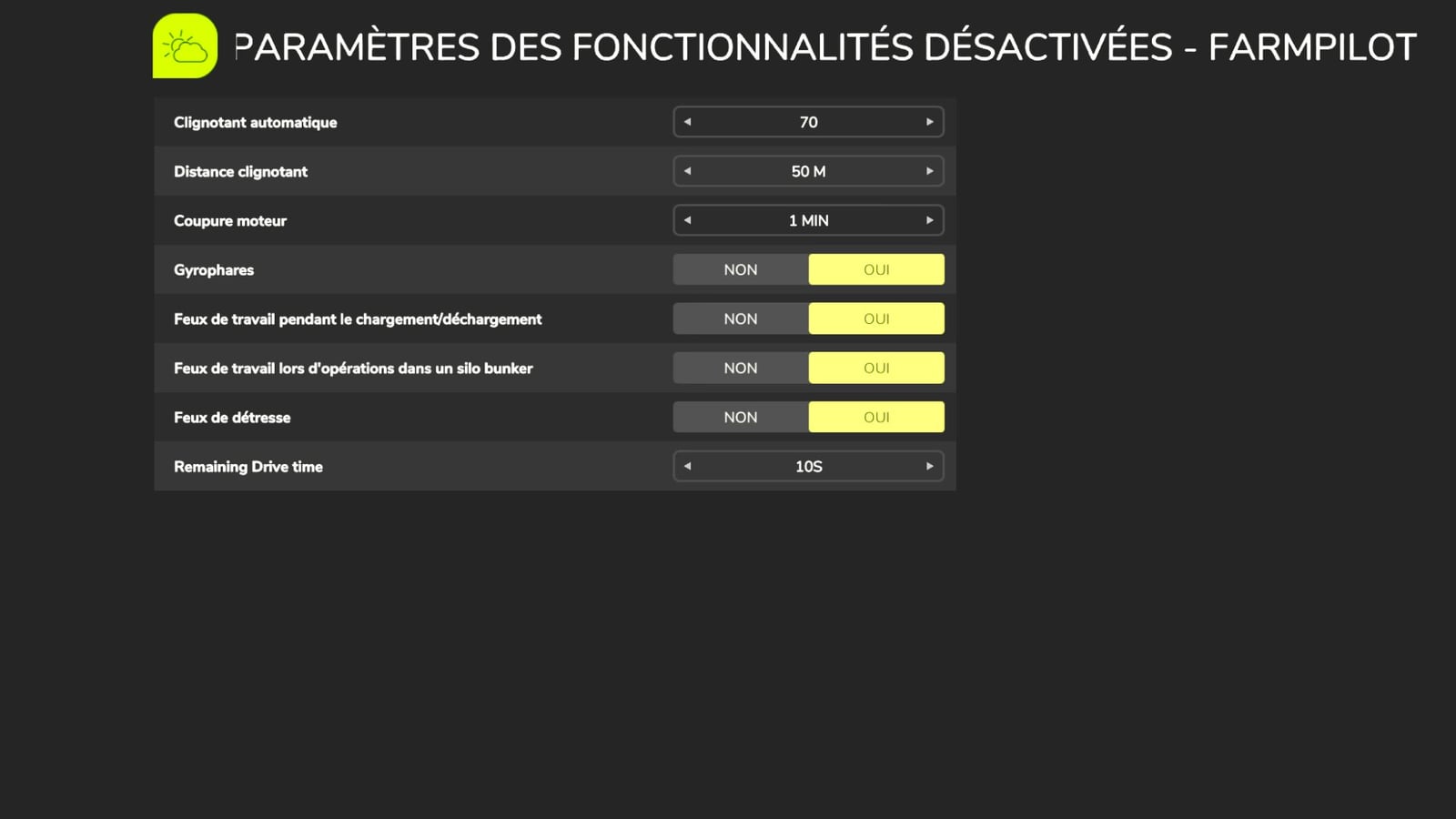
The whole former AutoDrive Addon is already built in. That includes the weighbridge, indicator before turns, engine stop delay, lights with the engine off, rear implement and a per-vehicle “empty silo” timer. A truck can wait at the field edge until it gets filled.
Disable FS25_AutoDriveAddon if you had it.
Courseplay is not required for a complete AutoDrive experience in FarmPilot, with deliveries plus combine loading and unloading included. In Autonomous mode, you decide whether it waits or hands over to the game worker.
Changelog
- V1.0.5.6
- Trailer tarps now open only as the field is entered and close when it is left; forage harvester unloading.
- For root harvesters, including beets and potatoes, trailers line up under the pipe and unload correctly. Leaving the field for the next trailer is also more reliable.
- With only an equipped combine or forage harvester in Autonomous mode, the header is taken from its trailer, brought to the field and stored again at the end. Everything about the combine is a V1, and the concept will be improved.
- Secondary, tertiary and new “access road” types now have a gear wheel for choosing which vehicle types can use them; road settings are found in the general settings.
- HUD: “Drive – <goal>” shows what the vehicle is doing, texts no longer contain “AD”, the HUD stays fixed at the bottom, the red message is displayed on 2 lines, and an “Editor reminder” window is included.
- Automatic tyre change with AutoSwitch: each vehicle has its own threshold, then the vehicle goes to the workshop like it does for repairs.
- Spreaders return or sell the leftover, with an adapted loading point and trailer. “Collect and deliver” picks up again after a partial load.
- Driving gets more accurate turns, an indicator at network intersections with a Yes/No setting, beacon lights and the Patriot 4450 ramp.
- Complete in-game help with F1; after parking, the “Field” line resets to “none”; swaths and fold on purchase.
- V1.0.1.3