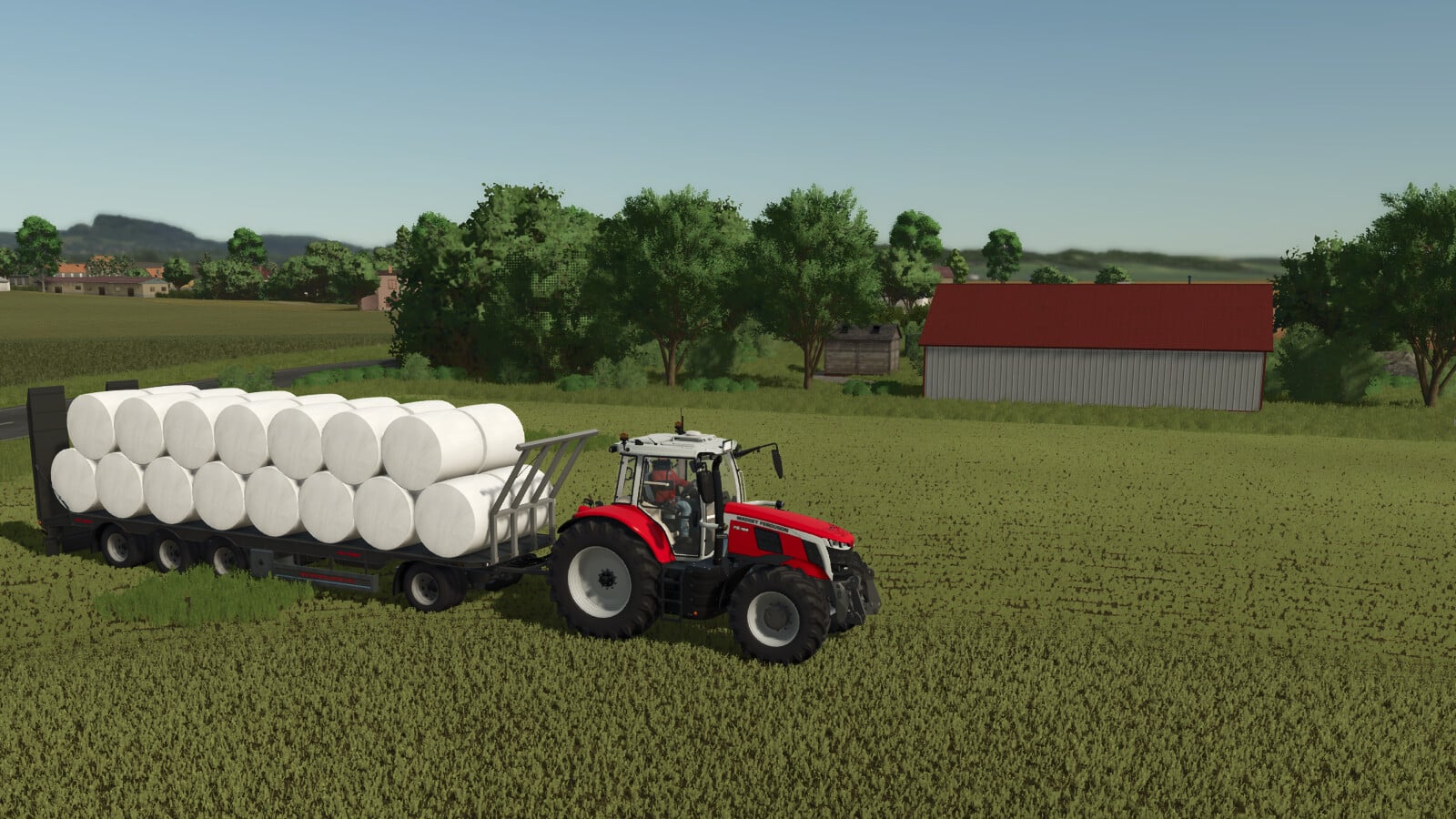
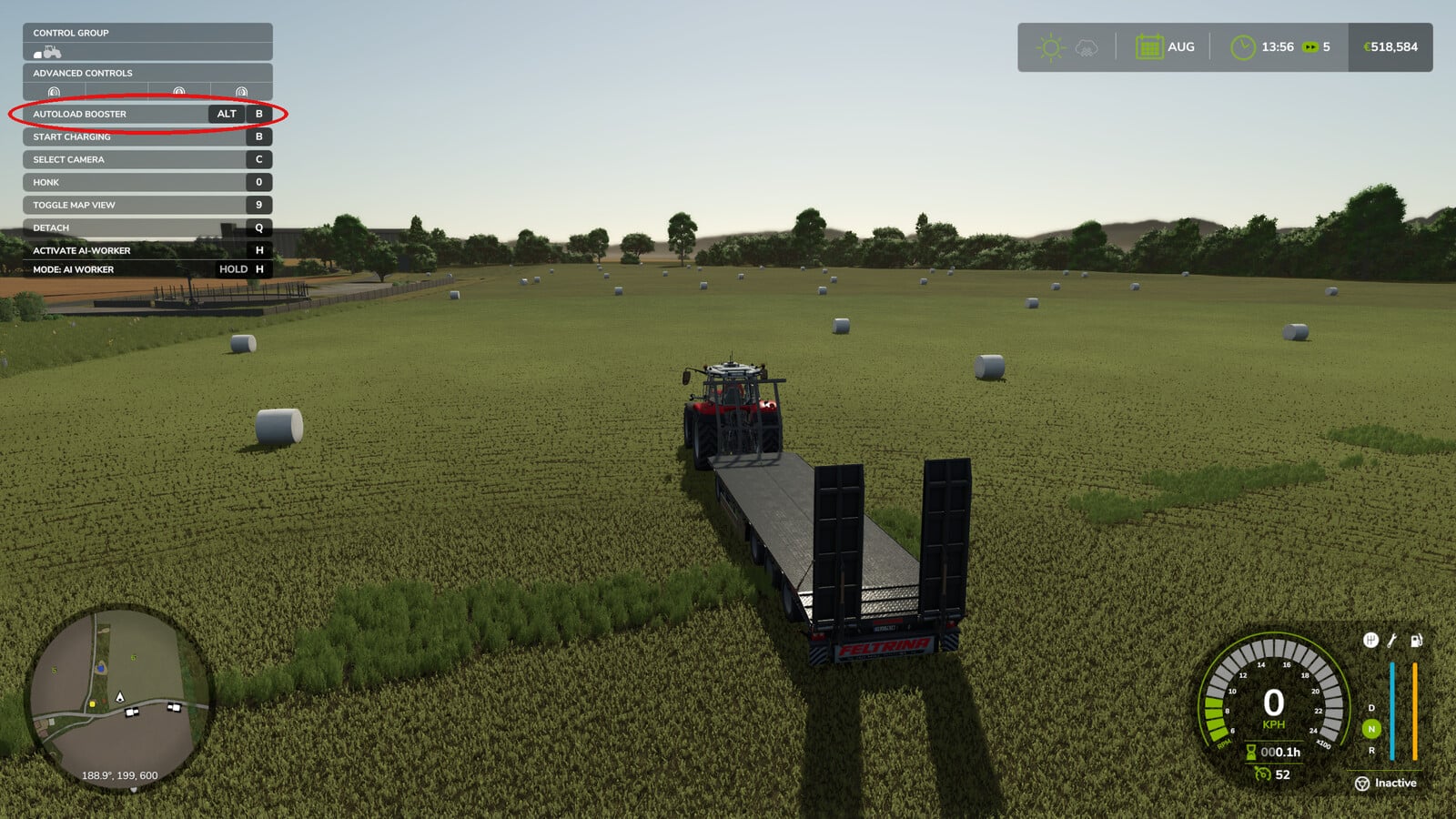
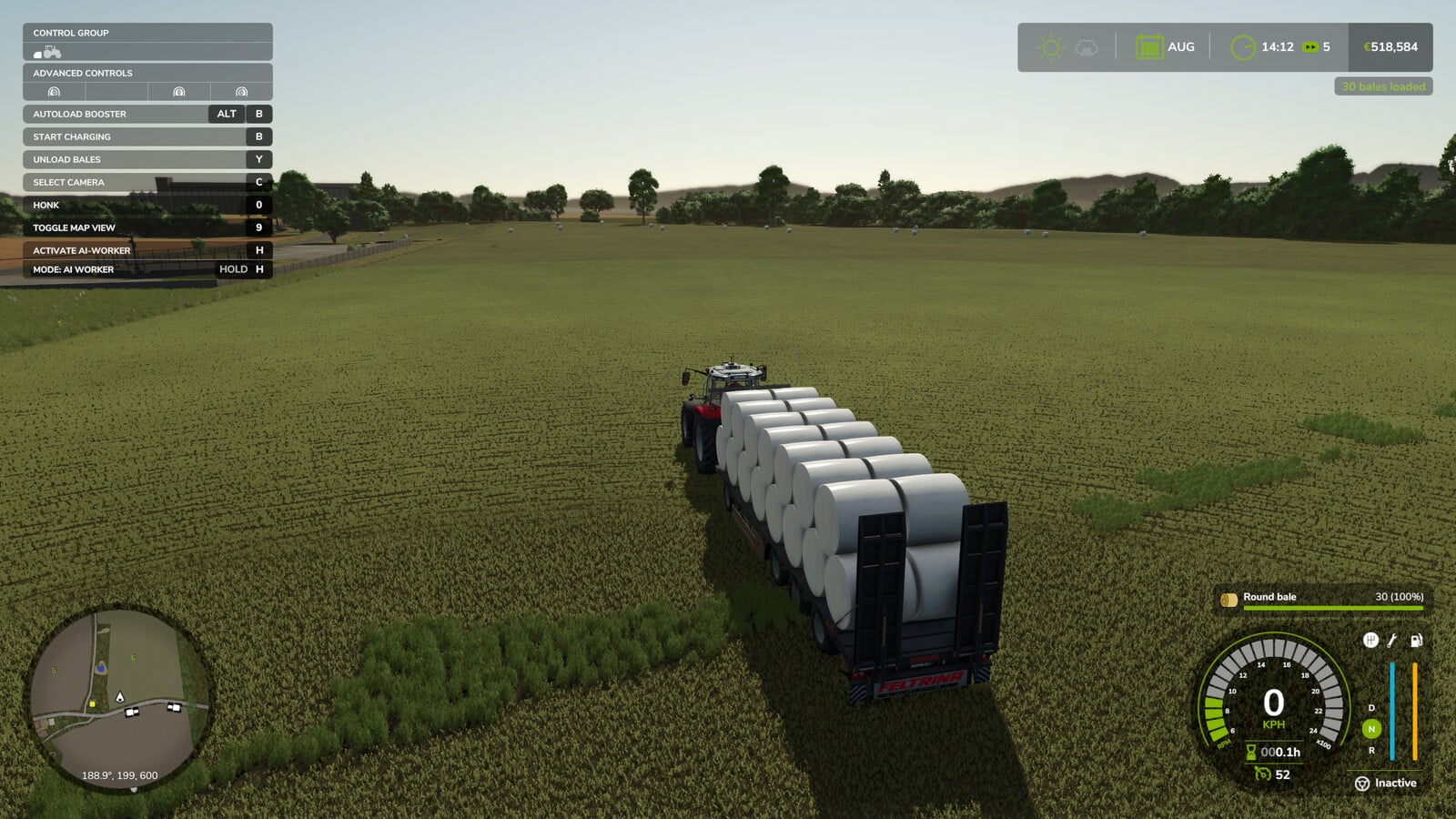
You do not have to drive around for every single bale anymore. Put your autoload trailer on your land, hit LEFT ALT + B, and pick how many bales should go on it. They get placed exactly in the pattern the trailer itself uses, which makes loading up your field much easier.
Features
- First, the trailer needs to be in neutral, with loading and unloading switched off. The mod turns loading on automatically, then switches it off again when the job is finished.
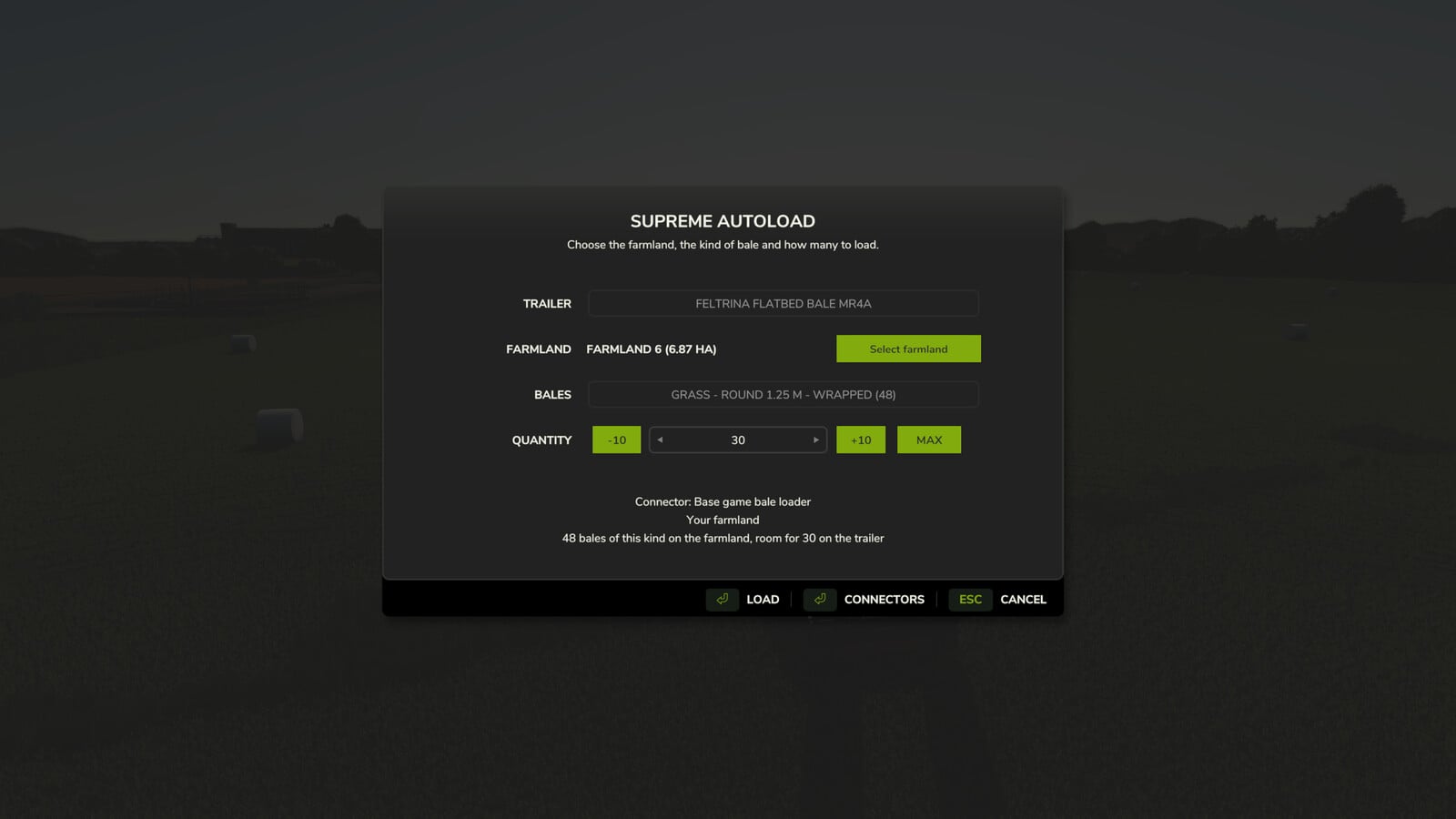
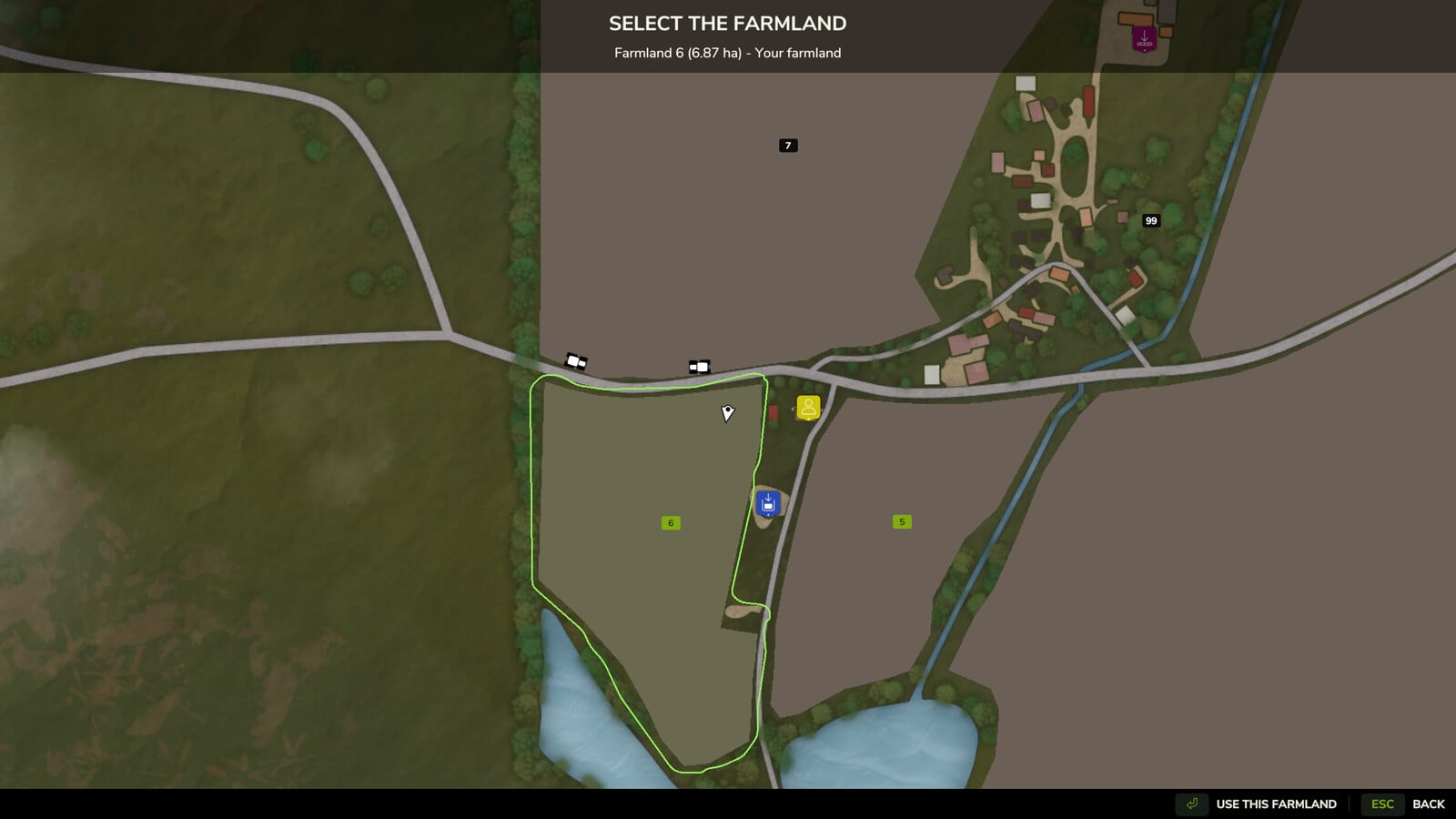
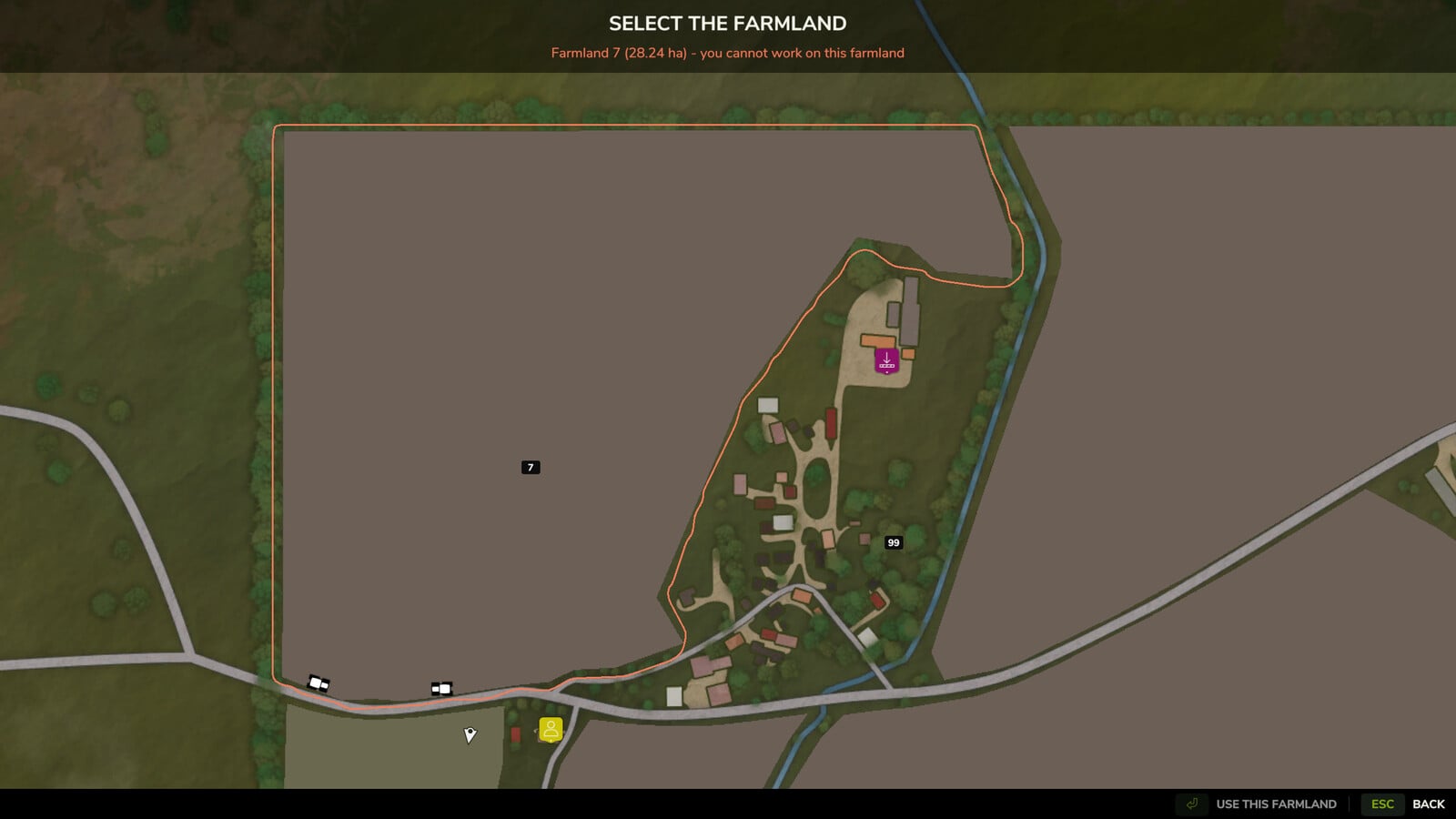
- The dialog starts on the farmland beneath you. Choose “Select farmland” to bring up the map, click a farmland, and its boundary appears. Only bales inside that boundary are picked up.
- You can only choose land where you are allowed to work. It must be yours, belong to a farm that has given you permission, or have an active contract for you. The game’s own land access rules decide this, so mods that provide land access are included too.
- Next, the mod counts the free bales on that farmland and sorts them by type: material, round or square, size, wrapped or not.
- For the type you choose, the attached trailer is checked live. You can see whether it supports that bale and how much space remains. Pick from 1 up to the maximum, or cancel.
- The trailer receives the bales through its own loading logic, one at a time, beginning with the closest to you and ending with the farthest. That way they follow the trailer’s own pattern, while all other bales stay where they were.
Connectors: autoload systems are controlled through connectors. Open the dialog and use the Connectors button to switch each one on or off:
- Base game bale loader: most autoload trailers without their own script, plus bale wagons
- Base game autoload areas
- Universal Autoload, when that mod is installed
The mod does not need any other mod. When a connector’s system is not installed, it just stays inactive.
Settings: modSettings/FS25_SupremeAutoload/settings.xml, return to transport position after loading.