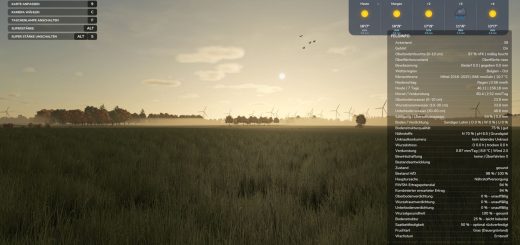
Grain Handling Realism makes the bin sites from US Farm Bin Sites and Co-op Elevators feel like working grain sites. Every bin gets a number, takes one crop, and keeps track of that grain’s moisture, foreign material (FM), and temperature. Leave grain wet or warm and it can go bad.
You manage everything from the Grain Handling Dashboard with Ctrl + G. That keeps the important stuff in one place while you are moving grain around. The mod is built for the bin sites and co-ops that come with FS25 US Map Builder, and it also works on other maps where you place the USMB bin sites.
Features
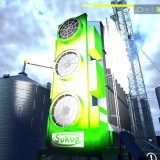
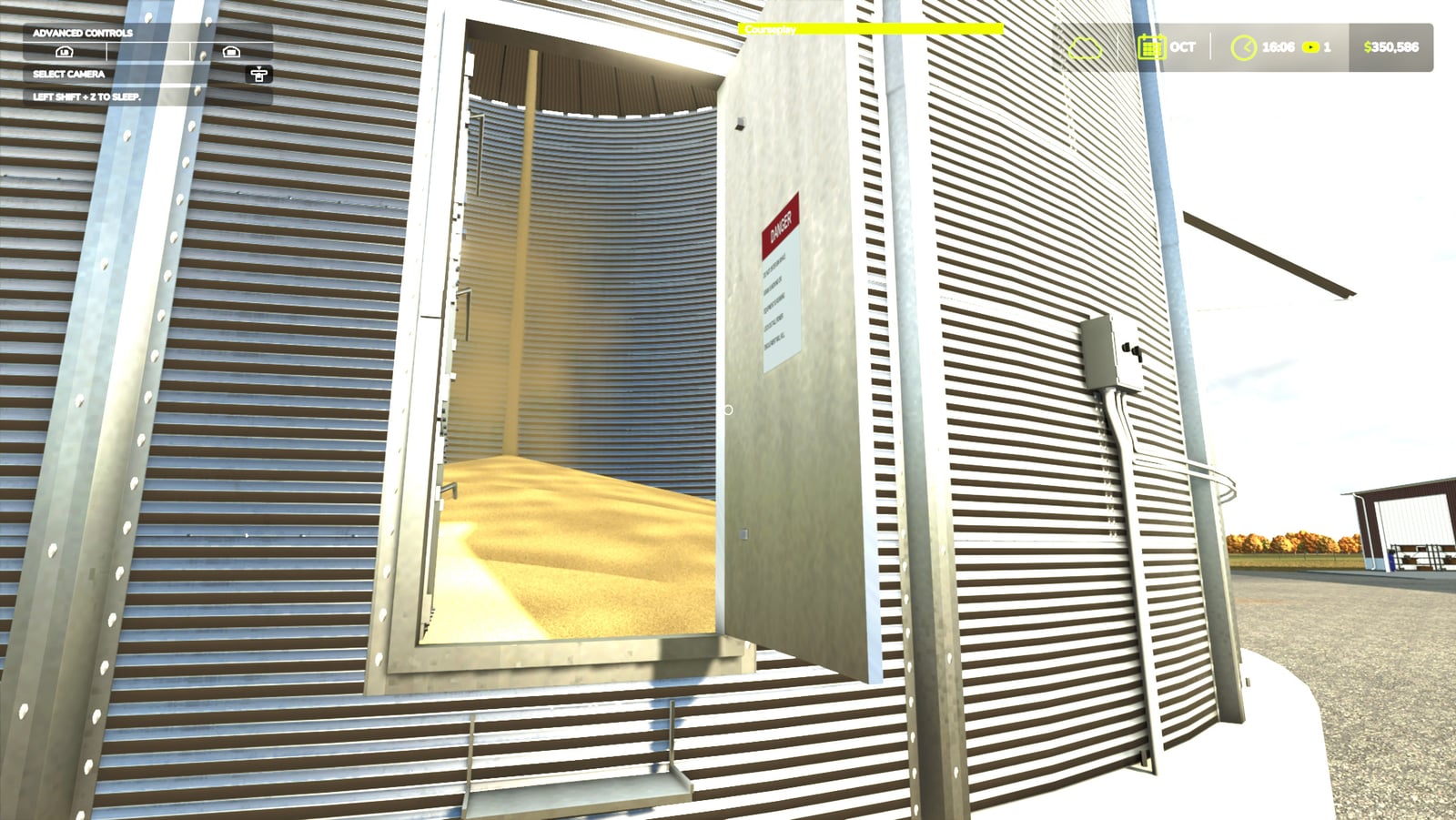
- Look for the big yellow number on every bin door. Each bin takes one crop, so sweep it clean before using it for a different one
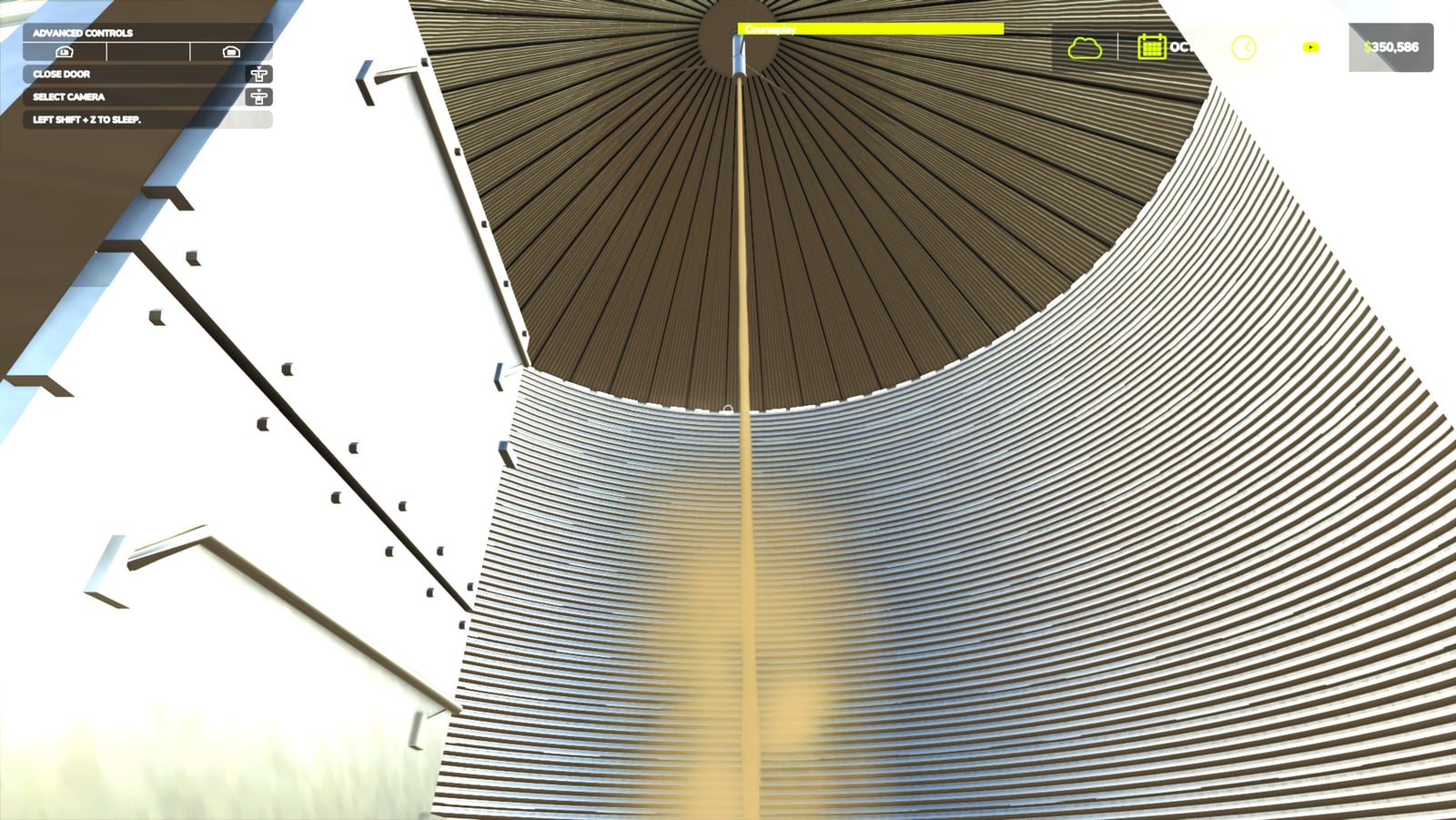
- Pick your bin right when you dump. Start at the pit and a list opens for mouse, keyboard, or controller input. The pit holds part of the load, then the auger sends grain into the bin at the real rate for that site’s size. You can watch it pour through the bin door
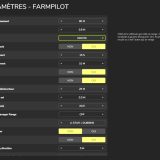
- Use the Grain Handling Dashboard with Ctrl + G. It is rebindable, supports controllers, and shows each bin’s crop, fill, moisture, FM, and grain temperature. The plain-words line tells you what to do next
- Storage lights show Good, Watch, At risk, or Hot spot, using real storage-time charts. Wet or warm grain spoils sooner
- Run the fans when the air is cooler. They cool the grain and dry it up to 2 points in dry weather, while electricity is charged during operation
- Transfer, Sweep and Load out cover the main grain jobs. Move grain between bins and it mixes, with the new moisture shown first. Sweep out the last 7%, then load trucks from the bin you choose. The load keeps that bin’s grade at the co-op
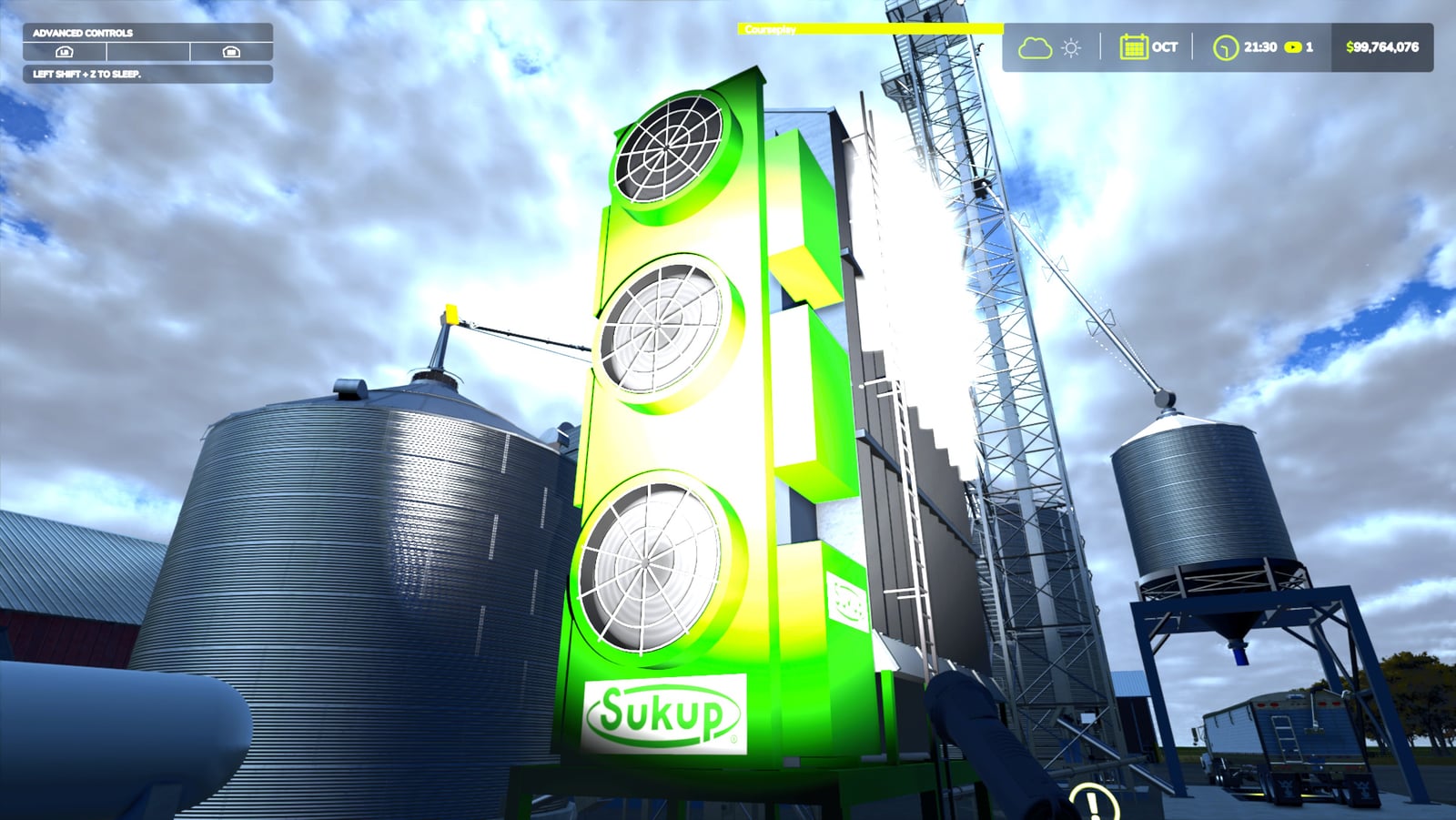
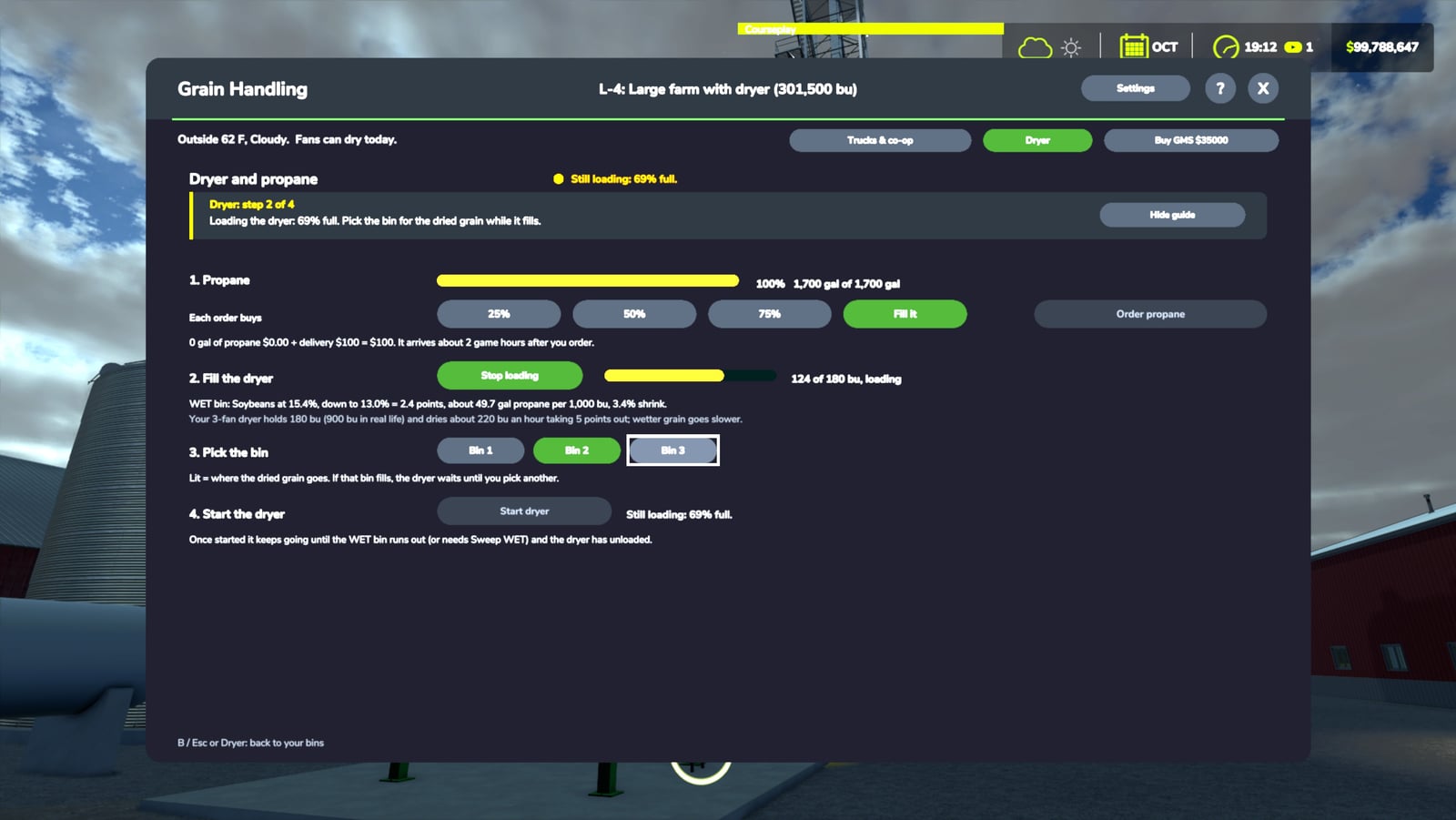
- For drying, fill the real dryer from the WET bin, choose where the dried grain goes, and start it. It warms up, takes wet grain in at the top, and augers dry grain out at the bottom at the dryer’s real rate. Wetter grain uses more propane, with about 1.2% shrink per point taken out
- On the Dryer page, order propane at 25%, 50%, 75% or fill it. A truck brings the order about 2 in-game hours later
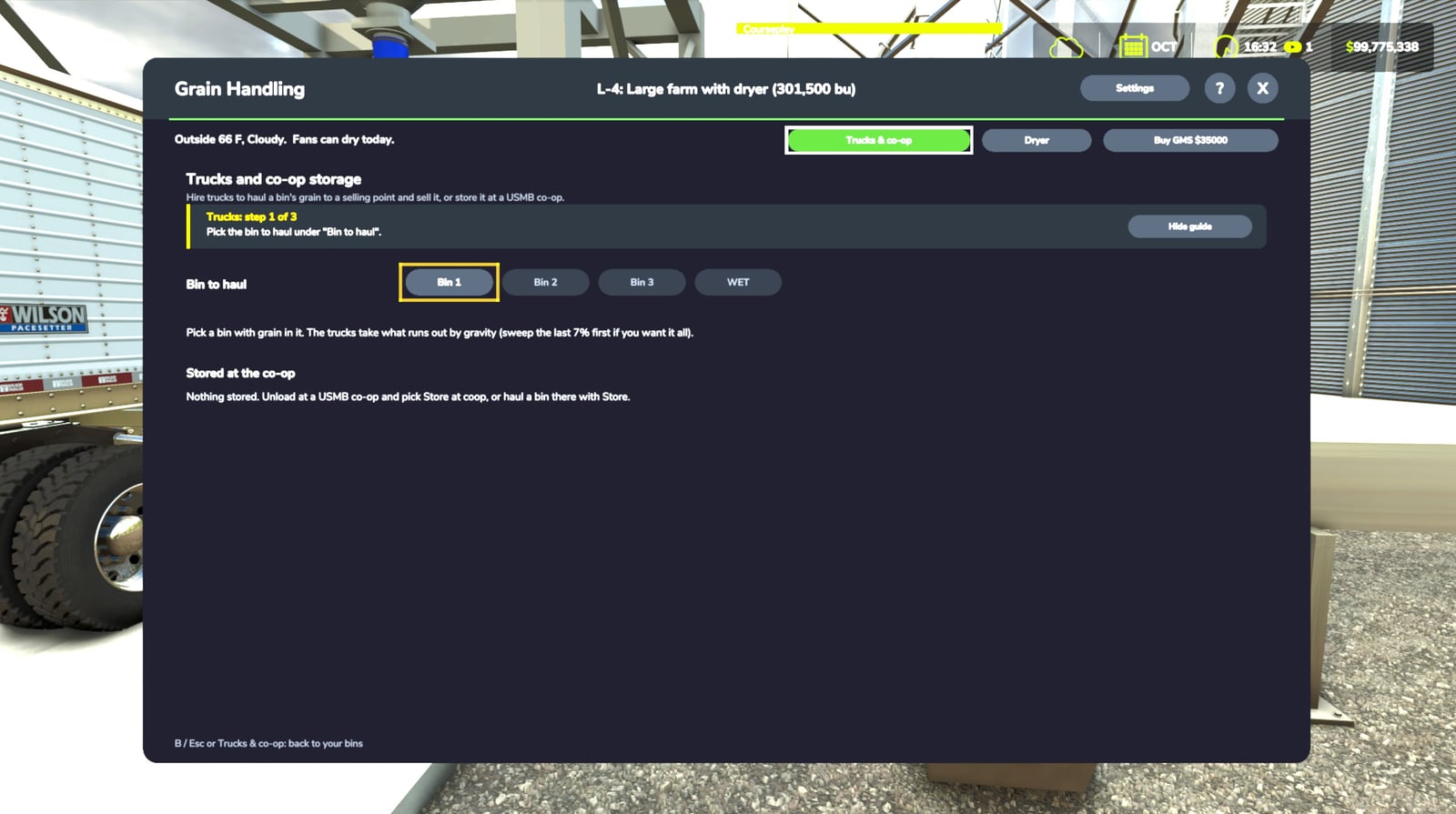
- With Trucks & co-op, send a bin to any selling point that buys the crop. The choice screen shows distance, today’s price, trucking fee, and grade docks. Two semis shuttle grain at real speed
- USMB co-ops let you Store at the co-op rather than sell immediately. They dry wet grain, stored grain never spoils, and you can sell 25%, 50% or all of it later when the price is right
- Buy GMS (Grain Management System) for a site and it handles the fans, warns about problem bins, runs the dryer, and orders propane for you
- Guided mode takes you through every job one step at a time. The first time around, a short walkthrough shows you the setup
- There is plenty going on around the site: humming fans, a roaring dryer, rattling augers, pouring grain, and dust clouds
- Your days-per-month setting is followed, so the timing works right on any month length
- Free
Settings
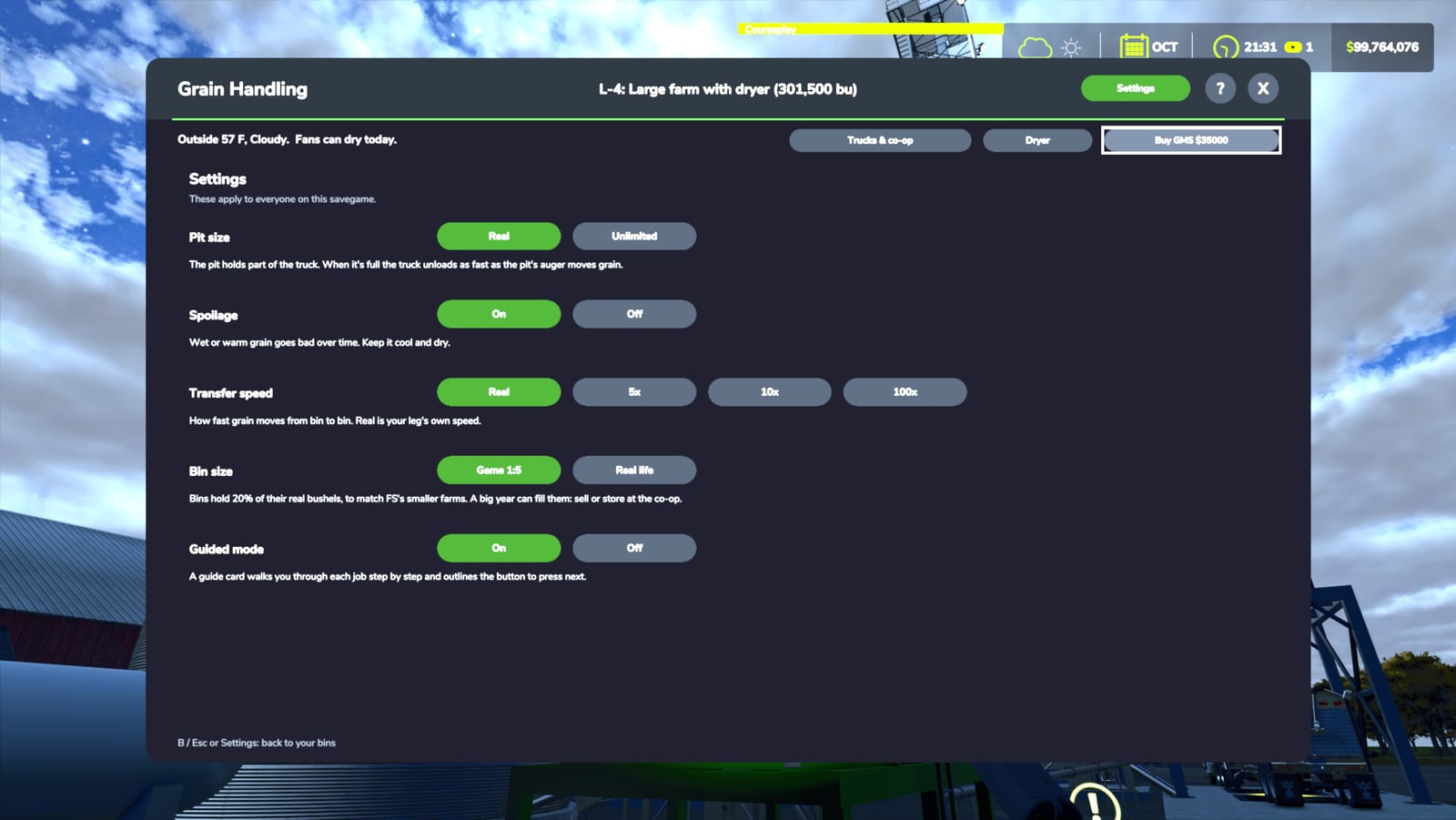
| Setting | Choices | Default |
|---|---|---|
| Pit size | Real, Unlimited | Real |
| Spoilage | On, Off | On |
| Transfer speed | Real, 5x, 10x, 100x | Real |
| Bin size | Game 1:5, Real life | Game 1:5 |
| Guided mode | On, Off | On |
Bin size: FS fields are about a fifth the size of the real farms these bin sites were built for. That means the default bin capacity is 20% of its real bushels. Choose Real life if you want the full real capacity.
Quick start
- Dump your load at the pit, wait for the list, and pick a bin.
- Tap Ctrl + G now and then to check the dashboard.
- Keep watching those lights. Green is good. Amber or red means follow the card, usually “Run fans”.
- Black means there is a hot spot. Move the good grain to another bin or sell it now.
- Have GMS? It runs the fans for you and lets you know when something needs you.
Keys
| Key | Action |
|---|---|
| Ctrl + G | Open or close the dashboard (set a controller button in Options > Controls, “Grain dashboard”) |
| Mouse | Click anything on the popup or dashboard |
| D-pad / left stick / arrow keys | Move between buttons |
| A / Enter | Press the highlighted button |
| B / Esc | Cancel or close |
Installation
- Install Harvest Quality and Coop Grading (
FS25_HarvestQuality.zip). It is required: Grain Handling Realism uses it to know how wet and clean your grain is. [HARVEST QUALITY ITCH LINK] - Install US Farm Bin Sites and Co-op Elevators (
FS25_USMB_GrainSites.zip), or use a map built with FS25 US Map Builder, which installs it for you. - Download
FS25_GrainHandlingRealism.zip. Do NOT unzip it and do NOT rename it. - Put the zips in:
DocumentsMy GamesFarmingSimulator2025mods - Turn on all of them when you start or load a savegame.
To update, close the game and replace the old zip with the new one.
Requirements
- Farming Simulator 25 (PC)
- Harvest Quality and Coop Grading (required)
- US Farm Bin Sites and Co-op Elevators (the bins it manages)
Compatibility
- Works on the USMB bin sites and co-ops. Other silos keep working the normal way
- Works on any map with USMB bin sites, including every map built by FS25 US Map Builder
- Multiplayer is built in: put the mod on the server and on every player’s machine. Each farm sees and controls only its own bins. Single player is what has been tested most so far
Troubleshooting
When something misbehaves, check the game log at DocumentsMy GamesFarmingSimulator2025log.txt. Look for lines mentioning FS25_GrainHandlingRealism, then post them in the comments and I will take a look. The console command ghStatus prints the state of your bins.