Your combines now keep an eye on realistic grain moisture, foreign material (FM) and grain loss. A compact HUD keeps the numbers close, and the coop grades the load at the sell point.
Features
- Just start using any combine in the game. Base game and modded combines both work automatically on any map, with no setup needed for each machine.
- The moisture level moves with the time of day, sun, clouds and rain. It also changes across the field, so one field can give you different readings.
- Each growing year brings a different situation. The crop can stay wet and won’t dry down, become too dry, make threshing tough with a dirty sample, or turn out clean.
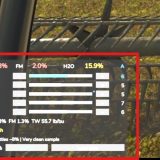
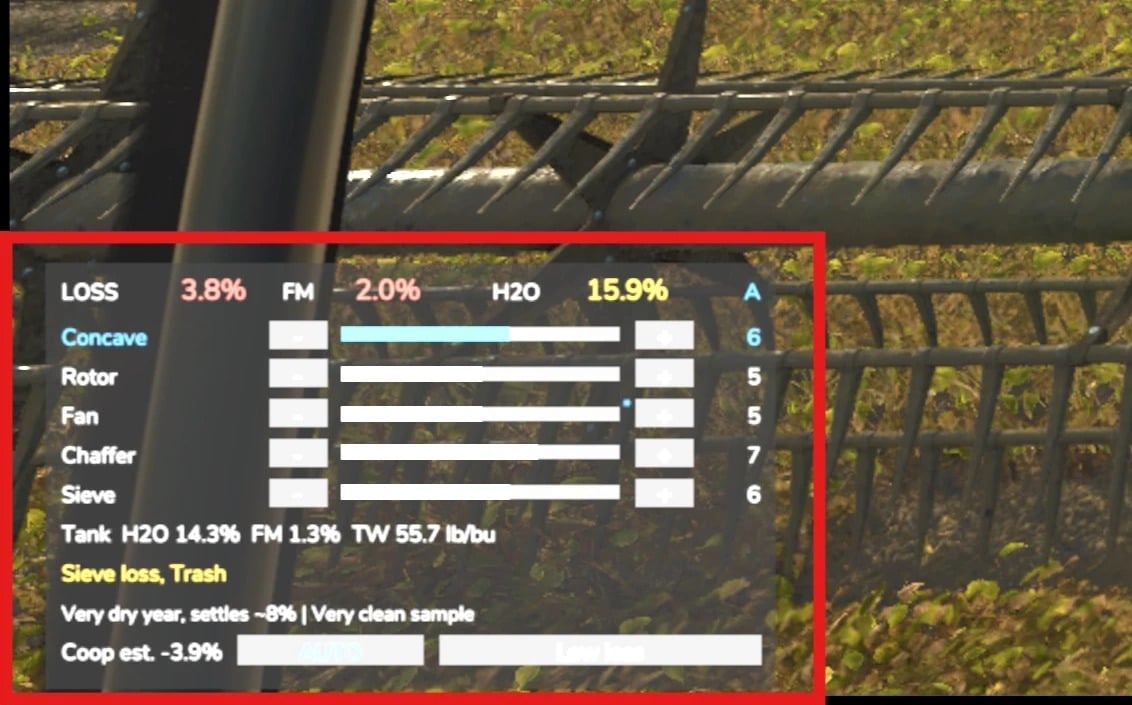
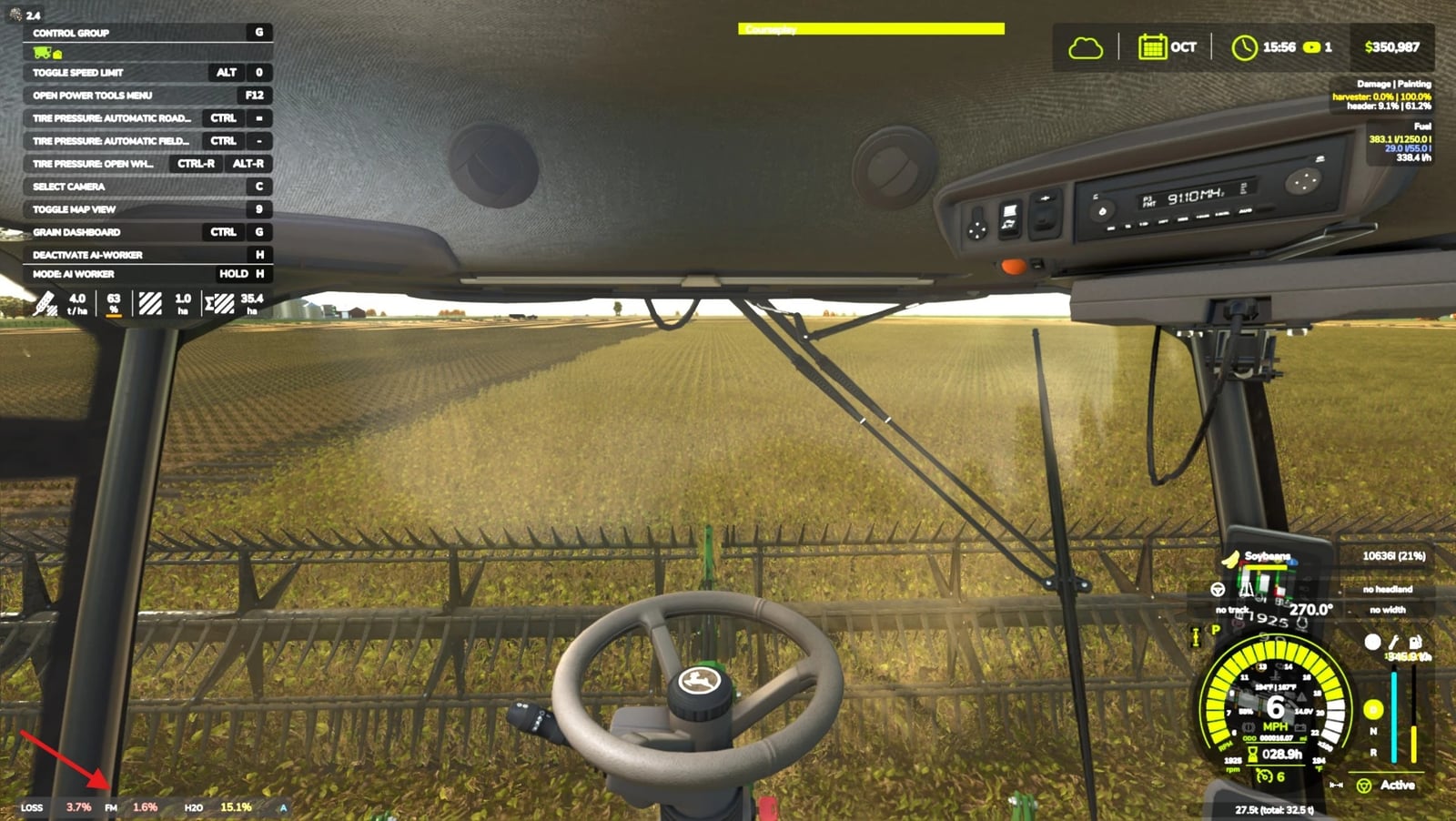
- Check grain loss, foreign material (FM) and moisture for every combine on the small HUD.
- Run the concave, rotor, fan, chaffer and sieve by hand when you want to tune them, or leave the work to Auto mode.
- The coop docks wet grain through shrink and drying, docks FM over grade, and gives over-dry grain less weight.
- Its limits follow the U.S. grain moisture and FM benchmarks.
- Works with Courseplay and Precision Farming.
- Part of the FS25 US Map Builder family. On maps built with FS25 US Map Builder, the co-op’s grain probe reads your load’s real grade and shows the deductions on its ticket.
- Harvest Quality is required by Grain Handling Realism, which carries each load’s moisture and FM into numbered bins on your bin site.
Controls and console commands
Keys (rebindable): Press Ctrl+H to open up the HUD with a mouse cursor, then click the buttons for tuning. Ctrl+Up/Down chooses the setting, Ctrl+Left/Right adjusts it, Ctrl+J swaps Manual and Auto, and Ctrl+Shift+H toggles realism on/off (host).
Console: hqStatus, hqToggle, hqSetDifficulty easy|normal|hard, hqToggleLoss, hqToggleDocking, hqYear, hqToggleYear, hqSetYearStrength mild|normal|wild, hqRerollYear [seed