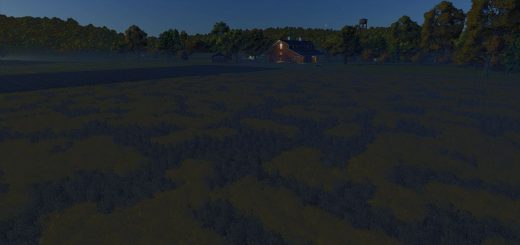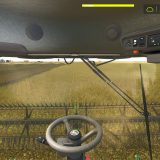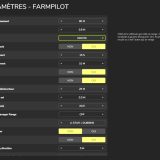
Harvest Quality and Coop Grading makes every harvest feel more hands-on. Your combine reports grain loss, foreign material (FM) and moisture right on a small HUD. You can work the concave, rotor, fan, chaffer and sieve yourself, or let Auto mode do the job. Then the grain gets graded at the elevator: wet grain is shrunk and charged for drying, FM over grade is docked, and over-dry grain weighs less.
Every year can play out differently. Your crop might stay wet and refuse to dry down, turn too dry, thresh poorly with a dirty sample, or come through clean. The limits use U.S. grain moisture and FM benchmarks. The mod works with every combine, from the base game or a mod, on any map. You do not have to configure each machine.
It is part of the FS25 US Map Builder family. On maps made with FS25 US Map Builder, the co-op grain probe reads the real grade of your load and puts the deductions on its ticket. Harvest Quality is also required by Grain Handling Realism, which moves every load’s moisture and FM into numbered bins on your bin site.
Features
- Jump into any combine automatically, whether it is base game or modded. Forage harvesters are skipped
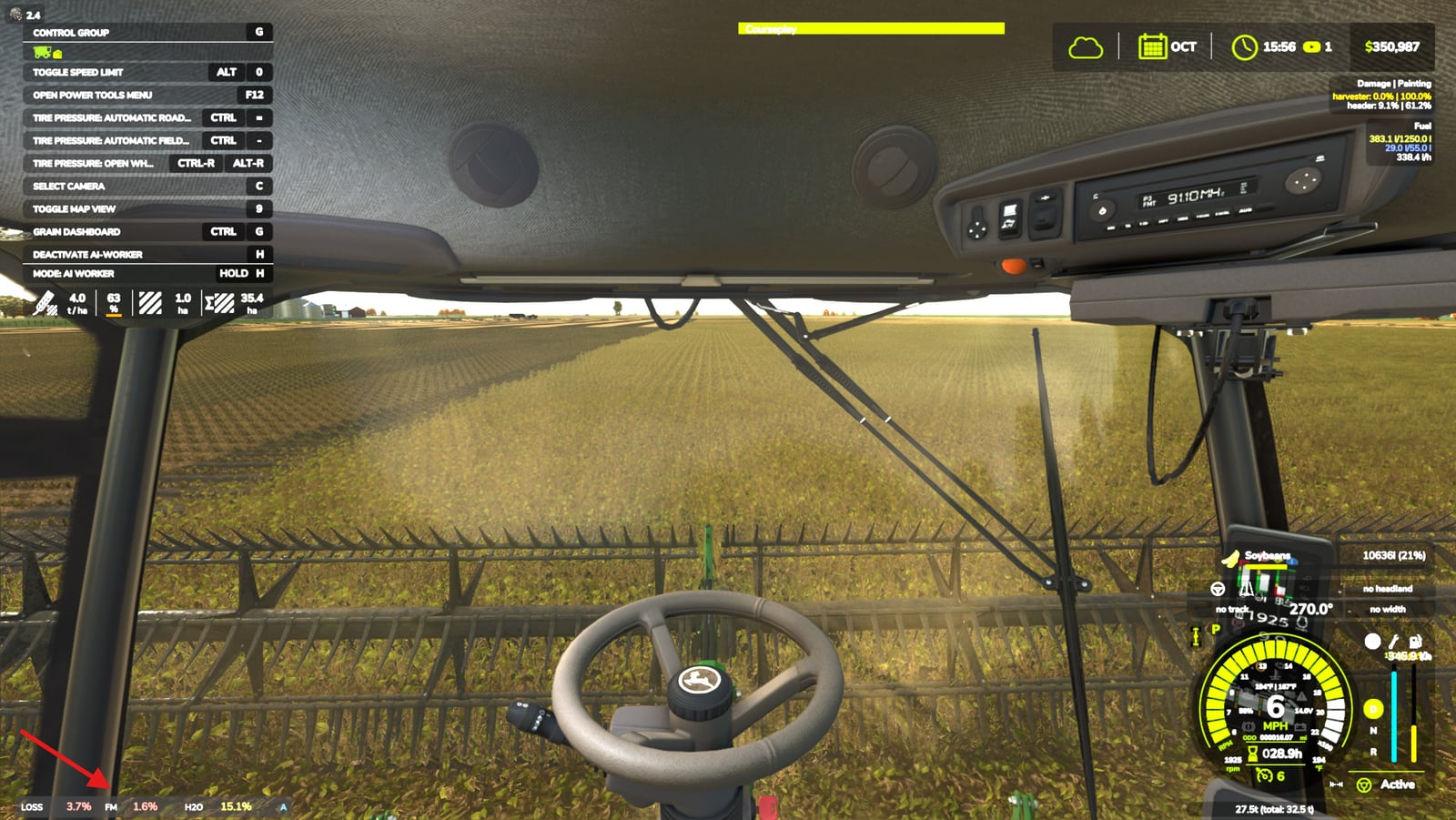
- LOSS, FM and H2O share one compact line above the speed gauge. Green, amber and red show the co-op limits, and you can drag the HUD wherever you want on screen
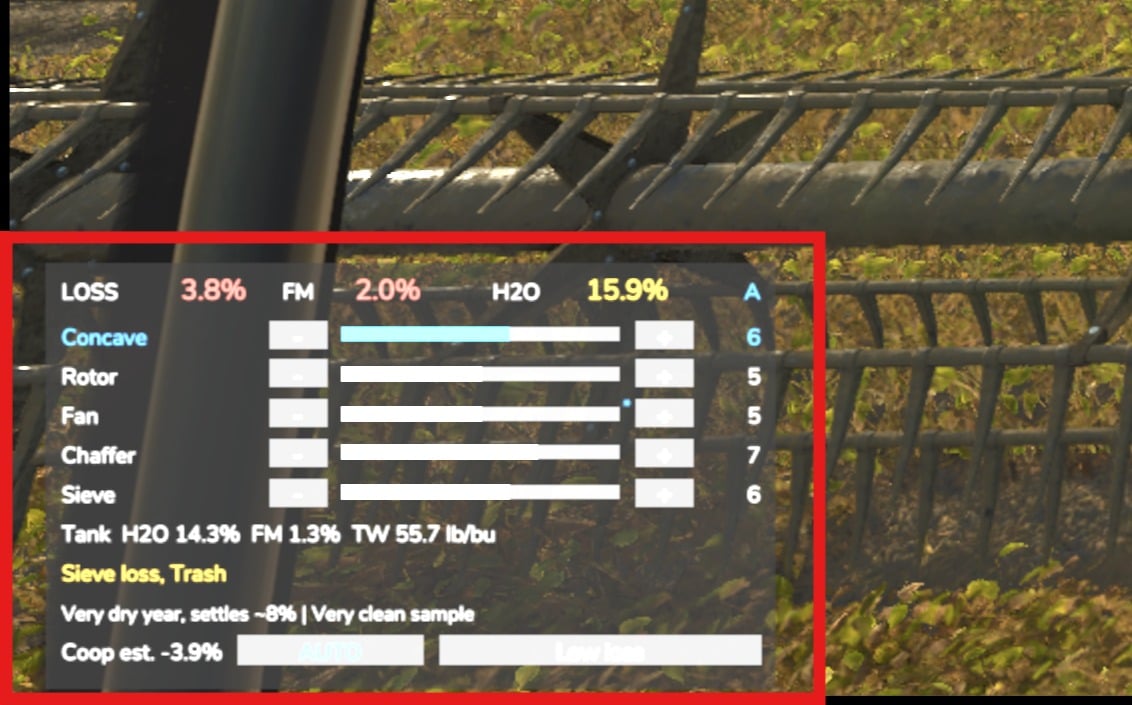
- Ctrl + H opens the bigger panel. You get the five combine settings with − and + buttons, the grain tank’s average moisture, FM and test weight, notes for Unthreshed, Sieve loss, Trash, Cracked, Weed seed and Shatter, this year’s outlook and the co-op’s estimated deduction
- There are five real combine settings to play with: concave, rotor, fan, chaffer and sieve. Their hidden ideal changes with the crop, the moisture right now and the machine you are using
- Auto mode is based on real harvest automation systems. Choose Low loss, Balanced or Clean sample priority. It gets close, but a careful operator can beat it
- Moisture follows the field with dry-down, a daily sunrise and sunset cycle, sun and clouds, rain, and wetter or drier patches across each field
- Change the settings, speed up or slow down, deal with weeds and react to field condition. Loss and FM respond to all of it, including Clean, Average, Rough or Lodged conditions
- Growing years swing between wet or dry and clean or tough. Mild, Normal or Wild swing settings control the yearly variability
- The grain keeps following its own condition. Combine tanks, carts, trucks and silos retain the moisture, FM and test weight of what they hold, and it is saved with your savegame
- Co-op grading works at every grain selling point on every map. Shrink, drying charges, FM dock, over-dry weight and test weight become one “Co-op grain deductions” line in Finances, with a breakdown note after you unload
- Courseplay and hired helpers use whichever mode your combine is in, and the mod works with Precision Farming
- The design is lightweight, with a target of under 0.1 ms per frame while harvesting and nothing when no combine is threshing
- Use it in single player or multiplayer
- Free
Example coop settlement
Here is a settlement for 1,000 bu of corn worth $4,200 clean, delivered at 19.0% moisture and 3.8% FM:
| Line | Amount |
|---|---|
| Shrink: 3.5 pt × 1.4% | −$206 |
| FM dock | −$49 |
| Drying | −$261 |
| Net | $3,684 |
Bring the same corn in clean at 13.0% and the net is about $4,079.
Keys
You can rebind all keys in Options > Controls.
| Key | Action |
|---|---|
| Ctrl + H | Expand the HUD with the mouse cursor, or minimize it |
| Ctrl + Up / Down | Pick a setting, expanded only |
| Ctrl + Left / Right | Lower or raise the setting, which switches the combine to Manual |
| Ctrl + J | Switch Manual / Auto, or press again with the HUD expanded to cycle Auto priority |
| Ctrl + Shift + H | Turn all harvest realism on or off, host or admin in multiplayer |
Once the HUD is expanded, you can click the controls too. That includes − and +, a setting’s bar for jumping to a value, MANUAL / AUTO, and the Auto priority button.
Settings
Open ESC > Settings and find the Harvest Quality section:
| Setting | What it does |
|---|---|
| Harvest realism | Off: no HUD, no loss, no grading. The game plays as if the mod weren’t there |
| Grain loss | Off: full yield. The HUD still shows FM and moisture |
| Coop docking | Off: normal sale prices |
| Harvest difficulty | Easy / Normal / Hard: how hard bad settings hit |
| Yearly variability | Off: every year is average |
| Year-to-year swing | Mild / Normal / Wild |
| Harvest HUD size | 80% to 130%, per player |
The settings are saved per savegame. In multiplayer, changing them is limited to the host or an admin.
Installation
- 1. Download
FS25_HarvestQuality.zip. Do NOT unzip it and do NOT rename it. - 2. Put it in:
DocumentsMy GamesFarmingSimulator2025mods - 3. Enable Harvest Quality and Coop Grading when you start or load a savegame.
- 4. That’s it. It adds itself to every combine.
Multiplayer: the mod must be on the server and on every player’s machine.
To update, shut down the game and swap the old zip for the new one.
Requirements
- Farming Simulator 25 (PC)
- No other mods needed
Compatibility
- Any map, base game or modded. Never changes base game files or the map
- Any combine, base game or modded
- Courseplay and Precision Farming
- Do not use with FS25_MoistureSystem in the same savegame: both change grain prices by moisture, so grain would be docked twice. The mod warns you if both are on
- FS25 US Map Builder maps: the co-op probe shows your real grade and deductions
- Required by Grain Handling Realism
Troubleshooting
If the mod acts strangely, open the game log at DocumentsMy GamesFarmingSimulator2025log.txt. Search for lines that start with [FS25_HarvestQuality], then post them in the comments and I will take a look. The console command hqStatus prints the mod’s switches, the year and the weather values.