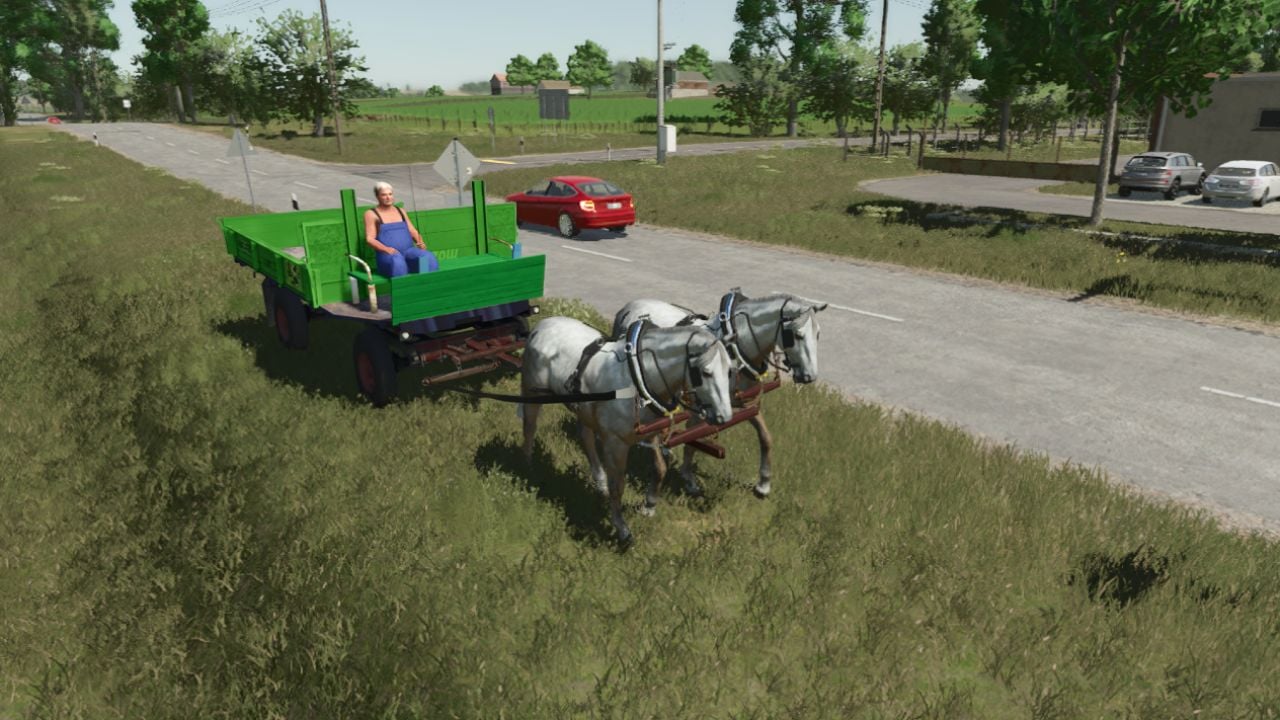
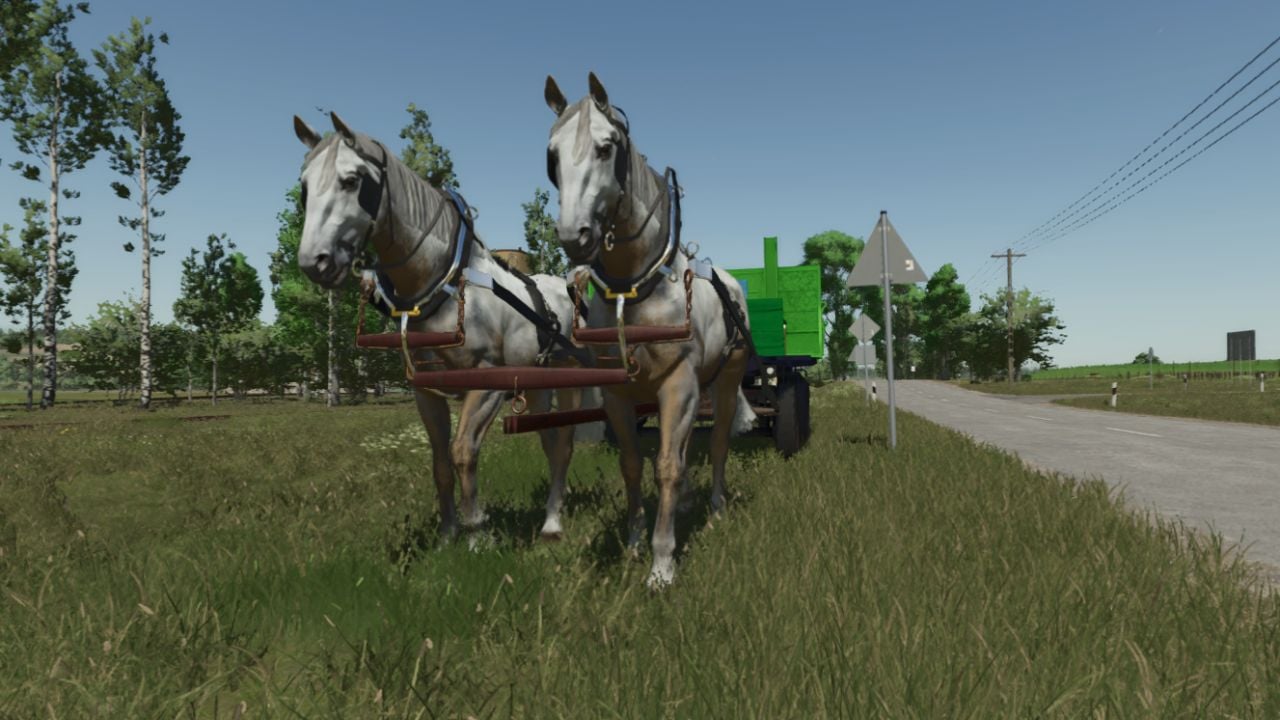
Hook up two horses and the carriage feels more stable when you are cornering, sprinting, or cantering. Once both horses are on the carriage, climb aboard from the side of the horse on the left. That is the only way to keep their steering synchronized. I have not tested this in multiplayer.
Features
- At the front, harness the horses from either side. The ‘X’ icons will show up when you use the interactive control system.
- Then get the old coachman into the carriage.
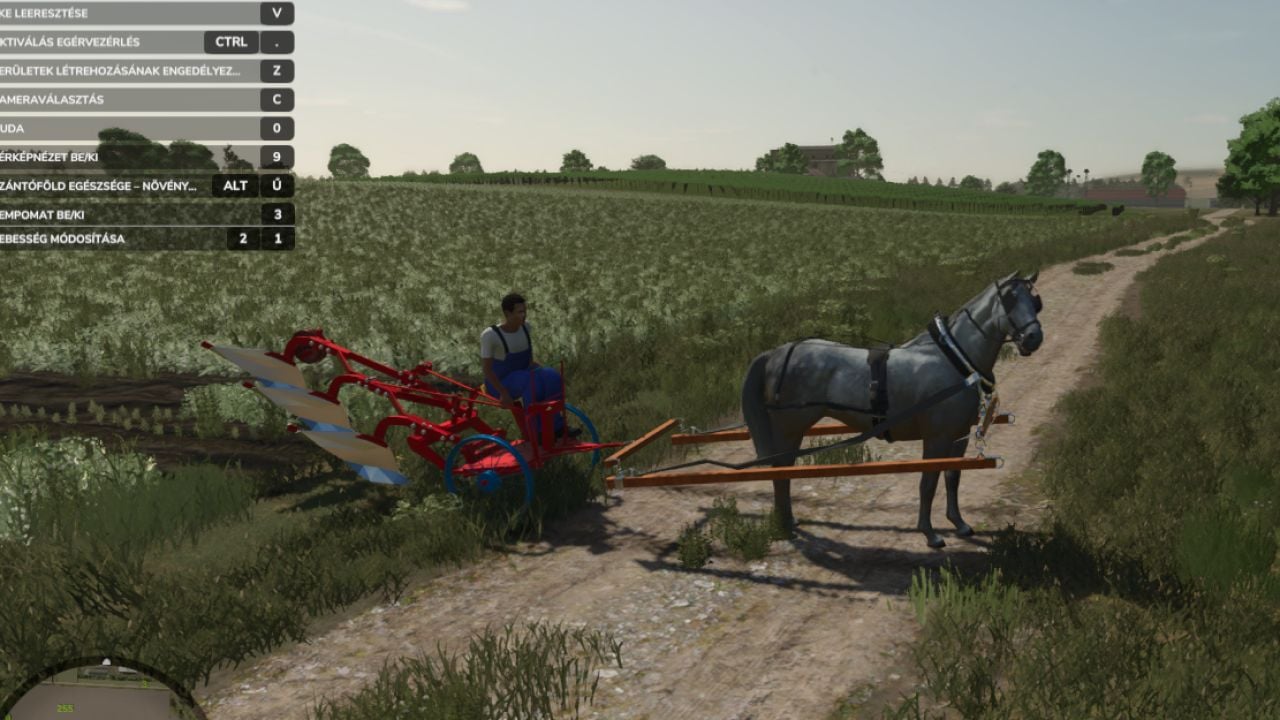
- You can attach your horse to either a wagon or a plow.
- After the horse is attached to the equipment, hit the
Gkey. This starts the setup and lets you control and steer the horse. - Drive and steer with the standard W, A, S, D keys. The handling stays relatively simple and intuitive.
- Pulling a wagon? Press the
MandJkeys to change between two transport modes. - Equipment Transport Mode: Pick this mode for solid items, including seed pallets, big bags, and standard pallets.
- Crop Transport Mode: Choose this one to load and move bulk goods such as grain and harvested crops.
- Press the
Vkey to drop the plow into the ground and get to work. - When you are done or need to turn around, press the
Vkey again to raise the plow.
Specifications
- Base walking speed: 6 km/h
- Faster trot: 13 km/h
YOU NEED: Interactive Control
Changelog
- V1.0.0.1
- duble horse system scripting.
- iconic horse trailer