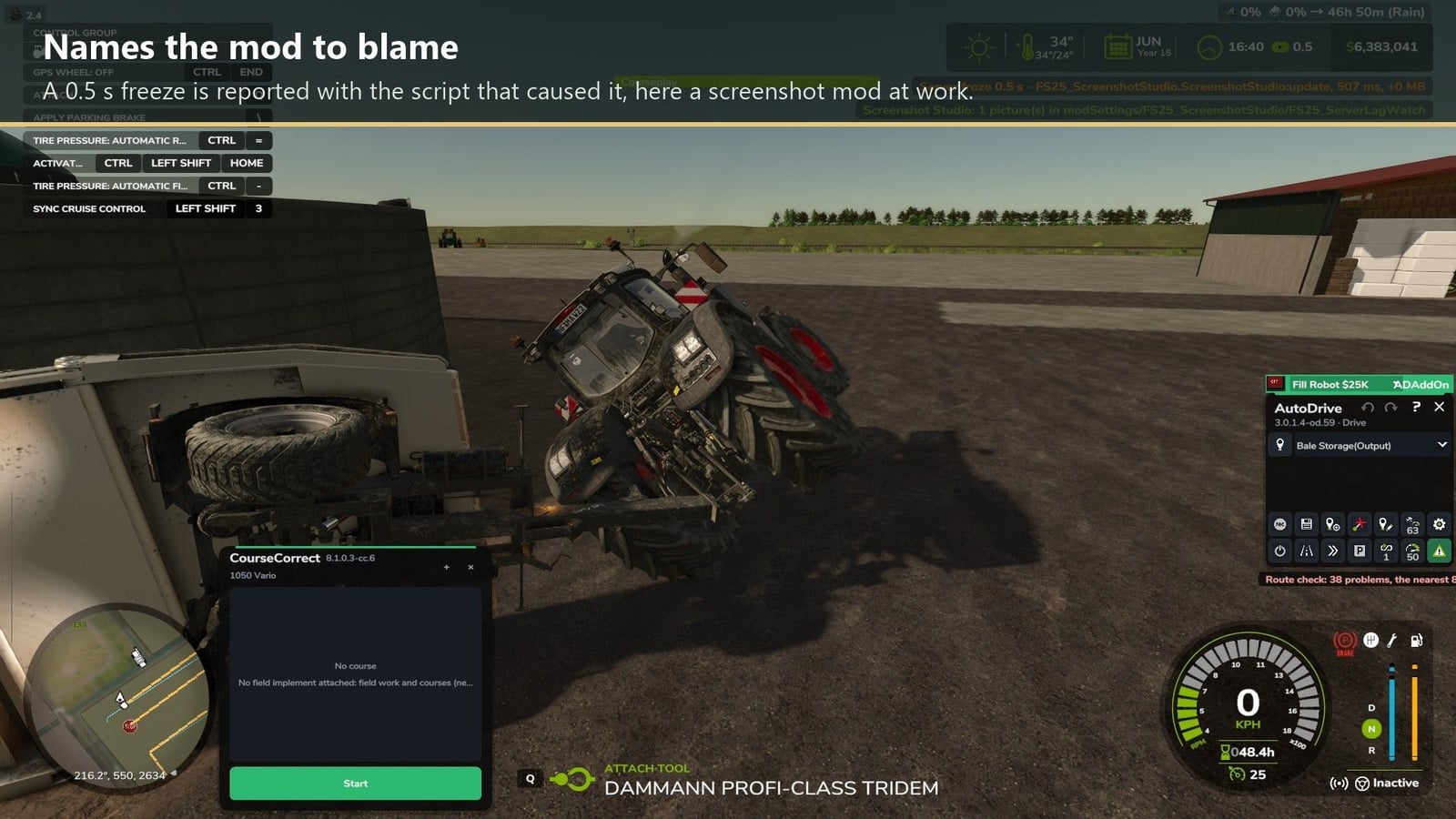
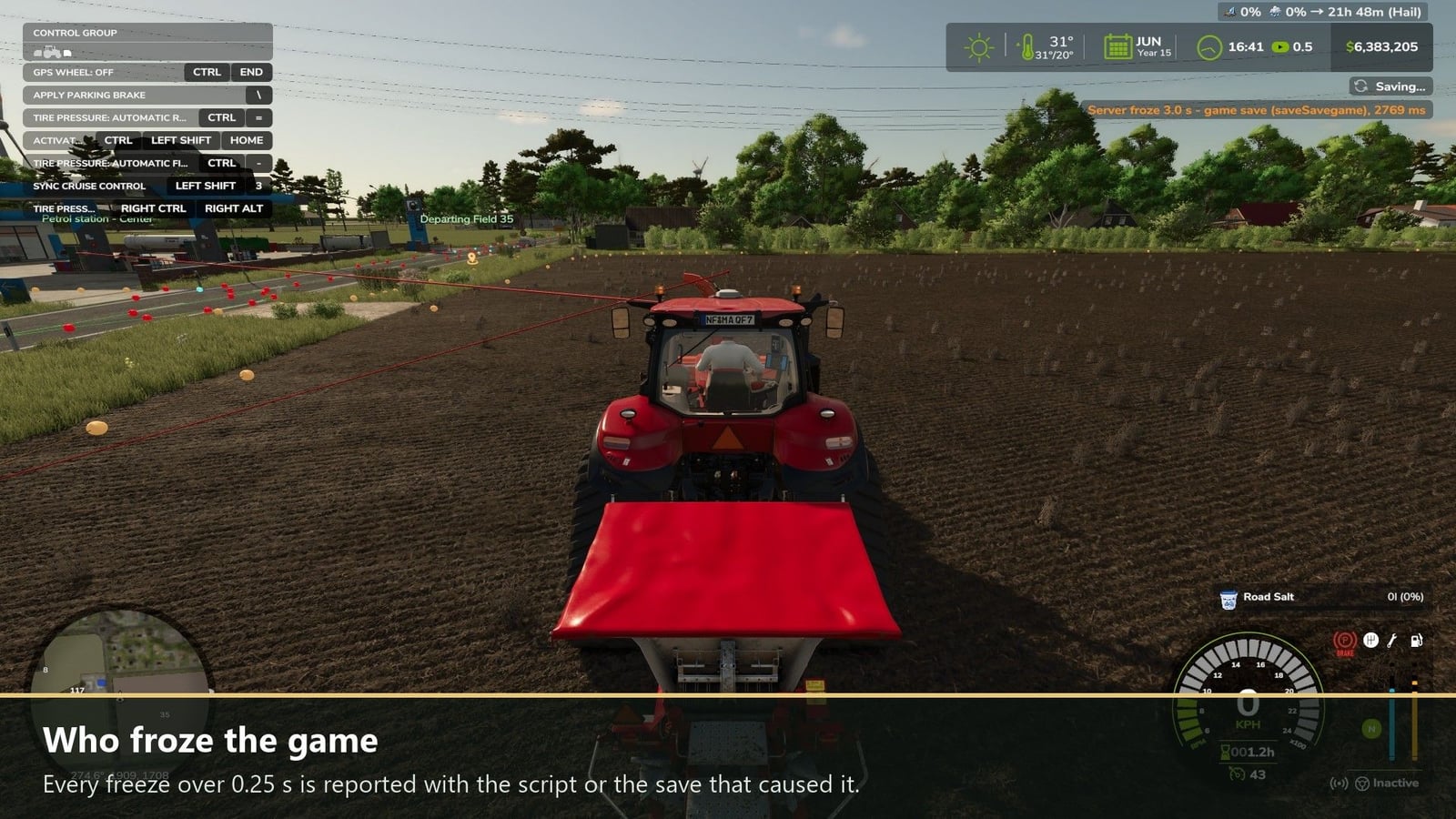
Trying to track down those server freezes? Server Lag Watch points out which mod is behind them. When the server stops for longer than a quarter of a second, every player gets a notification. It tells you how long the freeze lasted and which mod script was the slowest at that moment. The same line is added to the server log, so you can find the cause later.
Features
- Each freeze over 0.25 s gets its own alert, with the mod script or save that caused it.
- Who and where: if a vehicle or placeable is slow, you see its farm, its driver, player, AI helper or no driver, plus its location, field, farmland or off-field.
- SERVER SAVE: big red letters show up in the middle of the screen while the server saves.
- SERVER LAG WATCH: big red letters appear when the server stops answering for 3 seconds and stay there until it answers again.
- Slow file writes during a save are logged together with the file name.
- The profanity filter is turned off too. Chat, names and license plates show exactly what was typed.
How to use
Put it on the server and in every player’s game. In the server log, watch for lines starting with [ServerLagWatch].