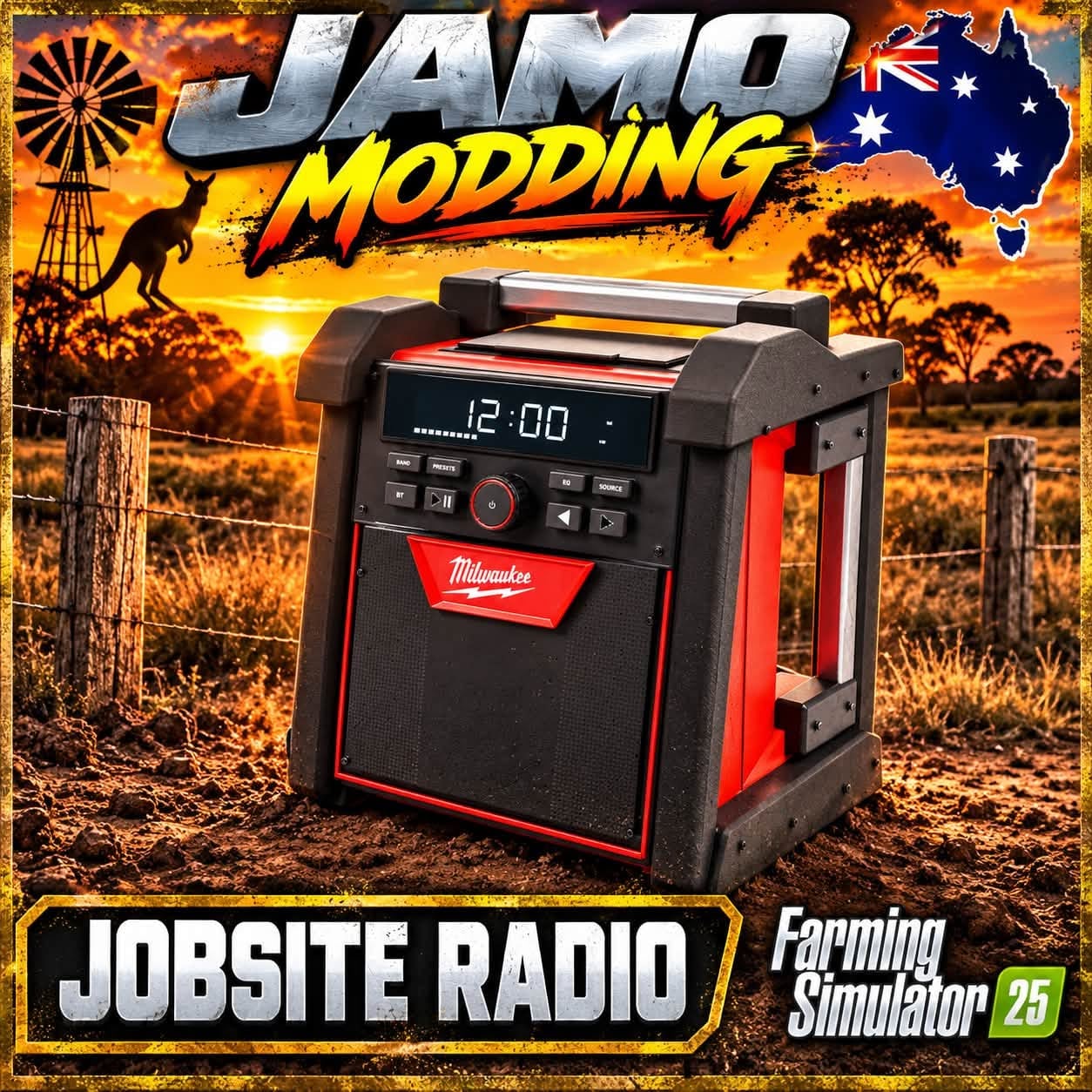
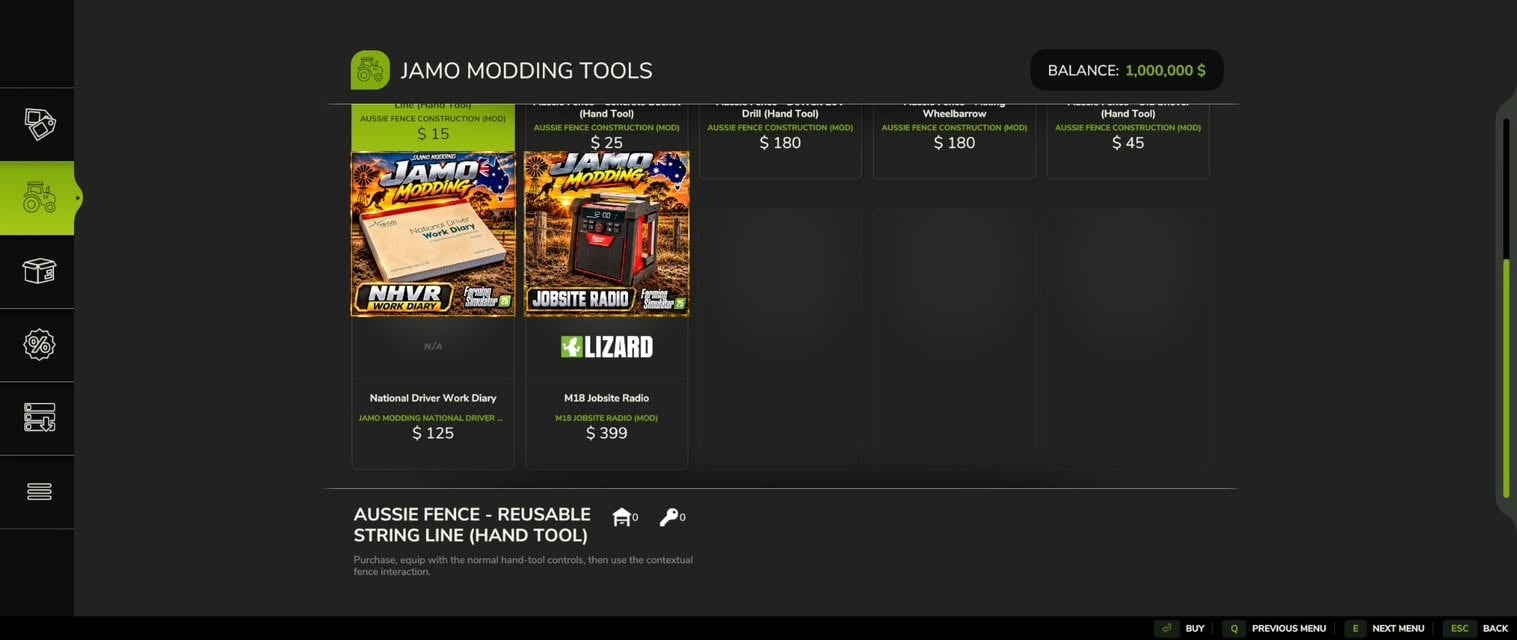
You get the rebuilt realistic model, the same pickup behaviour and a textured finish here. Every radio remembers its own power setting, volume and selected song, so you can use each one on its own.
Installation
Close FS25 before you start. Back up FS25_JamoJobsiteRadio.zip, replace the file in your mods folder and keep it zipped. Then enable the radio and FS25_interactiveControl.
For multiplayer, make sure all players have matching versions and playlist files.
Interactive Control
- Walk up to the radio and stand near it.
- Trigger Interactive Control with your configured IC binding, aim at one of the five front buttons and click.
- The button at the top centre switches the power on or off.
- Use the middle buttons to turn volume down on the left or up on the right, in 10% steps.
- The lower buttons move to the previous track on the left or the next track on the right.
- Point at a control to see what it does. Volume controls show the percentage, and track controls show the song currently selected.
- You will not find a radio menu or an R activation prompt. Turn on
FS25_interactiveControlto use the controls. - Adjusting the volume leaves the song playing instead of restarting it.
- Pick a new track while the radio is on and it begins straight away. If the radio is off, it stays off.
- Your selected song keeps looping until you pick another one.
- Use the regular empty-hand pickup controls whenever you want to carry or place the radio.
Playlist and Adding Music
- The package comes with only the original JAMO demo instrumental.
- Put your own mono OGG/WAV files in
sounds/myMusic/and enter them inconfig/playlist.xml. - Check
ADD_YOUR_MUSIC.txtfor examples and the ZIP steps. - Cycle through your playlist with the IC previous and next buttons.
Features
- You can set volume from 0-100%, and it starts at 70% by default.
- Within 2 m, the nearby volume is full, then it fades toward silence up to 40 m.
- The emitter follows wherever the radio goes.
- Native 3D audio handles the distance fade once.
- The game’s Vehicle sound slider still changes the overall loudness.
- The demo audio is normalized.
- The display, antenna and charger stay cosmetic.
- XML, playlist references, audio decoding and archive checks have been completed.
- You still need in-game tests for IC targeting, switching songs, save/reload and multiplayer behaviour.
- Matching JAMO sunset artwork appears on the 512 px shop image and the 256 px mod selection icon, both using DDS mipmaps.
- All five X markers use size 0.040 now, which is the Interactive Control default.
- That is over twice the previous size, giving the click areas the same corresponding increase.
- Point at a marker and press your configured IC click binding.
- Stay within 1.5 metres horizontally of the radio to use its IC buttons.
- For radios sitting on a truck bed, the vertical allowance is 2 metres.
- The large X markers remain, as does the 2 to 40 metre audio distance fade.
Specifications
- Weight: 6 kg