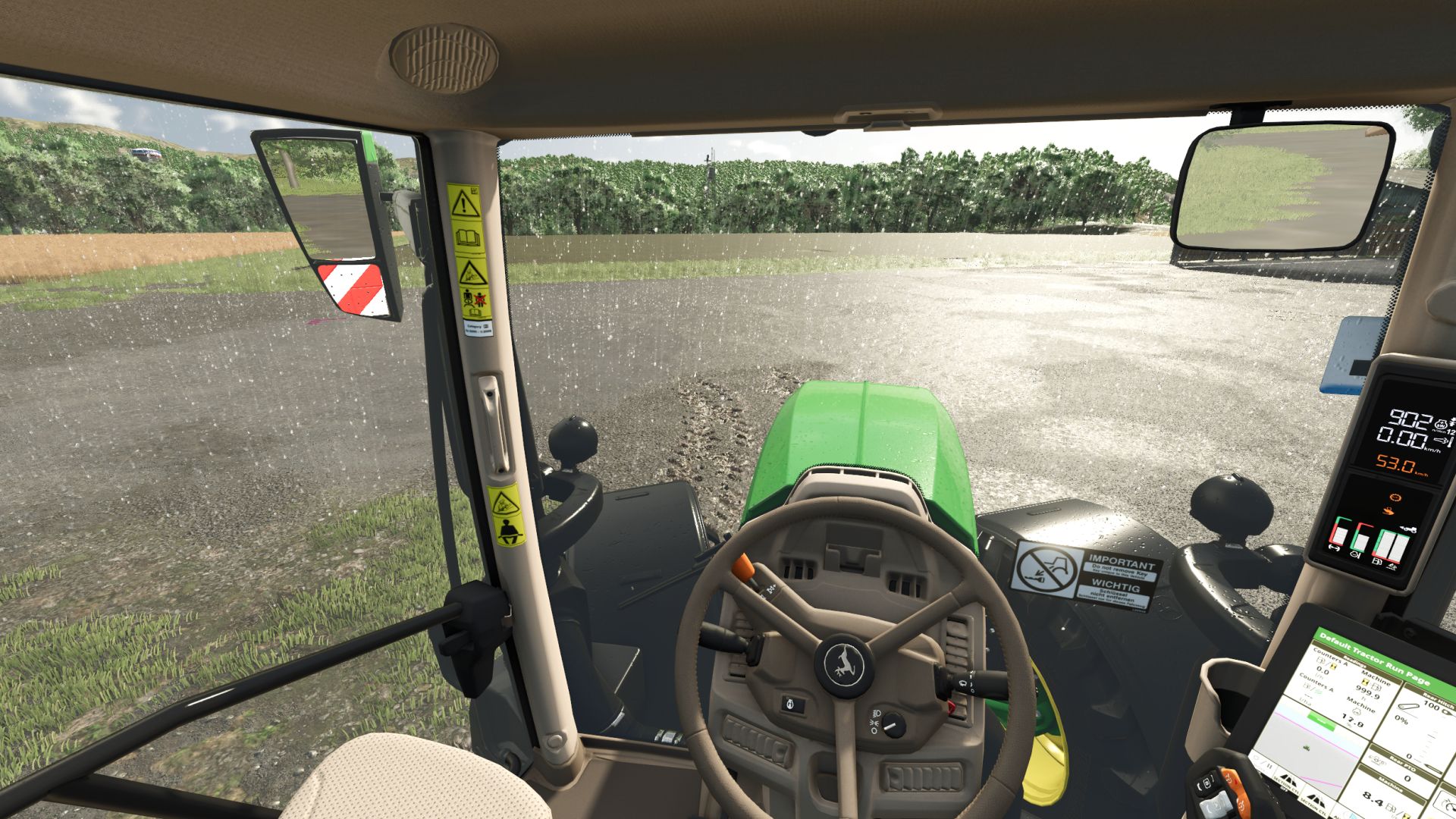
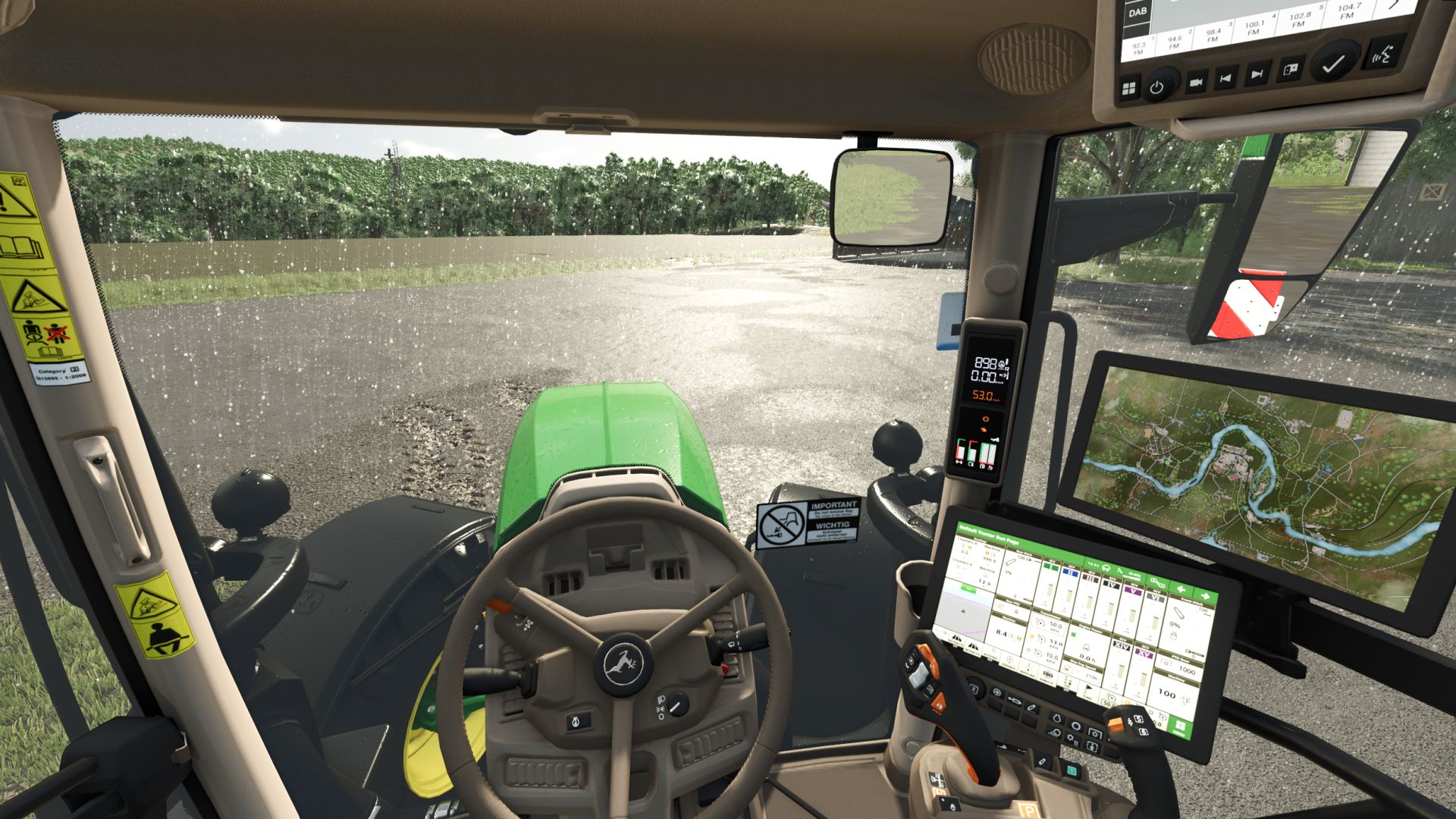
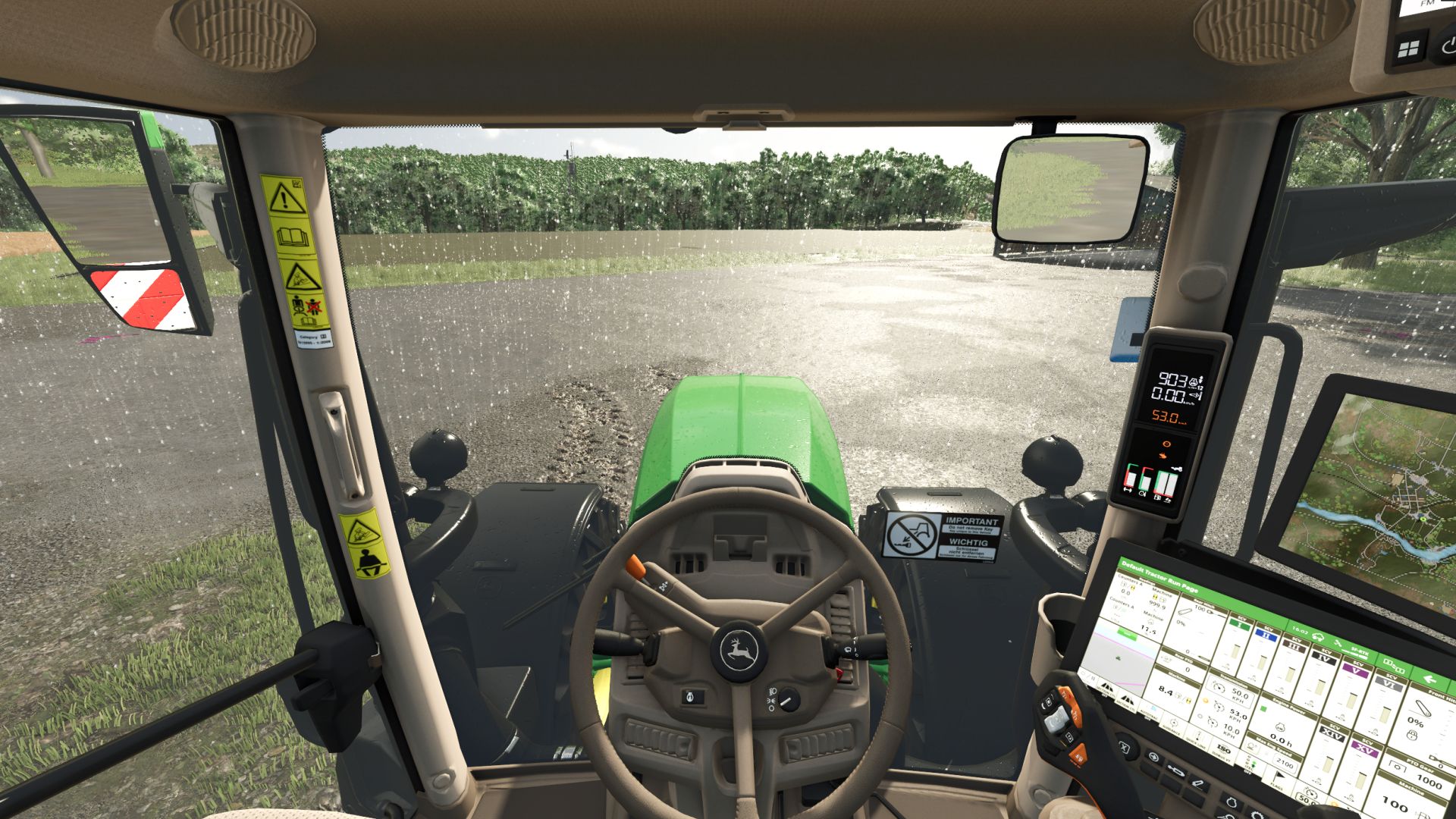
Camera Rotation automatically turns the in-cab camera in the direction you’re steering, giving you a more natural view through corners without constantly dragging the mouse around.
Whether you’re using a steering wheel, controller, or keyboard, the camera follows your turns and smoothly returns to center when you straighten out.
Features:
– Automatic camera rotation while steering
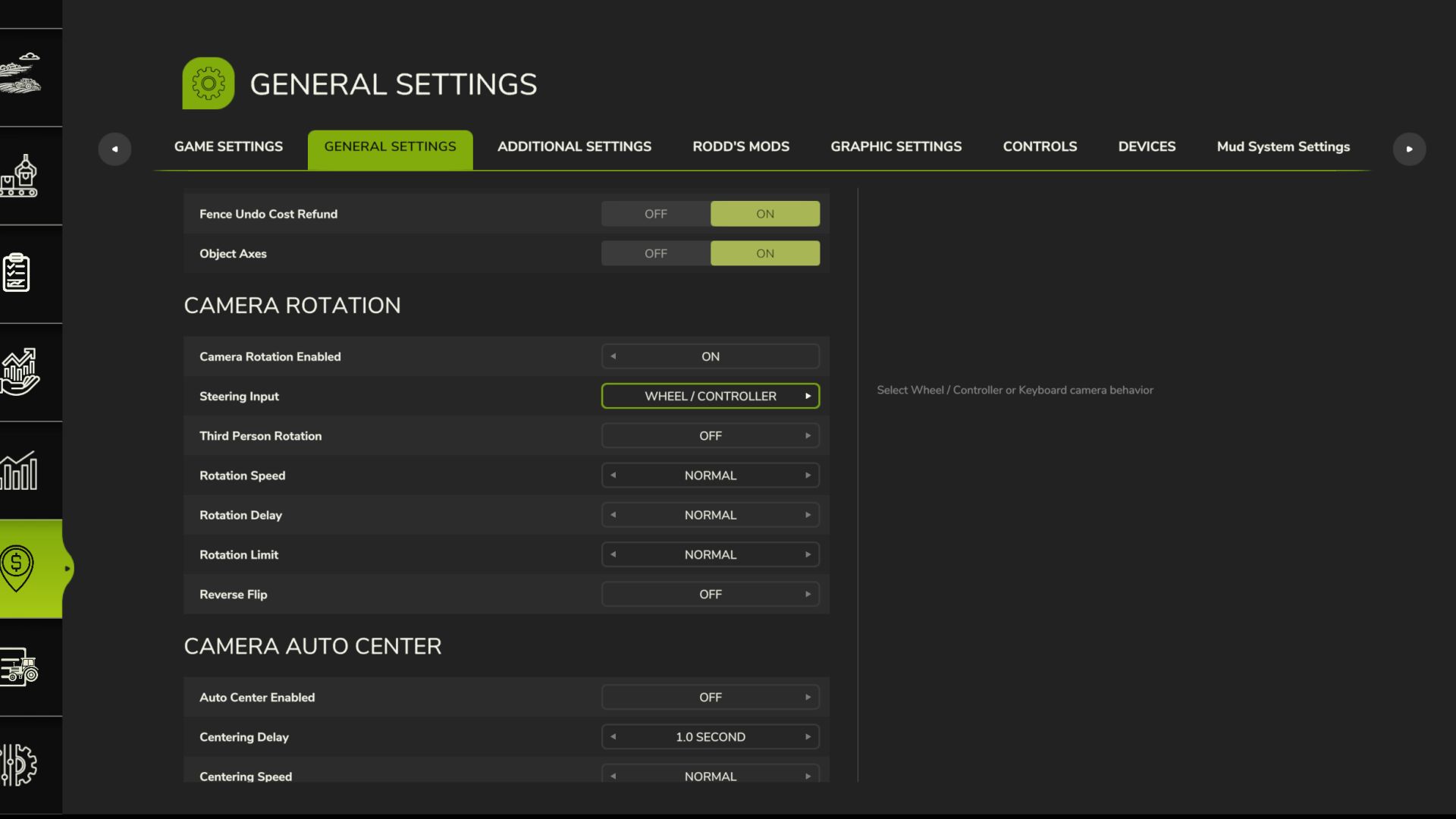
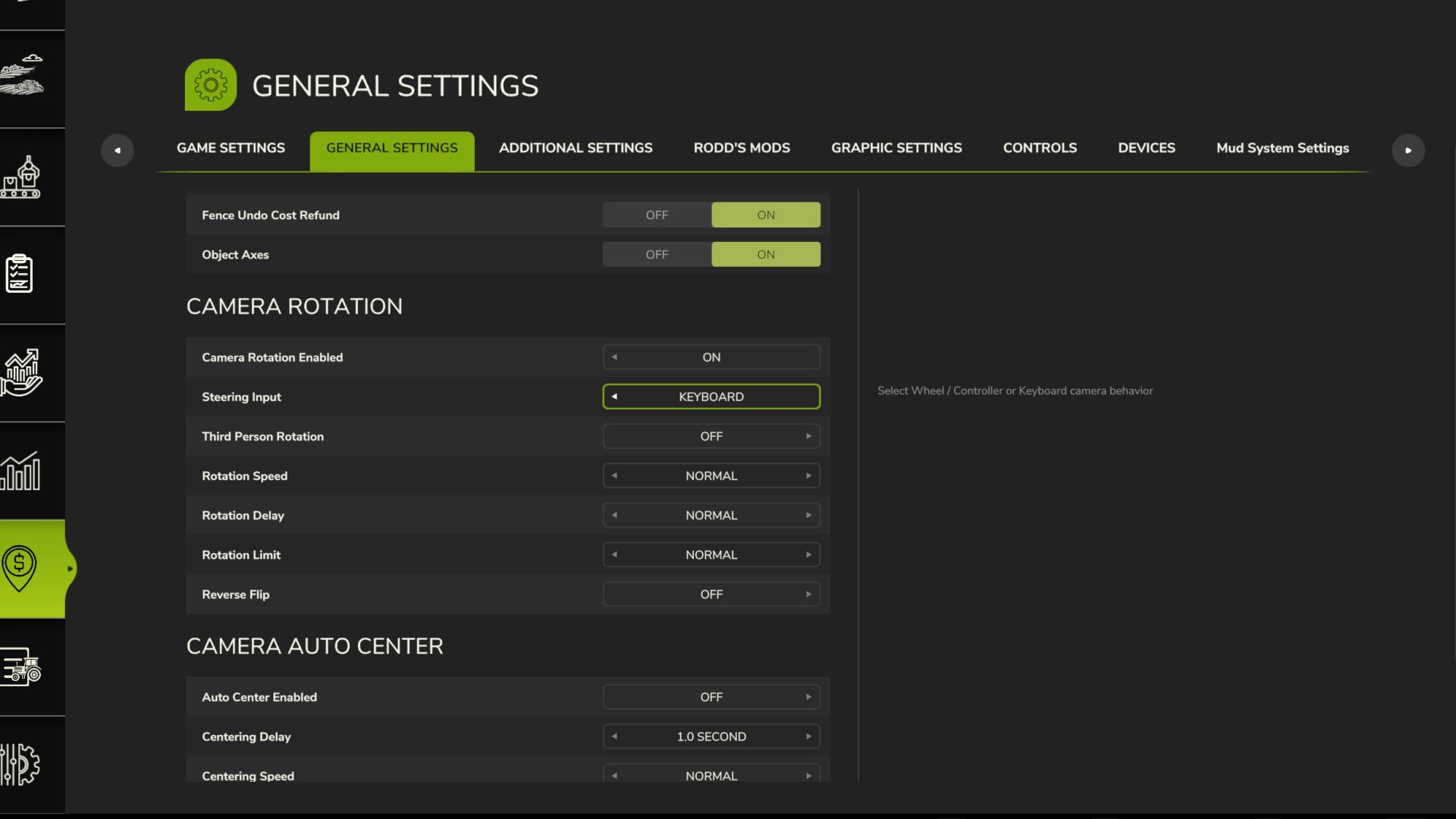
– Dedicated Keyboard and Wheel / Controller modes
– Keyboard mode is specially smoothed for A/D steering
– Adjustable rotation speed
– Adjustable rotation delay
– Adjustable rotation limit
– Optional third-person camera rotation
– Optional reverse camera flip
– Settings are saved between game sessions
– Wheel / Controller behavior remains smooth and fully analog
Keyboard players: yes, it actually works properly now. Quick A/D corrections are smoothed out so your camera doesn’t violently snap left and right every time you try to drive in a straight line.
Your eyes and neck can finally relax. Whiplash sold separately. All options can be adjusted directly through the in-game settings menu.
V2.0.0.0
– Keyboard players can now use Camera Rotation without developing whiplash, motion sickness, or wondering why the camera is having a seizure every time they tap A or D
– Added dedicated Keyboard steering support
– Added Keyboard / Wheel-Controller selection in the settings
– Keyboard camera movement is now much smoother when using A/D
– Smoothed camera return when releasing steering keys
– Improved transitions when quickly switching between A and D
– Your selected input type saves between game sessions