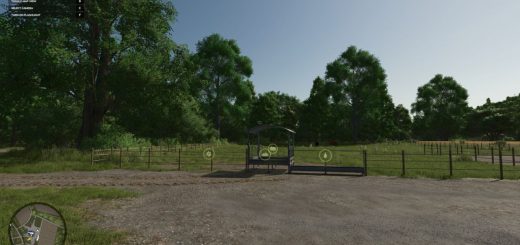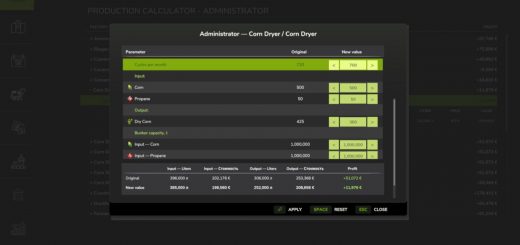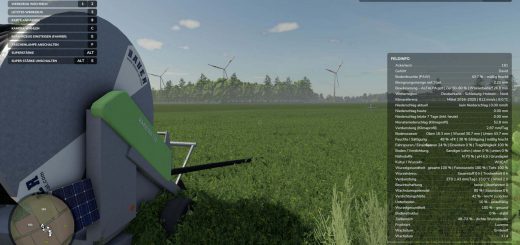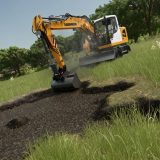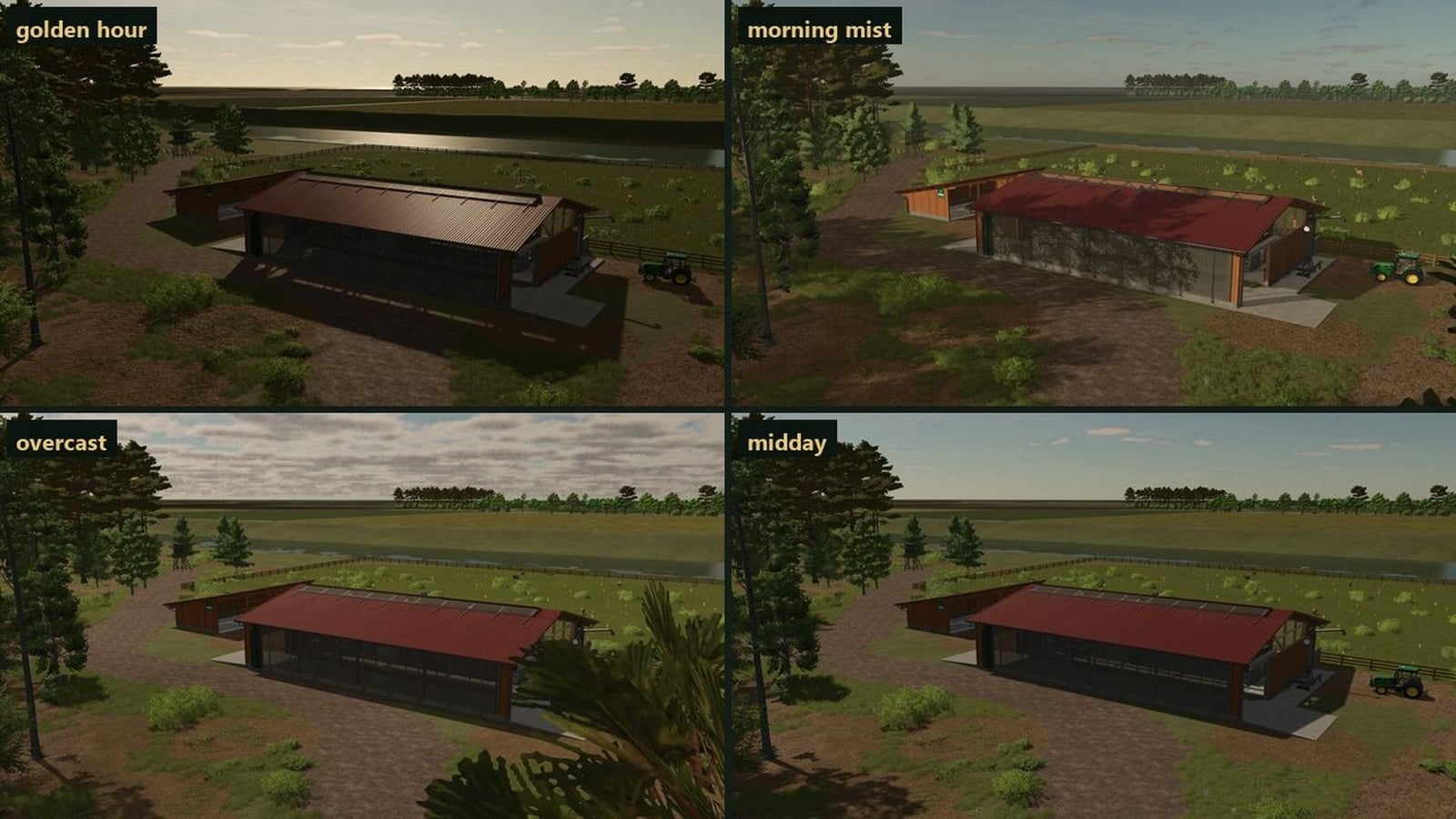
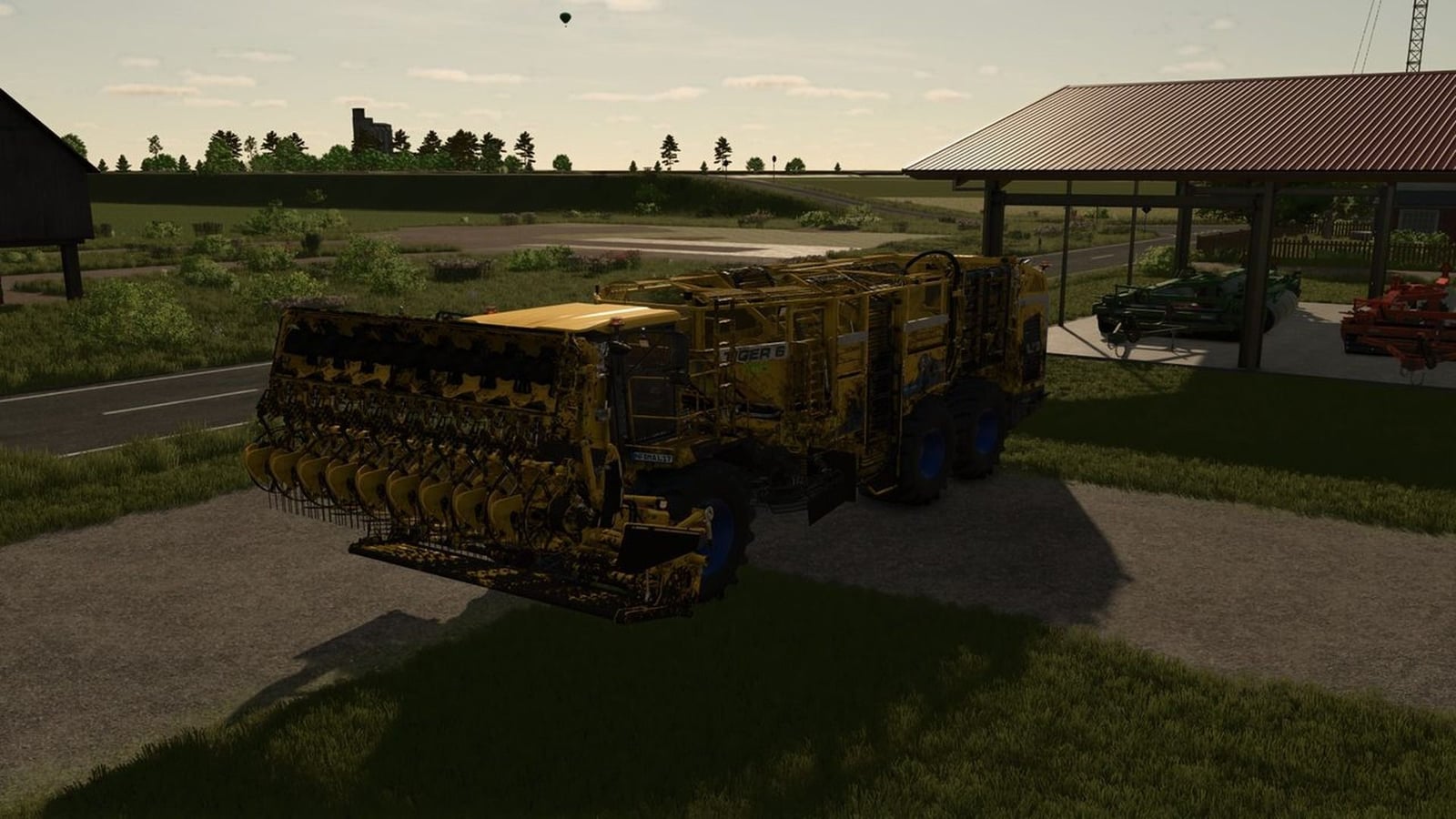
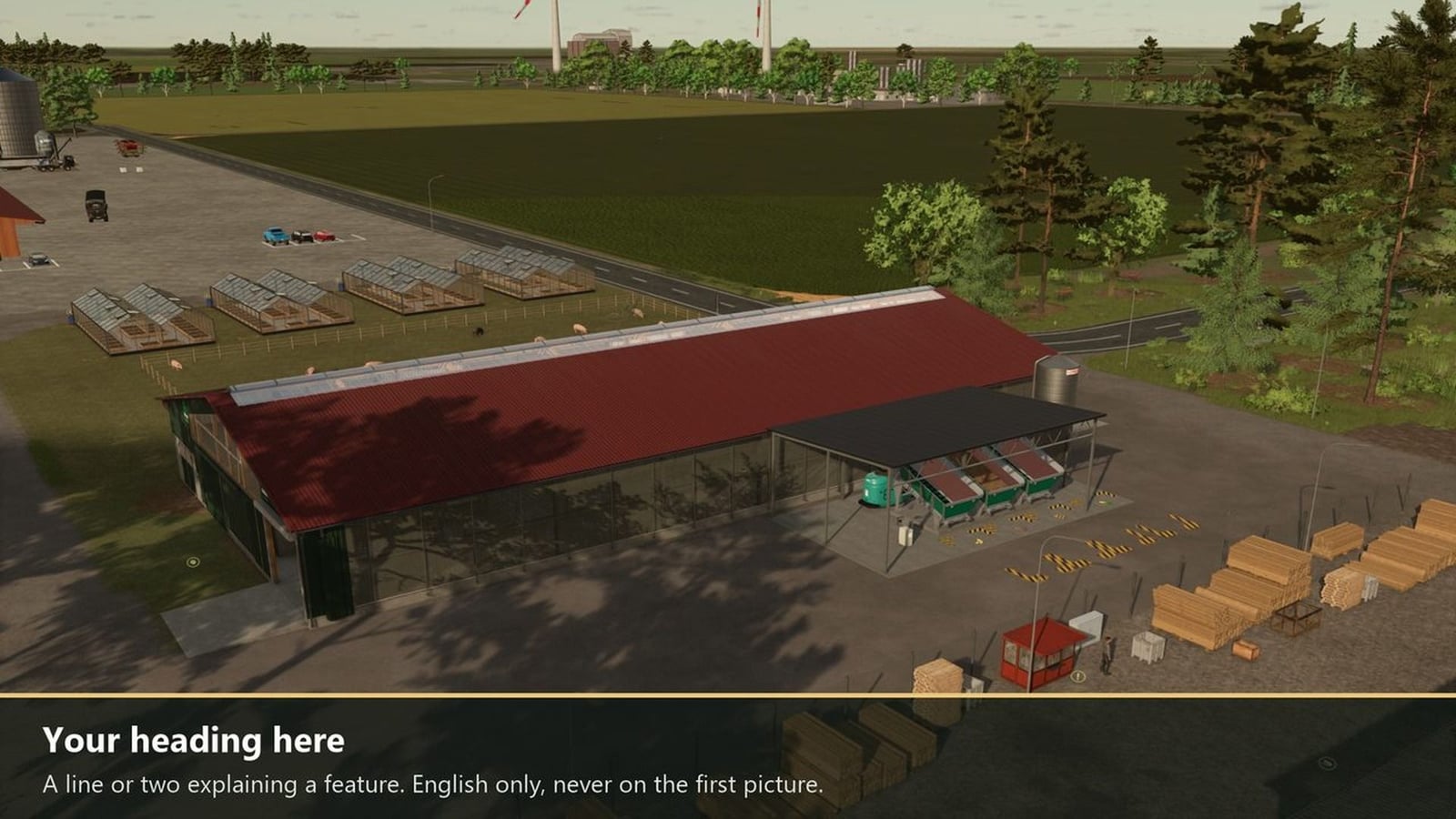
Need clean mod pictures for the ModHub or your website? This tool lets you set up your machine or building, find a nice spot and press a key for a framed screenshot without the HUD. The game uses 1920×1080 where it allows it. Single player only.
Features
- Right Ctrl + 1: grab the view you are looking at, clean and without the HUD.
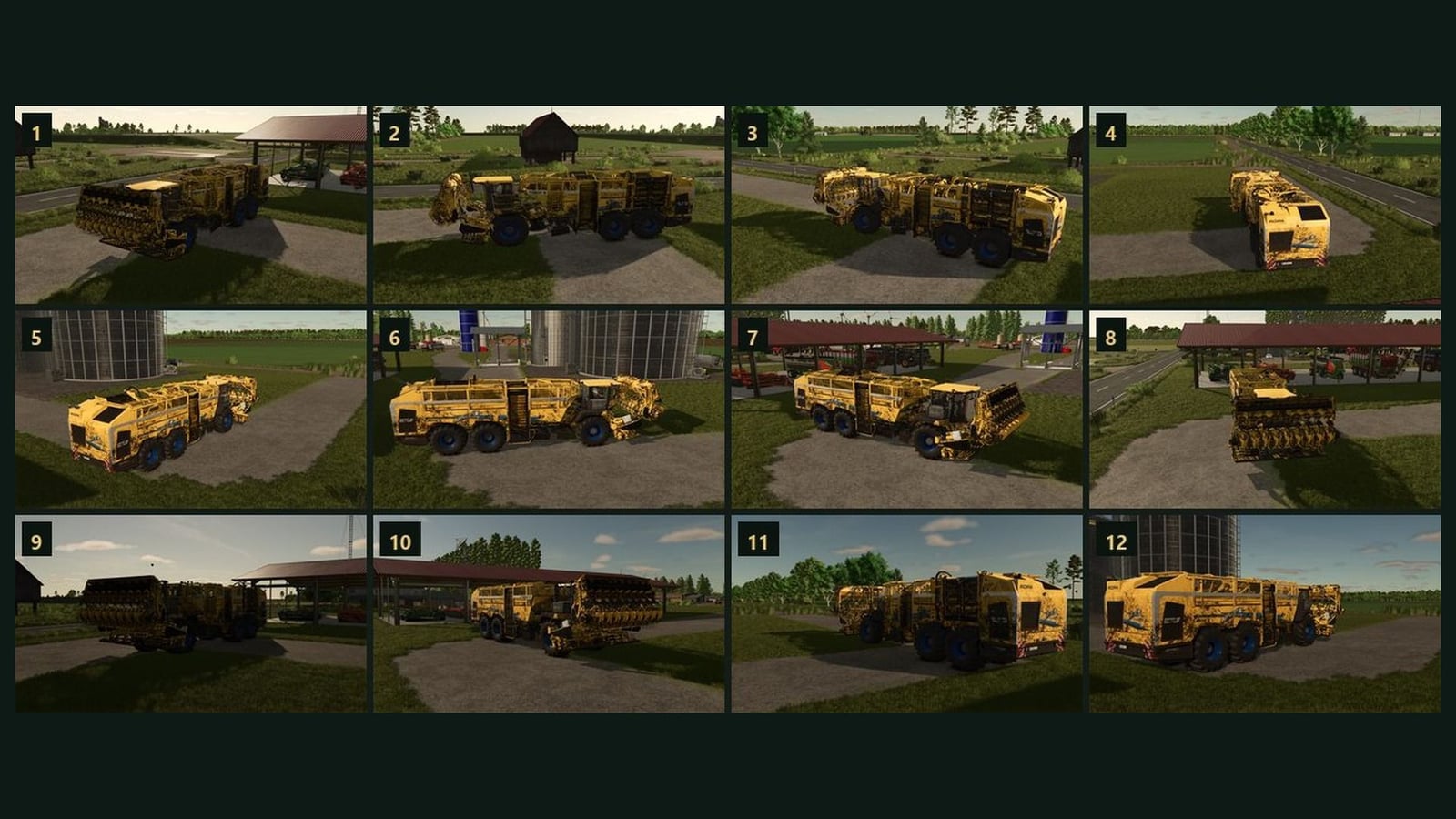
- Right Ctrl + 2: orbit. Get 12 framed shots all around the vehicle you are sitting in, with everything attached, or around the nearest building.
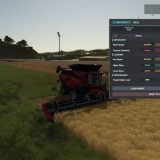
- Right Ctrl + 3: UI shot. You have 5 seconds to bring up a menu, and then the screen is saved with that menu open.
- Right Ctrl + 4: light. Try golden hour, morning mist, midday sun or overcast, then press again to bring back the old time.
- Right Ctrl + 5: burst. While you work, it takes a clean shot every 3 seconds for 1 minute.
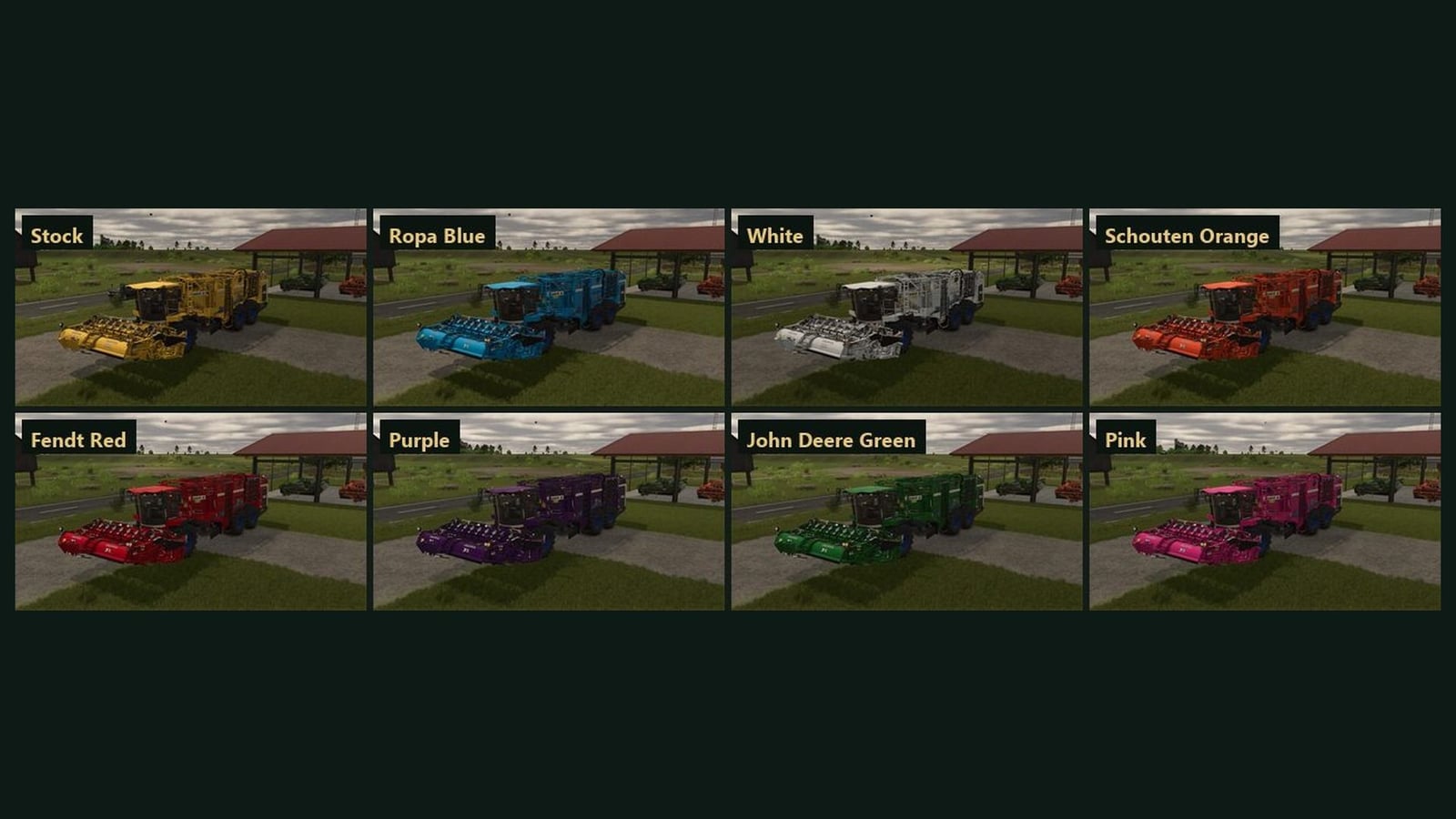
- Right Ctrl + 6: every color. Save the same view in every shop color while the vehicle itself stays unchanged.
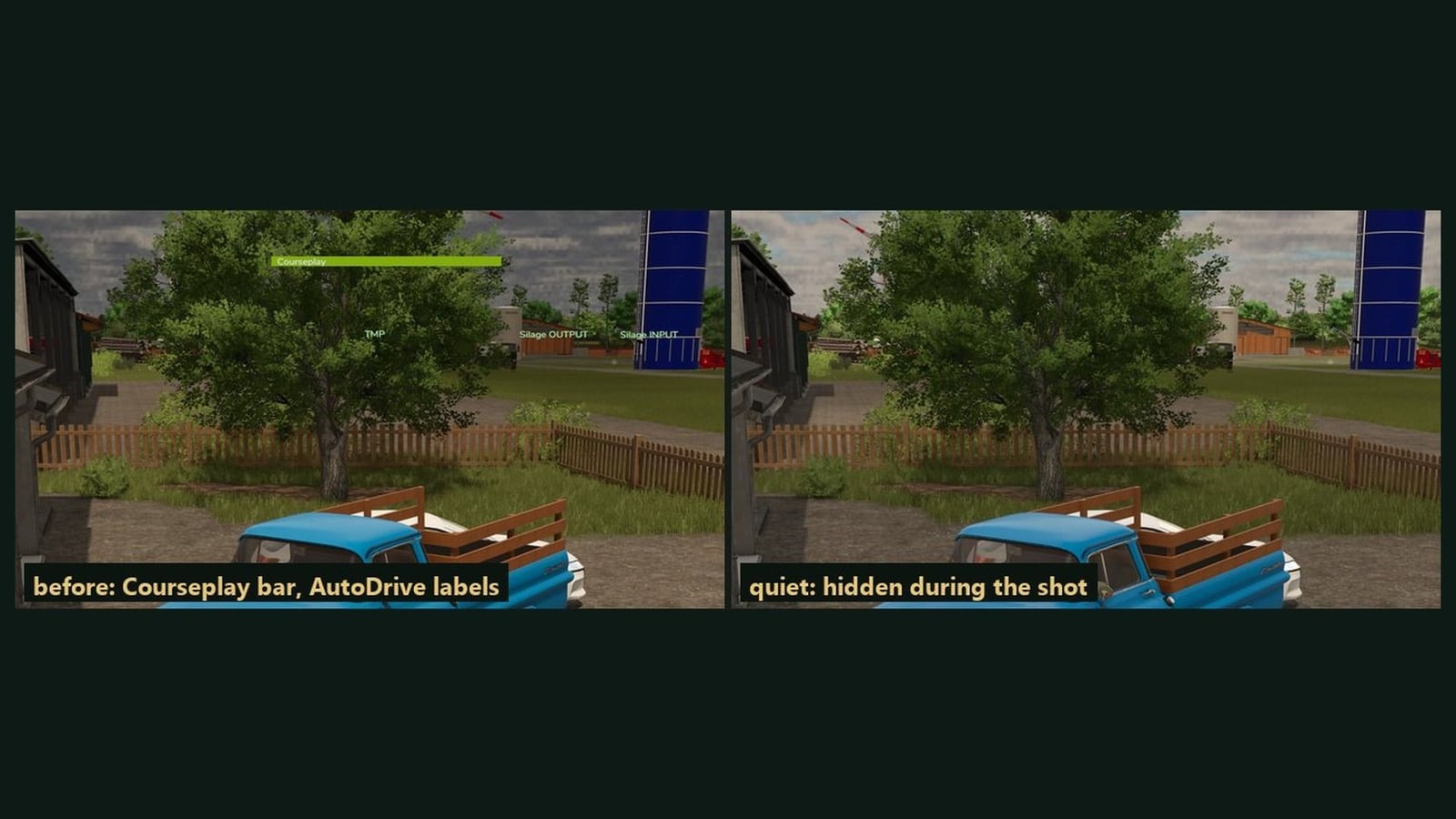
- If walls, poles or tree crowns block the way, they are avoided; screen drawing from other mods is hidden during shots.
How to use: your pictures go to modSettings/FS25_ScreenshotStudio/<mod name="">/. Change the keys in Options > Controls.
Changelog
0.2.2.3:
- The mod list now shows the author as DTM Mods, Fennell.
- New console commands
ssClick,ssTabandssType: press buttons, switch tabs and type into menus (0.2.2.2). - With
ssView, the framed shots can be taken from further away (0.2.2.2). - Pictures now use the numbers
1.jpg,2.jpgand so on (0.2.2.2).