Toggle Trigger Icons & HUD v1.0

FS 25 Mods |
Toggle Trigger Icons & HUD v1.0


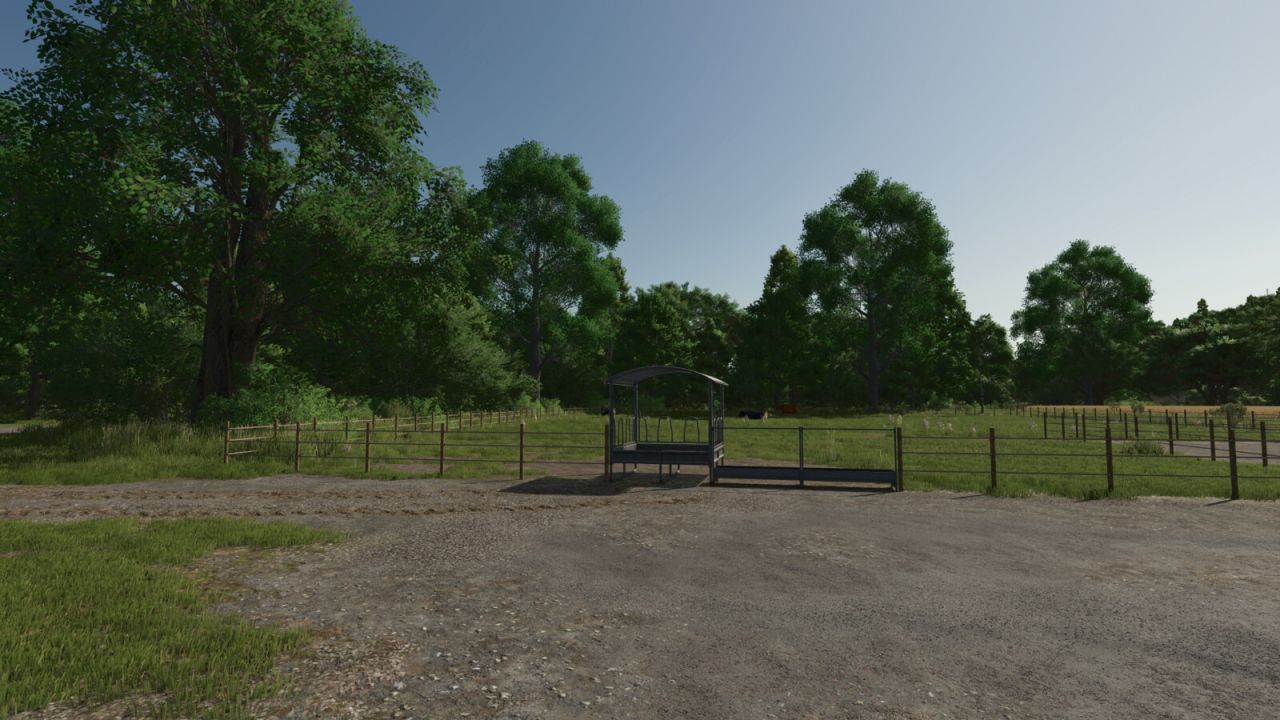
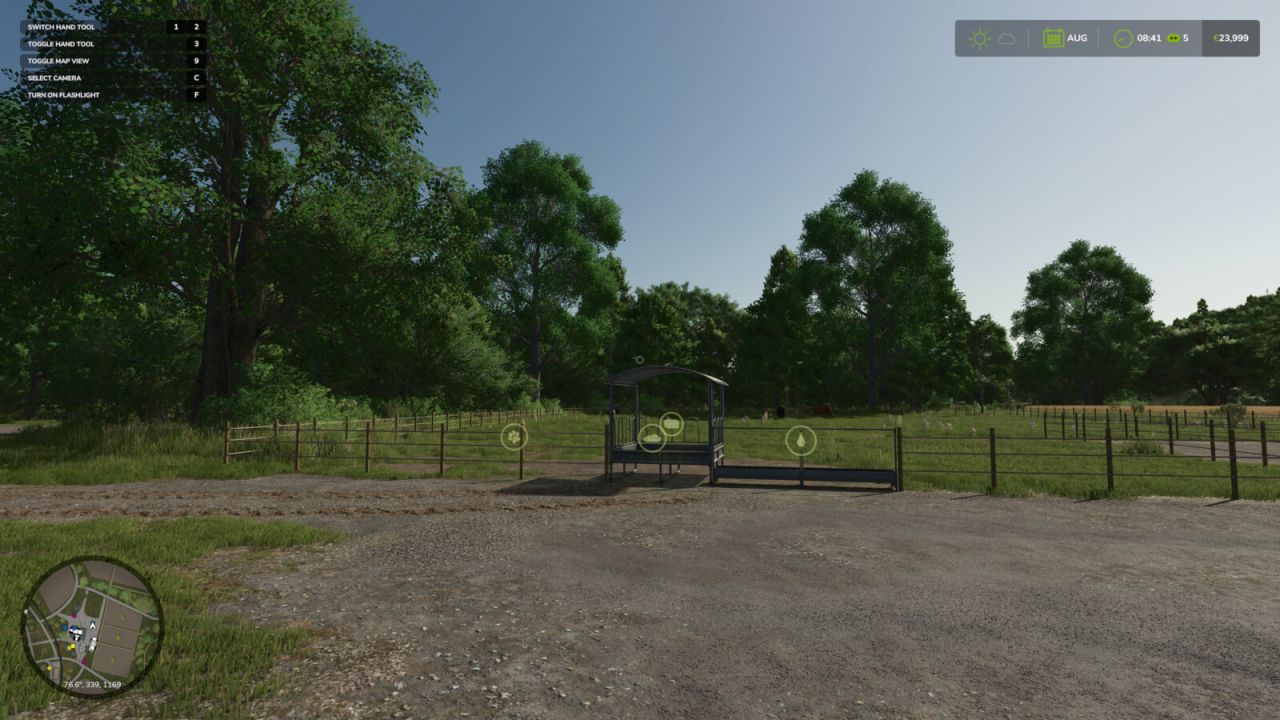
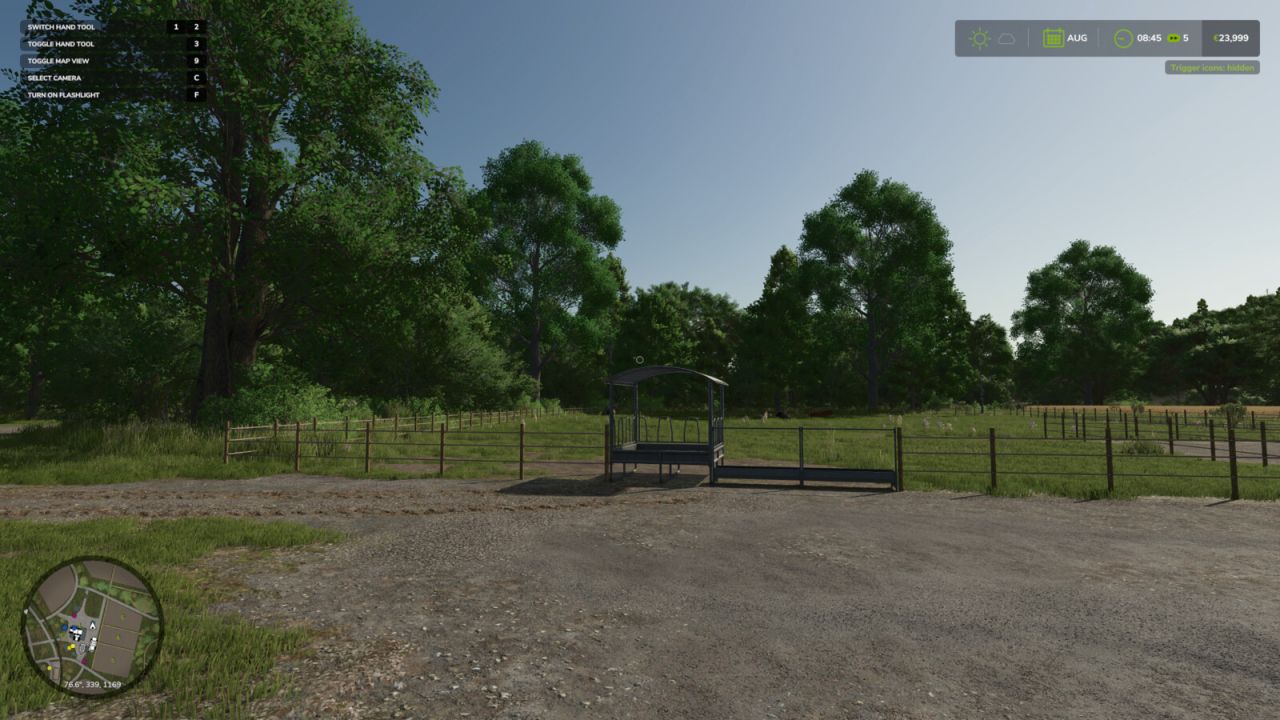
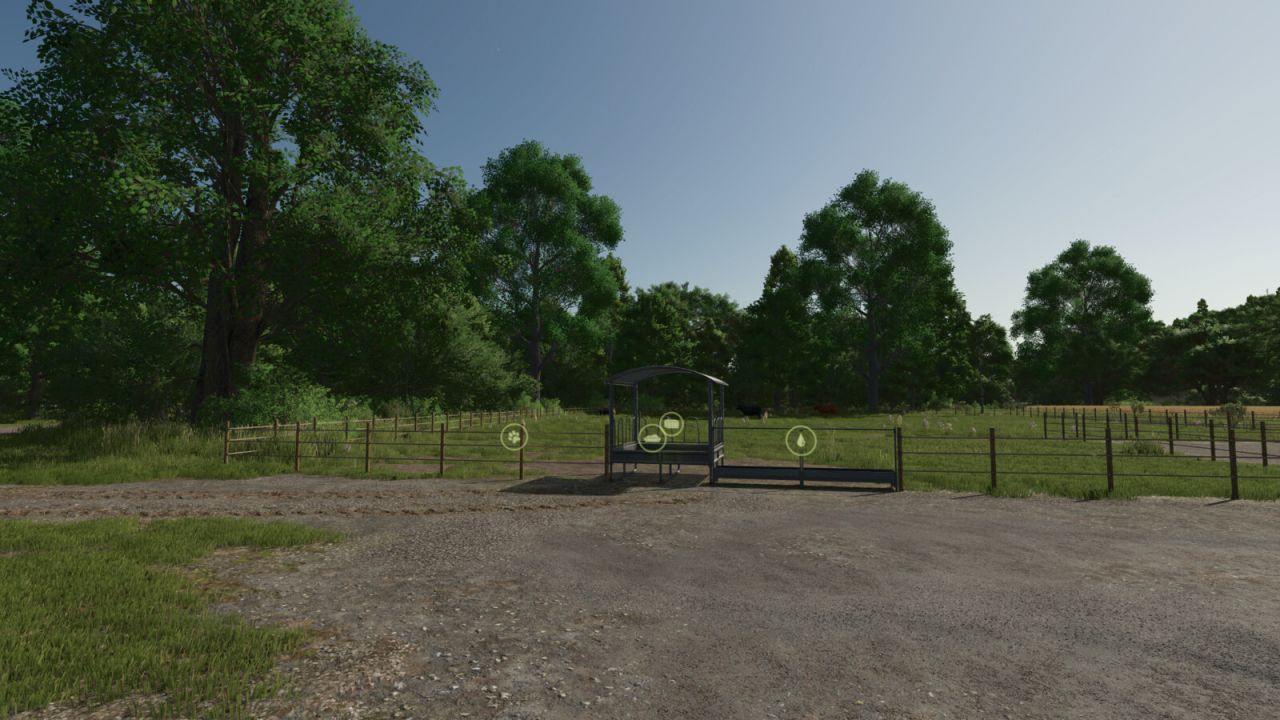
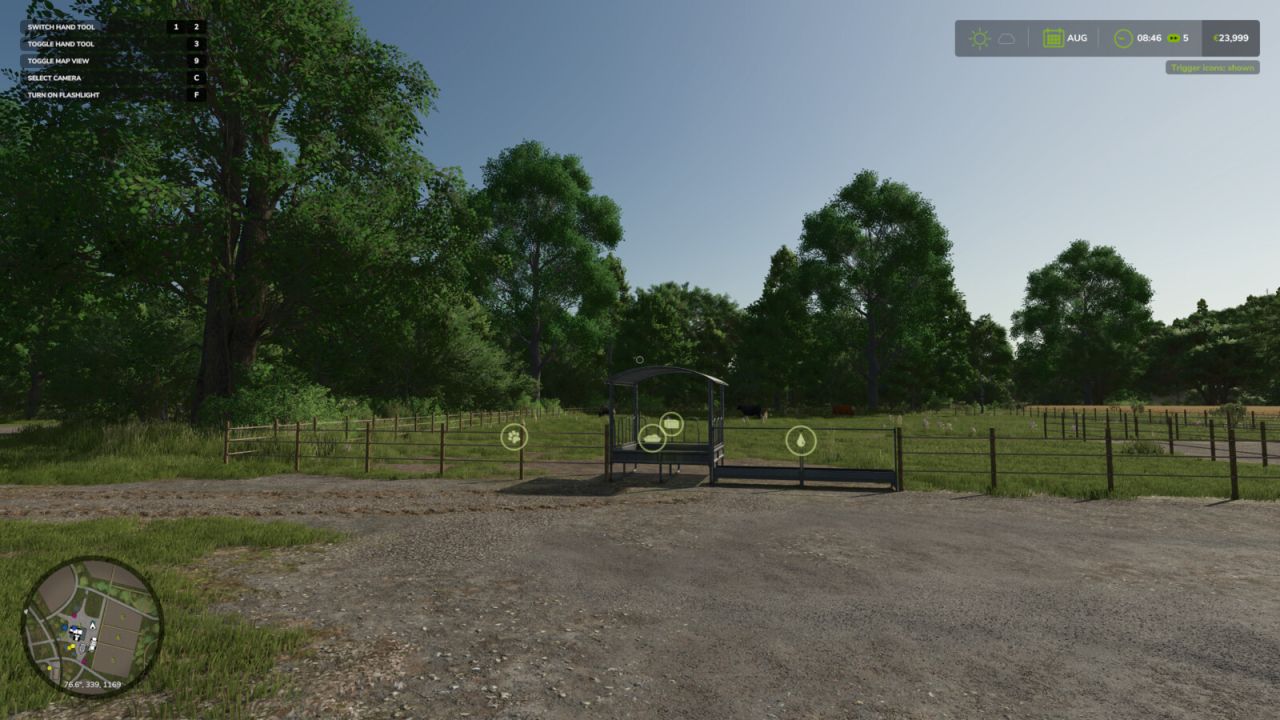
Two handy hotkeys for clean screenshots and more immersion:
– Right CTRL + #: Toggles the trigger icons (e.g. at selling points, factories, shops). Uses the same setting as the in-game options menu, so the state always stays in sync and is saved normally.
– Right CTRL + +: Toggles the entire HUD (displays, minimap, help text, etc.).

Both keys are freely rebindable under Controls in the settings menu.


Author: KöllaKind

Download


Farming Simulator 25 mods open the door to endless ways to customize and elevate your game. With free tools and tweaks that make every hour more immersive, you can shape your game exactly how you like. Try the FS25 Toggle Trigger Icons & HUD v1.0 mod to give your game a fresh touch of atmosphere, and explore countless other options to keep upgrading your experience, all without limits.
Useful Information: How to install FS25 Mods | FS25 Guides | Complete Modding Guide | Download FS25 Game

Leave a Reply

Your email address will not be published. Required fields are marked *