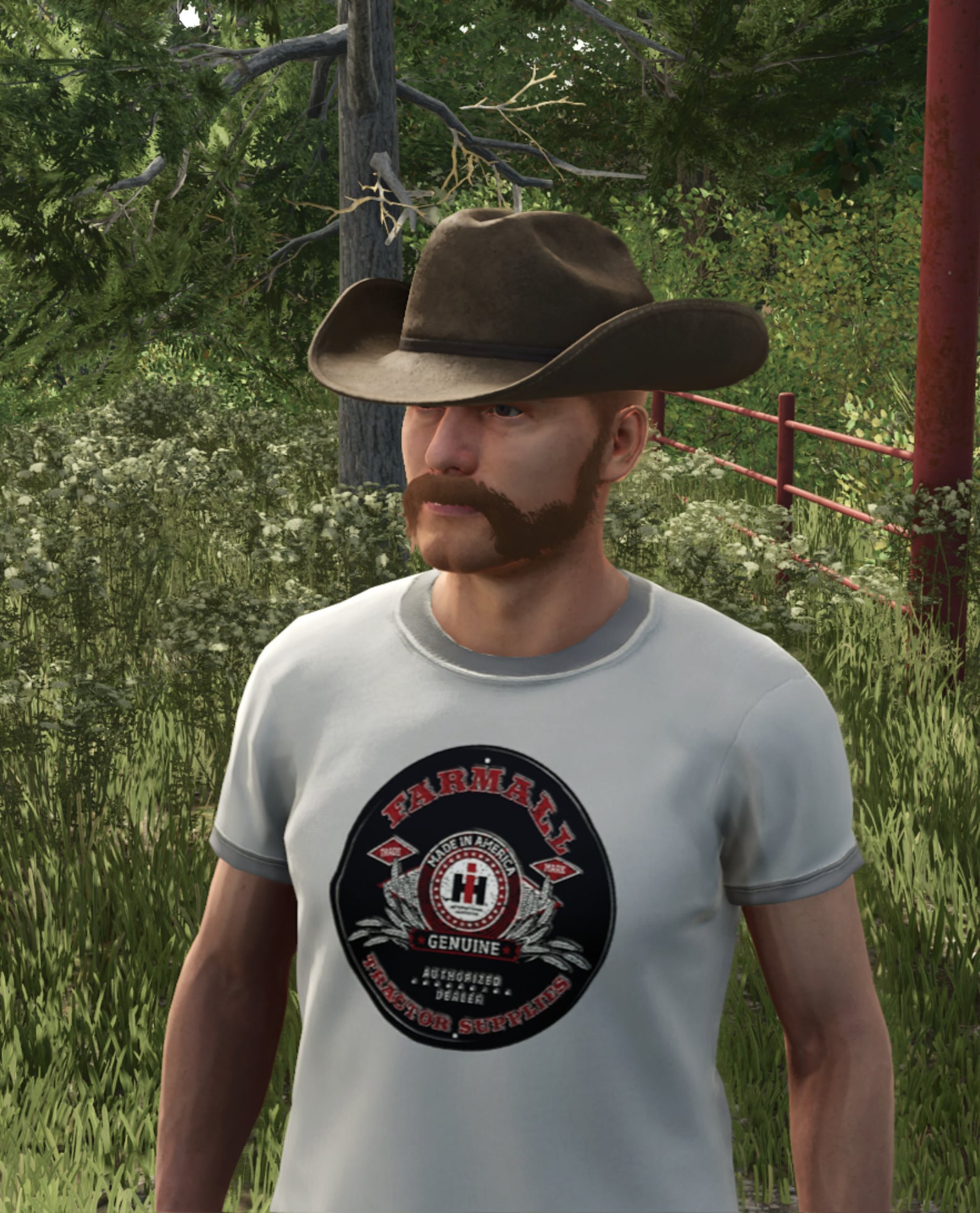
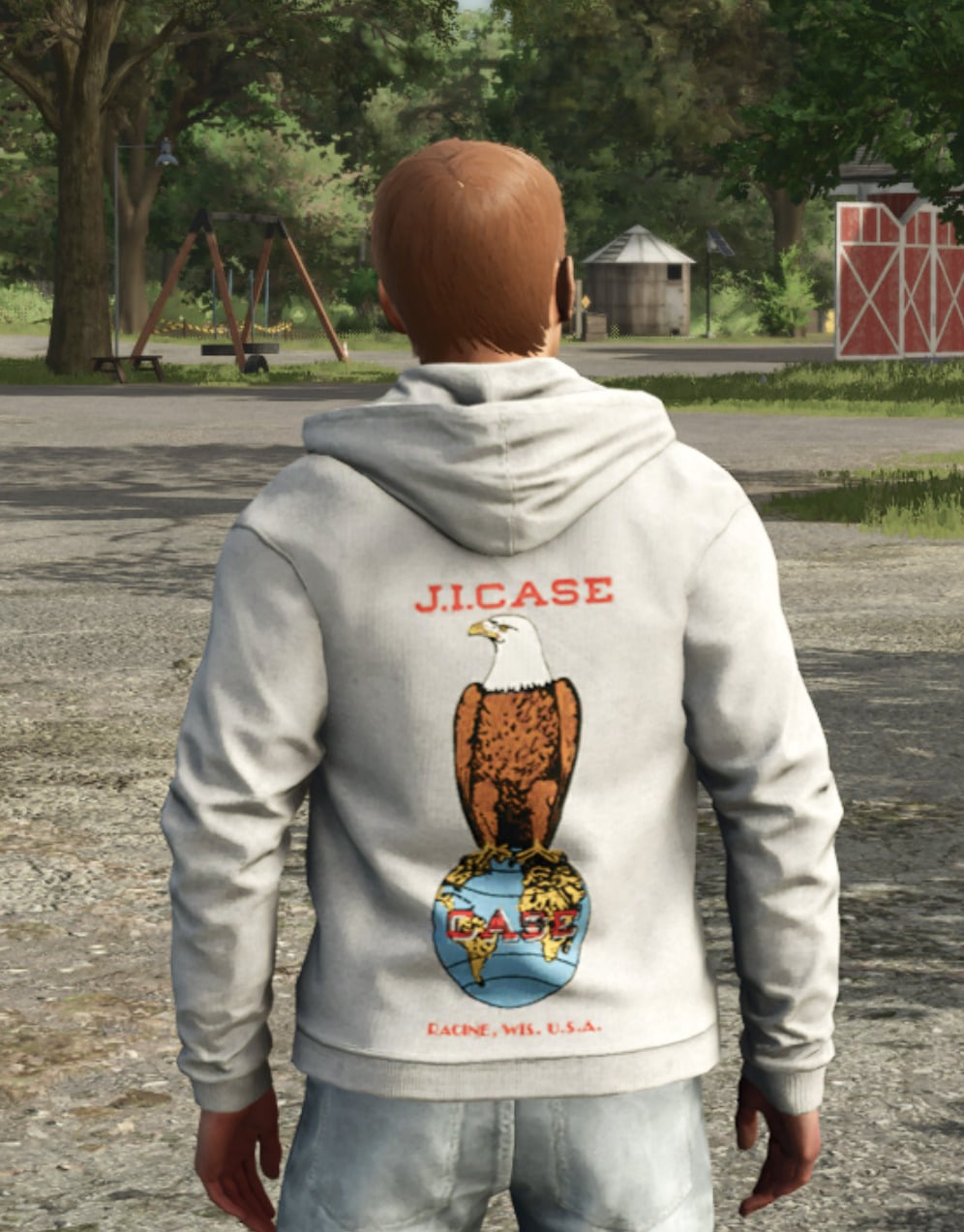
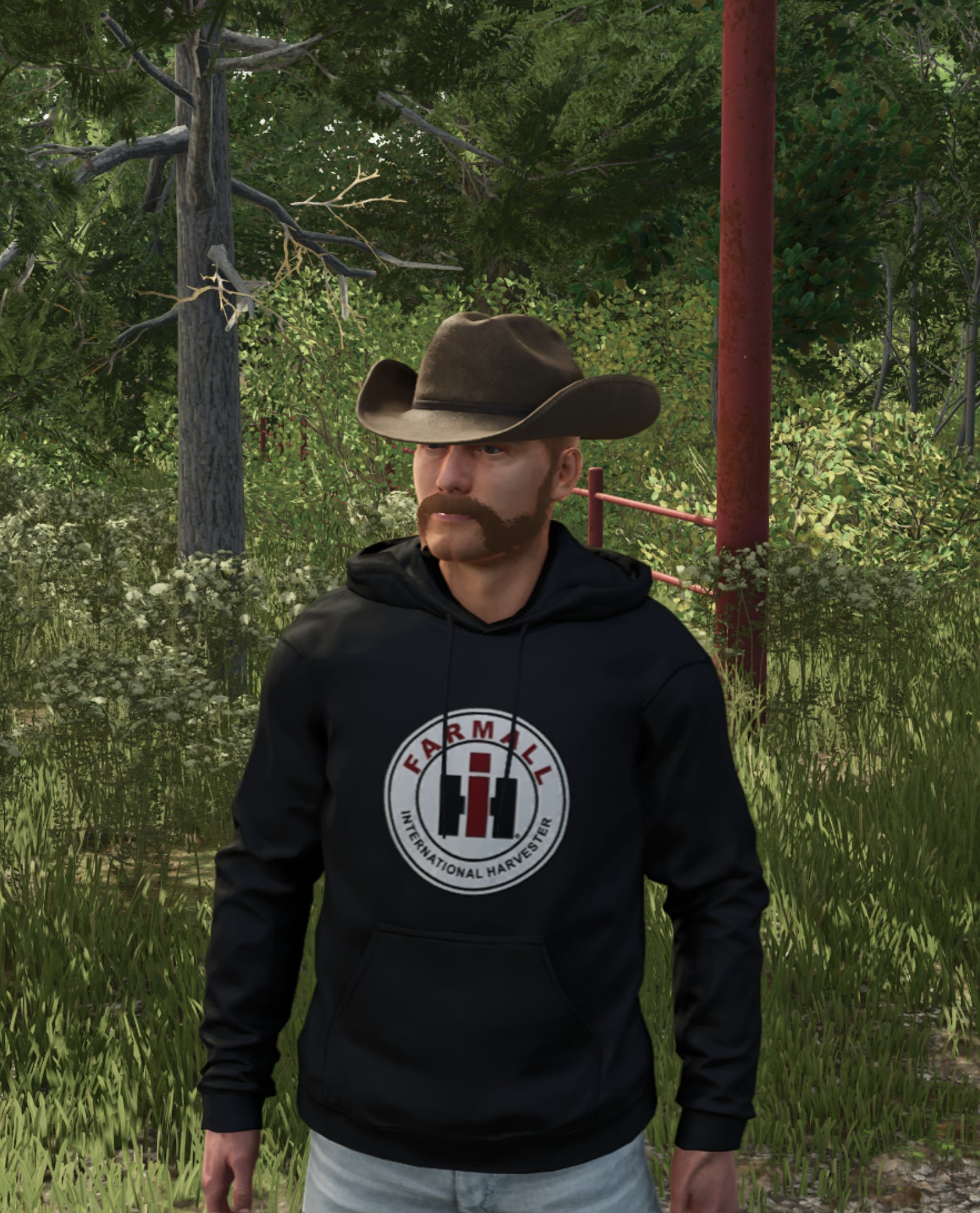
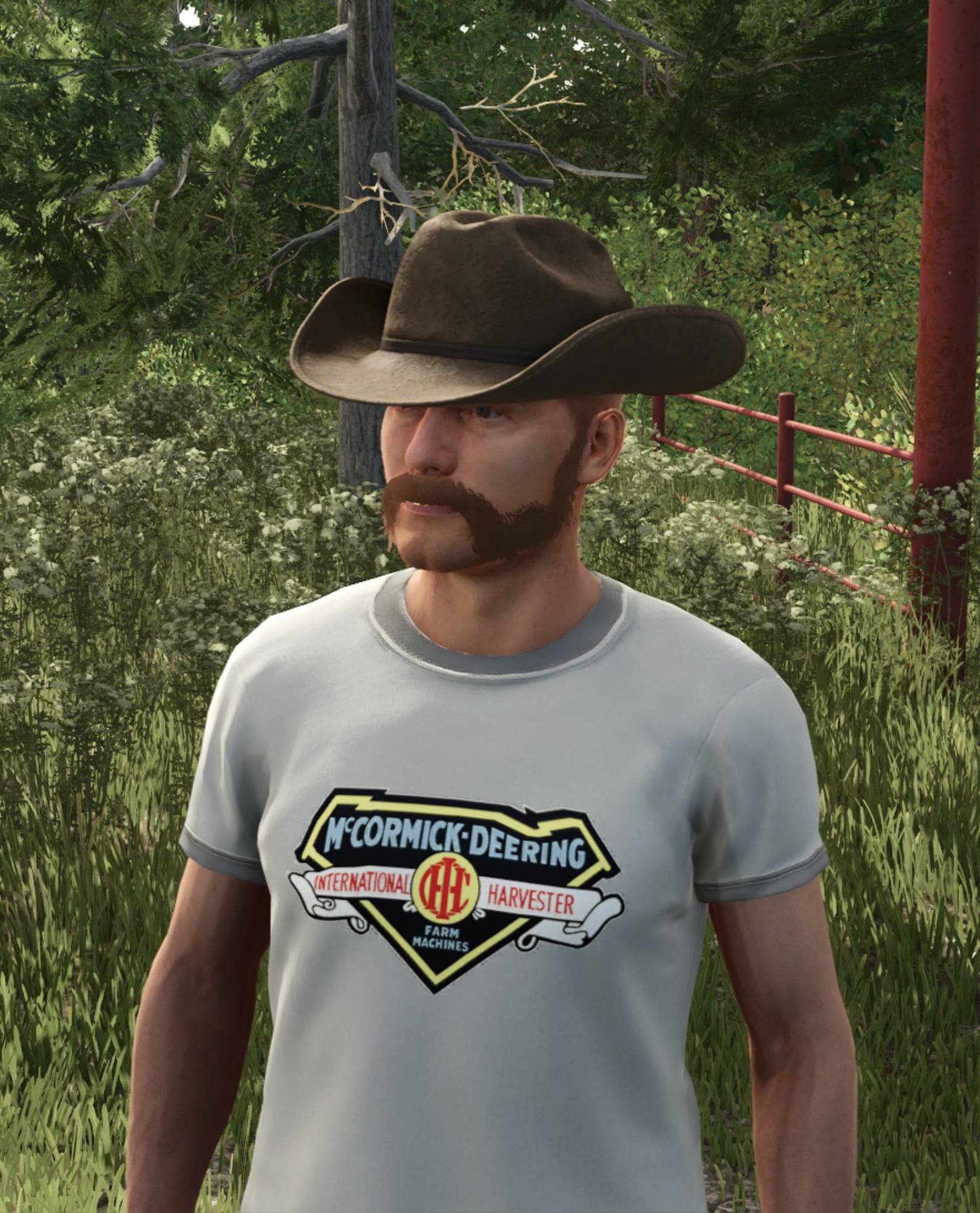
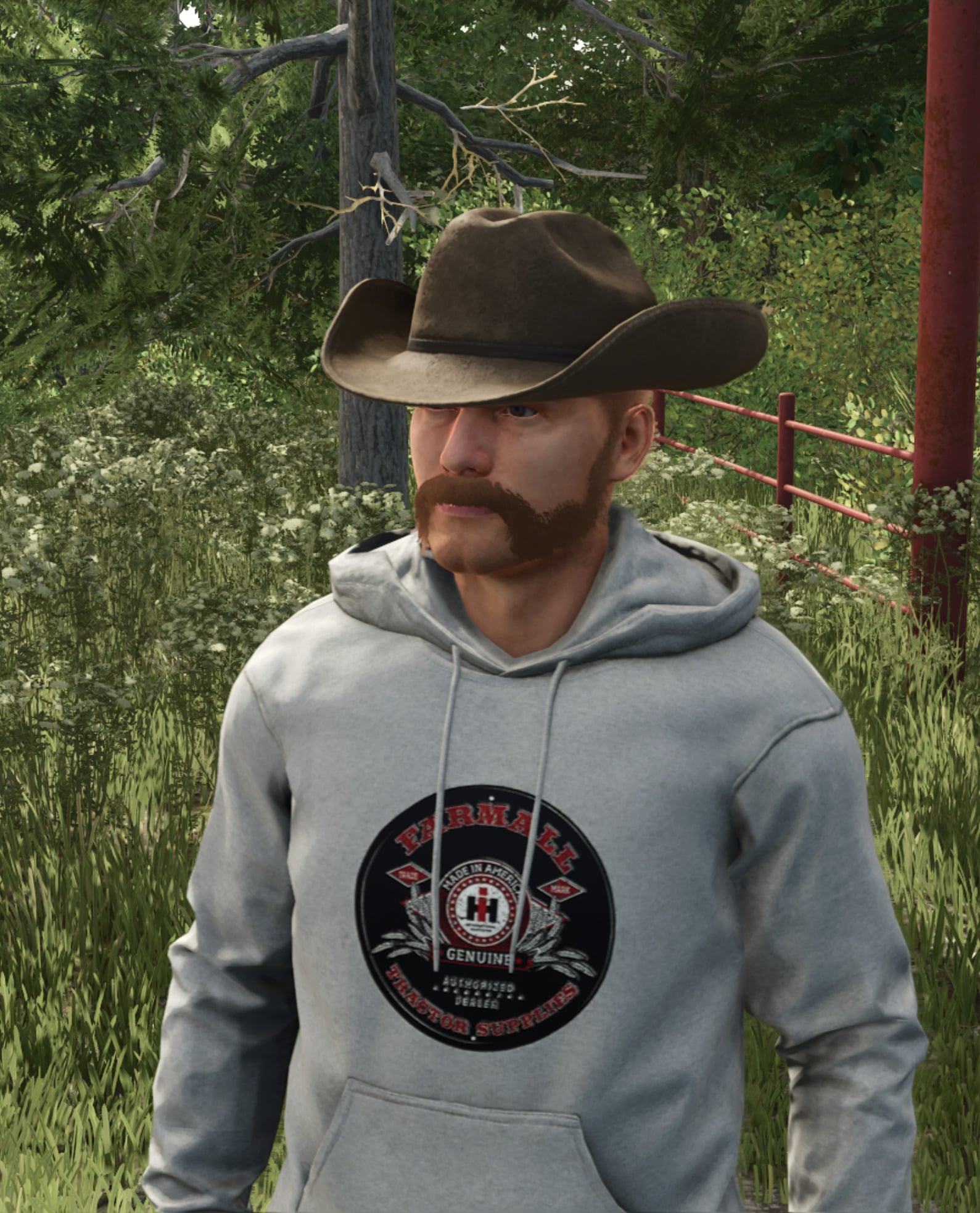
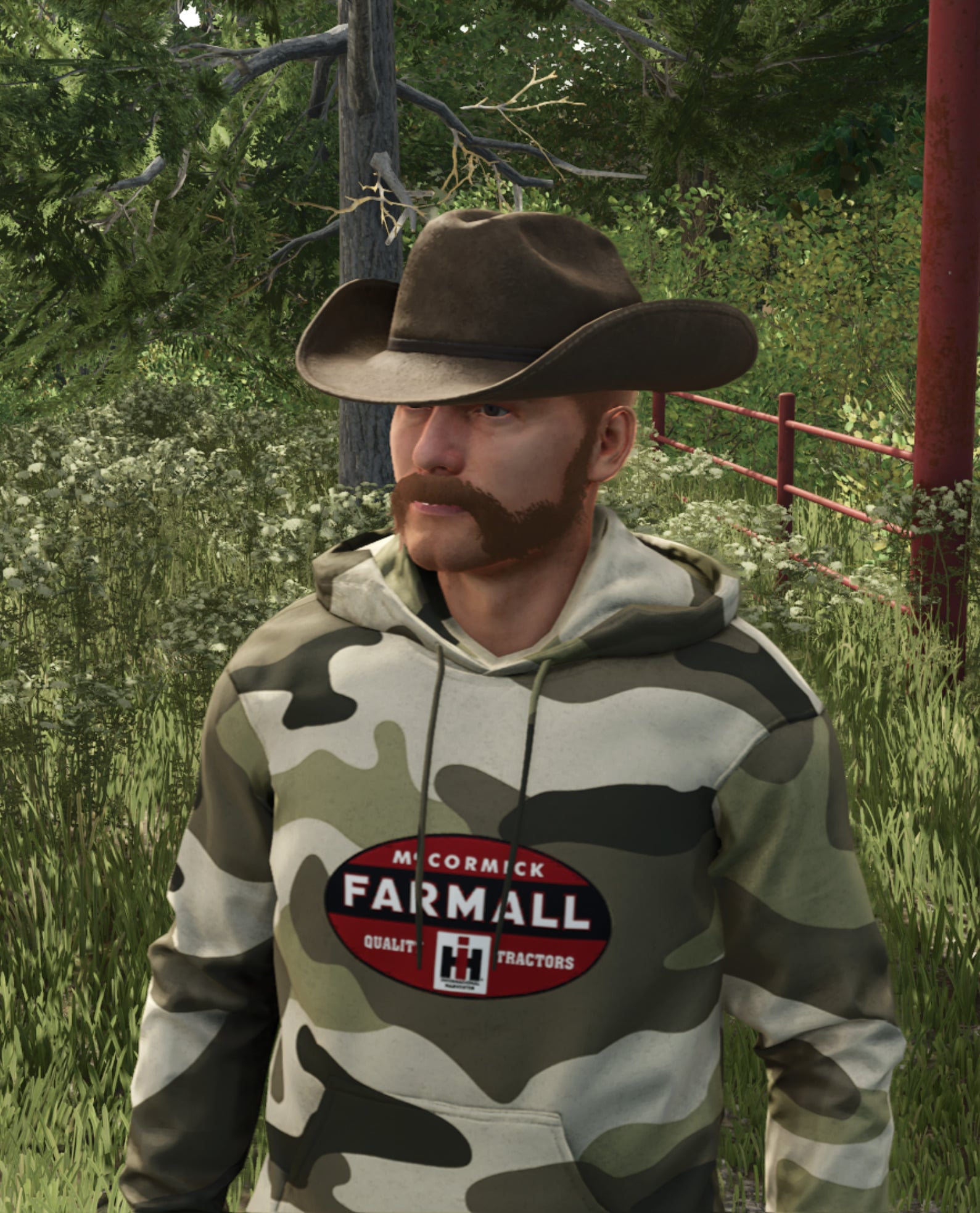
You can fill the Farming Simulator 25 wardrobe with T-shirts, hoodies and sweatshirts carrying vintage McCormick, Farmall and International Harvester logos. The J.I. Case eagle runs across the back too. T-shirts and the sweatshirt let you change the fabric color in Select Color, while the print keeps its true colors, so you can build an outfit that fits your farm.
Features
- Start with the T-shirts or sweatshirt, open Select Color, and set the fabric to white, light grey, black, tan, navy, red, green or light blue. Black-ink prints and the dark-outline eagle have fewer, lighter color choices so you can still read them. The logo stays protected, meaning only the shirt fabric changes.
- You get several T-shirt designs on the front: the McCormick Farmall oval, Farmall Country shield, Farmall dealer roundel, round Farmall badge, McCormick-Deering diamond and McCormick IH monogram. There is also a small International Harvester badge on the left chest.
- On the full back of the T-shirts and sweatshirt, the J.I. Case eagle appears with Racine, Wis. T-shirts also use the Farmall Country shield on the back, and every shield shirt puts the round Farmall badge on the left chest.
- The hoodies arrive in light grey, black and tan. They have the front prints, with the eagle and shield on the back, and their colors are fixed.
- For a camo look, choose the classic olive T-shirt or the classic olive hoodie. Each one has the McCormick Farmall oval on a black sewn-on label.
- Both male and female characters get 31 tops and 1 cap, with tile pictures in the wardrobe list. The cap is black, has a curved bill and shows the KariHatake Modding emblem.
How to use
Head into the wardrobe and check Tops for shirts, hoodies and sweatshirts. For the cap, use Headgear. Then scroll right to the end of the list. Farming Simulator 25 displays at most 255 tops per gender from all installed mods. This pack adds 31 tops per gender. If you have many clothing packs and some pieces do not appear, remove a pack or two. After that, the game lists every item.
YOU NEED: Wardrobe Clothing Addon by U_BMP, a separate download. Install it first. The mod identifier is FS25_WardrobeClothingAddon_BMP.
Install
- 1. Download the zip. Do not unzip it.
- 2. Put it in your Farming Simulator 25 mods folder.
- 3. Enable the mod in the game, open the wardrobe, and pick your items.
Known issues
- The wardrobe list puts the logo small on the chest for back-print items. In the game itself, the print is on the back.
- Recolorable shirts load in light grey. Some dark colors can show a very thin light edge around a logo.
- Hoodies and camo shirts are not recolorable.
- The wardrobe tile picture on the pack icon uses plain garment photos, not pictures of the printed shirts.
- Small logos may look a little soft when viewed from far away because the game compresses the shirt textures.