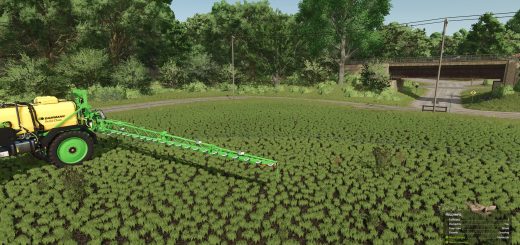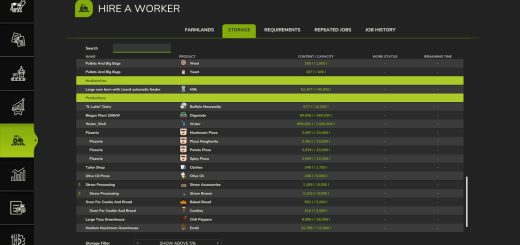

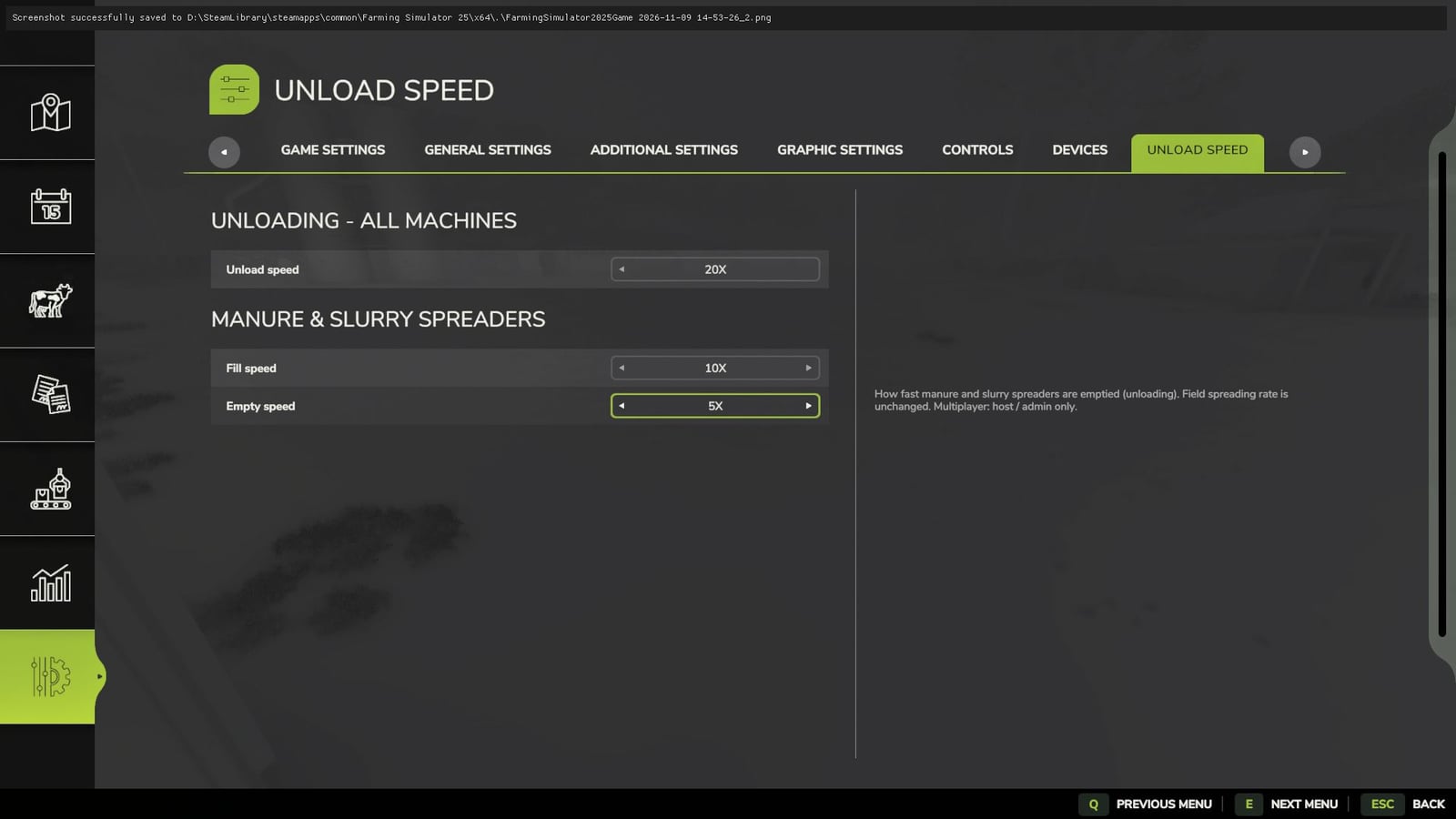
Want to control how quickly things unload? Unload Speed Settings puts an “Unload Speed” page right in the in-game Settings menu. Go to ESC > Settings and open the last tab. Pick 1x, 5x, 10x or 20x, with no config files and no restart, so you can get back to using your machines right away.
Features
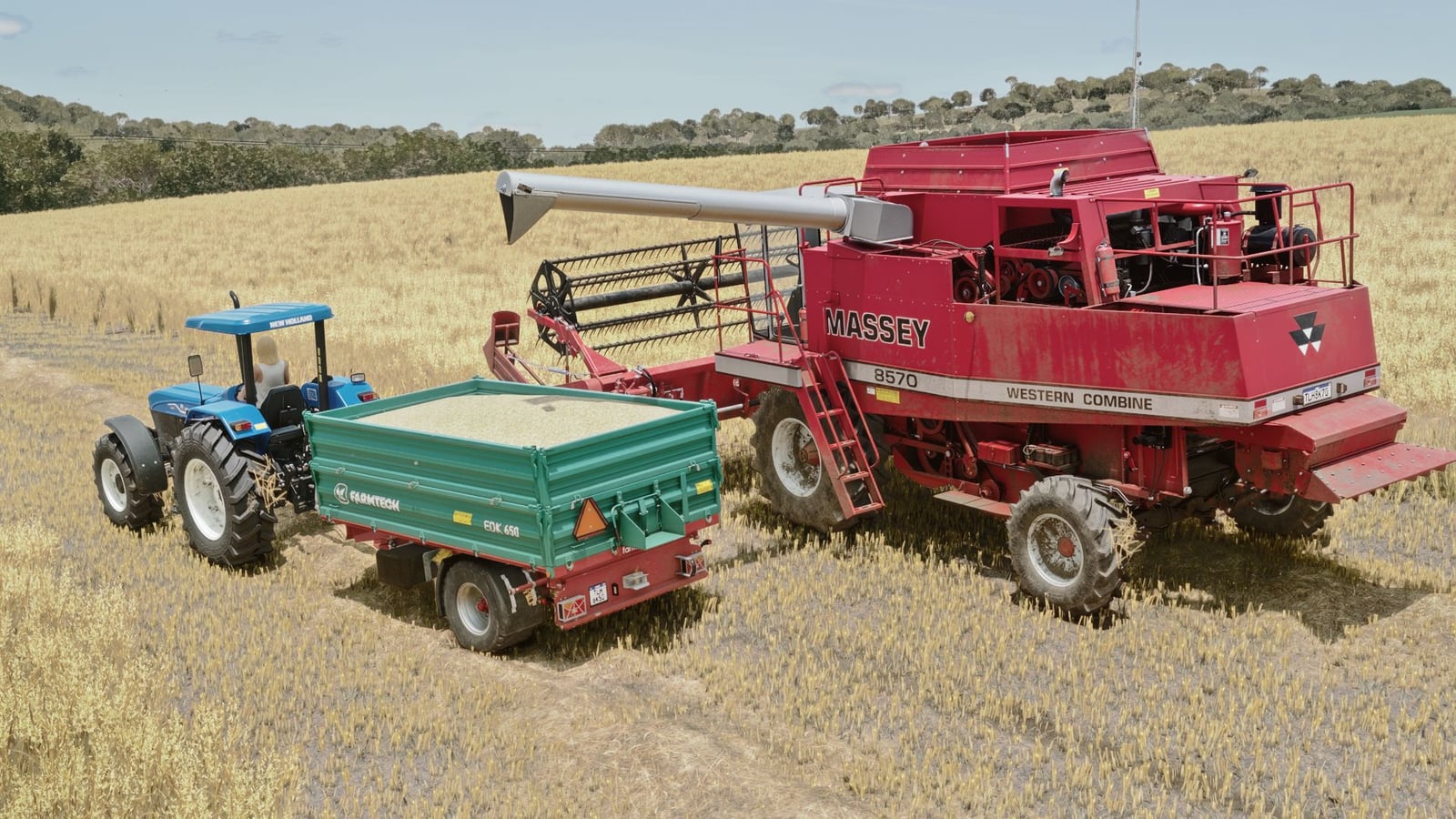
- Set the unload speed for every machine that unloads. That includes combine pipes, trailers, tippers, augers, loader shovels and more. Unload a combine into a trailer or a trailer at the silo as fast as you want it.
- Manure and slurry spreaders get two separate options: Fill speed for loading from storages and piles, and Empty speed for unloading the spreader.
- Your field spreading rate does not change. The setting only controls how fast the spreader fills and empties.
- Playing multiplayer? Only the host / admin can change the values. The server applies the settings and syncs them to every player, even players who join later.
- The settings are saved per savegame.
- Console command (optional):
unloadSpeed <unload> <spreaderFill> <spreaderEmpty>
Example:unloadSpeed 10 20 5, use-to keep a value. Allowed values: 1, 5, 10, 20.