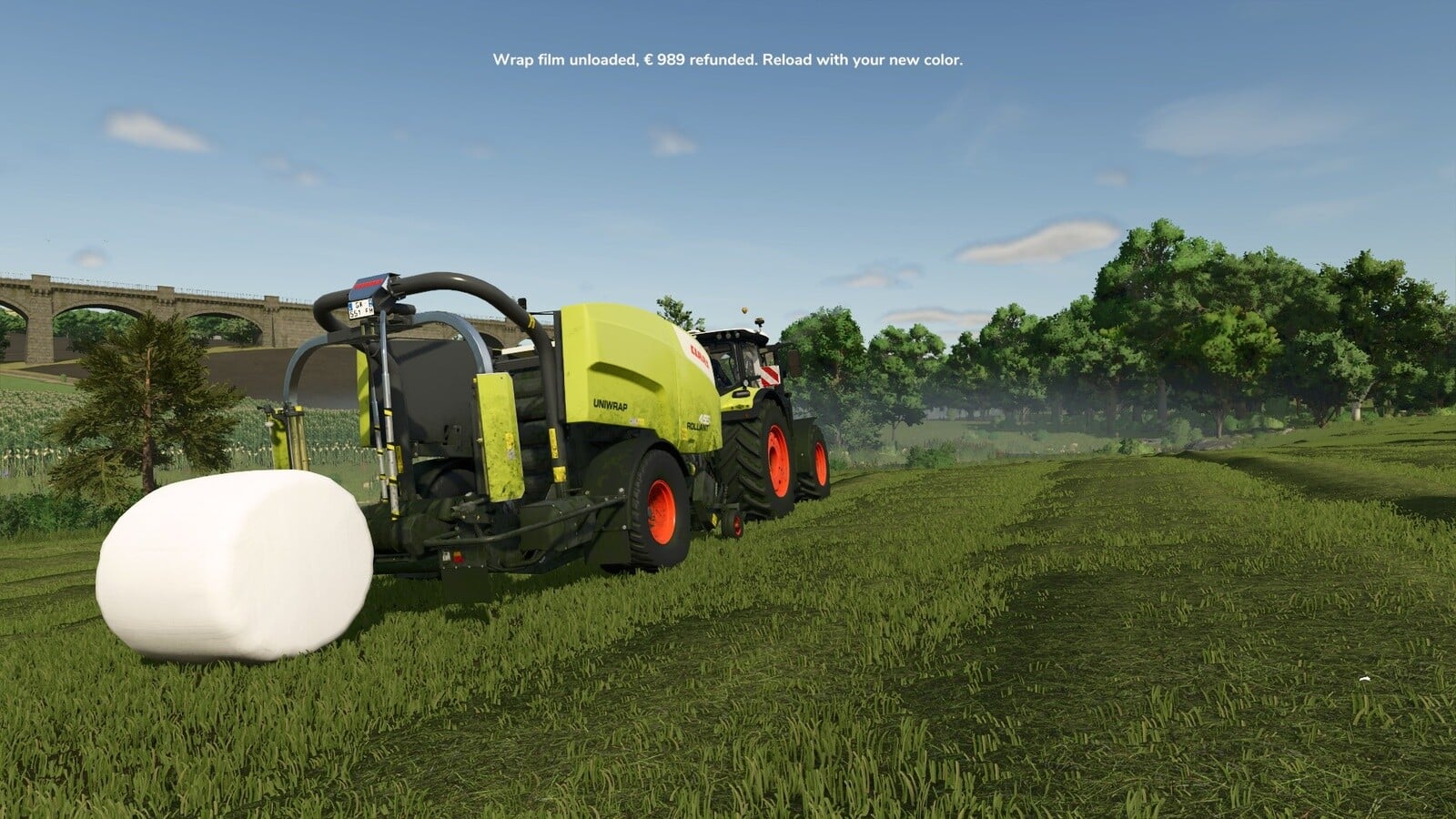
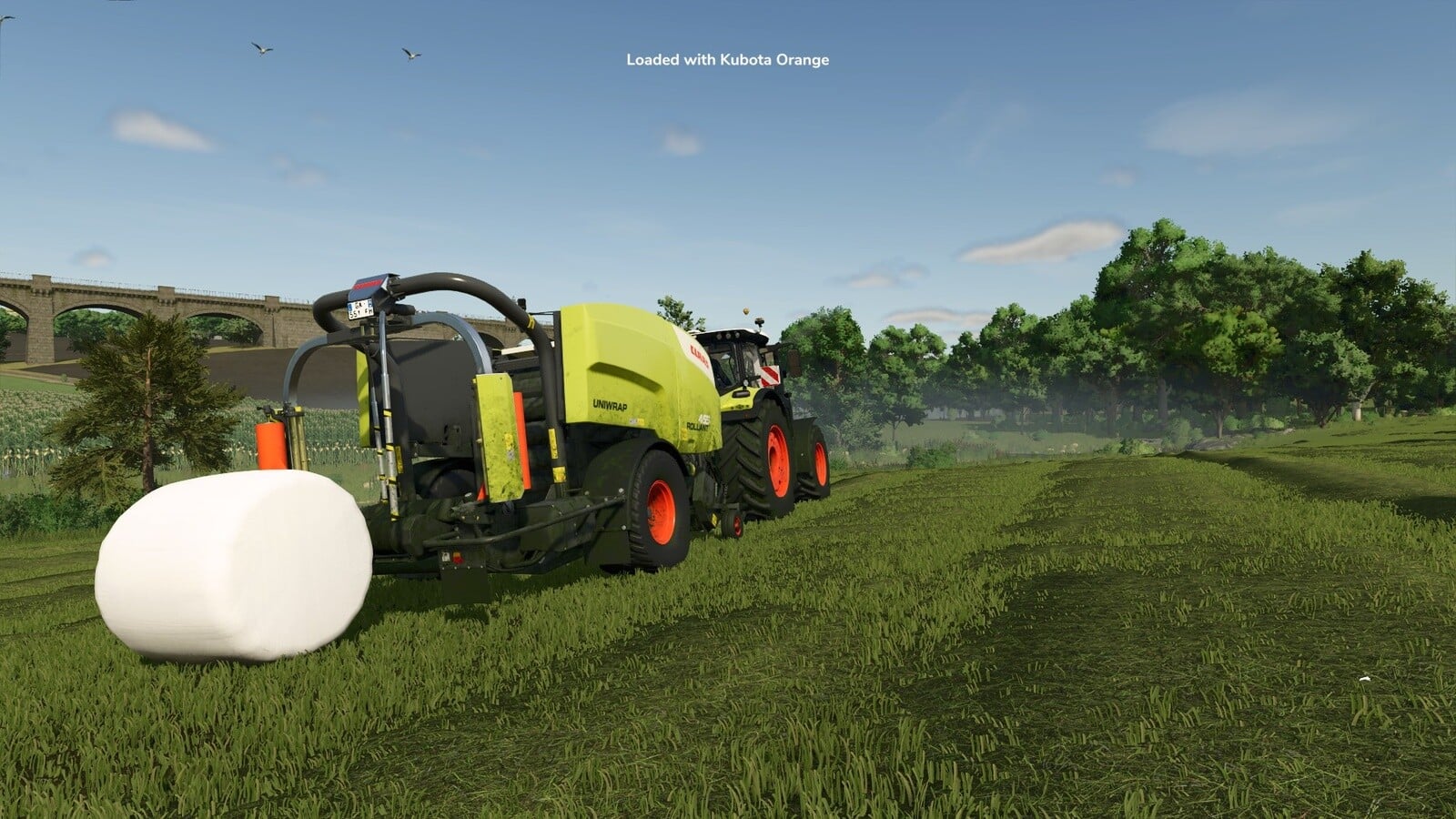
Need to switch wrap colors while a job is still running? Unload Bale Wrap lets you take the wrap film out of a baler-wrapper or standalone wrapper, then load a different color.
Features
- Tap Right Ctrl + U and all wrap film comes out of the baler-wrapper or wrapper you are working with. That includes the storage rolls and the rolls sitting on the spindle.
- The unloaded film is refunded at its film’s shop price.
- Load film into an empty wrapper and a message tells you which film went in.
- You can set the confirmation step, message size, color, background and position, plus the warning style.
- Right Ctrl + F12 brings up the Kijbev help panel with the keys for every active Kijbev mod.
Works on: Every baler-wrapper and standalone wrapper that loads the game’s wrap film rolls, from the base game or a mod.
Changelog
v1.0.3.0
- When you load film into an empty wrapper, the film message appears and names what you loaded.
- Each roll is refunded using the price of its own film.
- Messages match the game’s HUD scale. You get three positions, eight colors, an optional background and a reading time that matches their length.
- There is a new warning style setting: use your message style or the game’s own warning display.
- Your settings are stored per player and work across every savegame.
- Right Ctrl + F12 opens the Kijbev help panel.
- Messages use your own key binding.
- Film messages appear only for the player who loaded or unloaded the film.
- The confirmation before unloading starts enabled by default.
- In multiplayer, a player joining sees the wrap film on every wrapper the same way the host has it.
- Long messages are split across lines.
- Once loading from a pallet has finished, you can unload the film.
v1.0.2.0
- The film message appears only on wrappers owned by your farm.