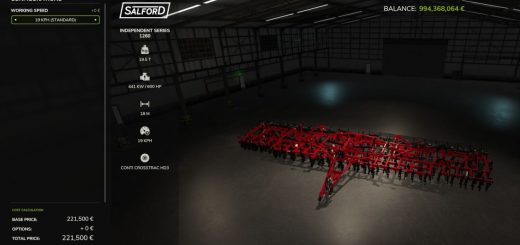
With Swather / Tedder Plus, your swathers and tedders in FS25 get normal wear and overload damage. The mod checks supported equipment automatically, counts its rotors and arms, and adjusts how many spare parts get used. If the check cannot be made, predefined default values step in.
Features
- Your swathers and tedders now deal with normal wear and overload damage.
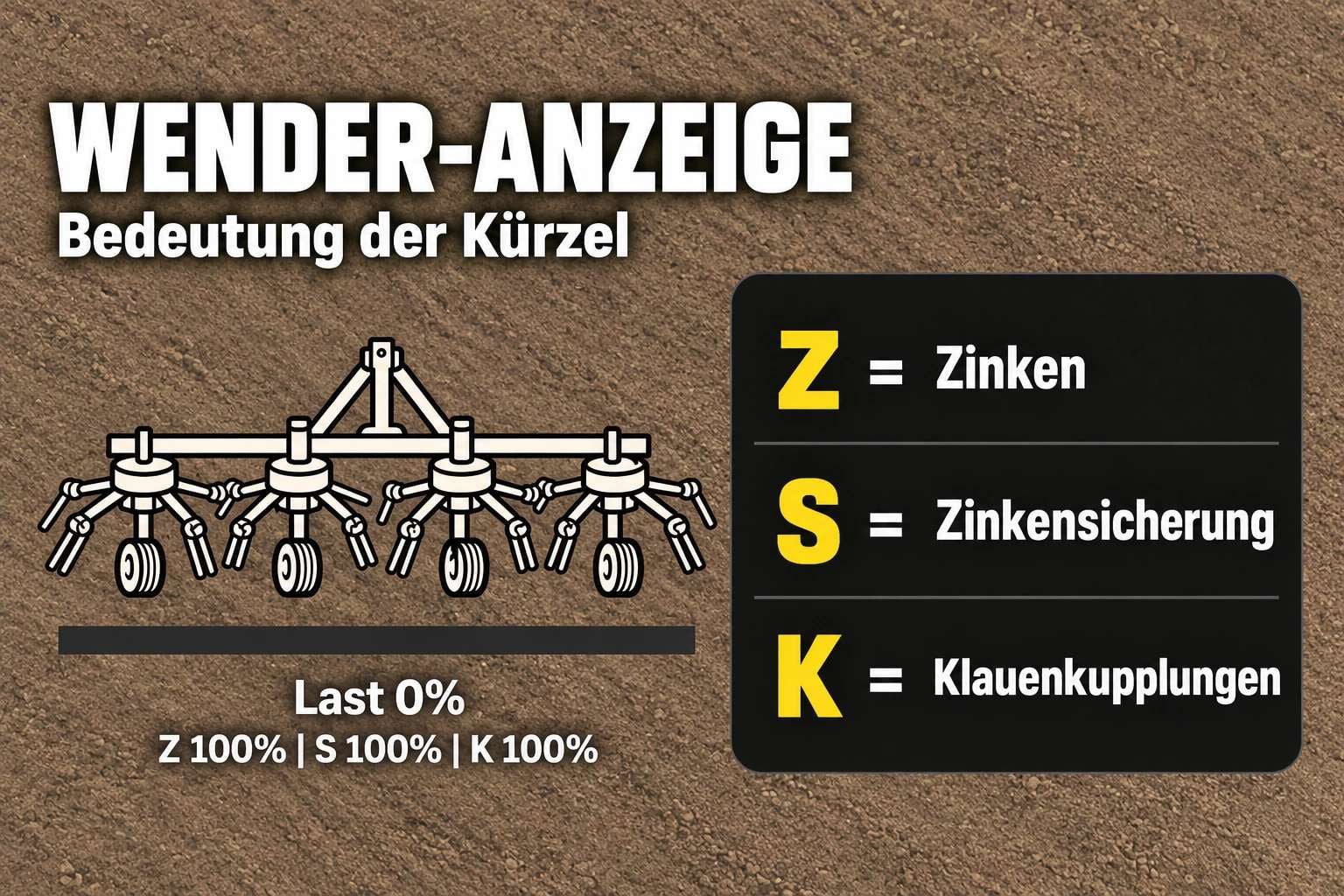
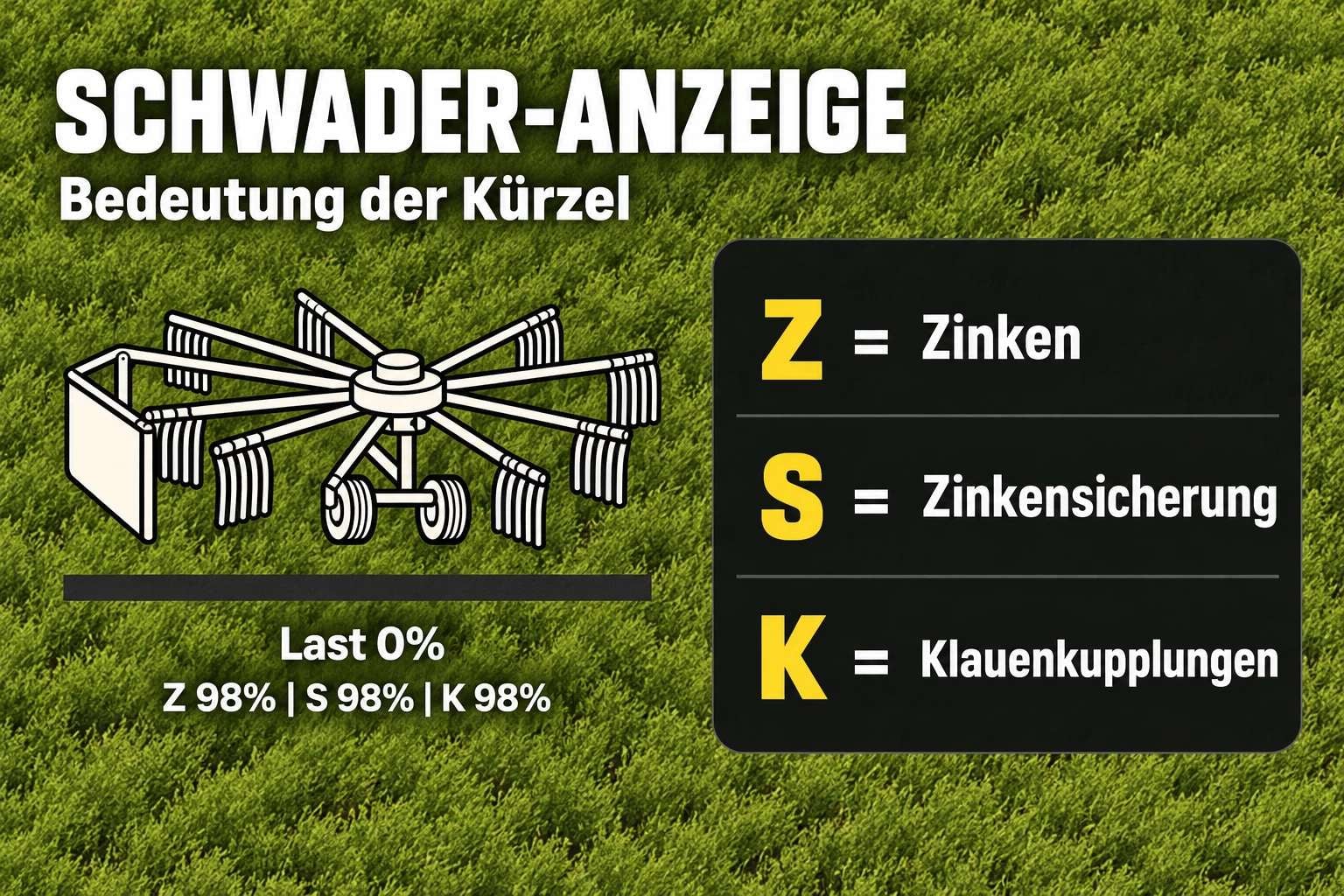
- While you work, tines, tine retainers or safety guards, and claw couplings wear out.
- Push the operational load too far and extra damage is caused.
- Supported implements, plus some modded equipment, can be checked automatically for rotors and arms.
- When that detection works, spare parts consumption is adjusted for the result.
- You can see the equipment condition on the HUD, then move it, hide it, or resize it.
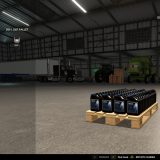
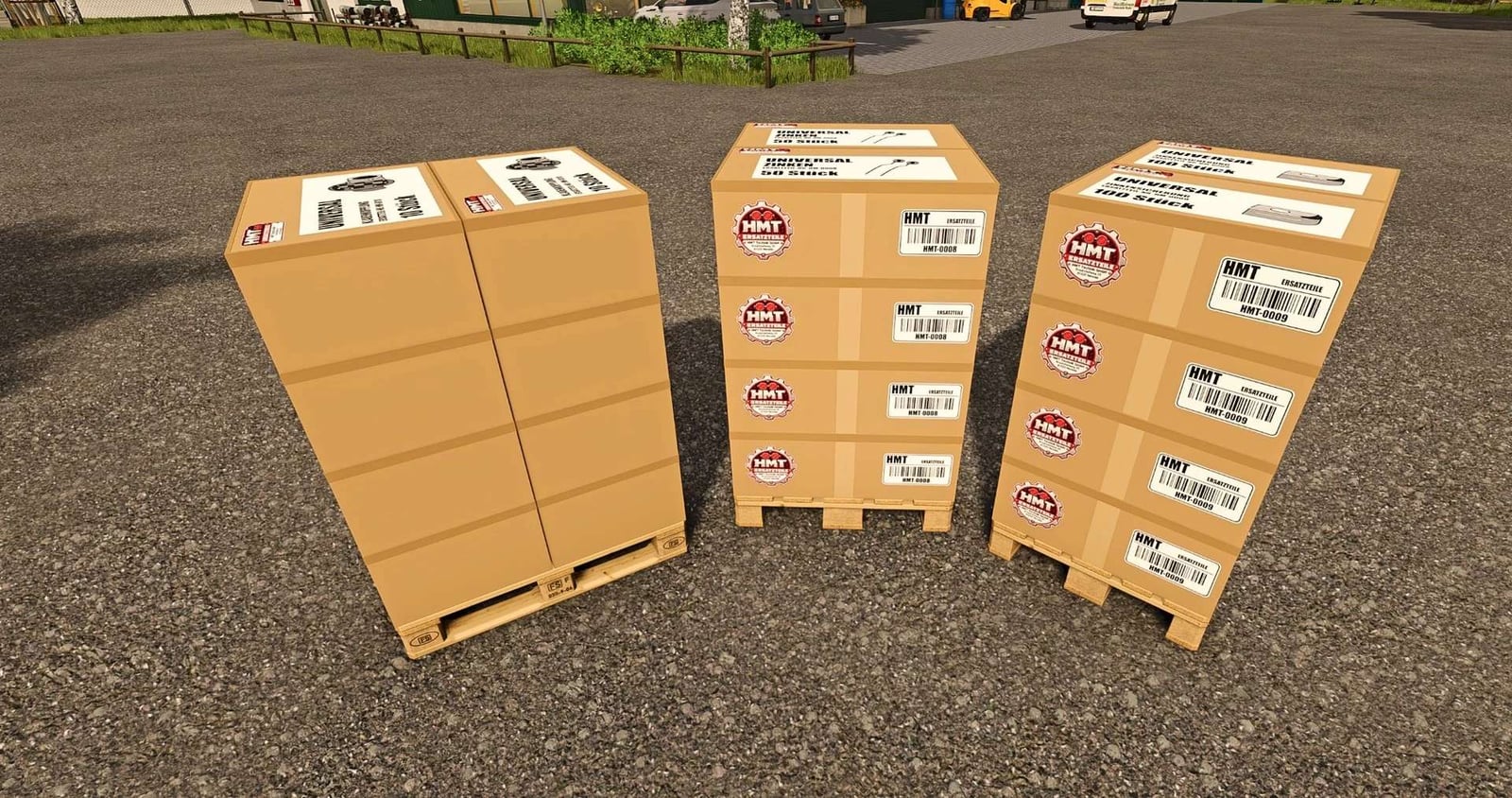
- When buying, you can choose from 1 to 5 boxes.
- This is for single-player use; multiplayer is not supported.
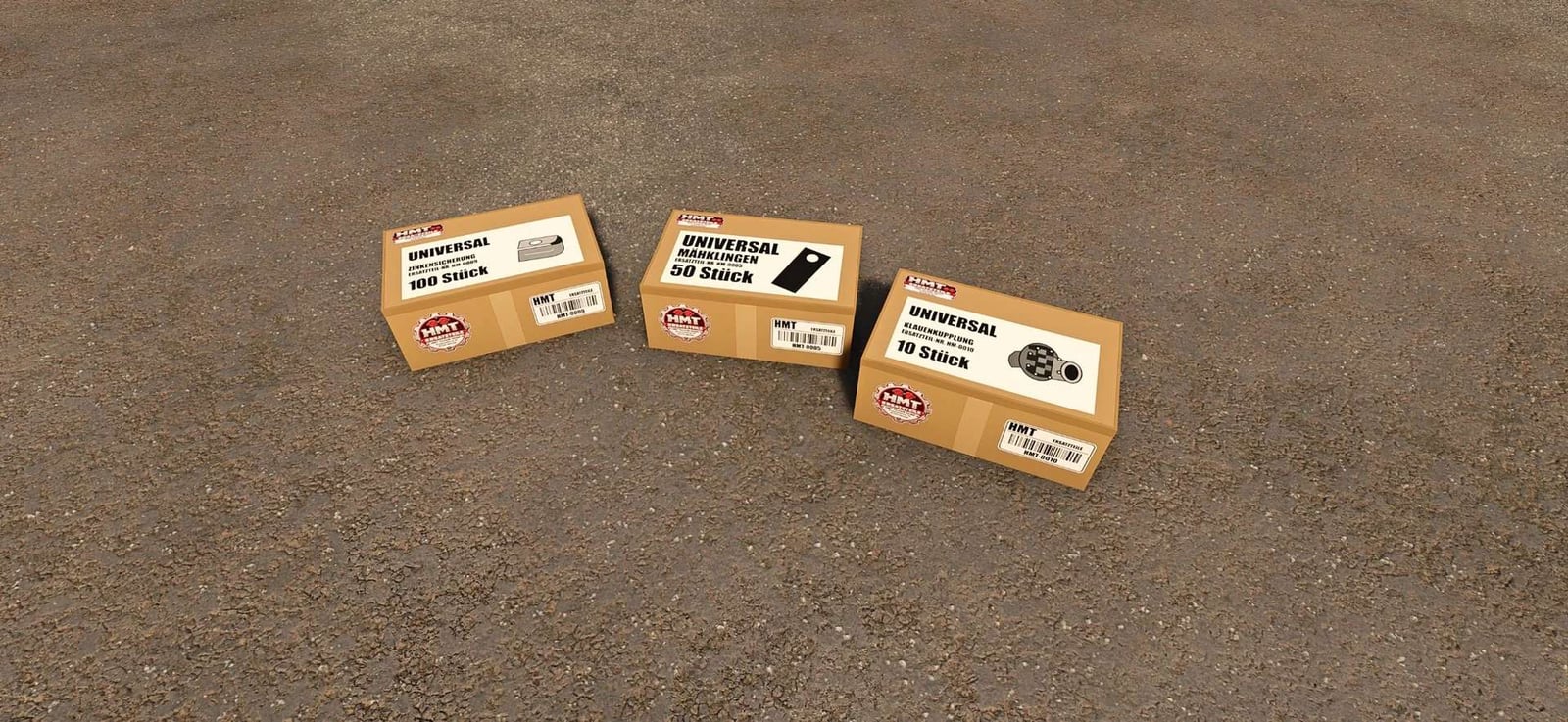
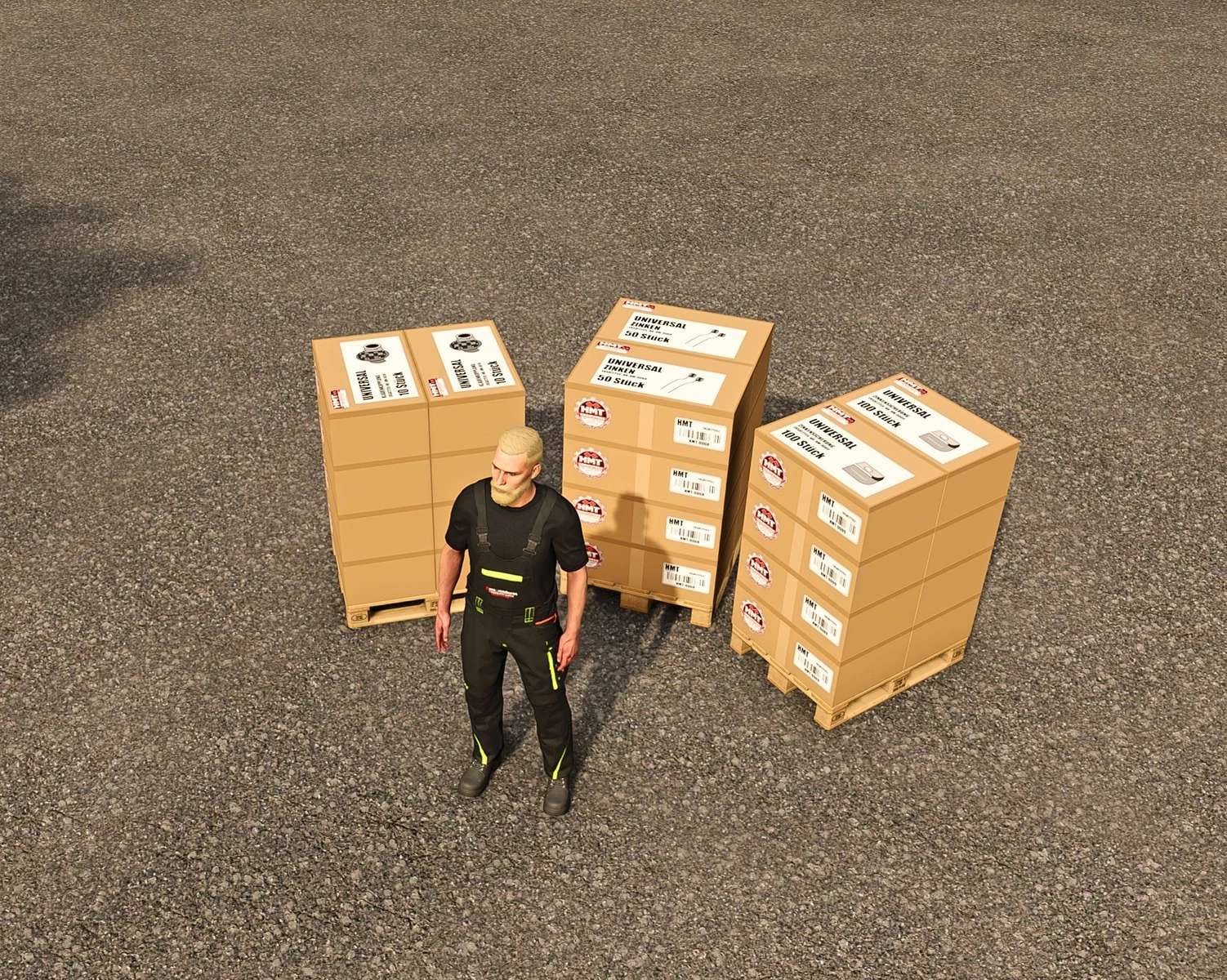
- Look in the “HMT Spare Parts” shop category for the spare parts boxes you need.
Specifications
- Tines use a standard wear interval of 10 operating hours.
- Tine retainers use a standard wear interval of 15 operating hours.
- For claw couplings, the standard wear interval is 20 operating hours.
- The boxes hold 50 tines, 100 tine retainers, or 10 claw couplings.
Controls
- Get into a vehicle with a supported windrower or tedder to operate the system.
- It goes for the most appropriate implement first. If none can be chosen that way, the first detected one is selected.
- Make sure every open menu is closed before you start operating.
- HUD: Hit Left Ctrl + Left Alt + 3 to show or hide the HUD.
- HUD: Press Left Ctrl + Left Alt + 4 to toggle move mode. Hold the left mouse button and drag the visible HUD where you want it. Camera and zoom inputs are disabled in this mode.
- HUD: Press Left Ctrl + Left Alt + 5 to cycle the HUD sizes: 50% → 25% → 20% → 75% of the speedometer width.
- Maintenance, permanently assigned: Ctrl + Alt + Caps Lock starts maintenance or clears a blockage. Press it again during maintenance to cancel the job without consuming parts. You can perform maintenance even with the HUD hidden.
- For maintenance, bring the vehicle to a complete stop and switch off the implement.
- For parts replacement, place suitable spare parts boxes or pallets within five meters of the implement. They must belong to the same farm and have sufficient stock.
- A blockage takes eight seconds to clear and uses no spare parts. No parts are required for this action.
- If it is not a blockage, the part group with the most wear is replaced within 20 seconds when enough replacement parts are available. You can service the other groups afterward.
- The replacement parts are only used when the process finishes successfully.
- Move the vehicle or power it on and the operation is canceled. During parts replacement, the required replacement parts are lost as well.
- You can freely assign the three HUD actions under Options → Controls.
- Maintenance has one more customizable action, and it has no default key binding.
- Your existing user-defined key bindings stay unchanged.
- Ctrl + Alt + Caps Lock remains active as a fixed key combination, whatever these settings are.
Changelog
swader_tedder_plus, Update 1.1.2.7
- The tension belts for boxes containing tines, tine retainers, and claw couplings were corrected. They now follow the real shape of the boxes.
- The pallet base and the remaining boxes are now considered for pallets.
- Maintenance, wear, the HUD, and controls have not changed.
- Up to version 1.1.2.2, maintenance uses Ctrl + Alt + 6 as its default key combination.
- From version 1.1.2.3 onward, Ctrl + Alt + Caps Lock is assigned permanently too.
- Controls are available from version 1.1.2.4.
CVT Note: The reported issue is still open, and it has not been reproducible yet. If you run into it again, send the full log.txt file and a brief description of what happened.