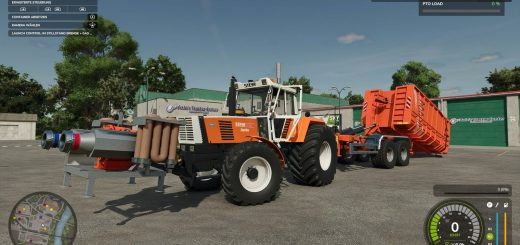
Agricultural Financial System turns the money side of your farm into something you can actually play with. You get current accounts, credit, taxes and cash flow. Buy now on account, get paid on terms, build up credit, pay taxes and sort out staff wages when the month ends.
Features
- YOUR COMPANY: Put in the company name, tax ID, bank, town and employee name. They show up on the bank card, invoices, payslip and ATM. Suppliers and customers also keep the name you gave them and their own history, so your business records stay connected to your farm.
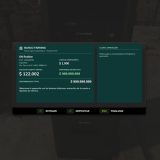
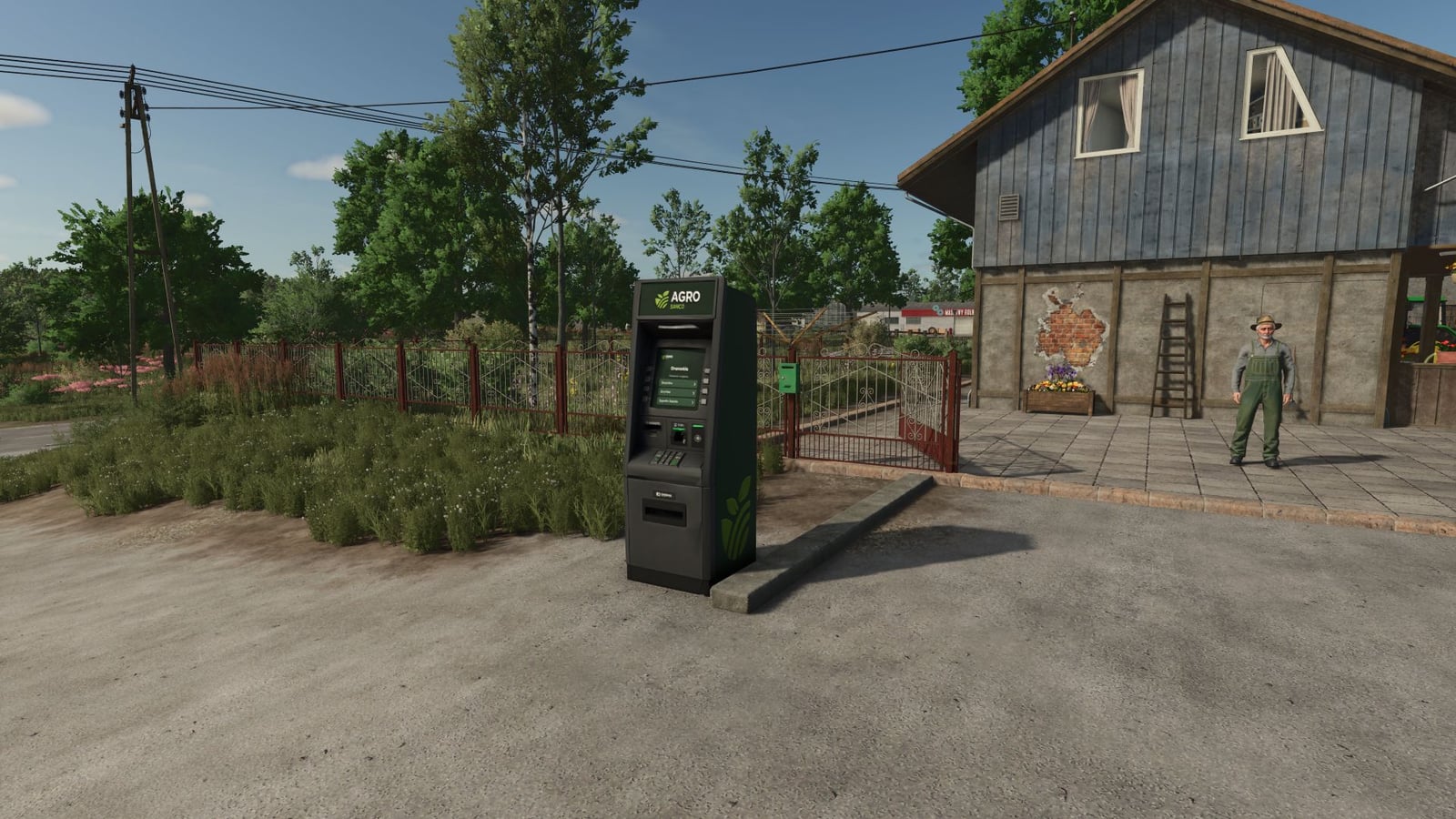
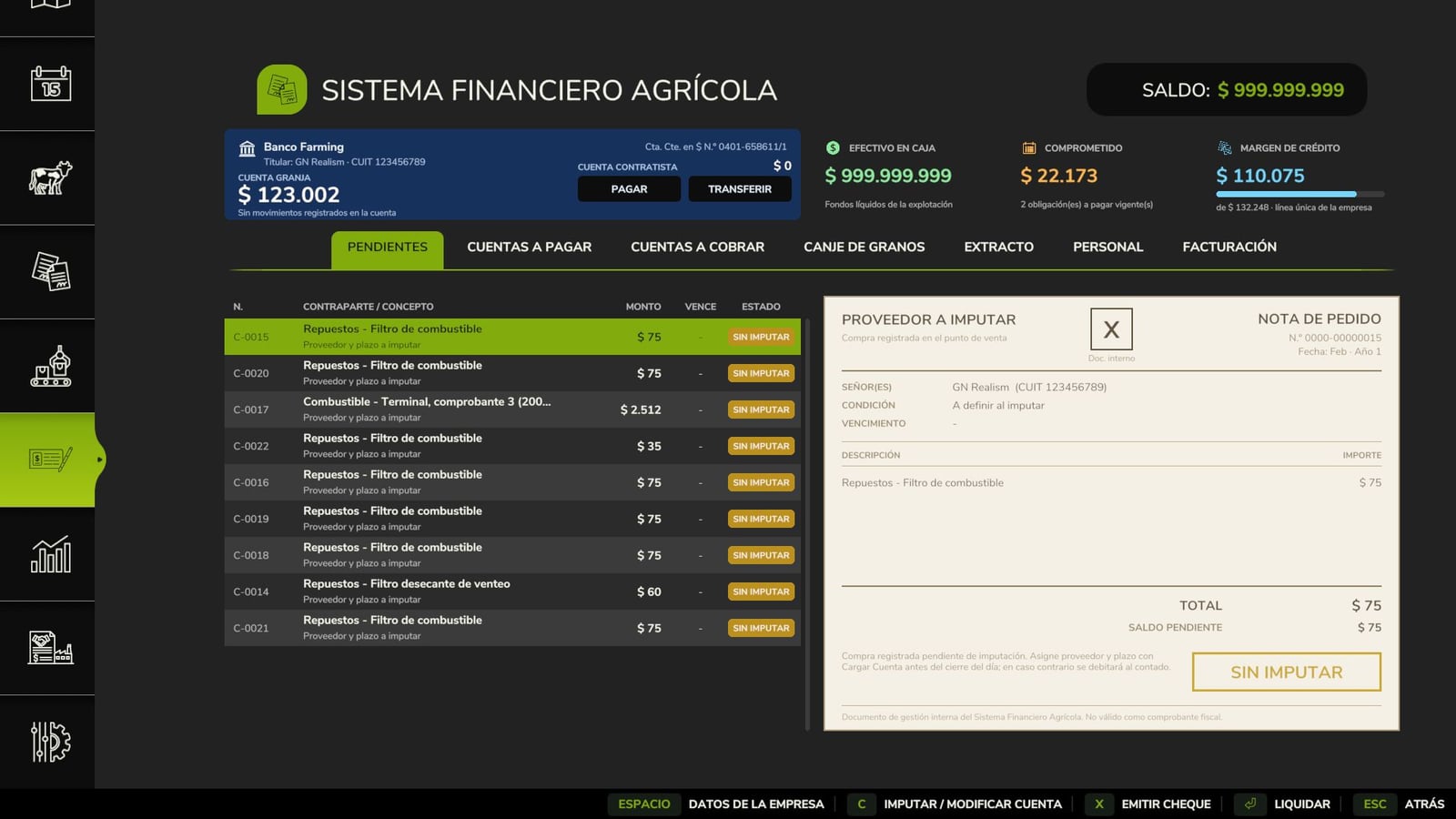
- YOUR BANK: Your account works like a home banking card, sitting beside cash, committed funds and the credit margin. Pick a row and you get its paper document, whether that is an invoice, purchase order, cheque, promissory note, sale settlement or payslip, complete with its status stamp. The statement shows Debit, Credit and Balance. You can send money to another farm, and the bank cost for your country appears before you confirm. You can also place a 3D ATM from that same bank.
- CURRENT ACCOUNTS: Need to buy in the shop, at the animal dealer, in construction, at buying stations or at the map’s fuel stations? Use an account. Pick Cash, 30, 60 or 90 days. Before choosing, you see the 0, 2, 5 or 10 % surcharge. With machinery and buildings, a 25 % down payment halves that surcharge. Pay early and take 3 % off for each month.
- ONE CREDIT LINE YOU HAVE TO EARN: Your whole company works from one line. Choose a starting amount of 100,000, 50,000 or 250,000 in the settings. Pay on time and it grows by 15 %, up to 8 times. If the margin cannot cover the purchase, the purchase is rejected.
- PROMISSORY NOTES AND CHEQUES: Need to go above your margin? Sign a promissory note for 180 days. It has a 30 % surcharge and can reach up to twice your earned limit. Deferred cheques come with 30, 60 and 90 day options. Two bounced cheques suspend your chequebook.
- ARREARS AND SEIZURE: One overdue account is enough to put your available credit at zero. Settle it and the earned limit returns. The penalty interest is 3 % per month. Refinancing is available up to twice, while an unpaid promissory note goes to seizure.
- RECEIVABLES: Sales, contracts and animal sales can pay on terms. Collect by bank deposit or pick up cash at the factory counter, tax-free. A customer can sometimes pay late, and the delay always has a reason.
- OPTIONAL TAXES BY COUNTRY: Choose from Argentina, Brazil, Spain, Germany, France, Italy or the United States. Taxes start off by default. The system covers VAT, the monthly VAT return and annual income tax with depreciation and losses. The Invoicing tab looks like the tax authority’s portal and puts the invoice on paper. Contracts are invoiced to the NPC who owns the field.
- INVOICES BETWEEN FARMS: Do a job for another farm and invoice it. The other farm accepts or rejects the invoice, and you get paid once it pays.
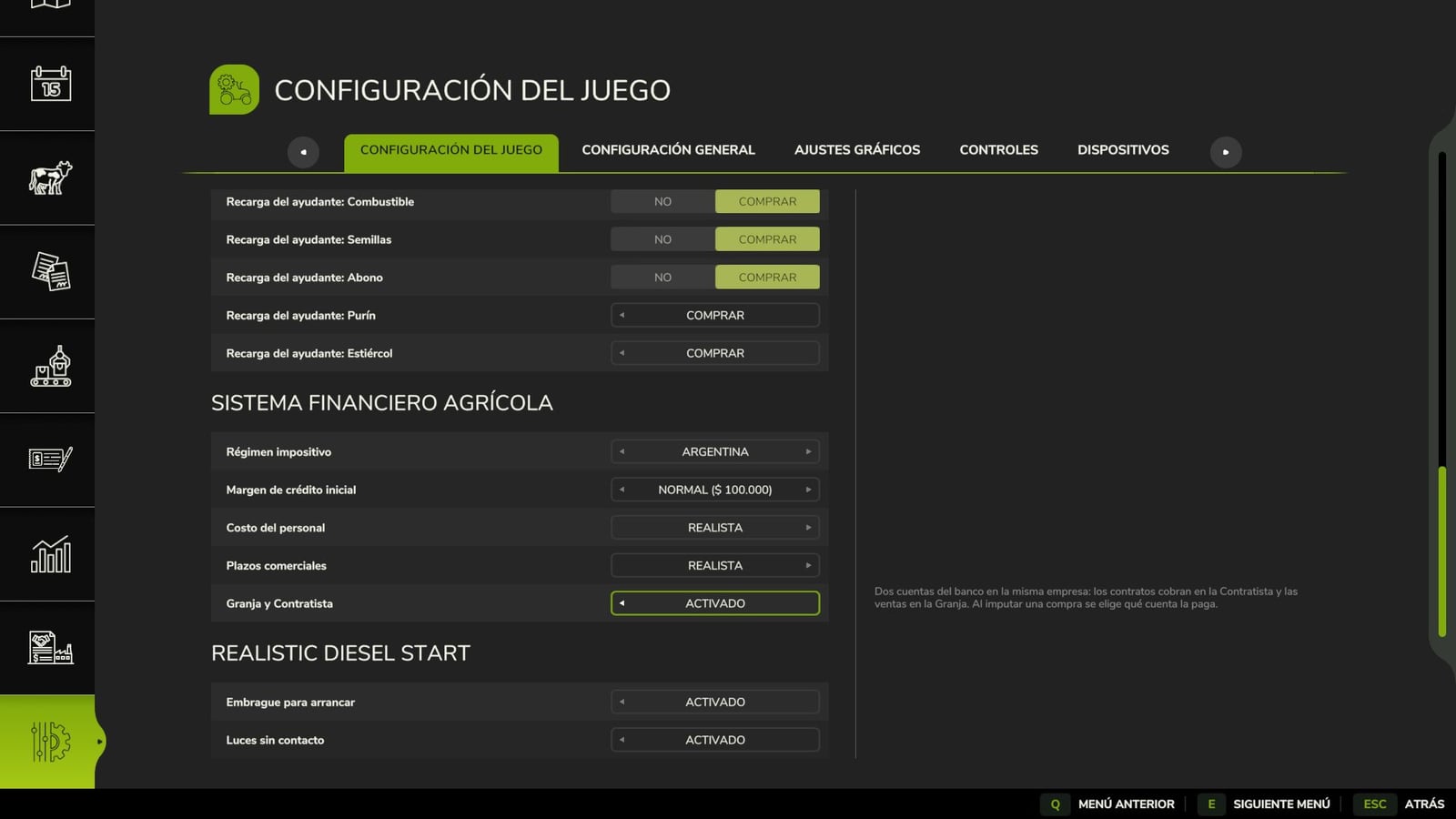
- FARM AND CONTRACTOR, optional: Keep two bank accounts inside one company. Contract money goes to the Contractor, while sales go to the Farm. Automatic cover and free transfers connect them, and you choose the account that pays every purchase.
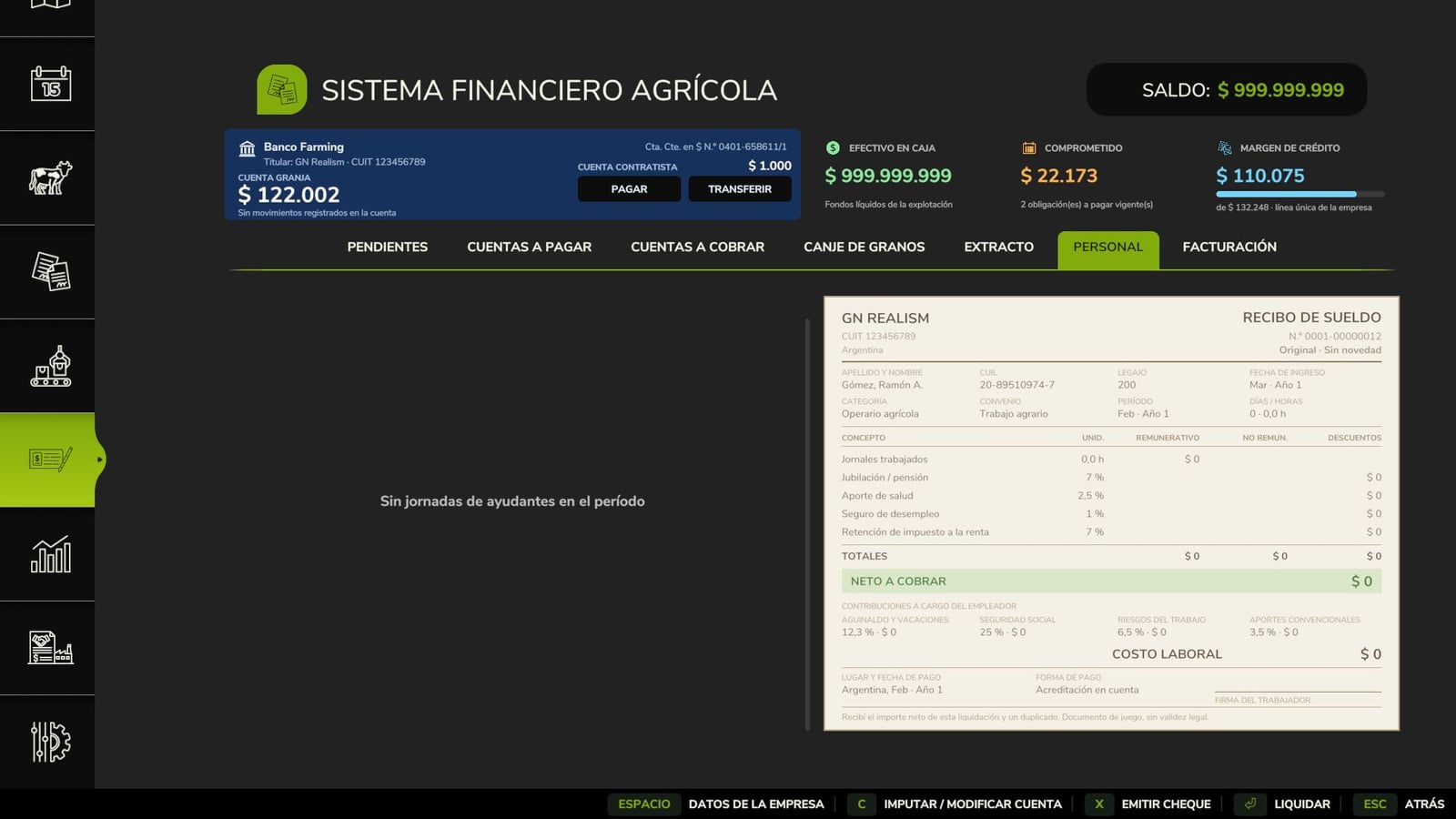
- STAFF: Wages are settled every month, including labour charges of Realistic 47.3 % or Low 15 %. You get a real payslip. Leave payroll unpaid and staff will not take new jobs.
- GRAIN BARTER: A signed contract lets you settle a debt with grain. Its value is 5 % above the market value.
- SETTINGS: Change the tax regime, starting credit, staff cost, commercial terms and Farm and Contractor in the game menu. In multiplayer, only the admin can change them. Supply & Transport Contracts works with the system, and other mods can add their own accounts.
- Play in single player, multiplayer or on a dedicated server. Spanish, English, German, French and Italian are available.
Changelog
- V1.3.1.1
Farm Foreman now works with the system. Other GN Realism mods get a new read-only account summary showing account balances, the credit line and the next due dates. Farm Foreman’s phone puts it in the Bank app and gives you a warning every morning when due dates are coming up. That is the only change: the rules and save game format stay the same. You do not need a new game. Multiplayer and Dedicated Server supported. - V1.3.1.0
This major update builds on the previously released 1.2.0.0. The items below are new or changed.ONE CREDIT LINE
Instead of four credit lines, the whole company now uses one. Its starting value is 100,000, 50,000 or 250,000, depending on the settings.
Credit earned with suppliers is added together in your saved game, so the credit you already earned is not lost.
Tax and payroll accounts leave your credit margin alone.BANK AND DOCUMENTS
The bank screen has a new look. See your account as a home banking card, next to cash, committed funds and credit margin.
Every tab shows the paper document for the selected row. This includes an invoice, purchase order, cheque, promissory note, sale settlement or payslip, with the status stamp included.
Statement now works as a bank statement with Debit, Credit and Balance.
Send money to another farm and check the bank cost for your country before confirming the transfer.
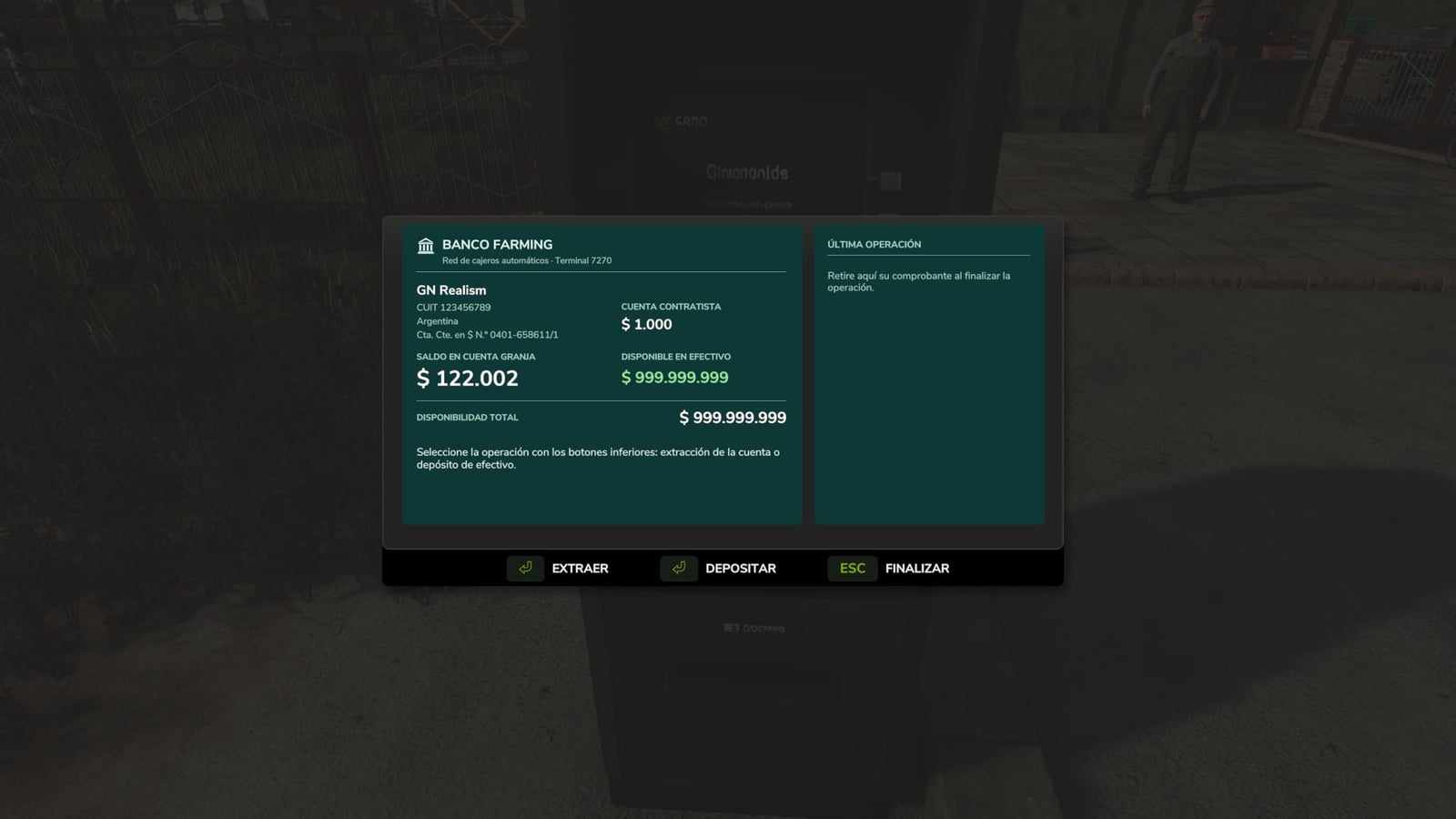
The ATM is from the same bank. It has its own icon and shows the last operation on the screen.
There are also separate sounds for the ATM, credits, debits, arrears, bounced cheques and stamps.SETTINGS IN THE GAME MENU
Set the tax regime, starting credit, staff cost, Realistic or Low, commercial terms, Realistic or Balanced, and Farm and Contractor from the game menu. In multiplayer, only the admin can change them.TAXES, optional, off by default
The country choices are Argentina, Brazil, Spain, Germany, France, Italy and the United States.
VAT applies to every sale and purchase, with a monthly VAT return and annual income tax that includes depreciation and losses.
The new Invoicing tab is the tax authority’s portal, with the book of invoices and the invoice on paper.
Contracts are invoiced to the NPC who owns the field.INVOICES BETWEEN FARMS
Open the Invoicing tab and press theCbutton to invoice another farm. It can accept or reject the invoice in Pending. After it accepts, you get paid when they pay.FARM AND CONTRACTOR, optional
One company now has two bank accounts. The Contractor receives contracts, and the Farm receives sales.
Automatic cover works between the accounts, transfers are free, and you pick which account pays each purchase.
Helper wages on contract fields are charged to the Contractor.STAFF
Staff now use real labour charges: 47.3 %, Realistic, or 15 %, Low, rather than the old fixed 35 %.
In the Personnel tab, check the daily wage sheet and the real payslip. Set the employee’s name in Company Details.SALES AND CONTRACTS
Animal sales now enter Accounts Receivable just like any other sale.
Contracts using their own code, Supply & Transport Contracts, dead wood, tree transport and rocks now enter Accounts Receivable too.
Fuel from the map’s fuel stations is now bought on account.
Other mods can add their own instalments and fees to the current account.
Save games from 1.2.0.0 still work, so no new game is needed. Multiplayer and Dedicated Server supported. - V1.2.0.0
This major update follows the previously released 1.0.2.0. Everything below is new or changed; anything not mentioned remains unchanged.CREDIT LINES
Construction and Livestock get two new categories with their own limits: Construction starts at $250,000 and Livestock at $120,000. Inputs remains at $50,000 and Machinery at $100,000.
Each farm has its own line with every supplier in every category. Pay on time and that specific line increases by 15 %. Credit in other categories is not affected.
In multiplayer, a farm cannot use credit another farm earned.CONSTRUCTION AND LIVESTOCK ON ACCOUNT
Construction can now be purchased on account. Use the fourth button in the construction screen to activate it.
Livestock purchases on account now work as intended. In version 1.0.2.0, the button still charged the purchase immediately.PAYING LATER COSTS MONEY
When you assign a purchase, choose Cash, 30, 60, or 90 days. The surcharges are 0%, 2%, 5%, or 10%, respectively, and the currency amount appears before you confirm.
For machinery and construction, a 25% down payment cuts the surcharge in half.
A purchase that