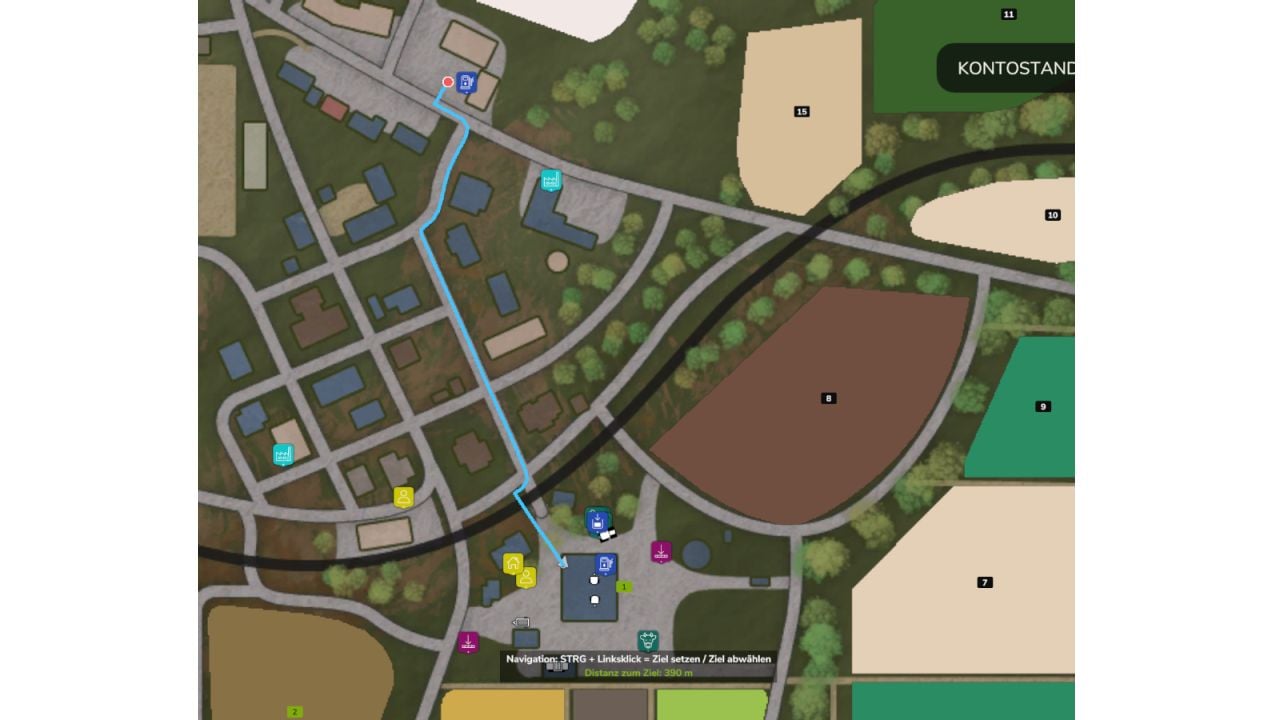
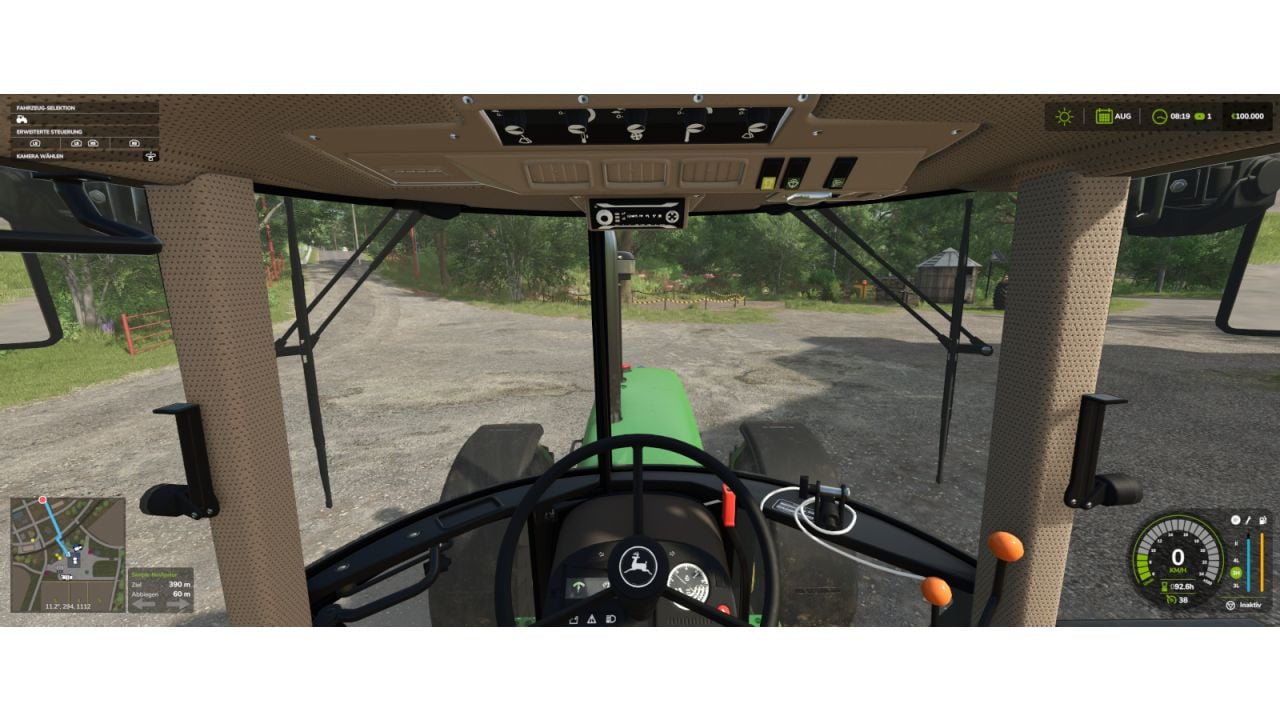
With Simple-Navigator, you get route guidance from the map’s splines and/or an AutoDrive course when AutoDrive is installed. The route method is chosen dynamically, so you can set up your drive this way.
Features
- You can follow the map’s splines and/or an AutoDrive course for route guidance, if AutoDrive is installed.
- AutoDrive gets included dynamically.
- Guidance works only through splines, and these are usually not field paths.
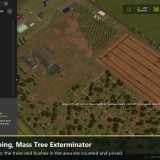
- Your route appears right on the minimap.
- Next to the minimap, a panel gives you the distance to the destination, the distance until the next turn, plus blinking arrows showing left or right.
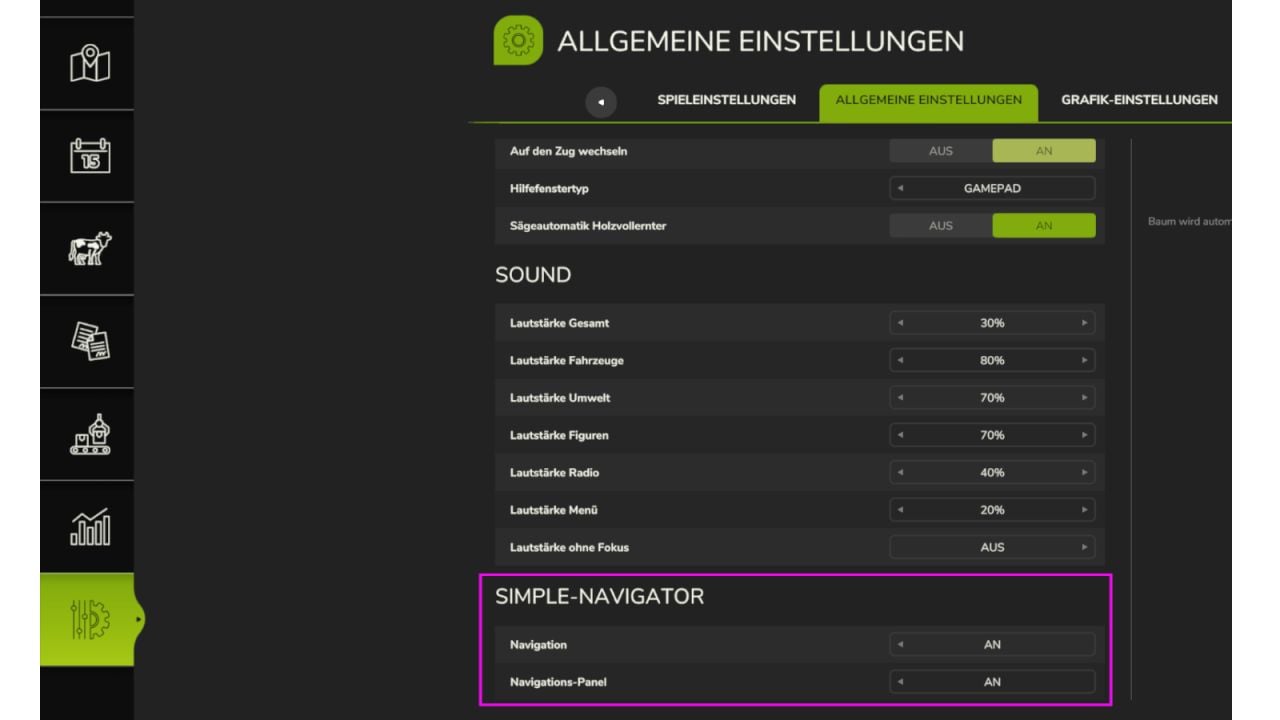
- Open Settings > General to turn navigation and the panel fully on or off for yourself. This also works on servers.
Want to choose where you are going? Open the overview map, ESC menu, then press CTRL + left-click on the destination.
Press CTRL + left-click on the exact same spot again to remove it.
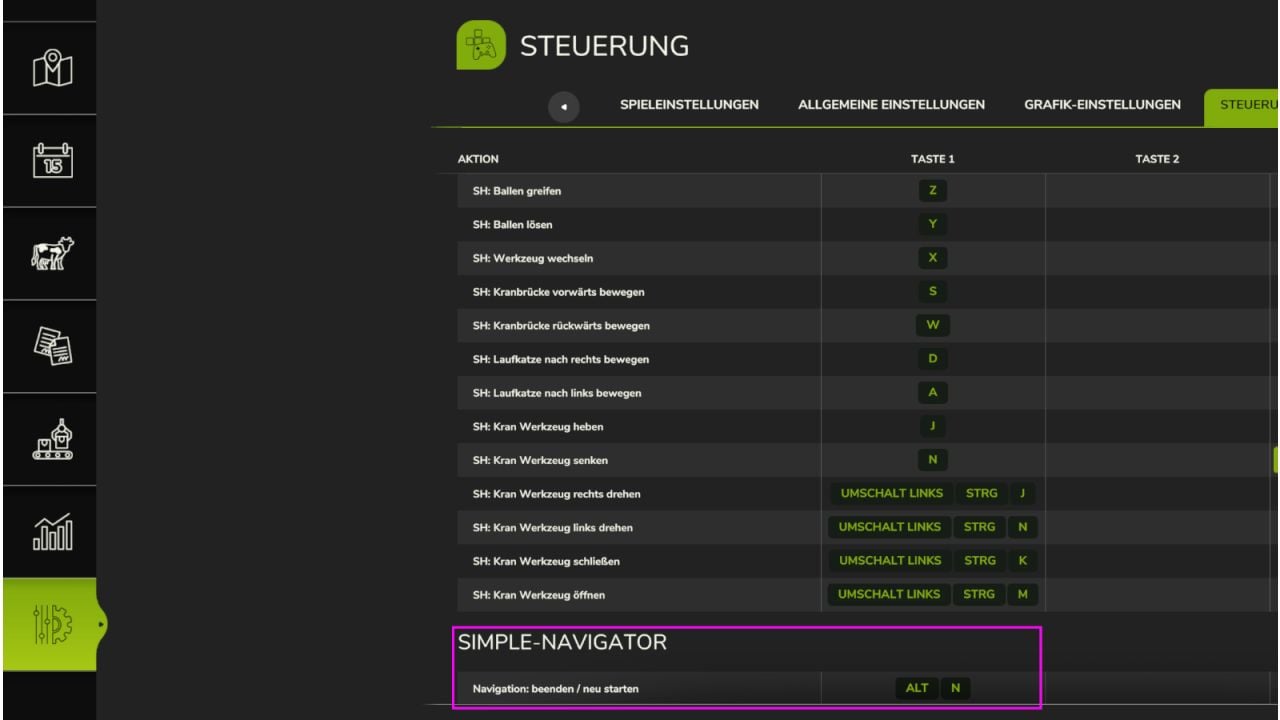
ALT + N: End / restart navigation
It has not been tested on large 4x maps yet. If you spot errors or have comments, feel free to write.
Changelog
- V1.1.2.0
AutoDrive courses in the field are ignored.
The navigation line on the minimap now has a fixed error. - V1.1.0.0
AutoDrive is now dynamically used together with the map’s splines, which allows routes on maps without splines. Routes can now be calculated through splines, AutoDrive, or both together.