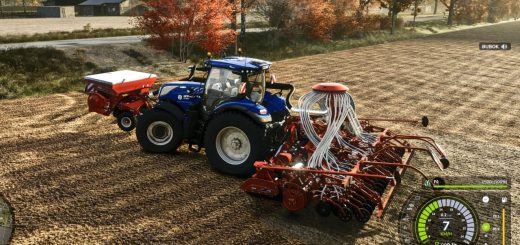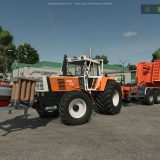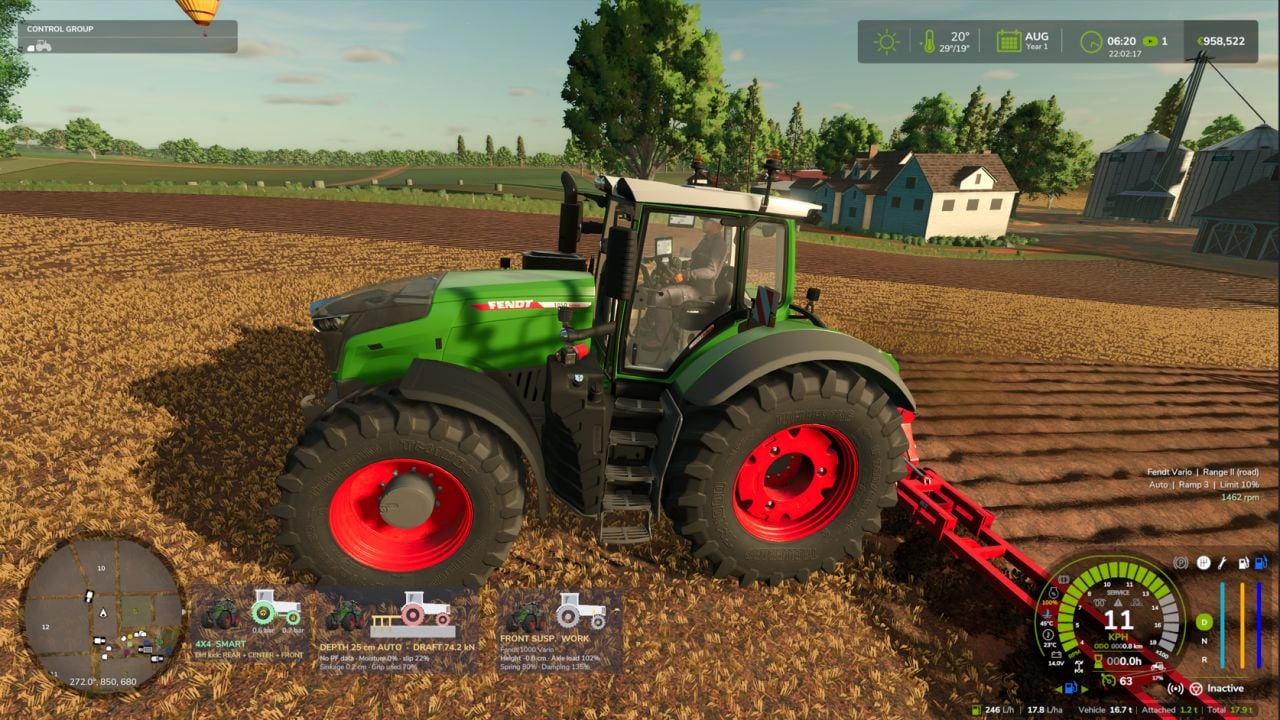
With Real Power Train, you get realistic CVT behavior, engine and transmission management, a hand throttle, power-split efficiency and hydraulic engine load effects. It gives you more to manage while driving and working with your tractor.
Features
- Fendt Vario and MF Dyna-VT get a realistic CVT with 2 manual ranges, field / road. You can change them only at a standstill. CVXDrive for Case IH, Steyr and New Holland, plus JD AutoPowr, CLAAS CMATIC, Deutz TTV, Valtra Direct and Kubota KVT, use 4 automatic ranges with almost unnoticeable shifts.
- Pick Auto for economy and low rpm at transport speed, or Power for engine / transmission management. You can also set the load limit and acceleration ramps 1-4.
- Use the hand throttle with two rpm memories, A / B. They are saved with the savegame, just like on real tractors.
- Power-split efficiency means more losses in the hydrostatic part, and you see that in pulling force and fuel use.
- When you run the PTO under load, the engine drops a little instead of being locked at PTO rpm.
- Tipping, loader work, linkage and folding make the hydraulics raise engine rpm. Afterwards, the engine returns to idle.
- Press Left Alt + P for the own window. The Transmission tab shows live rpm and target, engine load, efficiency, hydrostatic share and a range strip. In Settings, you can handle modules, which vehicles and the CVT profile per brand, with changes applied at once. The Panel tab gives you on / off, text size and mouse movement.
- The CVT module turns itself off when CVT Addon, RealismAddon Gearbox or VCA is active.
- Zasty HUD shows the range and hand throttle. Once the HUD is active, the panel hides.
- Multiplayer supported.
Keys
- Left Alt + P: Real Powertrain window
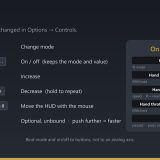
- Left Alt + Up / Down arrow: Hand throttle (hold)
These are the default keys. If the game or another mod already has one assigned, head to Options > Controls and set the key you want so you avoid conflicts.