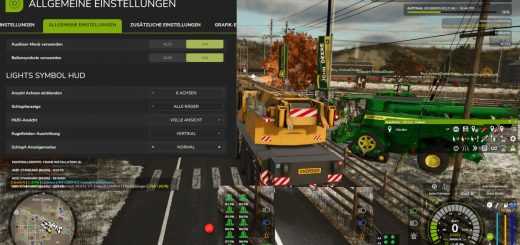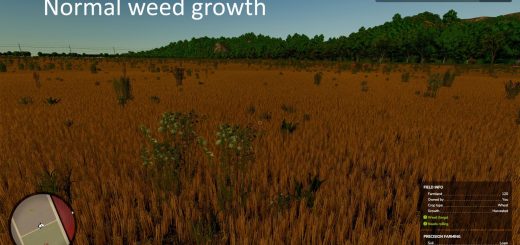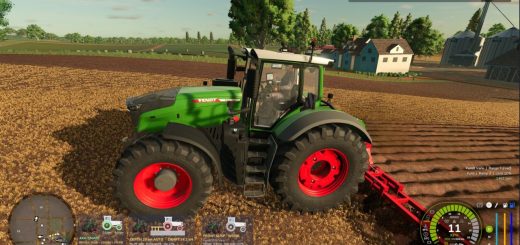
Pickup Plus gives your balers and forage wagons wear, overload damage, blockages, spare-part maintenance, and a HUD you can configure. That adds more to keep an eye on while you are driving and working with them.
Version 1.4.1.5
- GUI hooks now get all arguments and return values, and they leave “move mode” properly when they are done.
- If you set maintenance to a custom key or controller binding, it takes priority instead of using the Caps Lock fallback.
- Pallet straps now check their specific strap anchor point. When one strap is consumed, only the matching connection is released.
- Testing: 470 automated test groups passed, with 18 combination test groups covering the three actual HUD sources and another 15 GUI test groups.
Features
- Balers and forage wagons now have normal wear and tear, overload damage, and blockages to deal with.
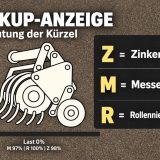
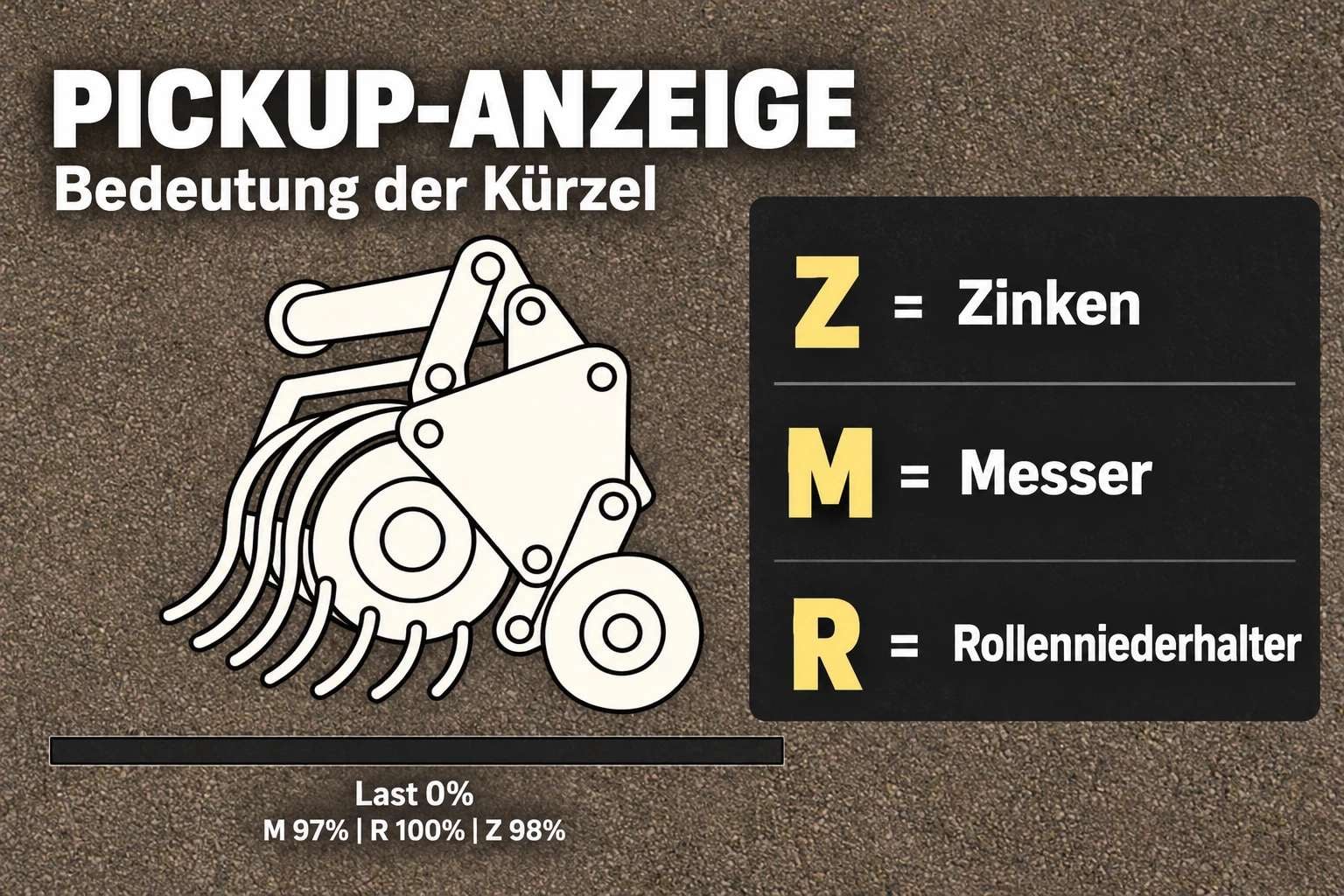
- Material intake wears down the knives, pickup tines, and roller crop presses, also called windrow press rollers.
- Push the operating speed too high or run a high material throughput, and the risk of a blockage increases.
- At 70% intake load, the vehicle combination starts to slow down.
- When something blocks the machine, material intake stops until you clear it.
- The HUD displays load levels and component condition.
- You can hide the HUD, move it around, and choose one of four different sizes.
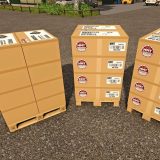
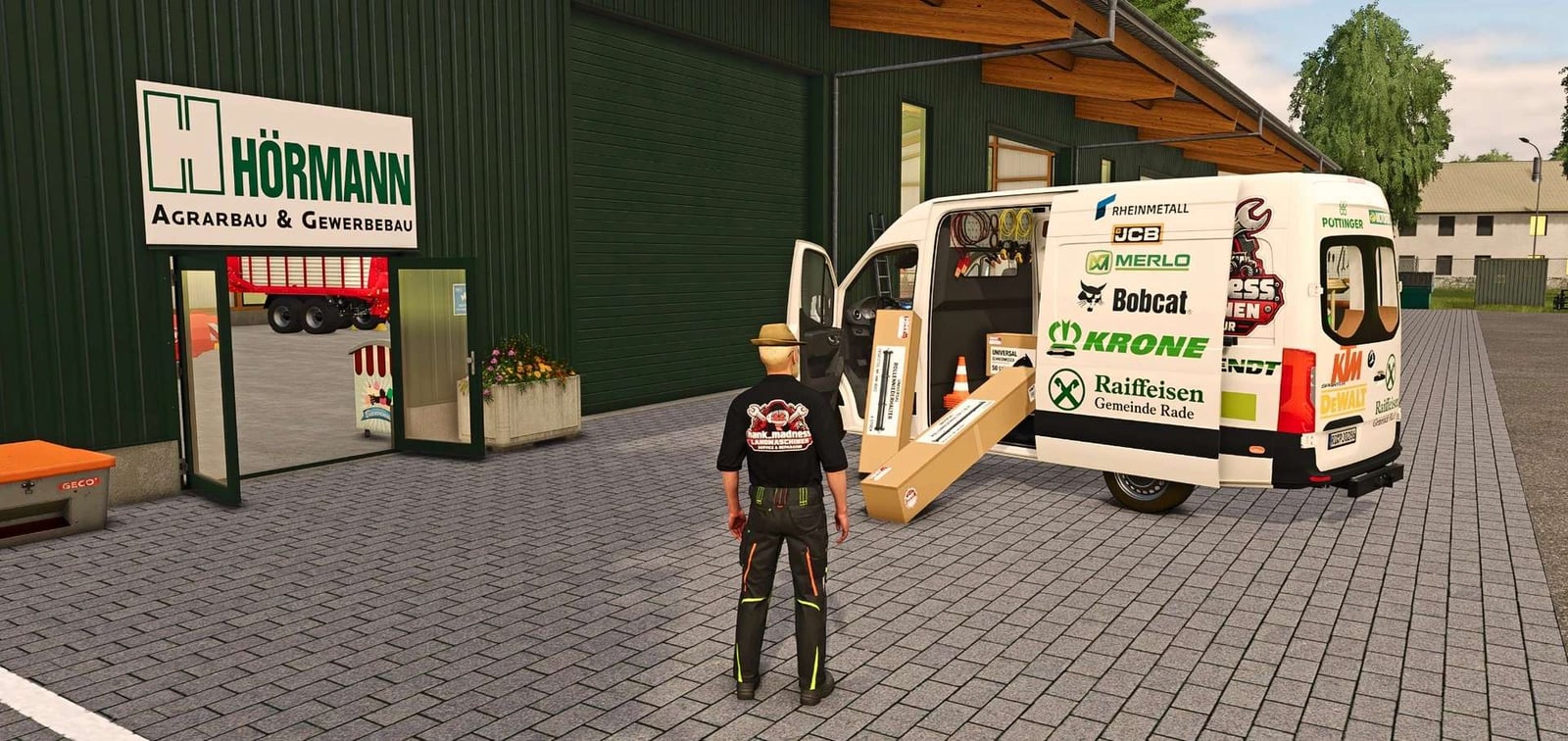
- Spare-parts boxes are sold in the dedicated “HMT Spare Parts” shop category.
- There are boxes with 50 knives, boxes with 100 tines, or boxes with 4 roller crop press components.
- The roller crop press has two visual variants.
- You can buy from 1 to 5 boxes.
- Use Ctrl + Alt + Caps Lock for maintenance and clearing blockages.
- This is for single-player use.
Controls, as of version 1.4.1.4: Drive a vehicle combination equipped with a compatible baler or forage wagon to perform the operation. The compatible implement you selected is used first. If there is no such selection, the first suitable machine detected is used. You cannot perform this operation while on foot. Close any menus that are open before you proceed.
HUD controls
Default Key Bindings, HUD: Left Ctrl + Left Alt + 3 shows or hides the HUD. Left Ctrl + Left Alt + 4 turns repositioning mode on or off; hold the left mouse button and drag the HUD while it is visible. The camera and zoom controls are disabled in this mode. The mode ends if you hide the HUD, open a menu, switch vehicles, or change the map.
Default Key Bindings, HUD Size: Hit Left Ctrl + Left Alt + 5 to cycle the HUD through 50% → 25% → 20% → 75% of the speedometer width.
Maintenance
Default Key Bindings, Maintenance, always active: Ctrl + Alt + Caps Lock starts maintenance. Press it again to cancel a maintenance procedure in progress without using any parts. You can use either the left or right Ctrl and Alt keys with this combination. Maintenance still works when the HUD is hidden.
Bring the vehicle to a stop and switch off the implement first. The tractor engine may stay on. For replacing parts, the required spare-part boxes or pallets must belong to the same farm, have enough stock, and be within five meters of the machine. You can use multiple boxes or pallets together.
A blockage gets cleared before anything else. It takes eight seconds and does not need spare parts. Then, over 20 seconds, the most worn component group that can be serviced with the spare parts available is replaced. You can service more groups afterward. Blades and tines are consumed in proportion to their wear. One spare part is needed for a worn roller-type crop press.
Parts are used only when the process completes successfully. Press the key again, move the vehicle, or turn it on, and maintenance is cancelled. If parts were being replaced, the necessary replacement components are lost as well. Changing the selection or switching to another vehicle alone does not automatically finish an ongoing maintenance procedure.
Park the machine and switch it off, then place the spare-part boxes nearby for maintenance. Knives and tines are consumed according to the amount of wear. Any parts left in a box stay there, while an empty box disappears.
Customizable key bindings
Go to Options → Controls to assign the three HUD actions however you like. Maintenance has its own customizable action too, but no default key binding. Existing user-defined key bindings stay unchanged. The fixed Ctrl + Alt + Caps Lock combination remains active no matter how these settings are configured.
CVT Note: The reported issue is still open and has not yet been reproducible. If you run into it again, please provide the complete log.txt file and a brief description of what happened.