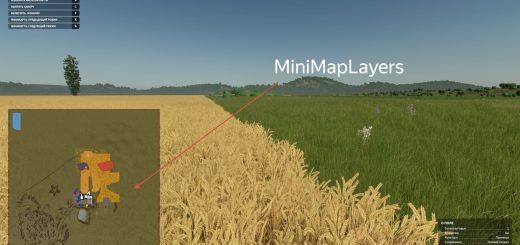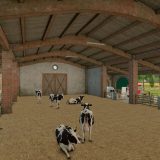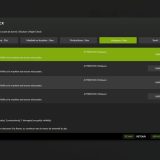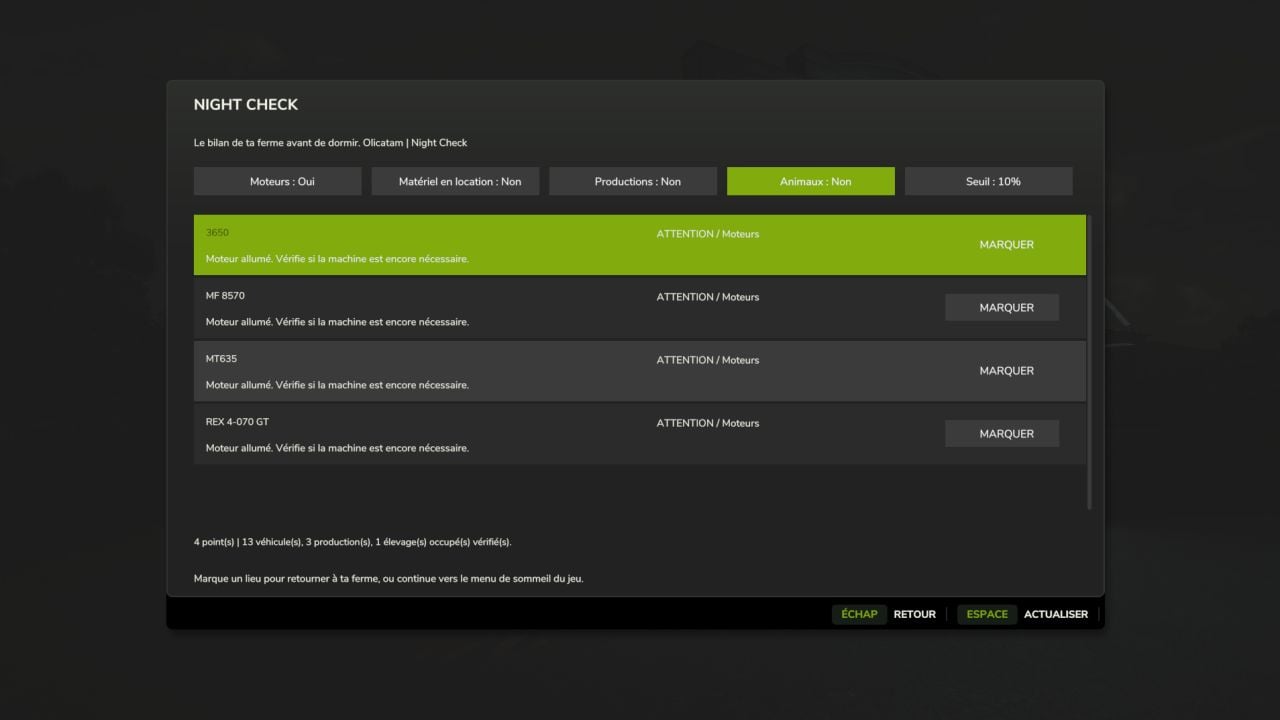
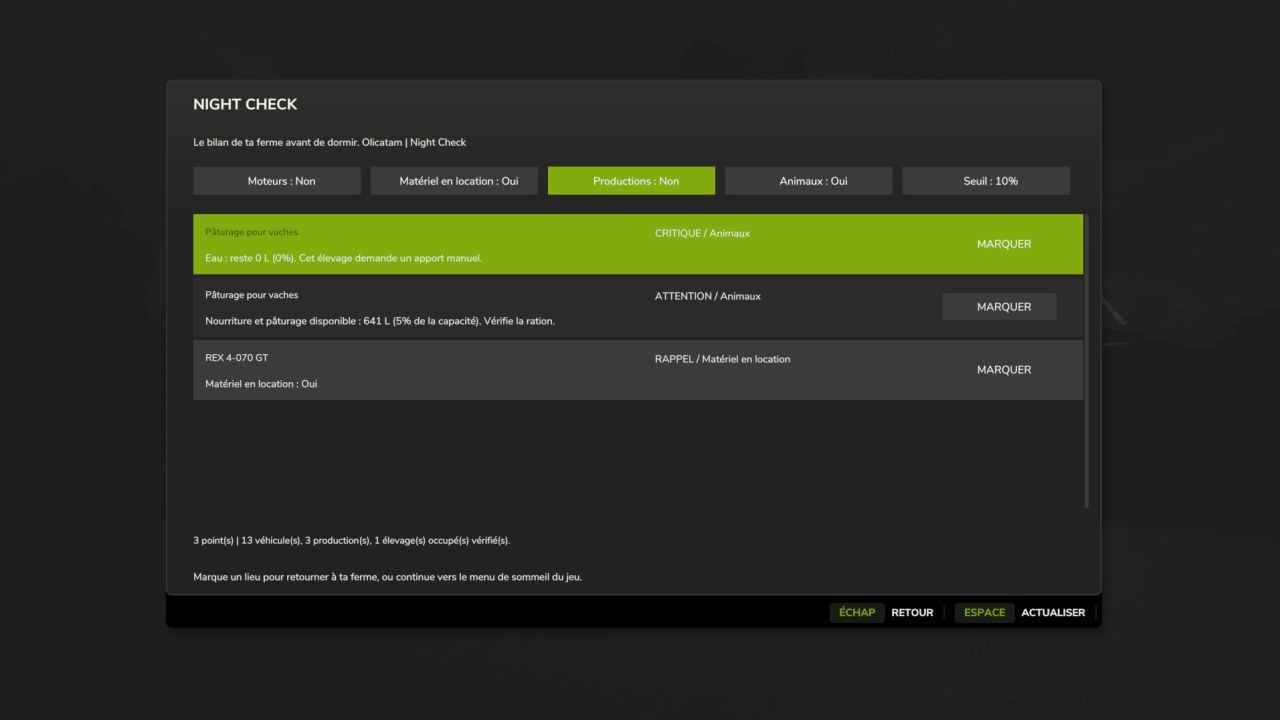
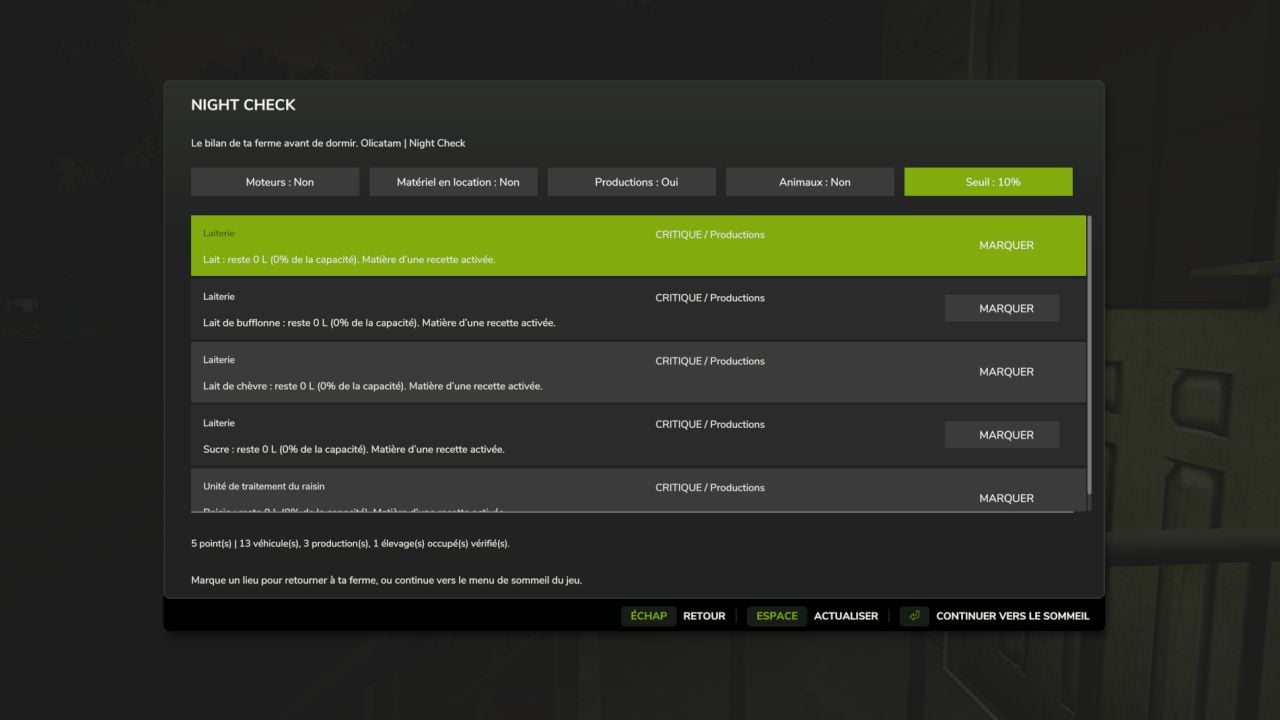
Before you turn in for the night, Night Check gives you a quick look over the farm. It brings running engines, rented machines, production supplies and livestock needs together in a Farming Simulator 25-style window, so you can check what is going on before sleeping.
Features
- Engines: see which engines are running and which machines are being used by an active worker.
- Rented equipment: keep an eye on equipment that is still rented.
- Productions: check raw materials for active recipes and output stocks that are getting close to saturation. Disabled recipes and outputs sold directly are left out of the matching alerts.
- Animals: check food, available pasture, water that you need to supply manually and straw in occupied animal husbandries. Straw stays a simple reminder.
- Alerts sorted by priority: critical, attention and reminder.
- Mark button to set a vehicle or building as a destination on the map when its marker is available.
- Turn categories on separately and choose a threshold of 5%, 10% or 20%.
- Refresh button to reread the farm status whenever you need an updated view.
Use
Ask to sleep at a normal sleeping spot and the overview is displayed first.
Are you on foot? Left Ctrl + N opens the overview at any time. The shortcut is changeable in the game controls.
Continue sleeping to open the usual game menu. Esc / Back cancels the request. If you open the overview manually, you cannot sleep remotely.
Languages
The mod is translated into the 27 languages and regional variants recognized by FS25. It automatically follows the language selected for the game.
Compatibility
PC/Mac single-player only: multiplayer and dedicated servers are not supported.
It works with the standard GIANTS systems for vehicles, productions and animal husbandries. Custom systems used by certain mods may require adaptation.
The thresholds match stock levels, with no estimate for the remaining duration. No stock, payment or engine is modified automatically.
No mods required. Compatible with Factory Delivery.
Installation
Drop FS25_NightCheck.zip into the Farming Simulator 25 mods folder without extracting it, then activate Night Check for your savegame.