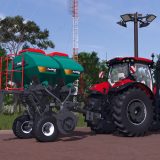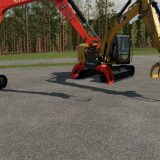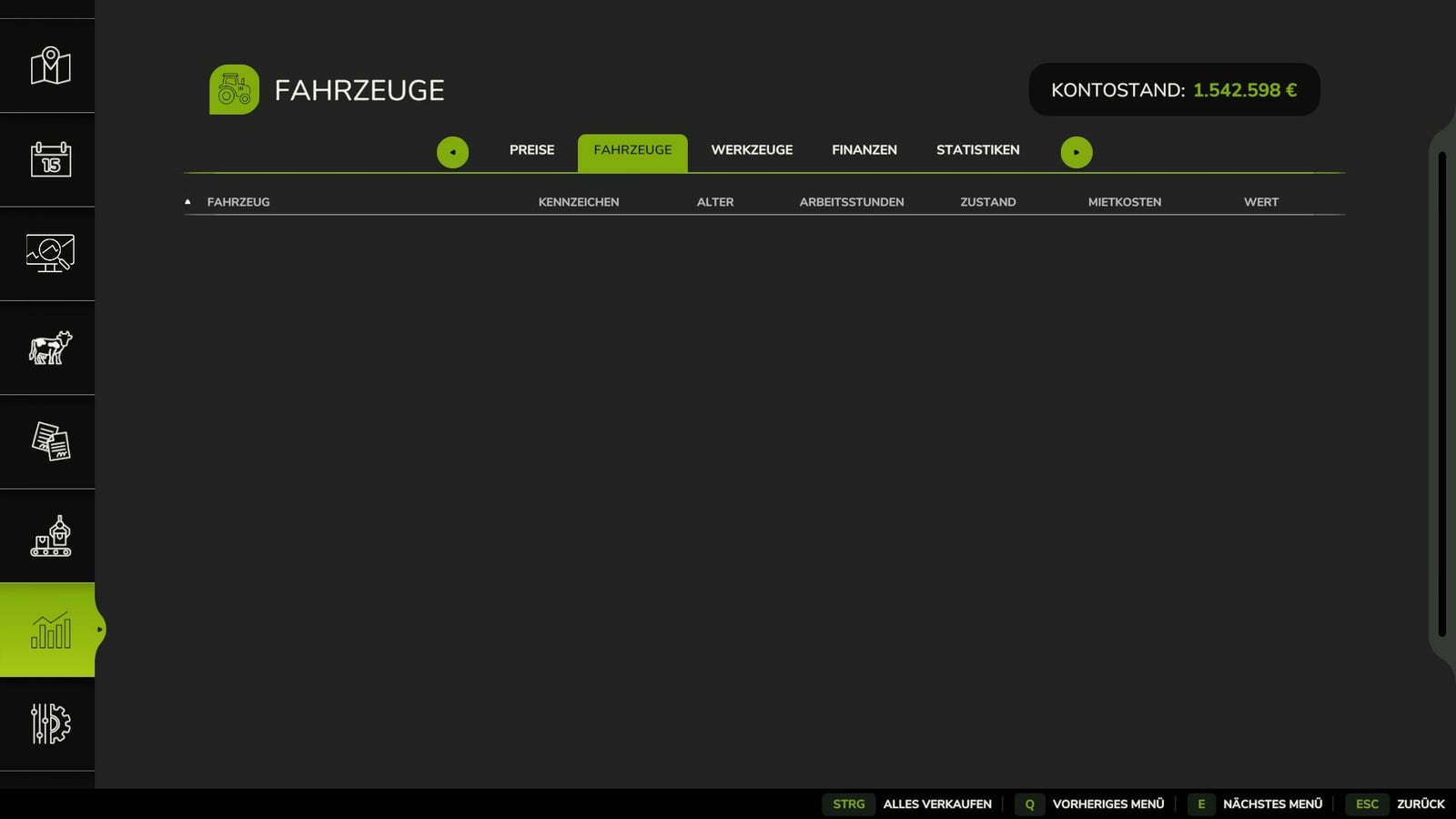
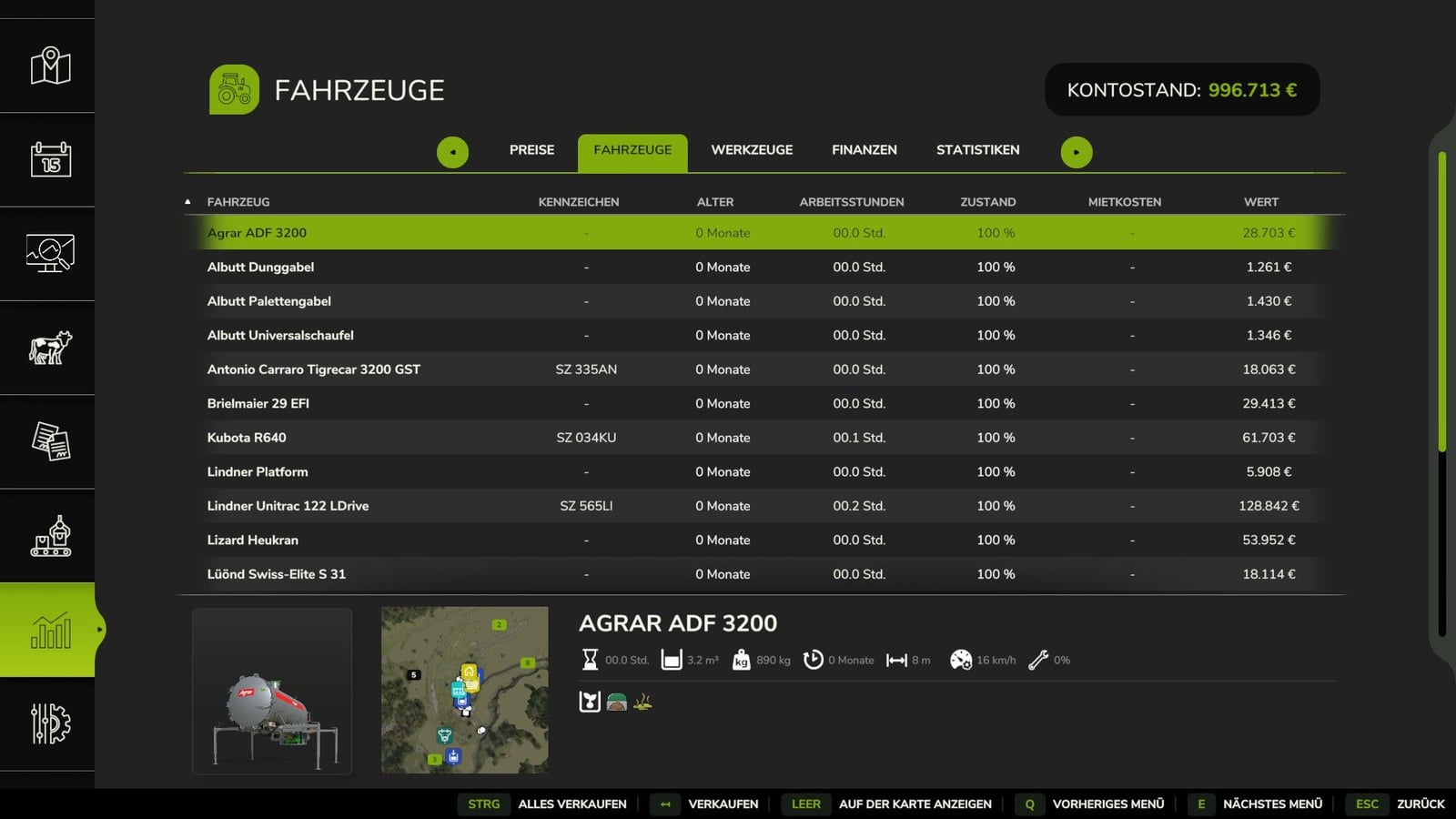
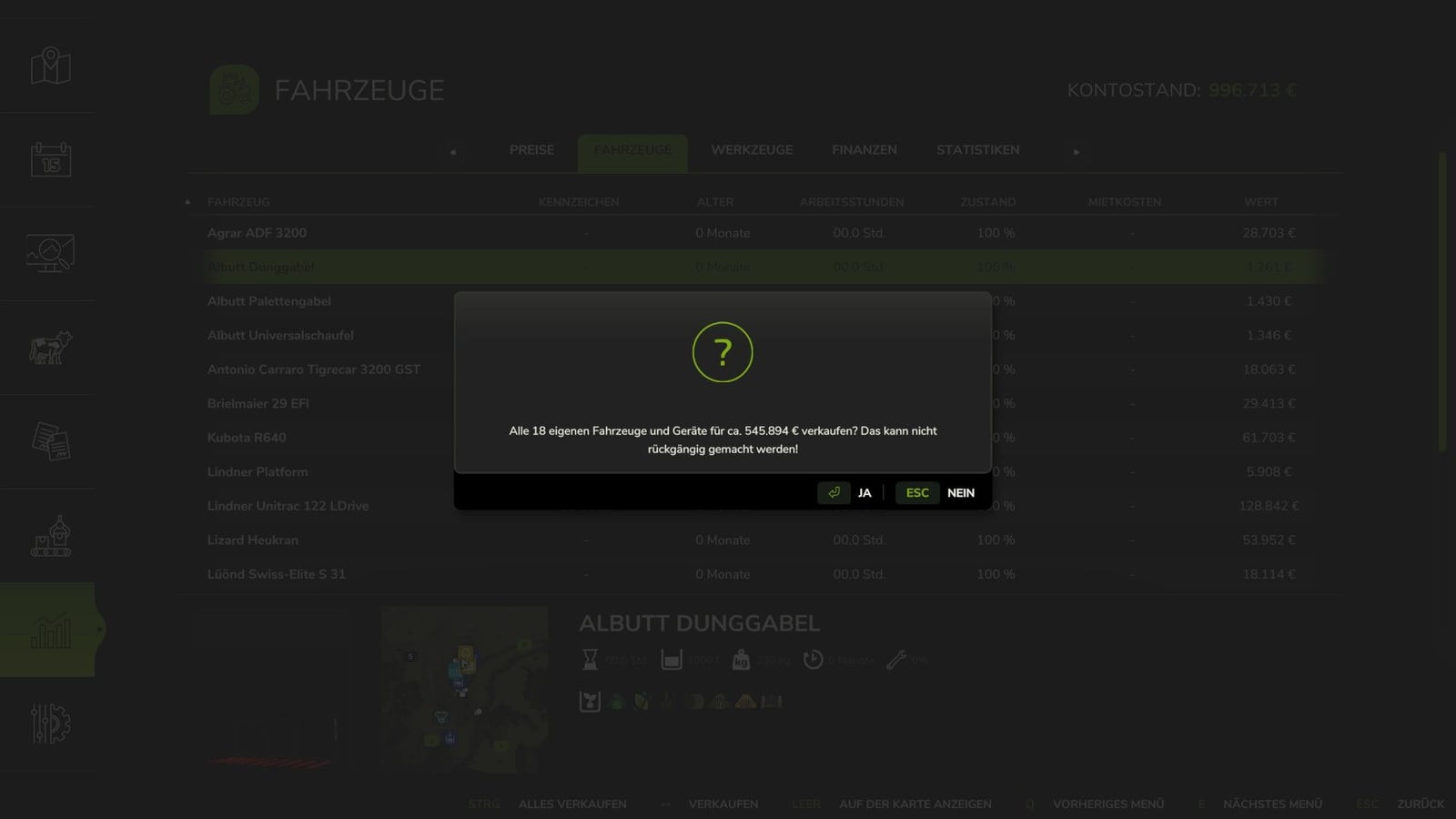
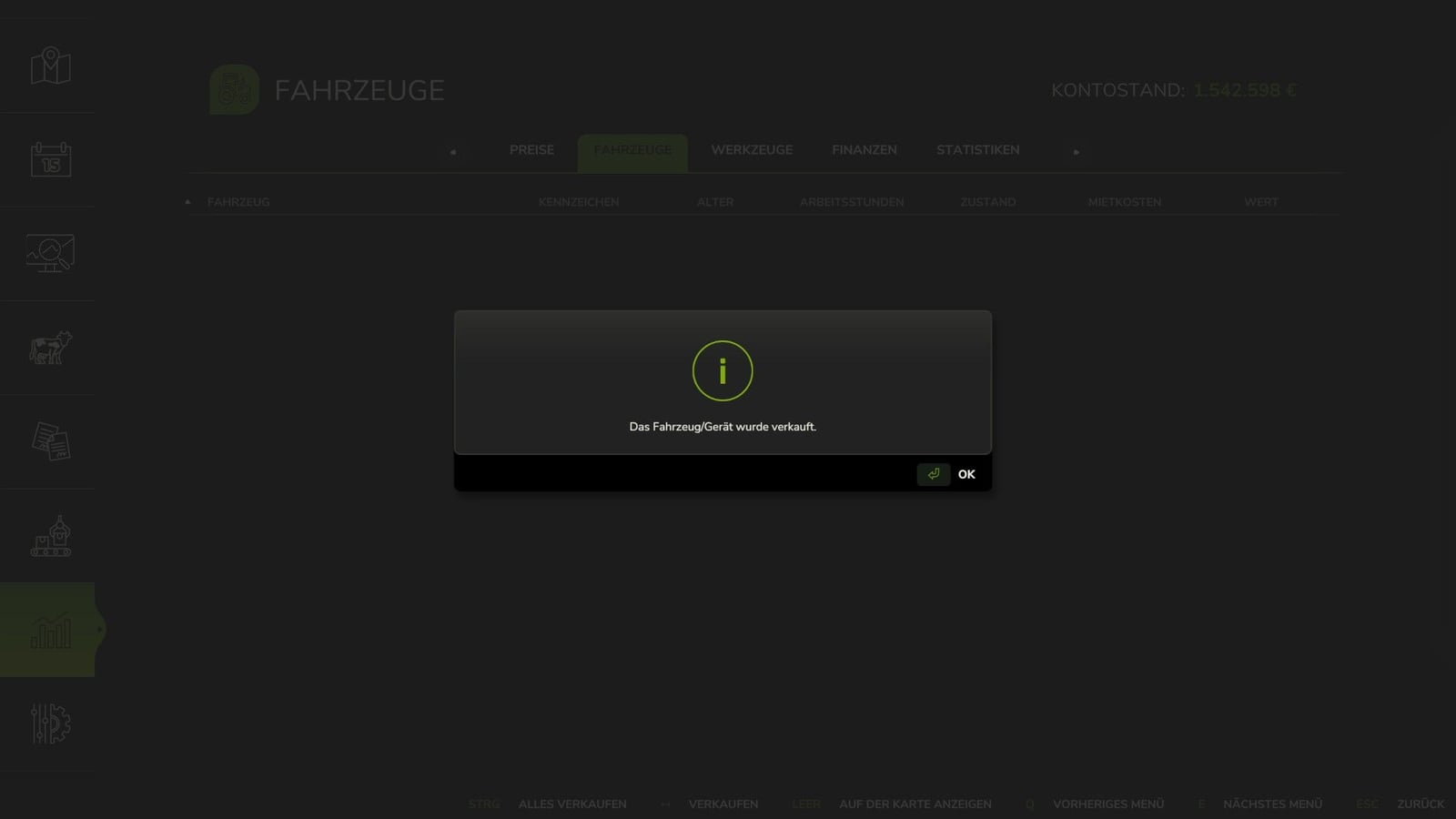
Want to clear out your whole selected farm in one move? Open the game’s statistics menu and sell all its vehicles and equipment at once. Before anything happens, the mod shows the number of affected vehicles and the estimated total proceeds. You still have to confirm the sale yourself.
Features
- Sell every vehicle and piece of equipment owned by the selected farm.
- You see the affected item count and the estimated total value before selling.
- A confirmation prompt comes up before each sale.
- Sales run through the game’s standard, built-in sales system.
- Leased vehicles stay untouched.
- Mission-related vehicles are left out.
- Pallets do not get sold.
- Vehicles in use are skipped.
- Vehicles driven by an AI worker (helper) are left alone too.
- The mod follows the individual permissions of every farm.
- It works fully in multiplayer.
- Your current permissions limit the sales.
How It Works
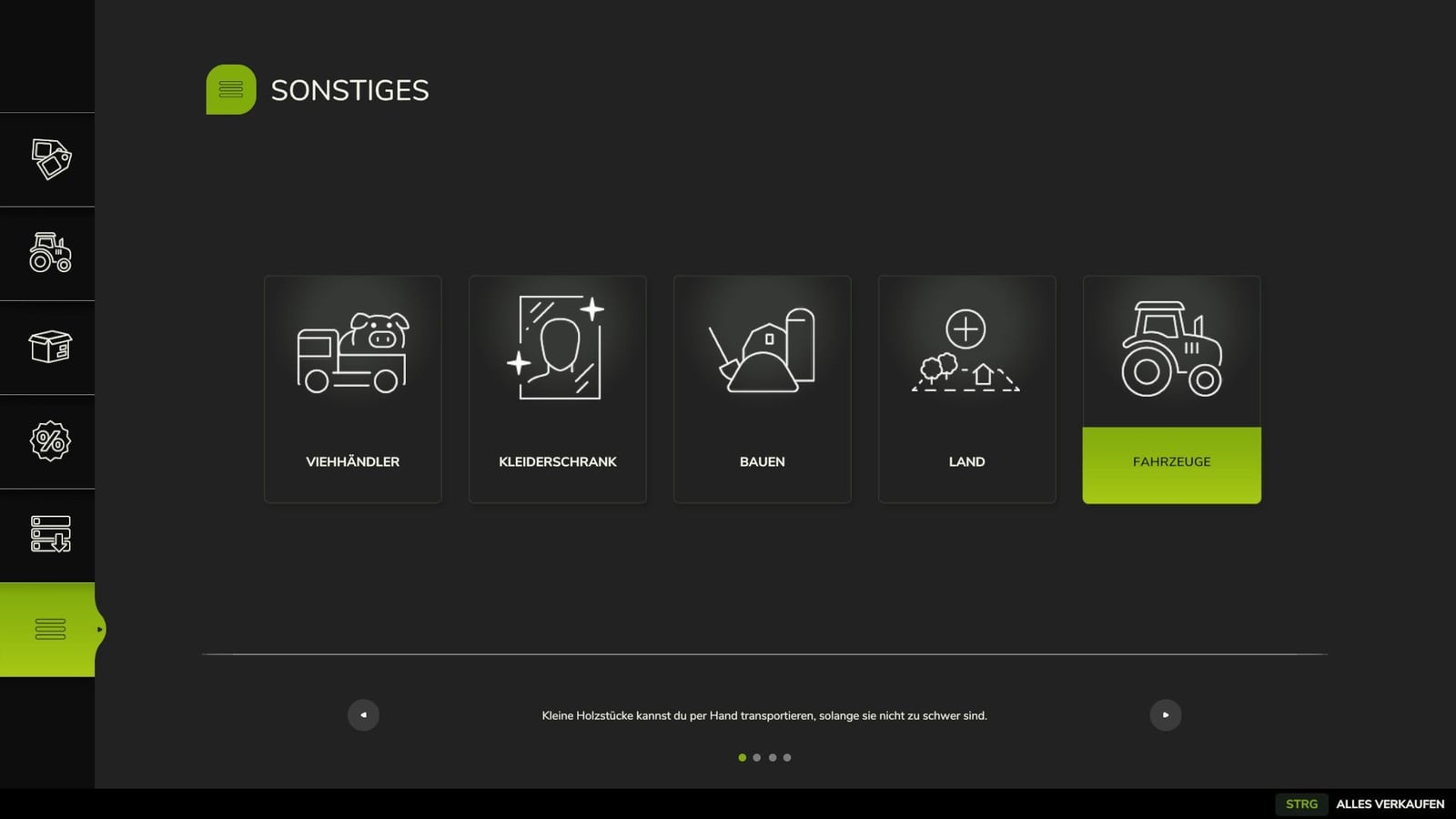
- Start in the shop menu or the pause menu.
- Choose Statistics → Vehicles, then select “Sell All” or press the matching keyboard shortcut.
- Take a look at the vehicle number and the estimated proceeds from the sale.
- Confirm that you want to sell.
Controls, Default Keybindings
| Device | Shortcut |
|---|---|
| Keyboard | Ctrl + Shift + V |
| Controller | Share/View button (BUTTON_7) |
The controls menu lets you customize every keybinding whenever you want.
Changelog
1.3.0.0
- FIX: “Sell All” could fail to sell any vehicles, and that issue is now resolved. The game had received an incorrect price multiplier (SellVehicleEvent error).
- Vehicles being used by an AI worker are now skipped reliably.
- As soon as all sales finish, the results are shown right away, without unnecessary fixed waiting periods.
- Tested with game version 1.25.
modDescis updated to version 115.
Important Note
Once a sale is made, it is final. You get no “undo” button and no automatic recovery option. Check everything twice before confirming that selling your entire fleet is really what you intend.