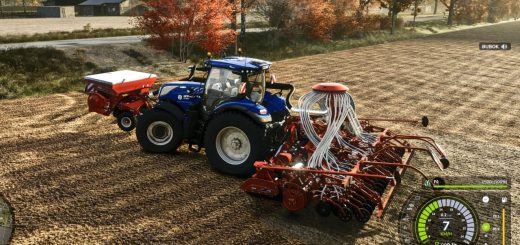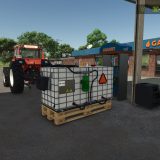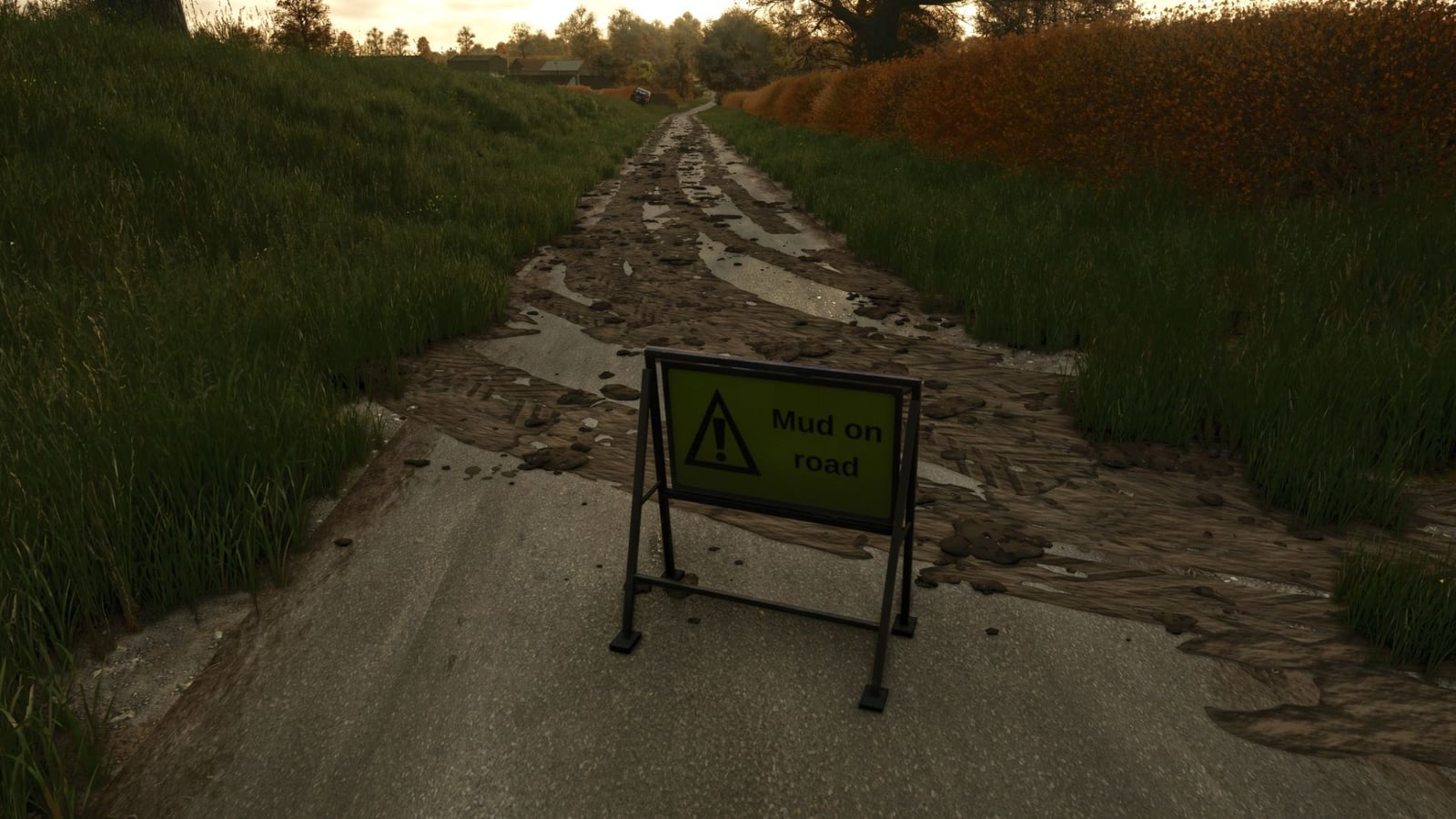
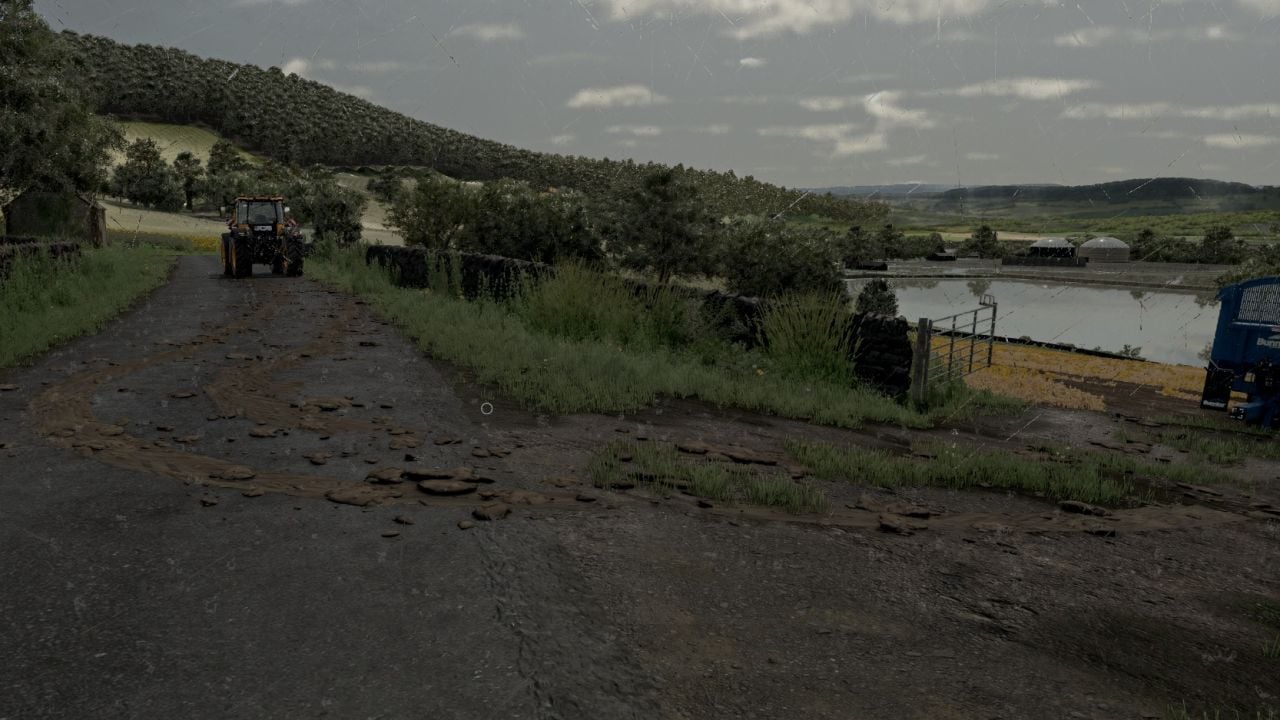
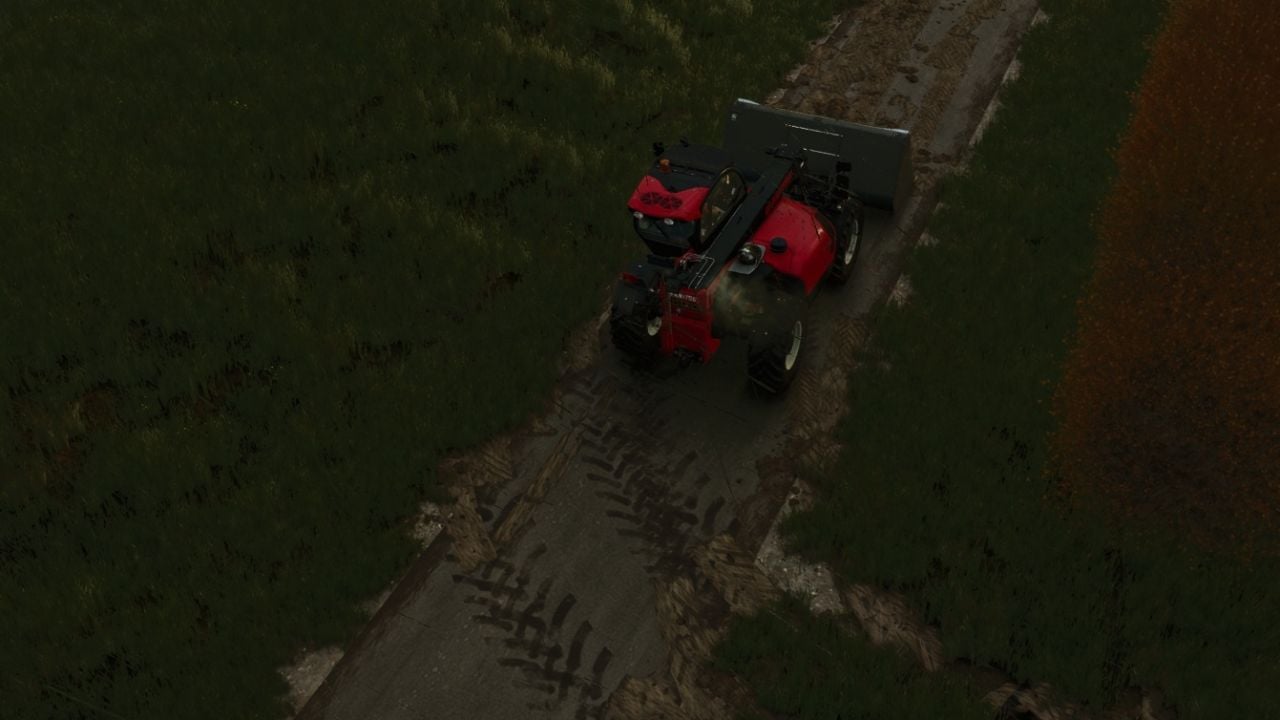
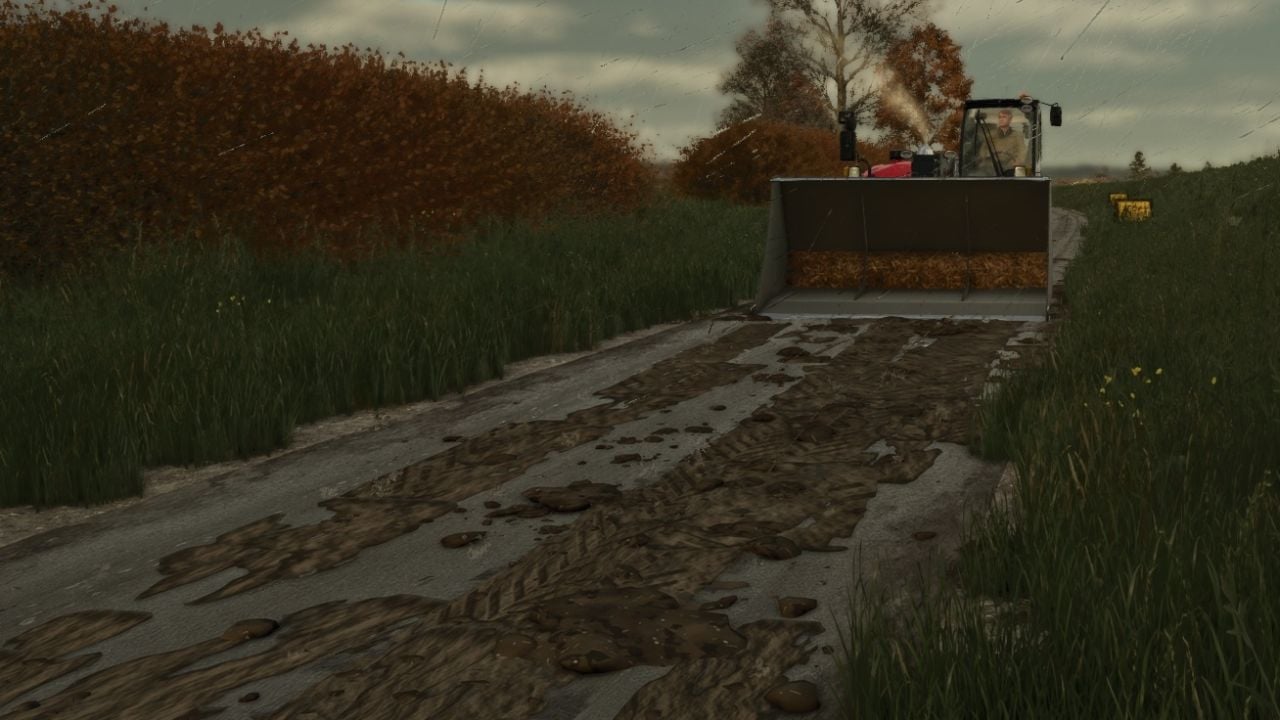
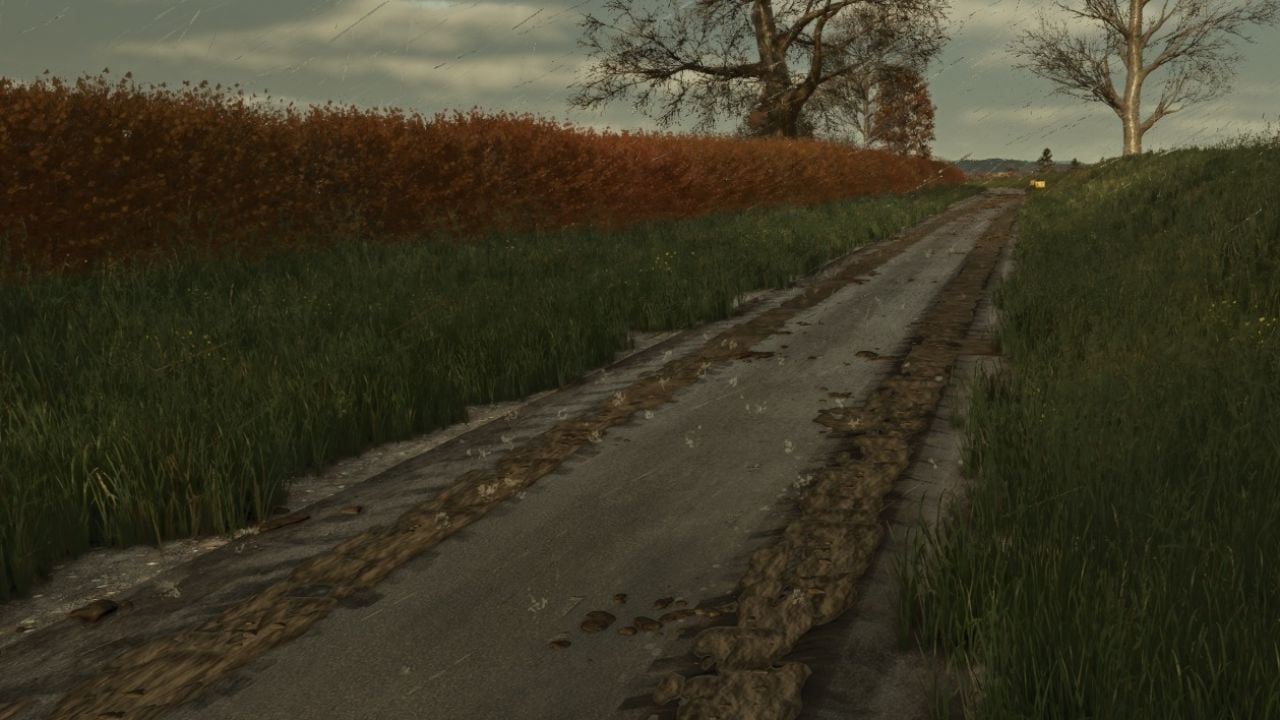
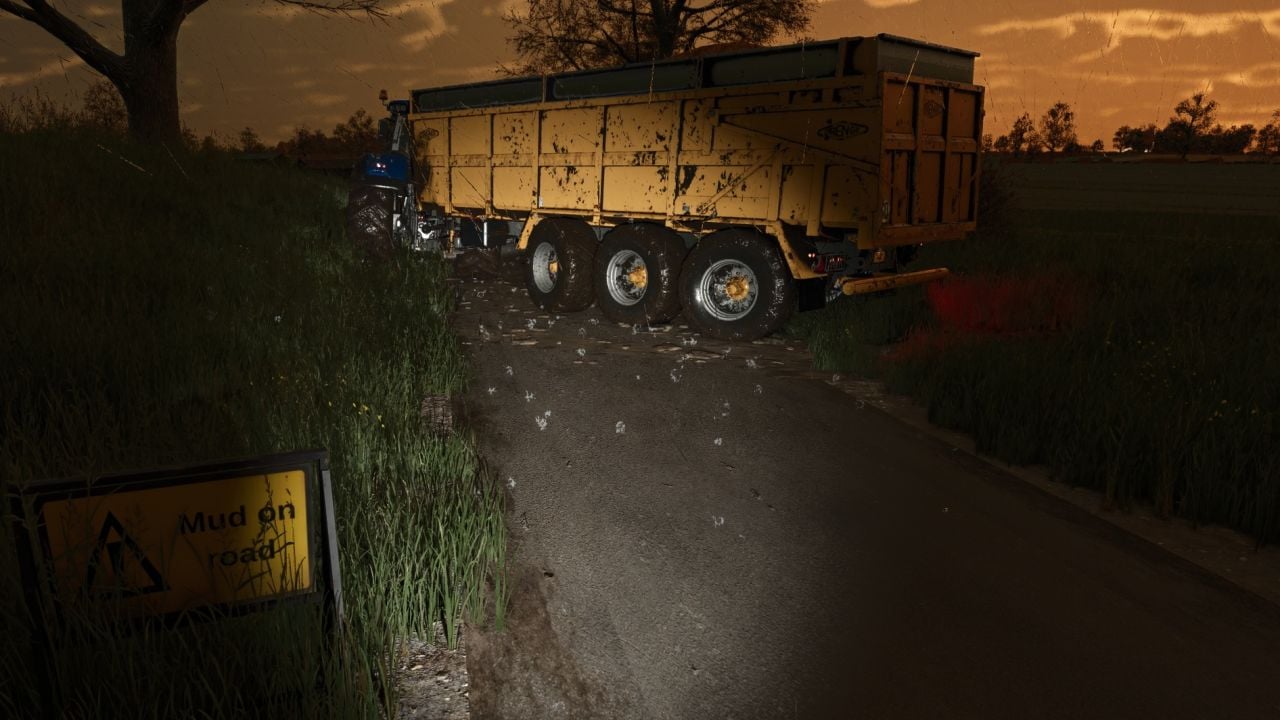
With Mud on the road, your vehicles leave visual mud trails, tyre-print smears and flying clods behind on roads, yards and tracks. It happens when you come out of worked fields or roll along with mud on the tyres, so your drive can leave a proper trail behind you.
Features
- The tyres only drop mud when they really have mud on them, the same mud the game shows after field work. Wash or clean the tyres first and they leave nothing behind.
- Take muddy tyres onto roads, yards or tracks and you get tyre-print smears plus clods thrown away from the vehicle. Pick up the speed and the clods travel farther across the road.
- Your tyres lose their mud as you keep driving. Over a few hundred metres, the trail fades and the tyres clean up too.
- Turn through a corner and the smears curve with the wheels.
- Mud can build up over time. Drive across an older patch and it gets freshened and thicker, while the new layer sits on top.
- Every vehicle and trailer with wheels works with it, including AI helpers.
Cleaning up
- Rain takes mud off the road. Heavy rain clears it in about 5 in-game hours, and light rain takes around half a day.
- When the weather stays dry, the mud dries, turns pale and disappears after about three in-game days.
- Turn on any sweeper brush and it clears the mud along the path it passes over.
- You can also scrape it with a bucket. Put a loader, telehandler or wheel loader bucket down so its lip touches the road, then push forward. In the base game, the mud fills the bucket as manure. If another mod adds mud/dirt/soil as a fill type, it goes in as that instead.
Mud on road sign
- You can place a small A-frame “Mud on road” warning sign with a UK road-sign style.
Mud on road sign specifications
- Shop location: Decorations
- Price: 25
Good to know
- Your savegame saves the mud too.
- For multiplayer, the mud is purely visual and each PC works it out separately, so it adds no network traffic.
- On first start,
modSettings/FS25_MudOnRoad.xmlis created. Open the settings file to change how long mud lasts, how far it is carried, how many clods get thrown, the maximum mud on the map and more. - Multiplayer is now supported.
Console commands
Press ~:
- Want to test it, play single player or host a game?
mudOnRoadLoadTyrescovers your tyres in mud. - Use
mudOnRoadClearto clean every road. - Check the amount of mud lying around with
mudOnRoadInfo. - Switch mud dropping on or off using
mudOnRoadToggle. - If a bucket is not scraping mud,
mudOnRoadBucketInfoshows why it is or is not working.
Changelog
- V2.8.0.0
New: even clean vehicles can pick up mud when they drive through it, then spread that mud farther along the road. Traffic squashes clods as well and carries them off.
New: wetter and muddier work now leaves muddier roads. Ploughed and cultivated ground, root crops, sugar beet, potatoes, carrots, parsnips and onions, plus wet weather, leave more mud. Stubble, direct drilling and dry days leave less mud.
New: dried mud turns wet-looking again when the ground gets wet, and later dries back to pale.
New: leaving heavy mud on public roads can bring fines. You receive a warning first. If the mud is still there, your farm gets fined at every check, up to 2,000.
Mud within 200 m of a Mud On Road sign never counts, and mud on your own land does not count either. Turn fines off withmudOnRoadFinesor in the settings file.
New: soil colours include brown, standard, dark, peat / fen, chalk, pale chalky soil, and red, red clay. Set a colour for each savegame withmudOnRoadSoilfollowed by the colour, for examplemudOnRoadSoil red. Mud already on the road changes colour as well.
New console commands:mudOnRoadSoilandmudOnRoadFines.mudOnRoadInfonow also tells you how much of your mud counts toward a fine.
Removed: the experimental sticking mud.
Fixed: in multiplayer, mud sent while a player joins can no longer stop the game from loading. The settings file was updated, and old settings files are replaced with the new defaults on first start. - V2.7.0.0
Multiplayer: the server now syncs the mud, so all players see the same mud on the roads. Join a server later and you can still see all the mud that is already there. Sweeping, bucket scraping, rain washing and drying out are now the same for every player.
New: wet worked fields can flick mud up from the tyres.
New: during wet field work, the parts near the wheels get muddier.
The settings file was updated. Old settings files are replaced with the new defaults on first start. - V2.3.2.0
Tyre marks: the tyre marks now make one continuous trail rather than patchy prints.
The prints have torn, overlapping ends, which keeps the trail natural instead of blocky.
The mud colour is darker and more realistic.
Smears remain on smooth roads, yards and flat painted tracks. On grass verges, gateways, gravel and uneven ground, you get mud lumps only, so the smears no longer look like planks on rough ground.
When mud appears: only vehicles that have just left a worked field, ploughed, cultivated, sown etc. drop mud. Grass fields do not count, and muddy vehicles driving out of the yard no longer leave mud.
The trail stops 600 m after the field, or earlier when the tyres are clean.
Lumps: around twice as many lumps are thrown from the tyres, and more crumbs settle in the tyre prints.
Settings: the new options aremaxTrailDistance, trail length after the field;smearsOnTerrain, smears on all ground;hardGroundSmears, smears on hard painted ground; andflatTolerance, how flat painted ground must be for smears.
The settings file resets to the new defaults on first start.