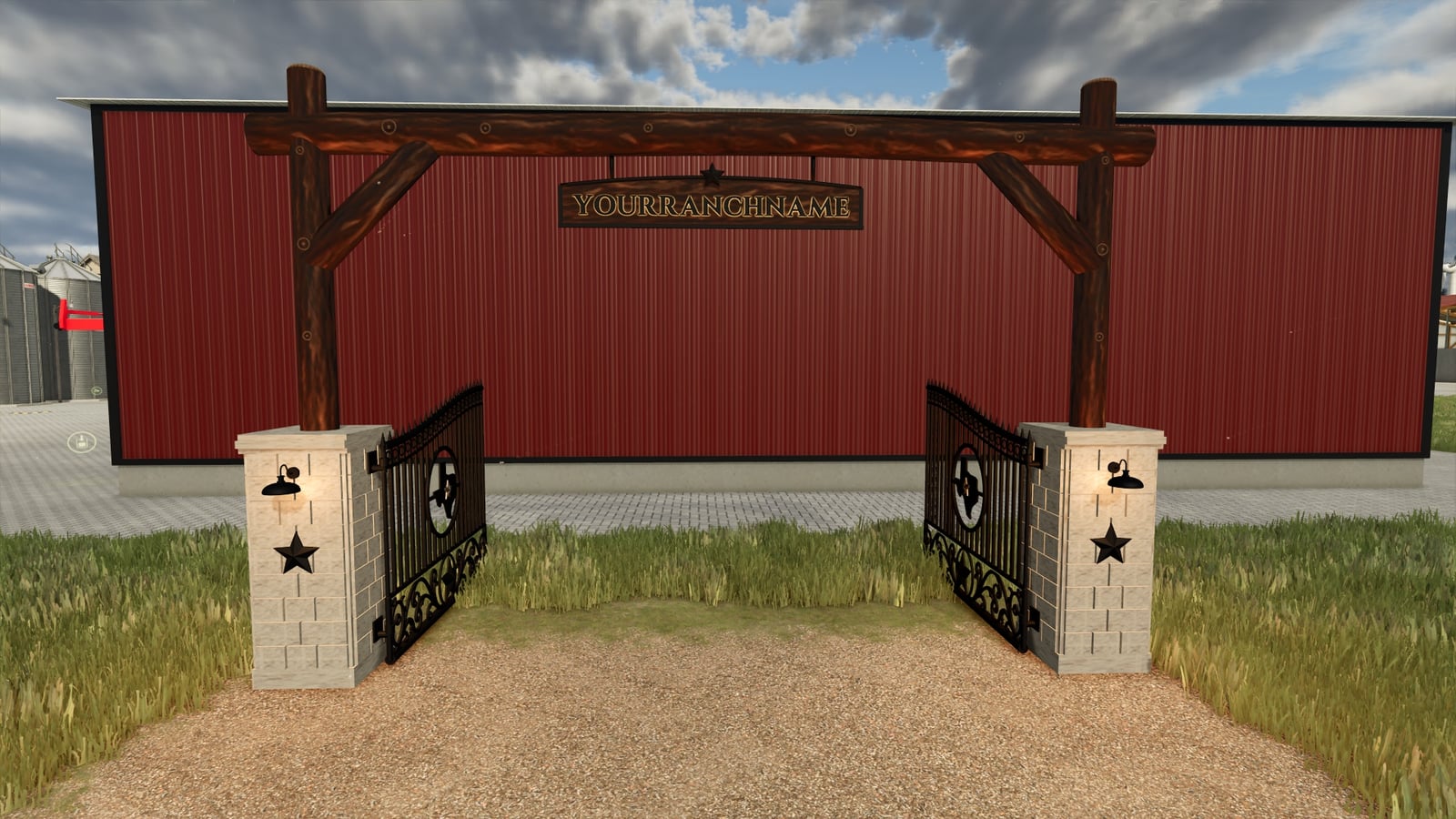
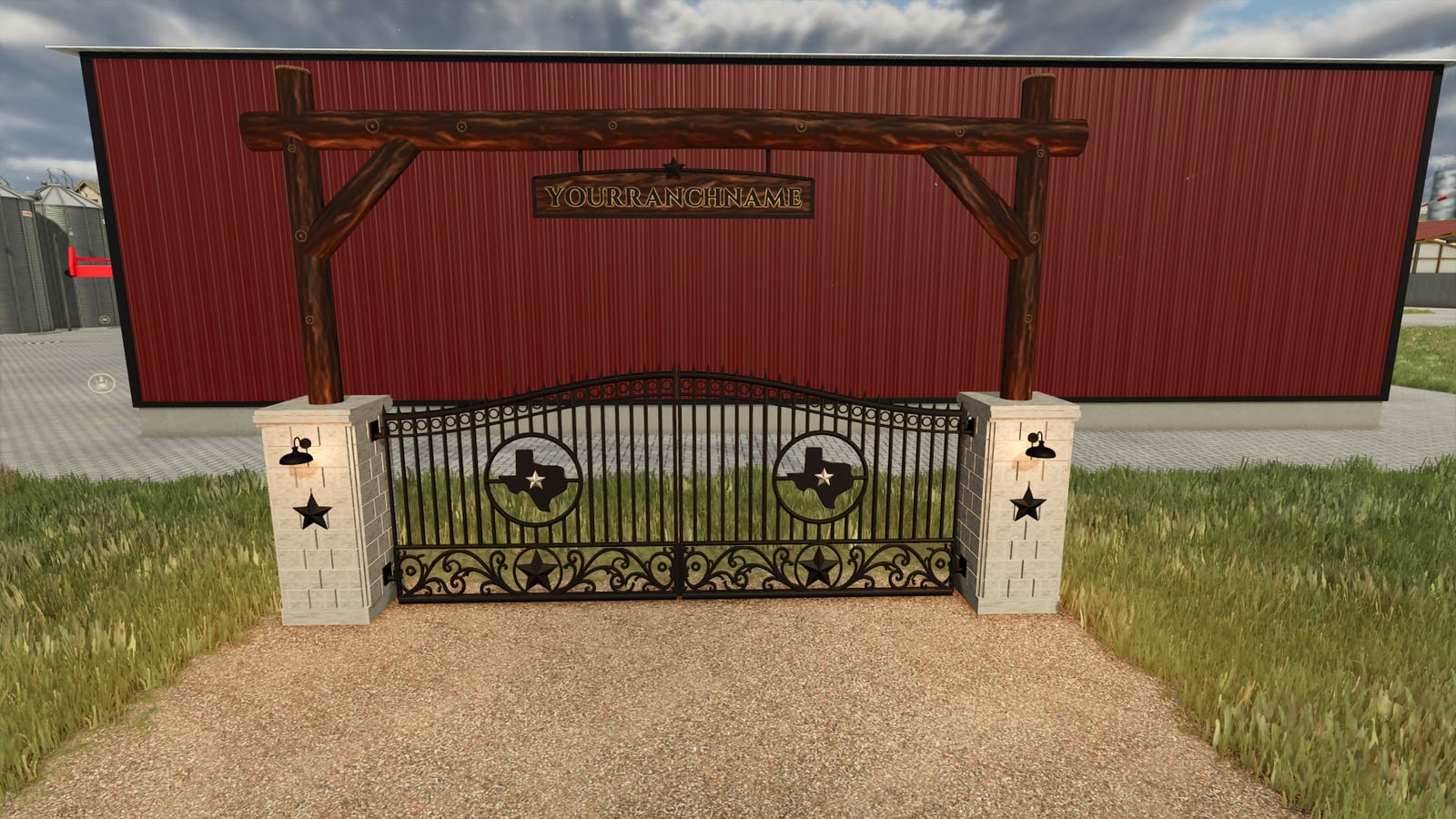
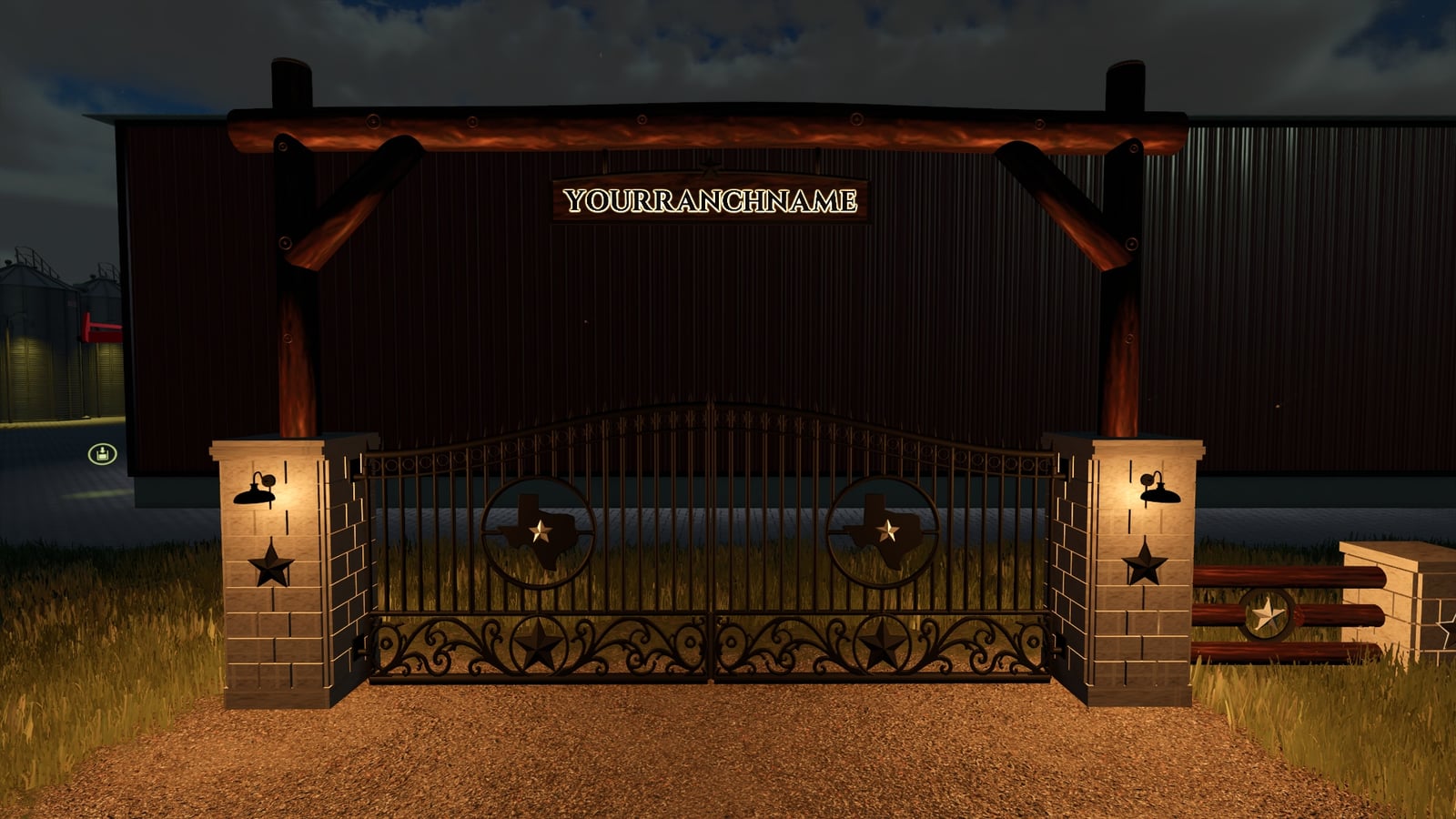
Give your Farming Simulator 25 ranch a proper entrance and put its name right above the gate. You get rustic timber beams, limestone pillars, ornamental black metalwork, Texas medallions, and dimensional stars all in one detailed setup.
There is a nice bit of customization before you build it. Type in your ranch name before placement, and the raised 3D letters fit themselves inside the wood-backed sign. When night comes, warm backlighting makes the name visible, with farmhouse-style pillar lamps adding the finishing touch.
Features:
Custom ranch names with up to 32 characters
3D lettering fitted automatically, with warm nighttime backlighting
A wood-backed sign that matches the rustic timber beams
Functional gates for opening and closing
Detailed scrollwork, plus Texas medallions and dimensional stars
Limestone pillars with warm gooseneck lamps
Individual ranch names saved for every placed entrance
Name filtering that uses FS25’s built-in rules
Customization: Press F while previewing the entrance before placing it, enter your ranch name, and select Apply Name.
Requirements: Farming Simulator 25 for PC or Mac. This script-based mod is not compatible with consoles.
You will find the mod under Others in the Construction Menu
Finish the set with the Ranch Fence Pack.