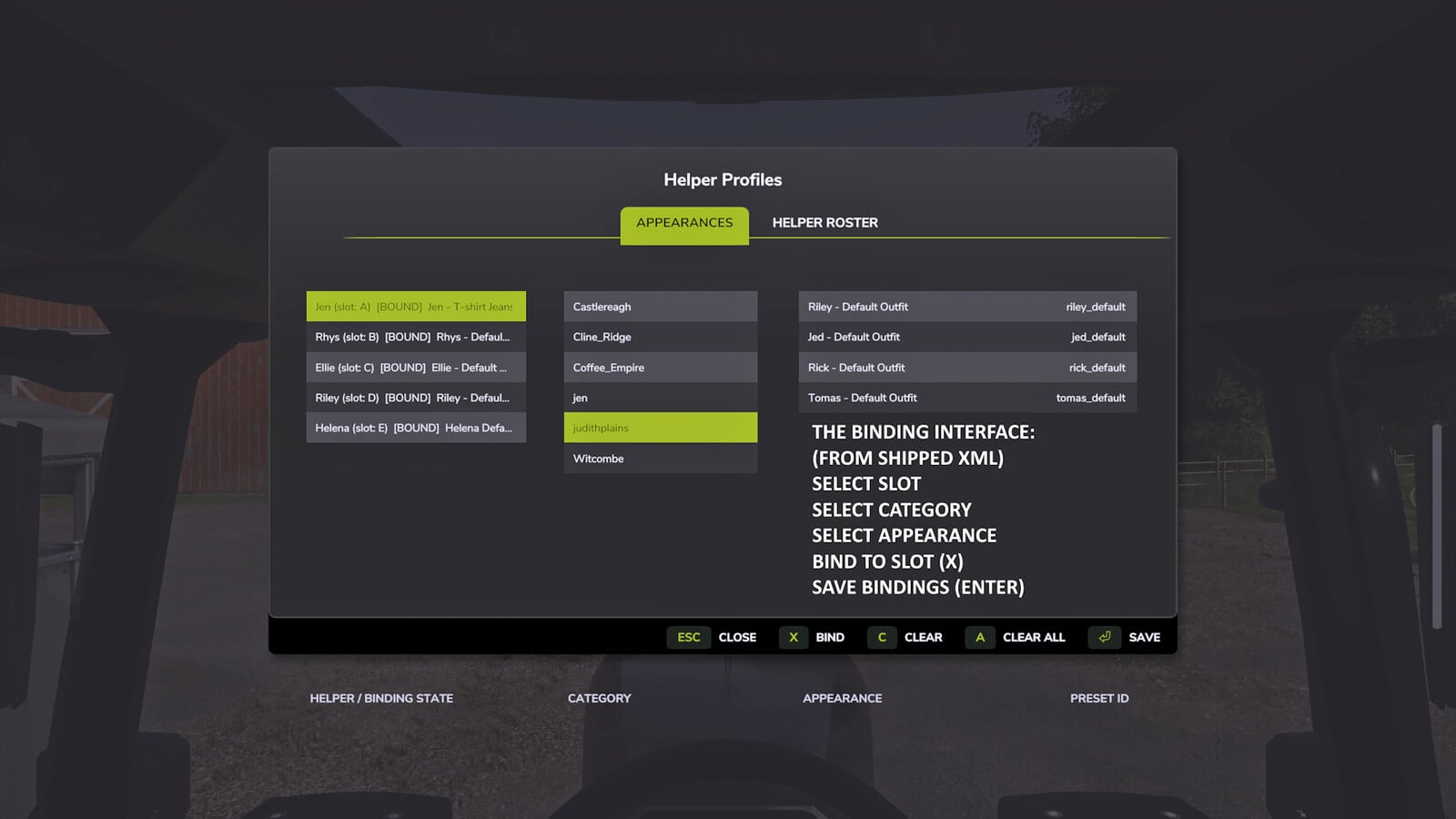
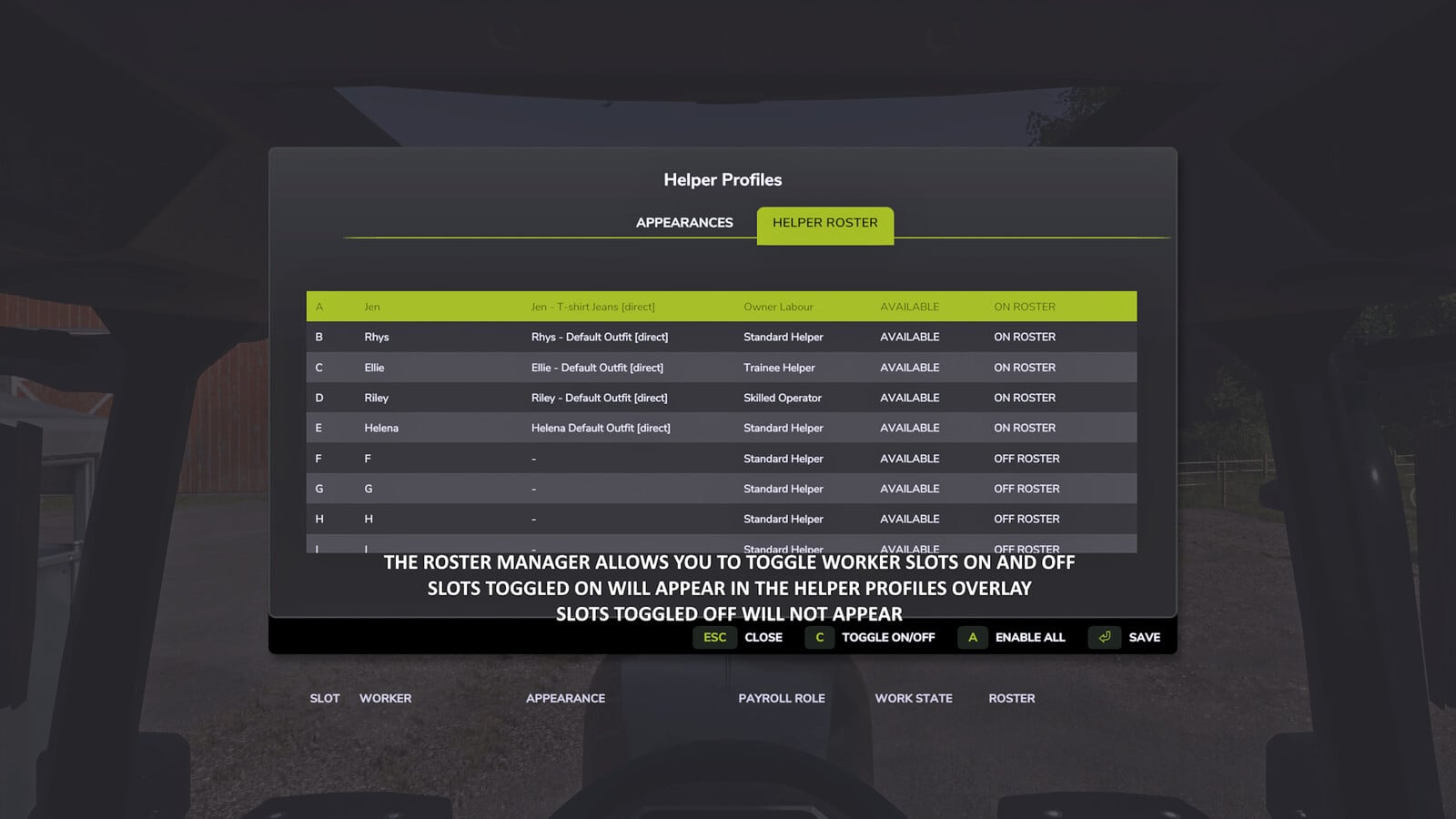
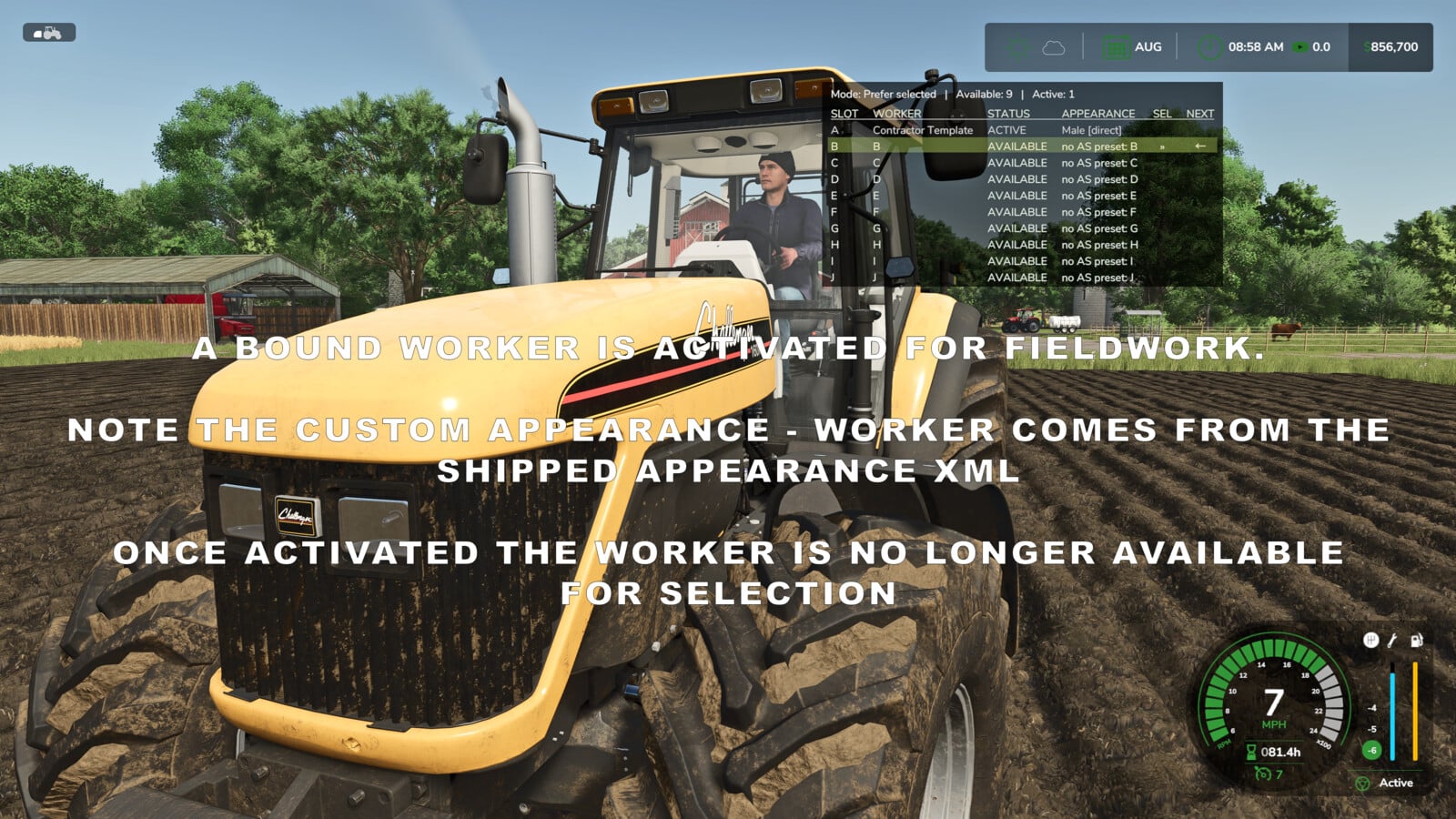
You get a much bigger helper crew with Helper Profiles. The standard roster grows to 20 permanent worker slots, A-T, and you can keep track of them through a clear status overlay plus a two-tab Helper Management screen. Pick the worker for your next AI job and decide who is available in each savegame.
Features
Manage your team:
- Choose the workers you want available for hire in every savegame.
- Put individual workers ON or OFF the roster, turn everyone on, or switch the others off while keeping your selected worker and any workers already active.
- Workers set OFF the roster will not appear for selection, in the overlay or among new hires. Their saved appearance bindings and HelperPayroll assignments stay with them when they come back.
- Active workers cannot be switched OFF, and you always need at least one worker ON roster.
Choose who works next:
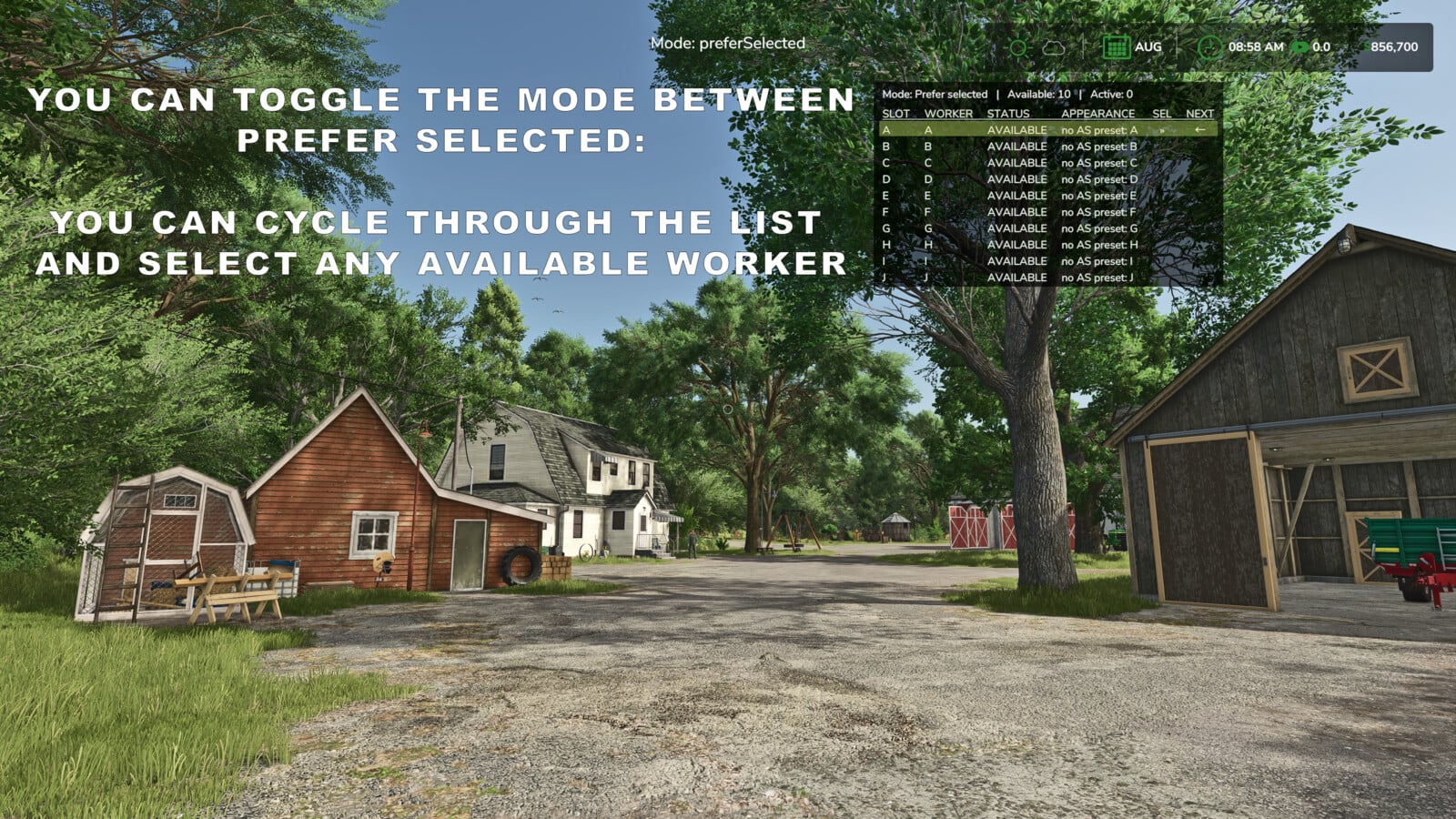
- Cycle through the workers currently available with a shortcut.
- Prefer Selected mode tries to hire your chosen worker when that helper is free. If not, it falls back to another available worker.
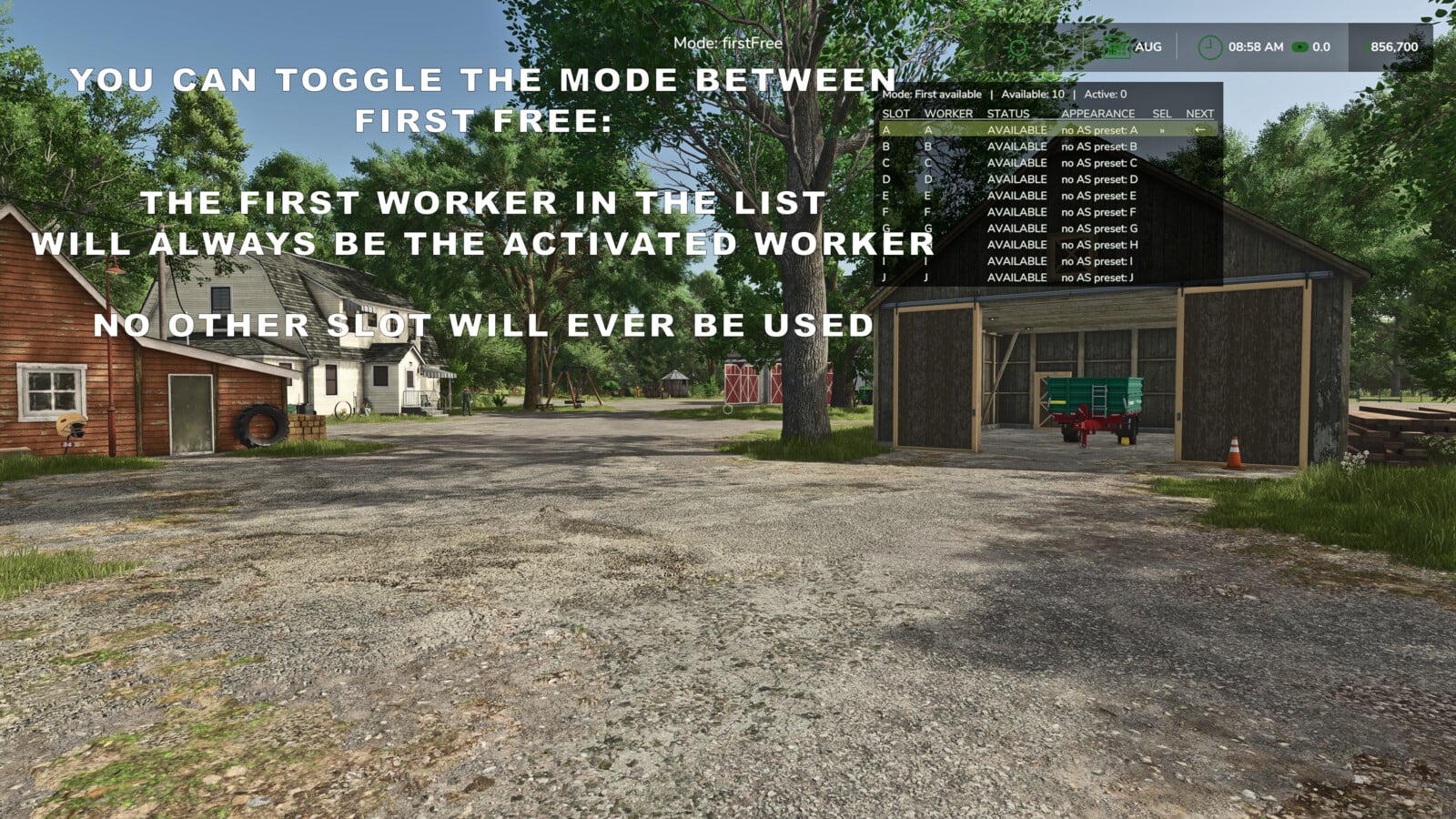
- First Free mode hires the first available helper in the roster order.
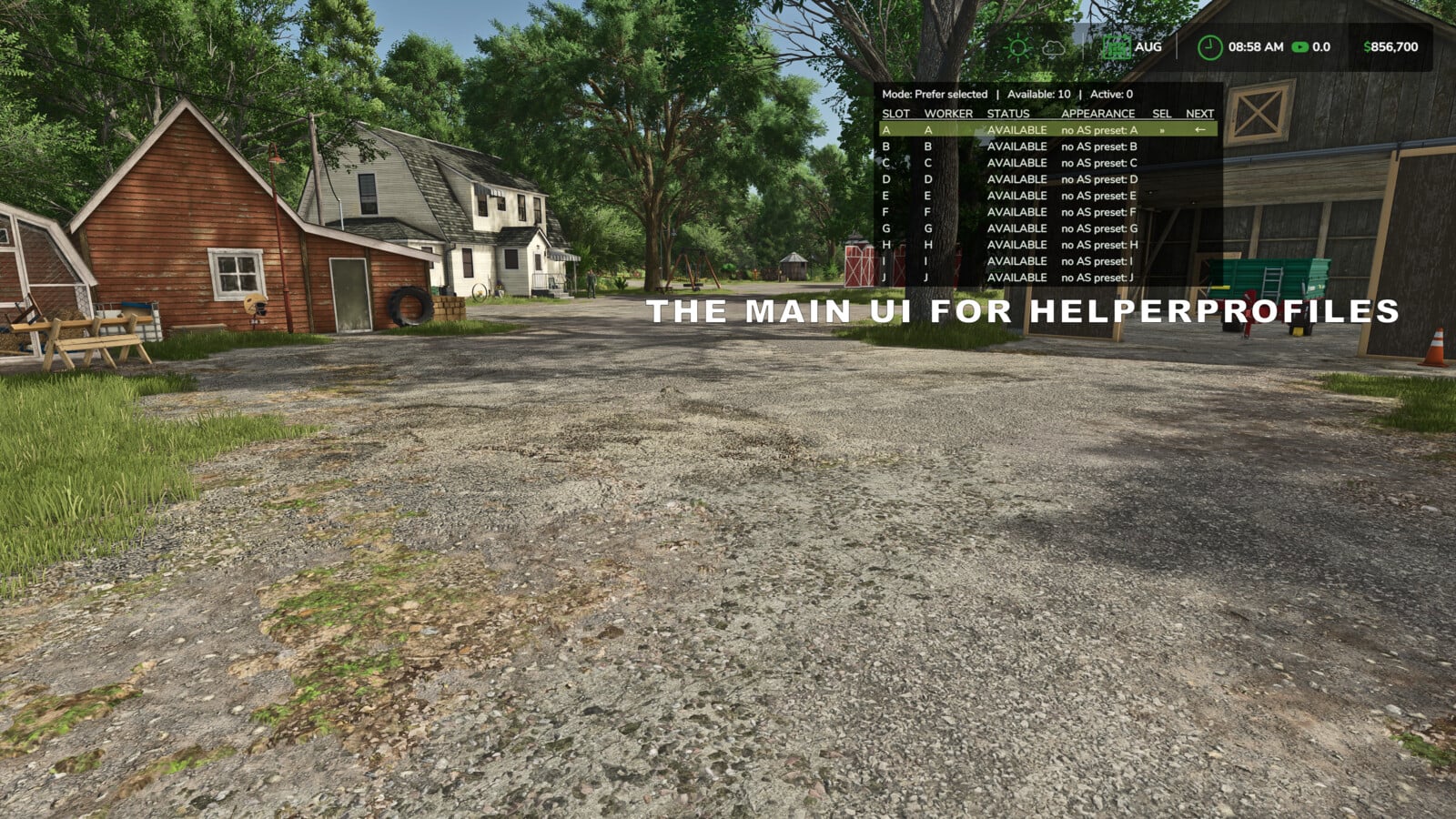
- Check the selected worker, the next worker due to be hired, and the available or active helpers in a table that sizes itself automatically.
- The overlay has A-J and K-T pages, so you can move between them. Show it or hide it, then set its position, size and appearance.
Personalise your helpers with optional companion mods:
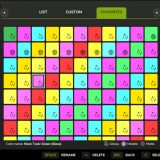
- AvatarSwitcher lets you connect saved appearance presets to individual helpers from the Appearances tab. Each savegame keeps its own bindings.
- HelperPayroll puts a read-only role display on the overlay and roster screen. You handle roles, pay rates and wages in HelperPayroll.
- You can play with Helper Profiles without either companion mod. Custom appearance bindings need AvatarSwitcher, and payroll role information needs HelperPayroll.
Default keyboard controls:
Semicolon (;): cycle workers.Shift + ;: switch hiring mode.Right Ctrl + ;: open Helper Management, Appearances and Helper Roster tabs.Right Alt + ;: show or hide the overlay.
Want a different setup? Reassign the controls in the game’s control settings.
Single player only.
Not compatible with Hired Helper Tool or conflicting helper-roster expansion mods. Helper Profiles disables itself for the session when an incompatible roster owner is detected.
Changelog
Changelog 2.1.2.0:
- Live HelperPayroll payroll-period costs now appear in the overlay and Helper Roster. In
dailyPayrollmode, finished work keeps building up until payroll settlement. - Texture and layout issues in the Helper Management appearance and roster screens are fixed.
- Compatible companion mods can request one specific available worker without changing your selected worker or your hiring mode.
- AutoDrive helper continuity is fixed, keeping an assigned worker when AutoDrive temporarily releases and reacquires a helper.
- After switching vehicles, intermittent Helper Profiles vehicle keybind loss is fixed by using the vehicle’s actual active-input state when actions are registered.
- A default menu key assignment that conflicted with the base game
MOVE LEFTcontrol has been removed. - Less routine diagnostic output is now written to
log.txt. - ModHub version numbering has been aligned with the existing public GitHub release history.