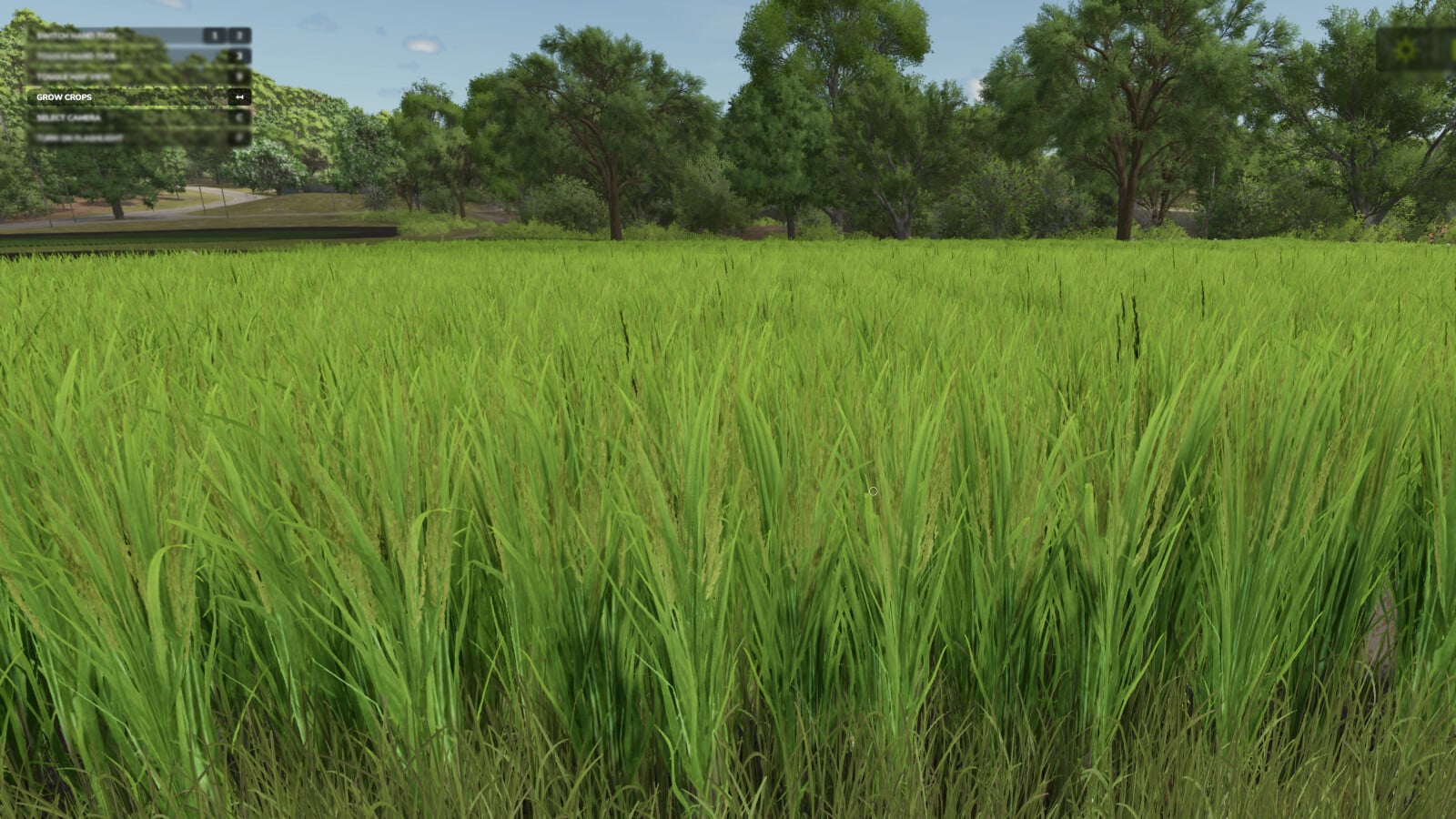
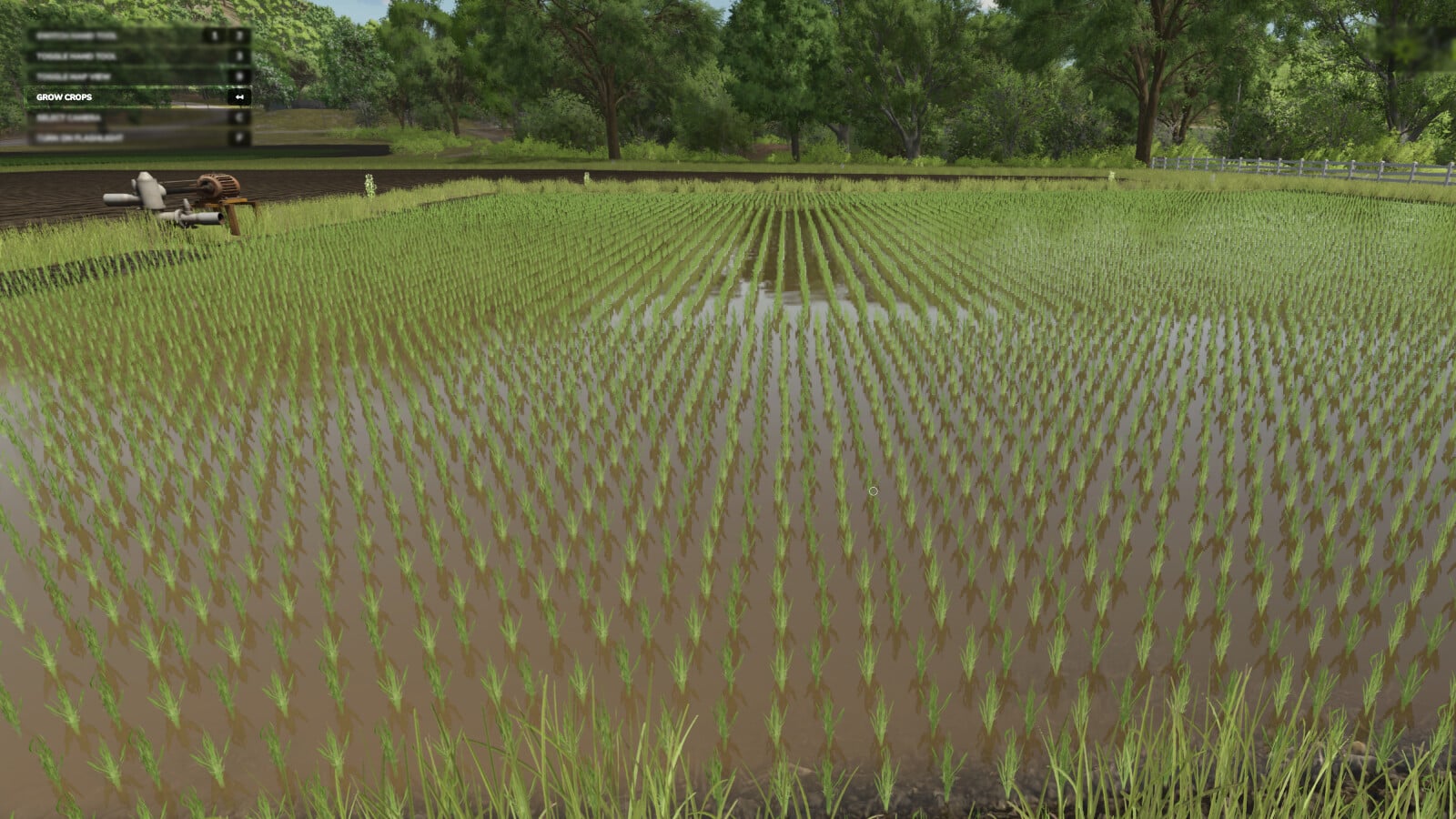
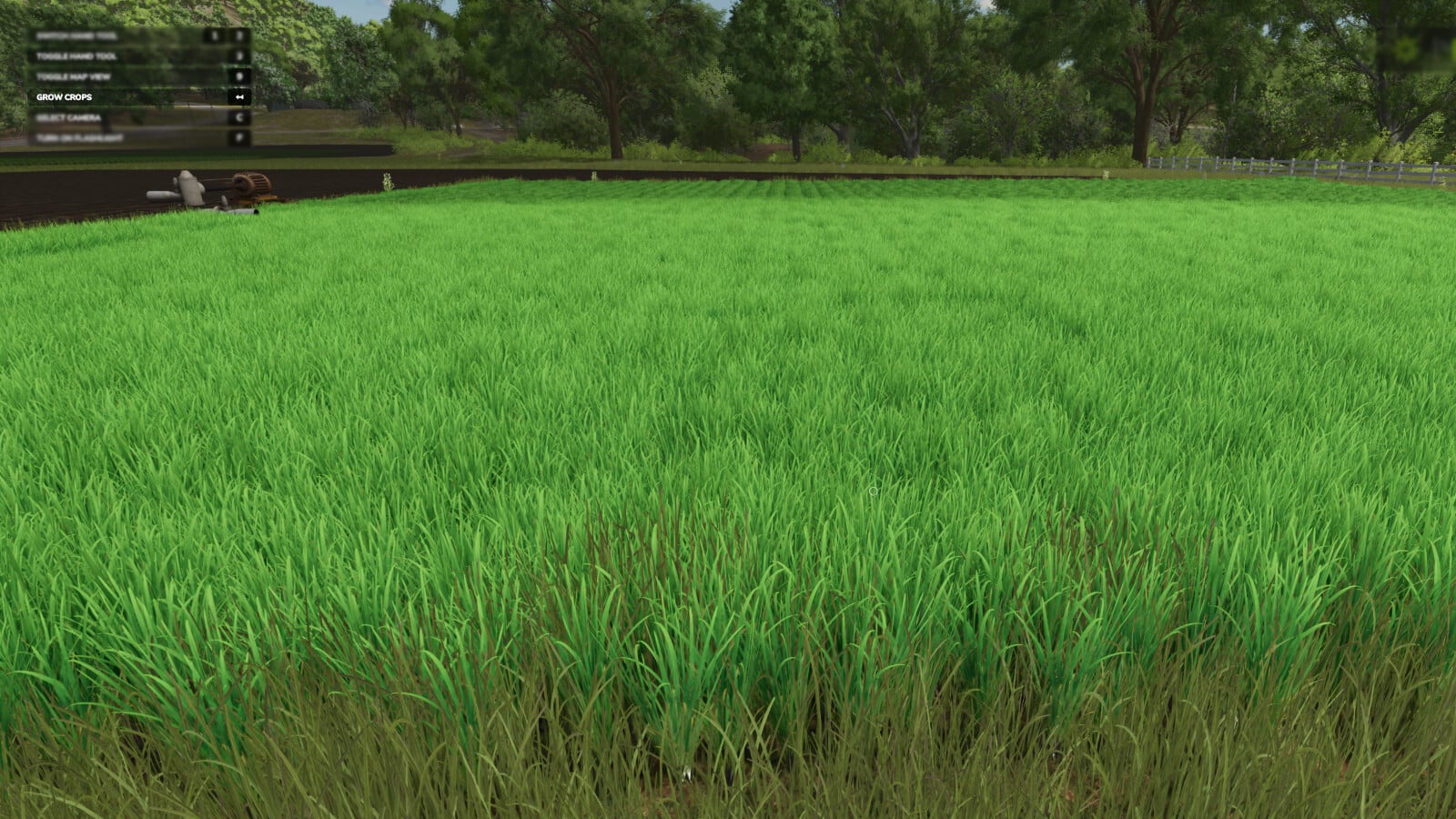
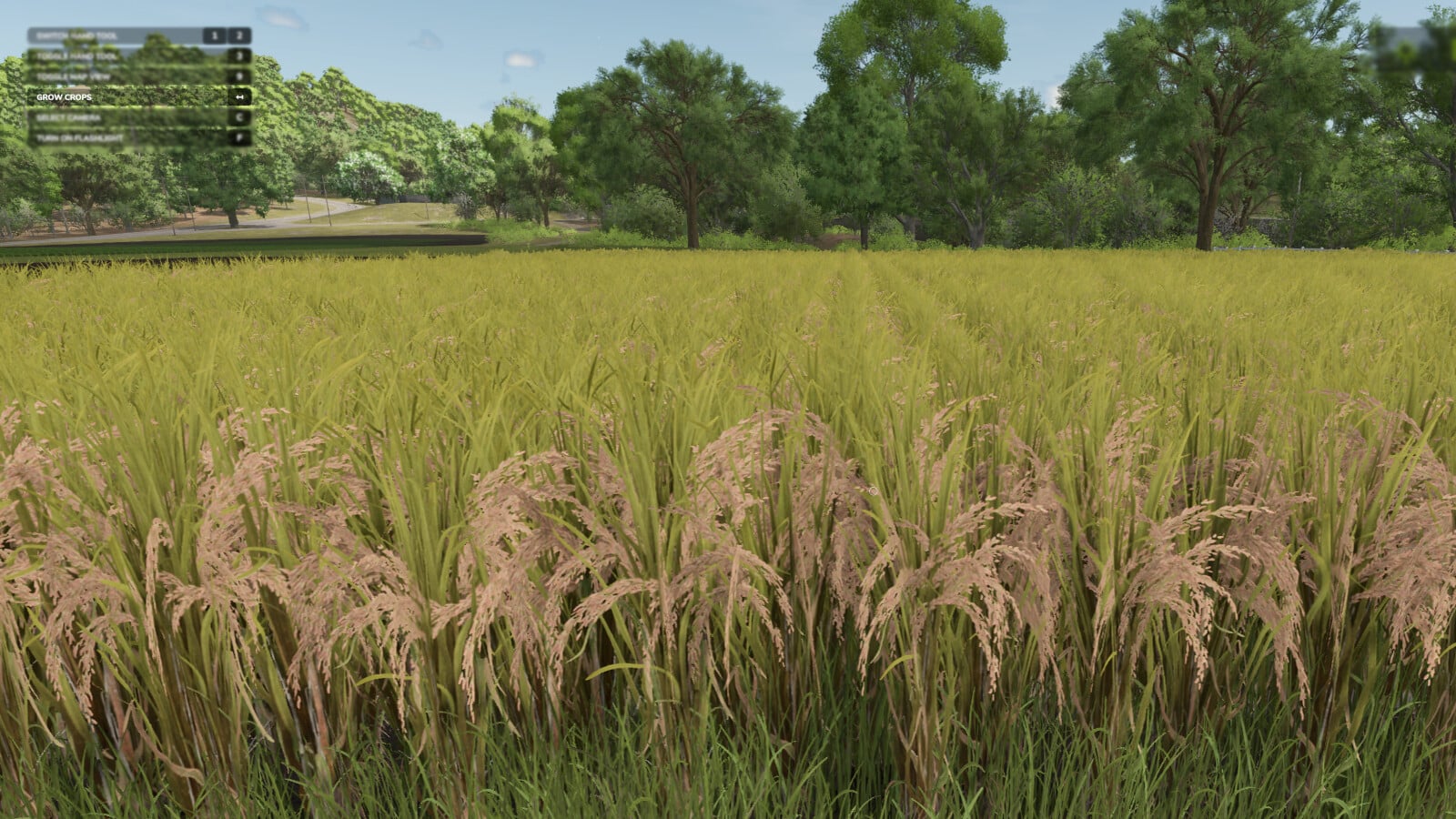
Want to push crop or tree growth forward? Press a button and get it moving. With version 2.0.0.0, crop growth has 2 methods to choose from.
Features
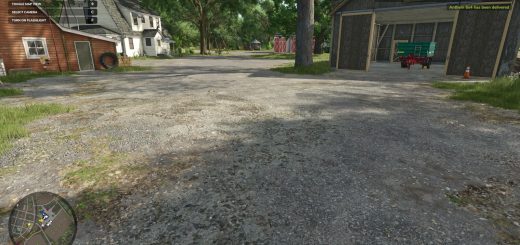
- Method 1 (new): Stand in a field or on a planted part of a field, then only that area advances instantly.*
- Method 2: Advance every crop across the map with a small delay, like the previous version of the mod did.**
- Some crops need two stages, meaning two button presses, to move to the next visual state.
- Stay at least 1 meter from the edge of the area you want to detect.
- *When used, the seasonal growth setting changes to “off” (option 2).
- Default Button for current crop: Backspace
- Default Button for all crops: Left Shift + Backspace
- Default Button for trees: Left alt + Backspace
Changelog
v2.0.0.0
- You can now advance the planted crop area you are standing in individually, thanks to the added feature.
- The update also adds a way to advance tree growth.