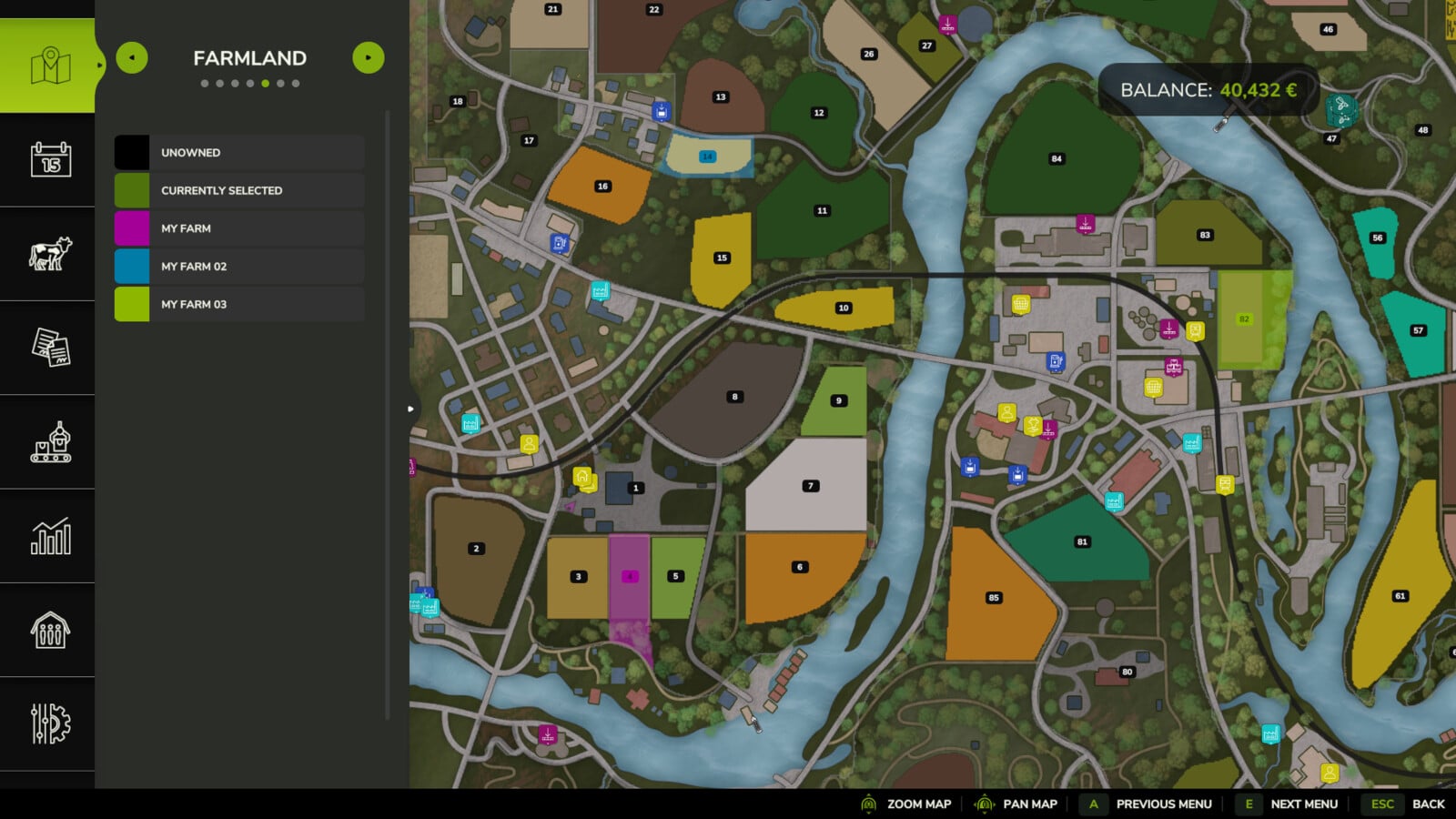
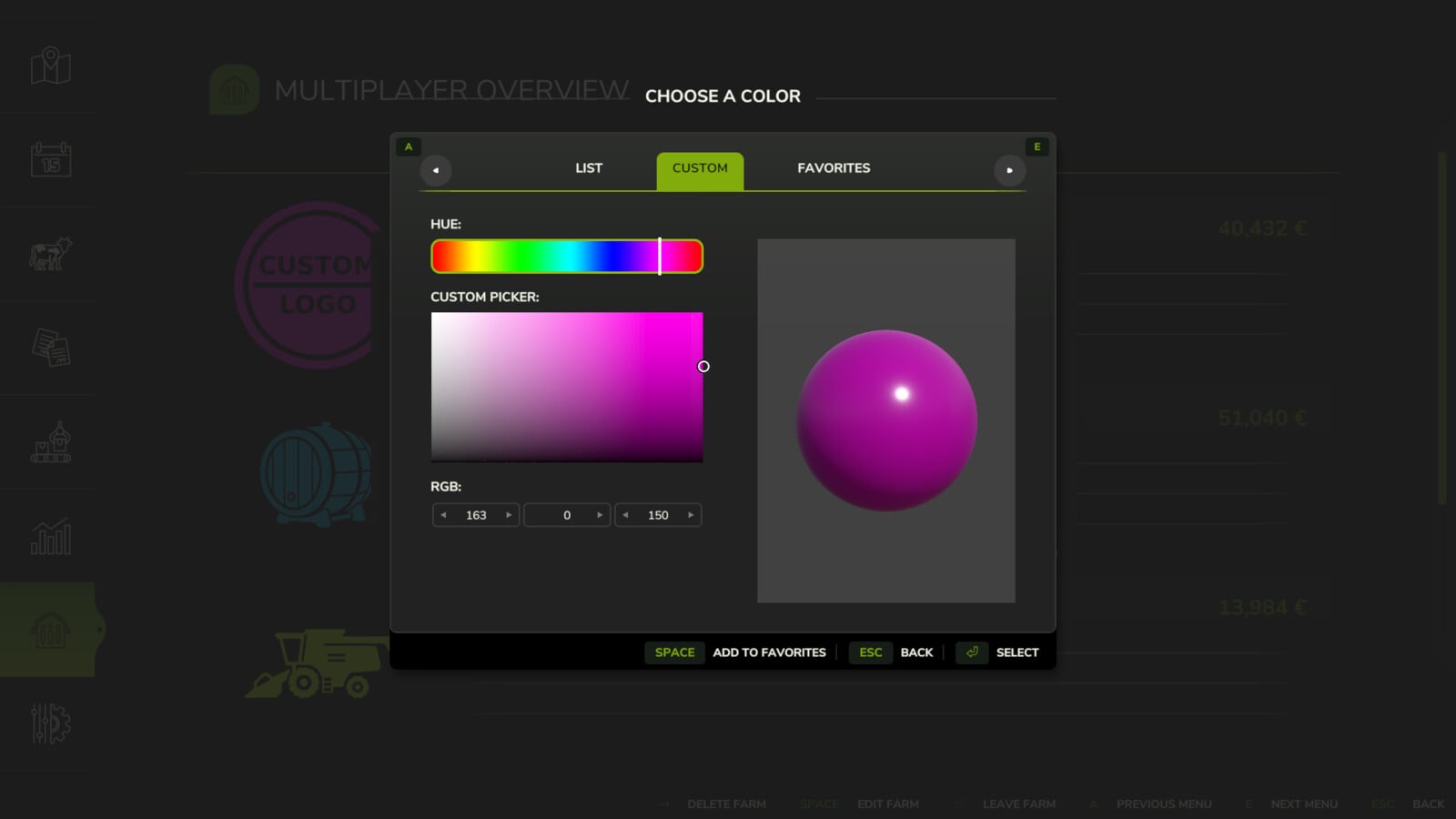
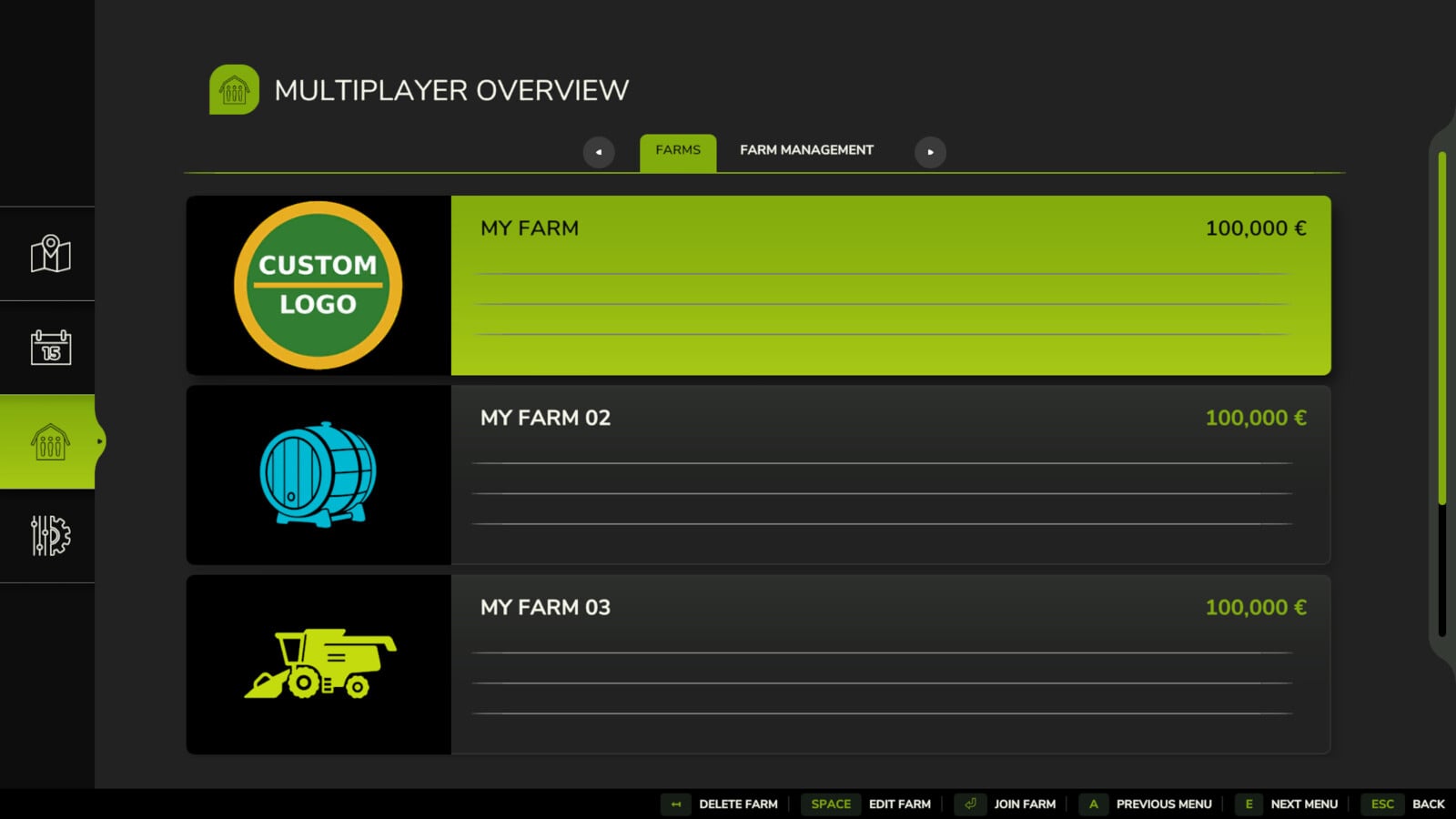
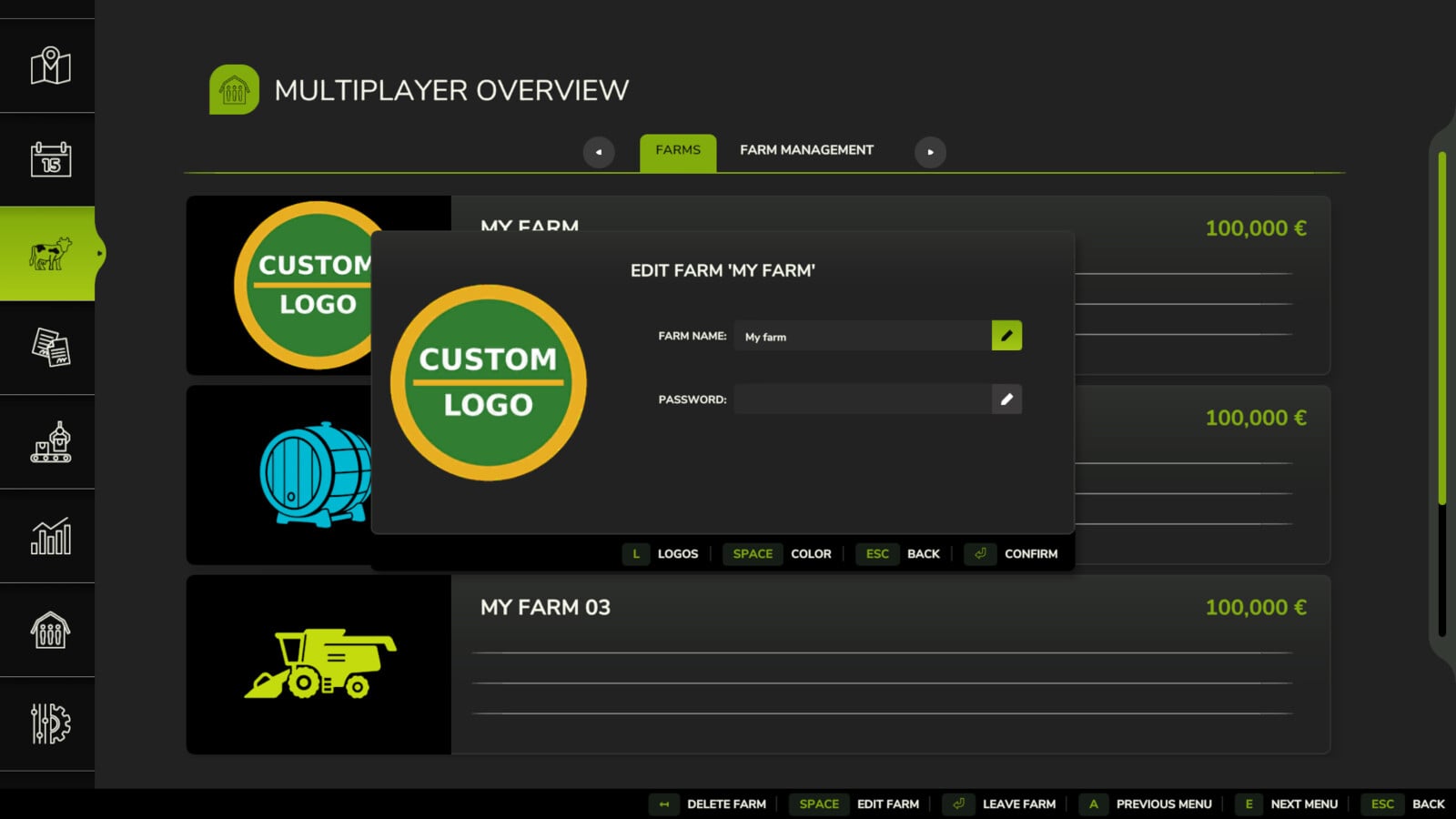
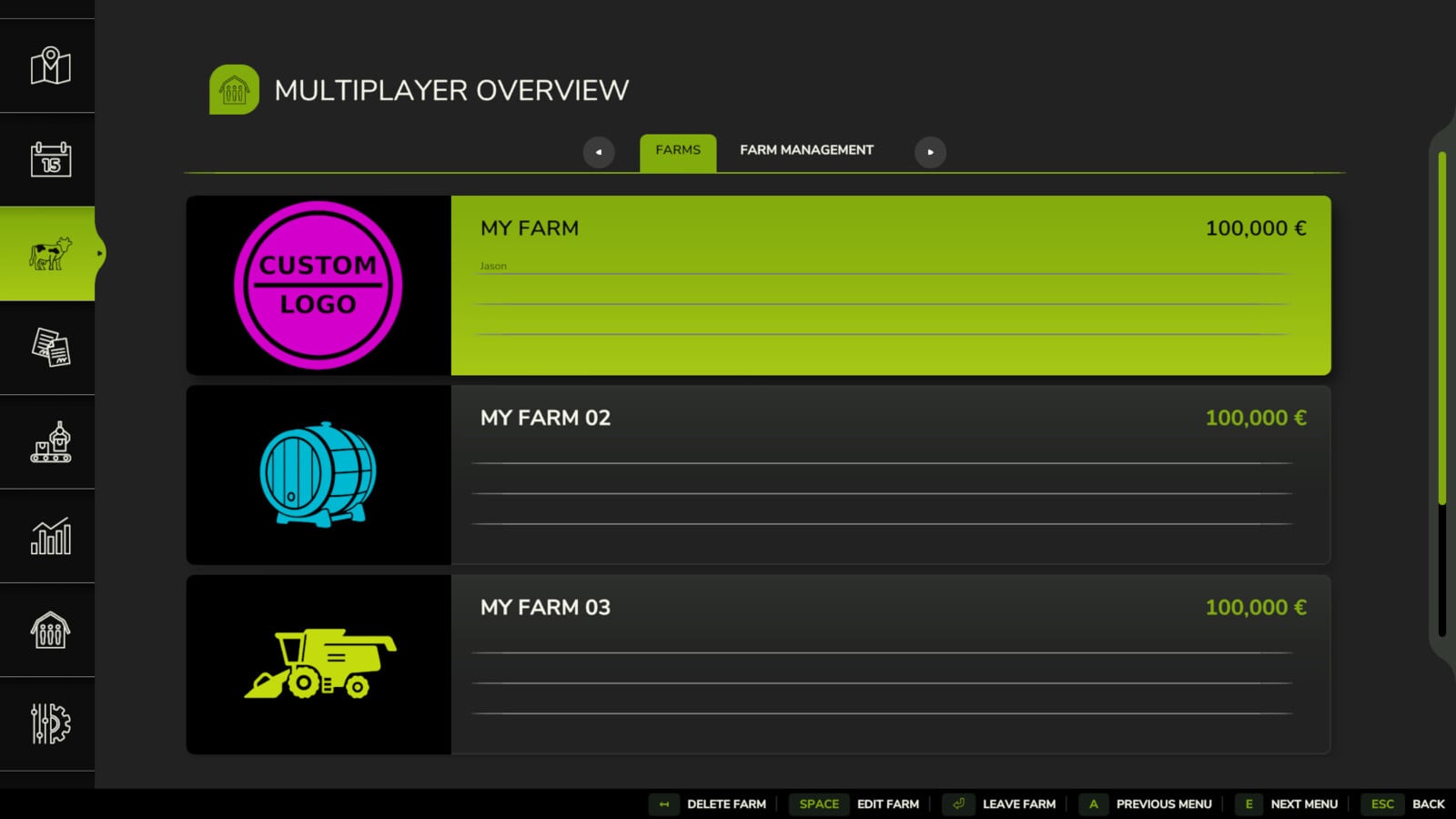
Want your farm to stand out in Farming Simulator 25? Farm Icon Color lets you pick a logo and add a custom colour, so your farm is easy to recognise in the multiplayer menu, farm list, map and in-game markers. It is a simple way to make your farm feel like yours while you play.
Features
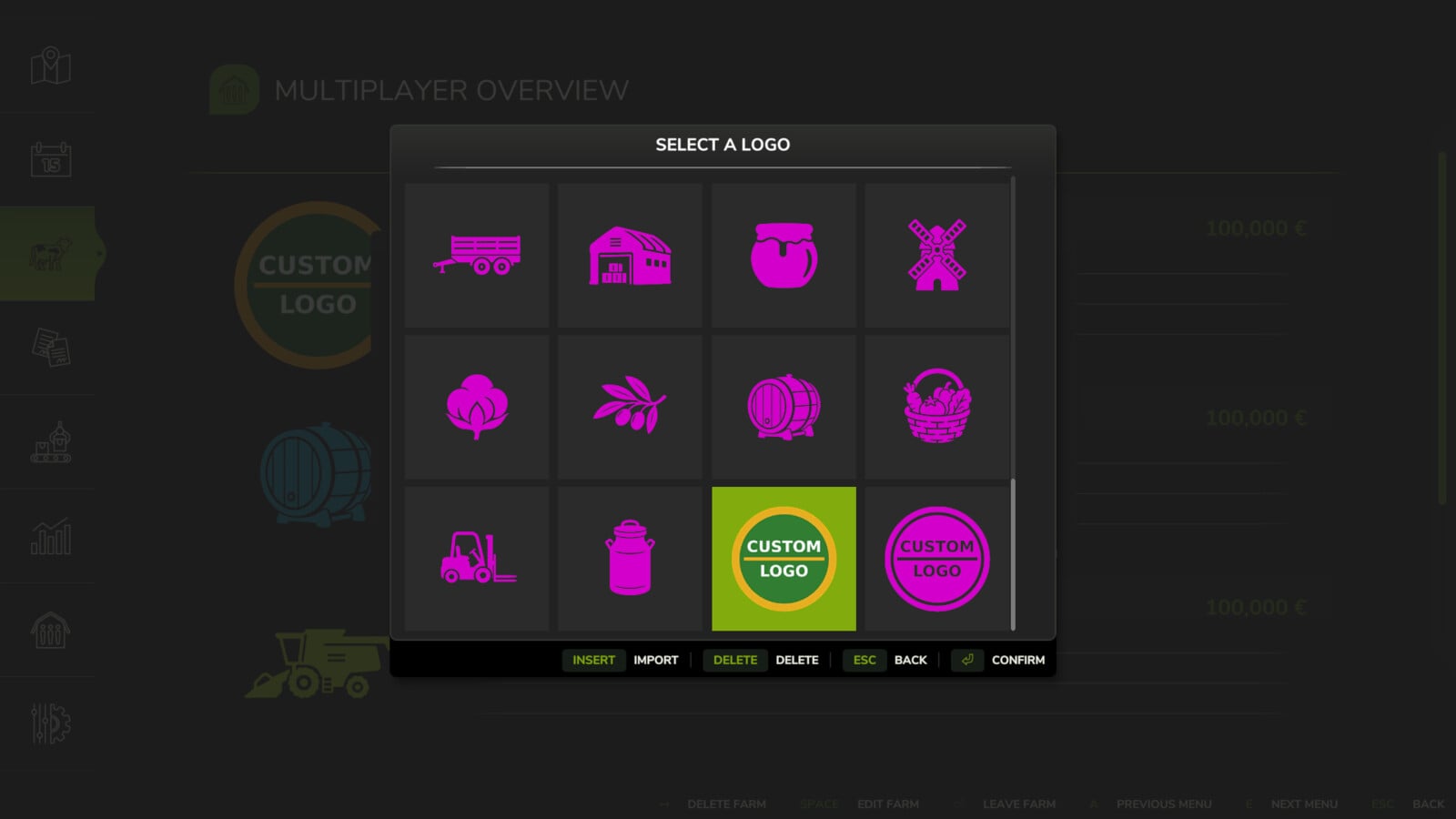
- You get 34 built-in logos, all available in a grid through the Logos button in the farm window.
- Choose a custom farm colour and use it on the logo, map and markers.
- As an admin, you can bring in your own logos. They are saved with the savegame and sent automatically to every player, including dedicated servers.
- Already-coloured logos keep their own colours. White logos use the farm colour instead.
- Admins can delete a custom logo for every player.
- Play it in singleplayer, multiplayer or with a dedicated server.
Custom logos
- 1. Download the logo converter from the GitHub page below, inside the converter folder. It is one offline
.htmlfile for your browser, with English, French and German included. Convert an image in PNG, JPG, WEBP, SVG or DDS format into an.xmlfile. - 2. Move the
.xmlfile toDocuments/My Games/FarmingSimulator2025/modSettings/FS25_farmIconColor/customLogos/. - 3. In game, go to Logos and press Import.
Controls
- Farm creation/editing window: select Logos (L), or click the logo to bring up the logo grid.
- Logo window: Confirm (Enter), Back (Esc); admin: Import (INSERT), Delete (DEL, press twice).
- Singleplayer: F9 brings up the farm colour customisation.
Check out GitHub for feedback, suggestions, bug reports and the logo converter download:
https://github.com/FantazzZdev/FS25_farmIconColor
Changelog
1.1.0.0
- A new logo window now shows a grid of logos. Open it with the Logos button (L), or simply click the logo.
- Admins can import personal logos, which are saved in the savegame and sent to every player, including dedicated servers.
- Coloured logos stay in their own colours, while white logos take on the farm colour.
- An admin can remove a custom logo for every player.
- Colours and logos are saved in the savegame again.
- For multiplayer farms, only the admin and farm members can change the colour and logo.
- Shortcuts no longer activate when you are typing the farm name or password.