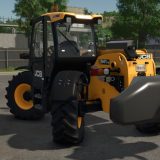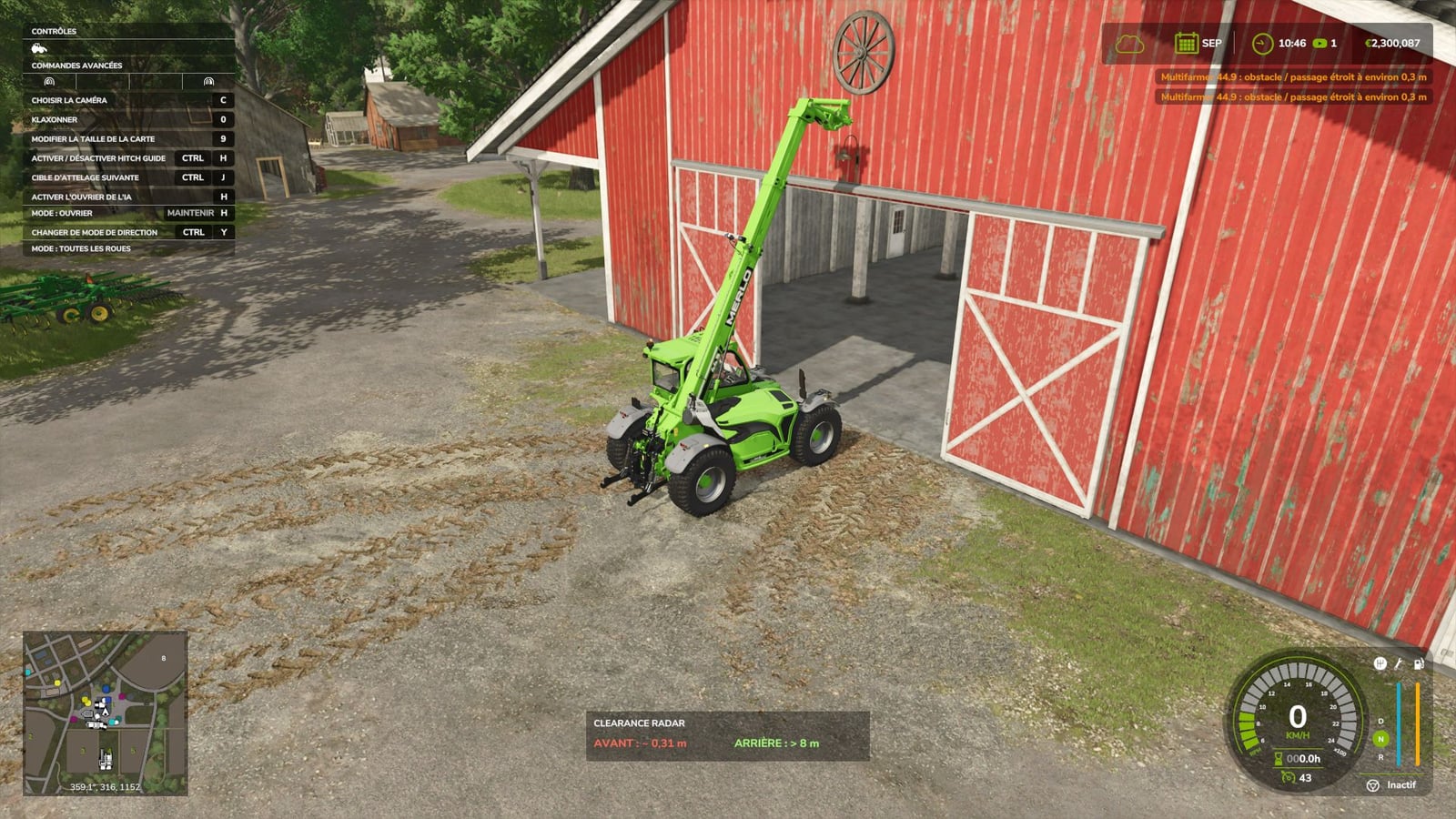
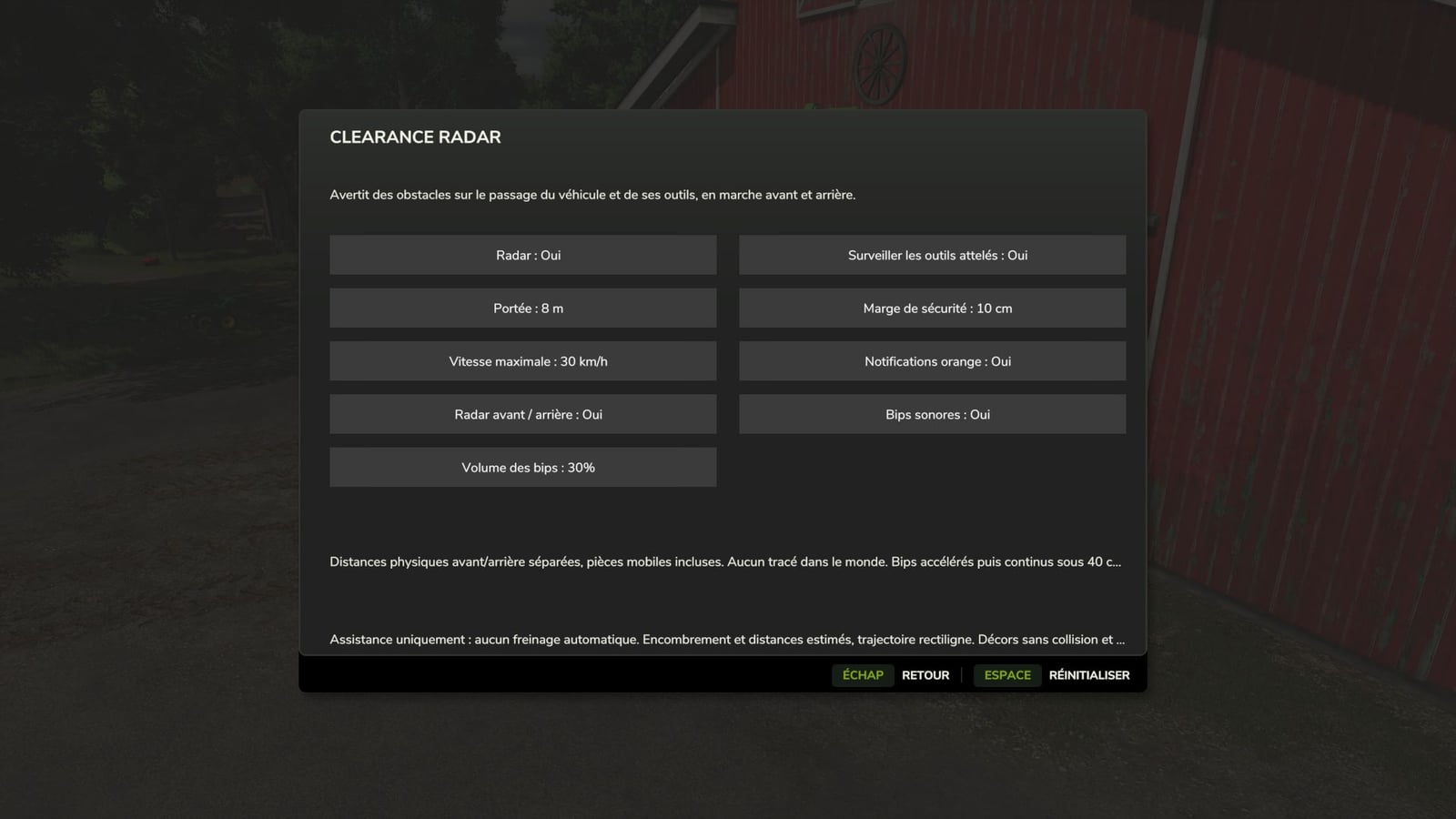
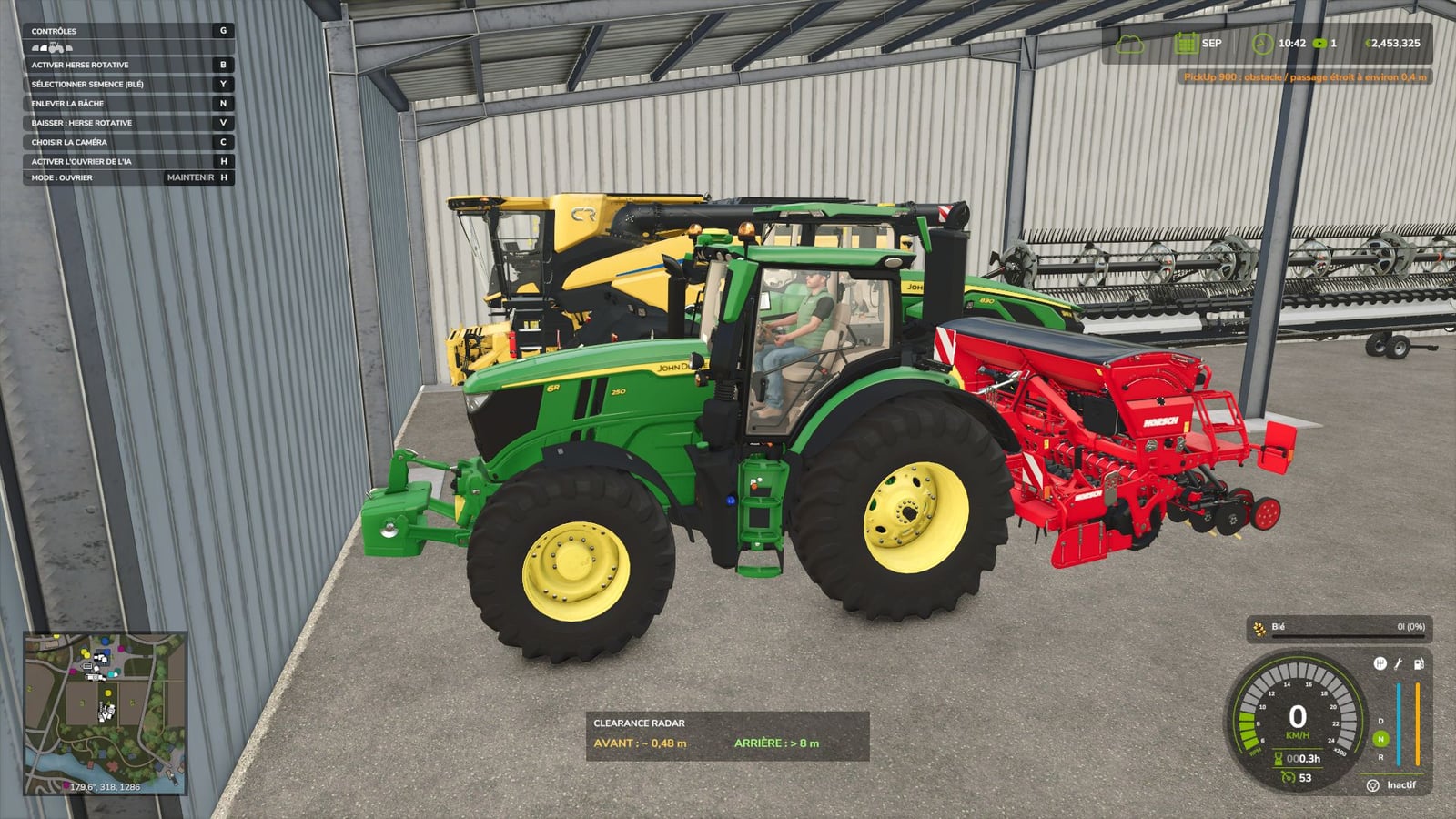
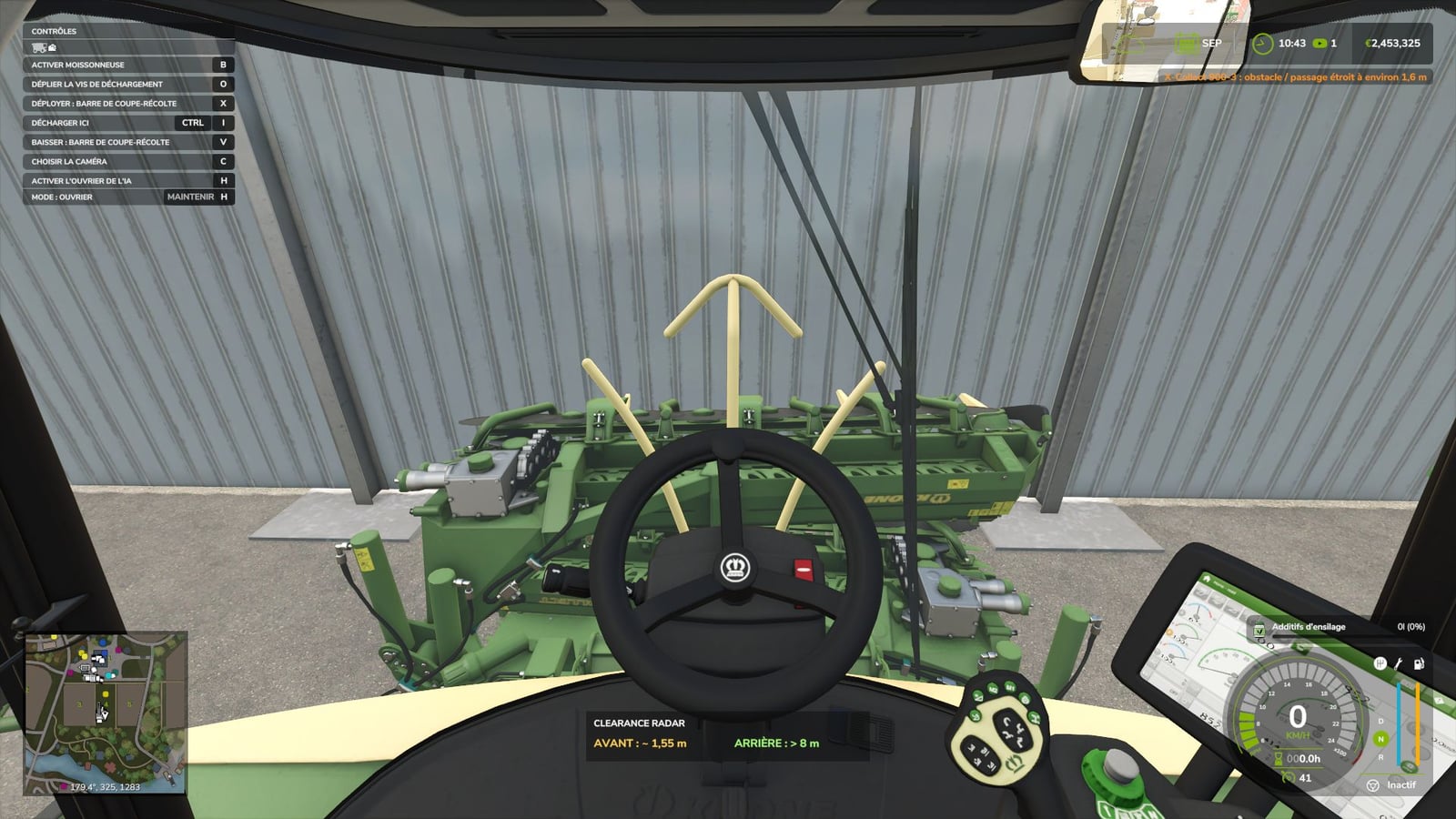
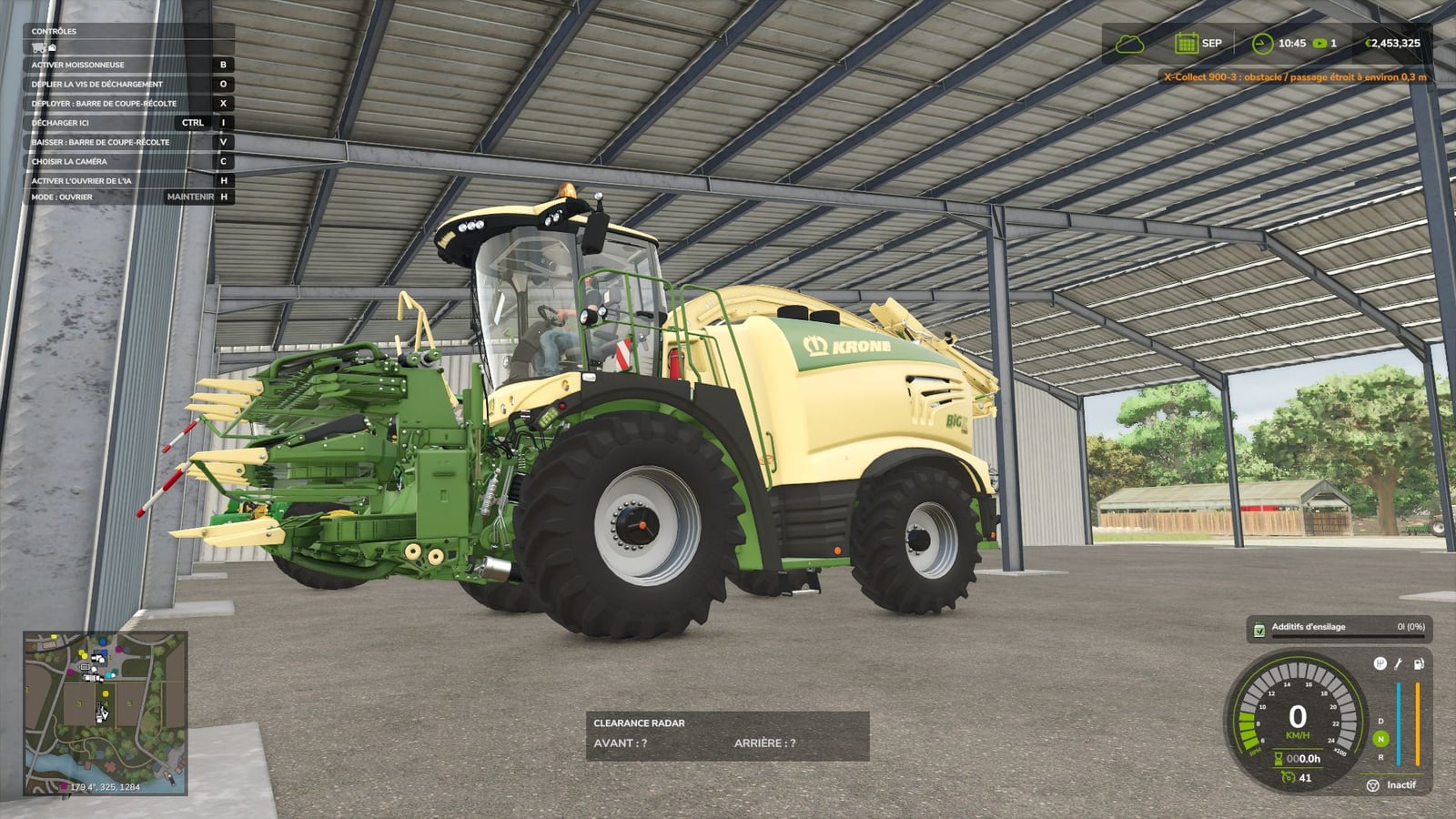
Getting close to walls, doors, roofs, trees or other vehicles in Farming Simulator 25 is easier with Clearance Radar. You can watch the vehicle you drive, and you can also choose to monitor attached implements, even raised arms on telehandlers.
Features
- Orange in-game alerts give you the machine name and the estimated obstacle distance.
- Front and rear radar work with separate distances, which helps when you park a vehicle combination at the back of a shed.
- A small distance panel plus stationary detection helps you handle tight maneuvering.
- As the obstacle gets closer, the beeps become faster. Below 40 cm, they stay continuous.
- Turn the sound off when needed, or set its volume anywhere from 0 to 100%.
- Choose whether attached implements are monitored.
- Set the range, safety margin, maximum speed and notifications to suit your maneuvering.
- The interface has the FS25 style, and your settings save automatically.
- Translations are included for all 27 languages of the game.
Default controls
Toggle the radar with Left Ctrl + R.
Open its settings using Left Ctrl + Left Shift + R.
You can change the controls in the game settings.
Multiplayer
Compatible with single-player, multiplayer and dedicated PC/Mac servers. Install the same ZIP on the server and with the players. Each player keeps their own settings, alerts and sound volume.
This mod is assistance for your driving: it estimates distances from available collisions and a straight-line trajectory. Scenery without collisions is not detected. It does not brake automatically, so remain in control of the vehicle and visually check the passage.
No other mod required.
Version: 1.1.1.0