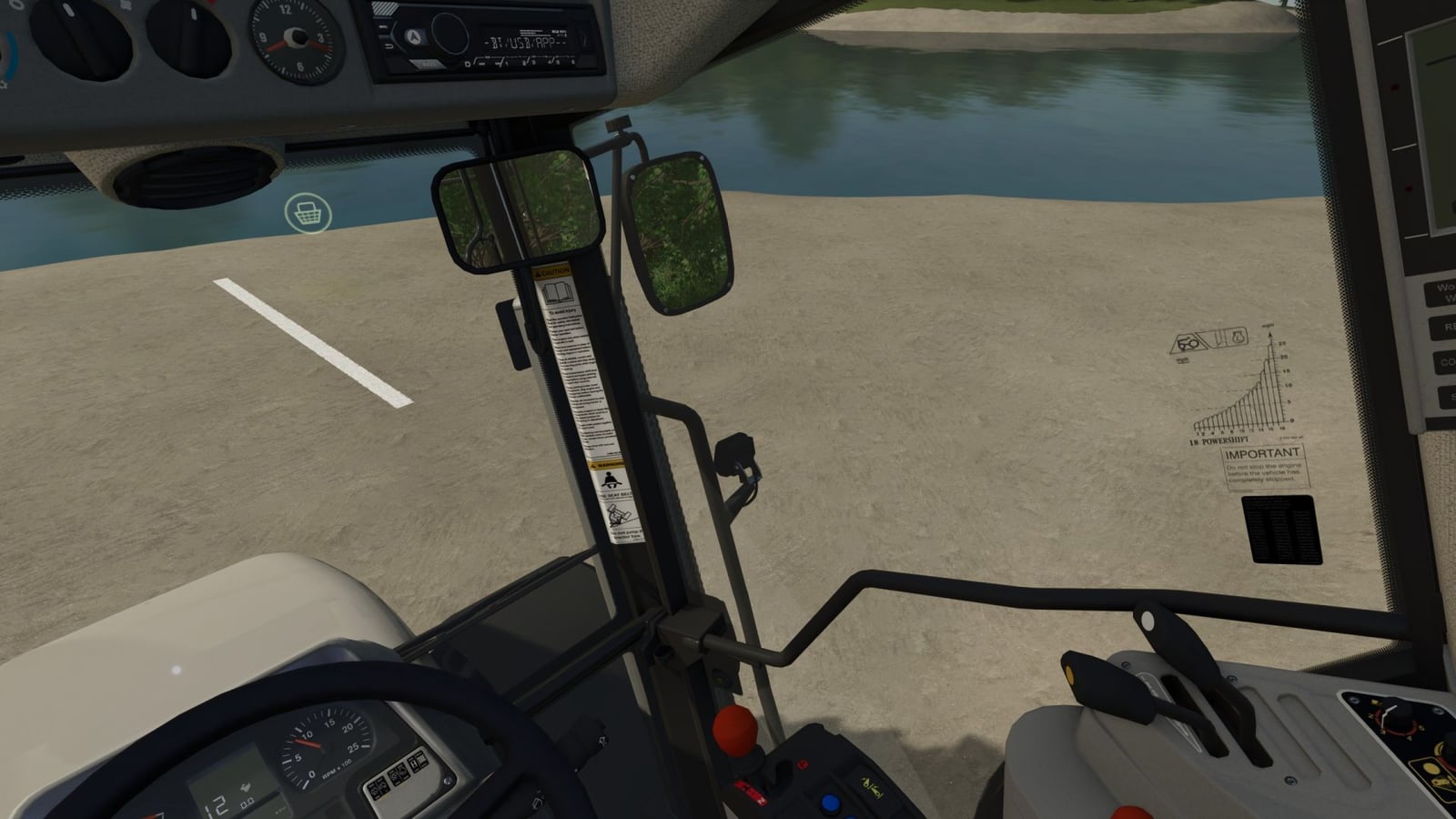
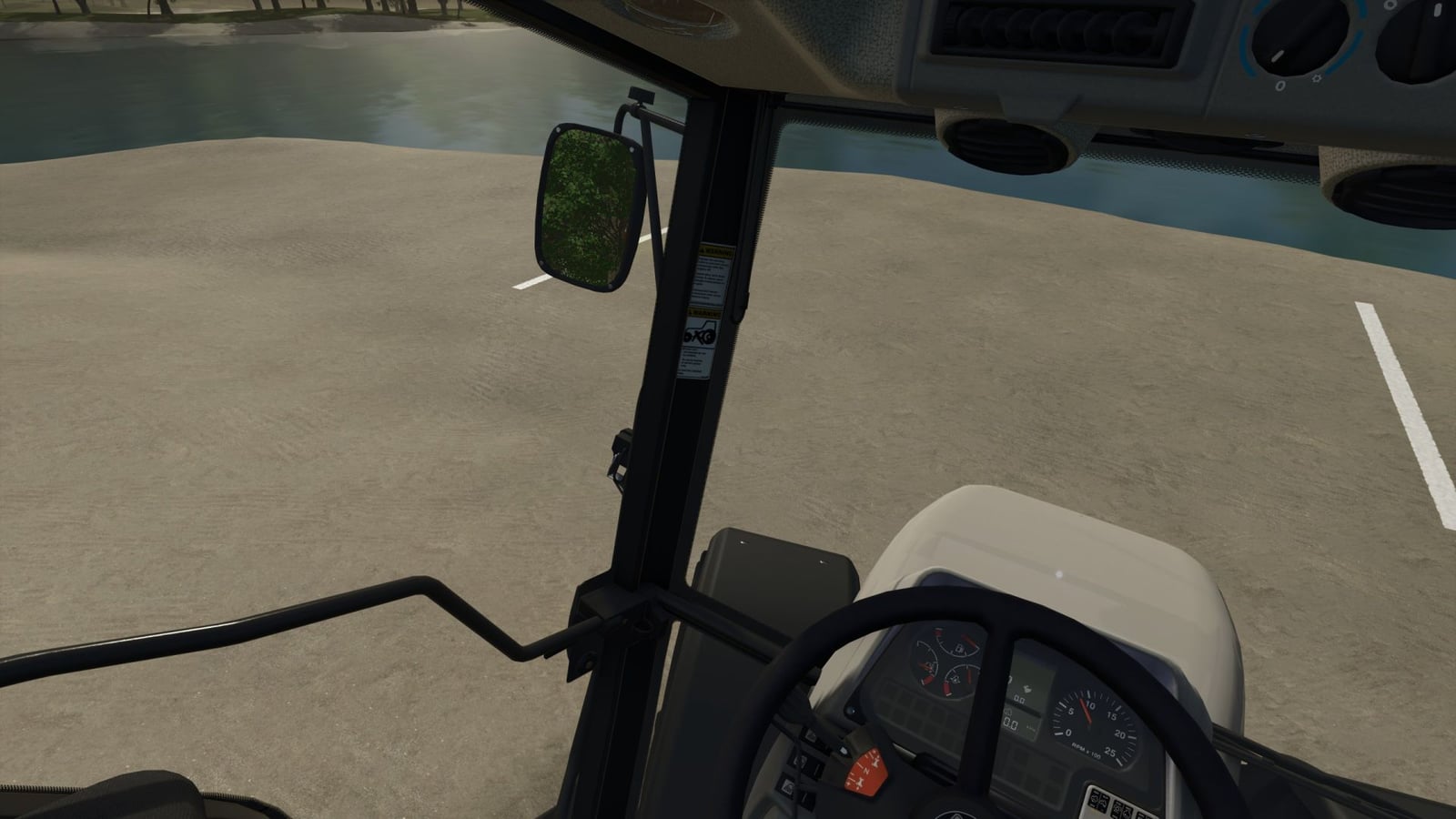
Want the interior camera to follow your steering instead of using a head tracker? This mod is a “head tracker replacement” that follows the vehicle’s steering angle. Drop it into your mods folder and activate it in your save game. Then your view can move with the way you steer.
Features
- Your interior view follows the steering angle, with control of the viewing angle similar to the previous VCA mod.
- With key or joystick assignments, “A quick look” lets you look up, down, left, right or backward, just like the option from the previous VCA mod.
- You can set the camera’s “seating position” up, down, left, right, forward or backward. It works like a head tracker, while the adjustment itself happens directly in the game.
- Open the menu to adjust these settings:
- Camera guidance enable/disable.
- Camera guidance while stationary: enable/disable, specifying whether the steering angle is also taken into account when stationary.
- Rotation sensitivity: sets the sensitivity of how the script reacts to the steering angle.
- Maximum rotation angle: determines how far the camera rotates in the corresponding direction.
- Quick look – horizontal: determines how far the “quick look” allows the camera to rotate left/right.
- Quick look – vertical: determines how far the “quick look” allows the camera to rotate up/down.
- Quick look reset speed: determines how quickly the camera returns to the steering angle after the “quick look”.
- Rotate view 180°: determines how quickly the camera rotates 180 degrees.
- Steering dead zone: sets the “dead zone” until the camera reacts to the steering input.
- Activate rear view in reverse: on/off, determines whether the camera “looks behind” as soon as reverse gear is engaged.
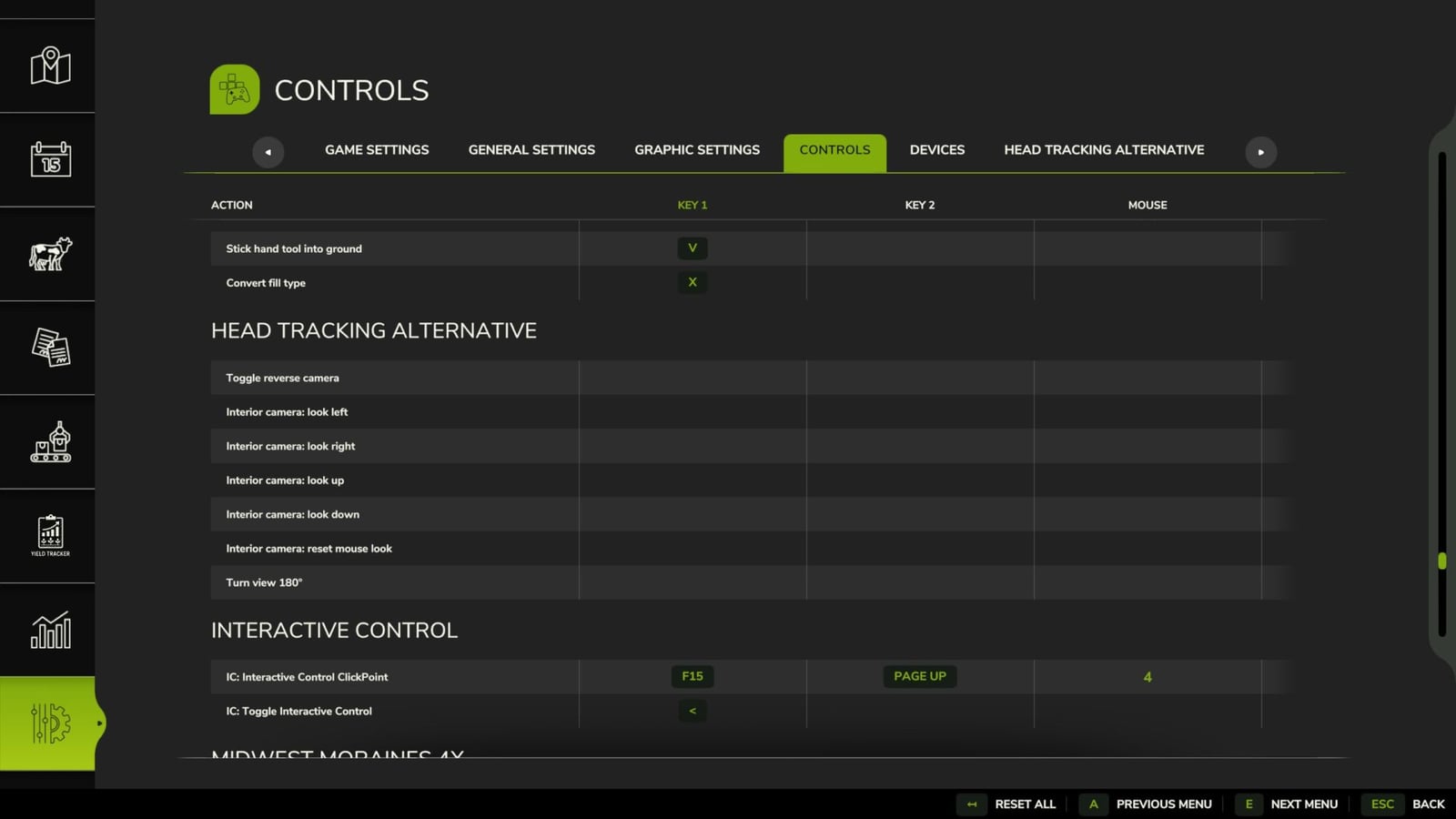
- Set the key bindings yourself in the settings. Predefined bindings were intentionally left out to avoid conflicts with other active mods.
- The mouse wheel assignments already set up for the camera position are:
- Mouse wheel up/down: camera position up/down.
- L-Shift + mouse wheel up/down: camera position forward/backward.
- L-Ctrl + mouse wheel up/down: camera position left/right.
- The mod has been tested in single-player and multiplayer modes.
Changelog
- V1.0.1.1
- Added head tilting up/down.
- Minor performance improvements.
- Reliable saving of seating position even in multiplayer, hosted and dedicated.
- Automatic rear-view camera deactivated in trucks, combines, forage harvesters and combine harvesters.
- V1.0.0.7
- FIX: Fixed an issue that could cause LUA call stacks on multiplayer servers.
- FIX: Camera positions are now correctly saved for both users and vehicles.