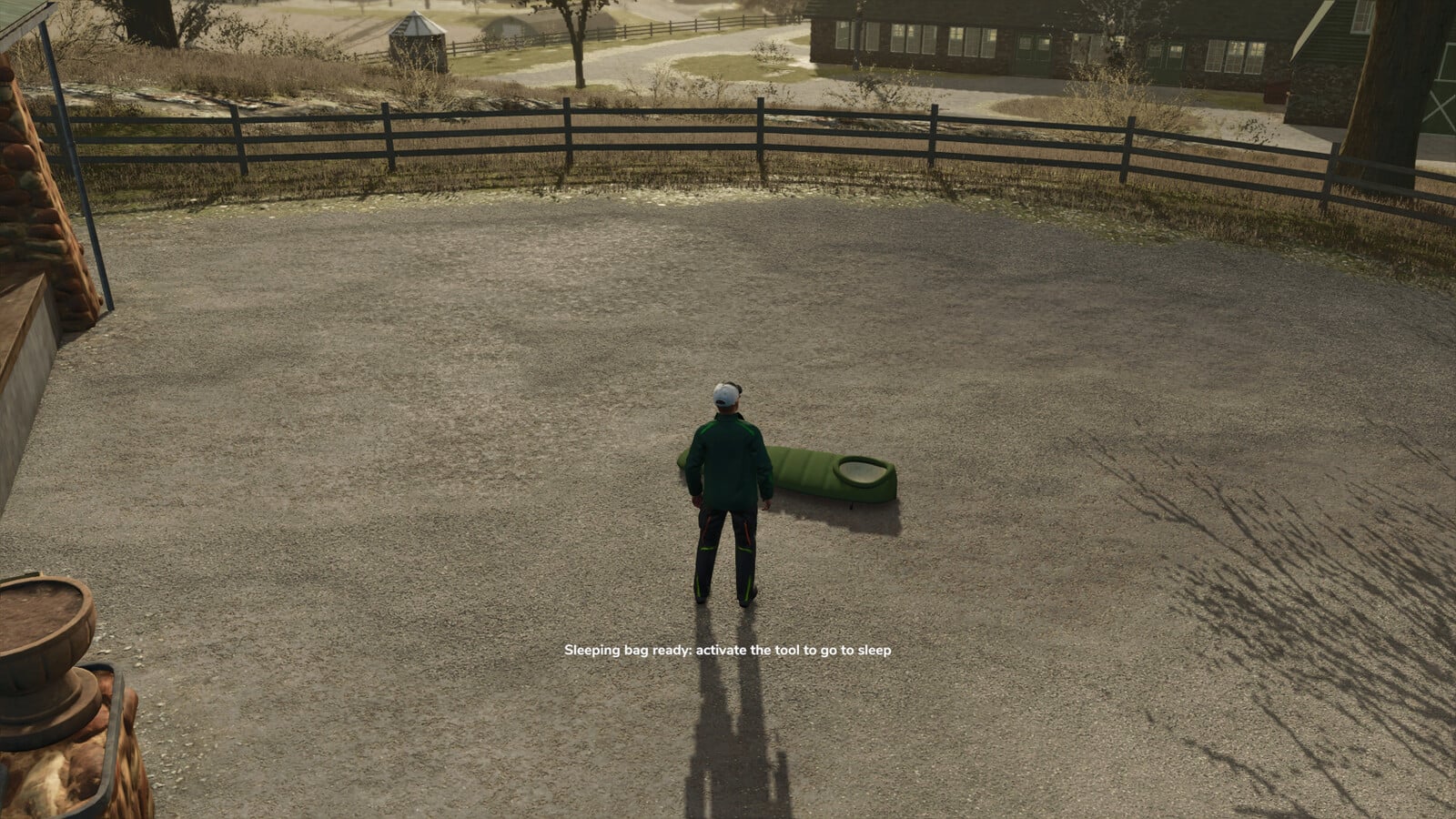
With Better Sleep, multiplayer sleep gets more control. Set a sleep limit for each farm, so players cannot skip time past a farm that is offline. You can also take several days off at once, or grab the sleeping bag and sleep anywhere on the map.
Features
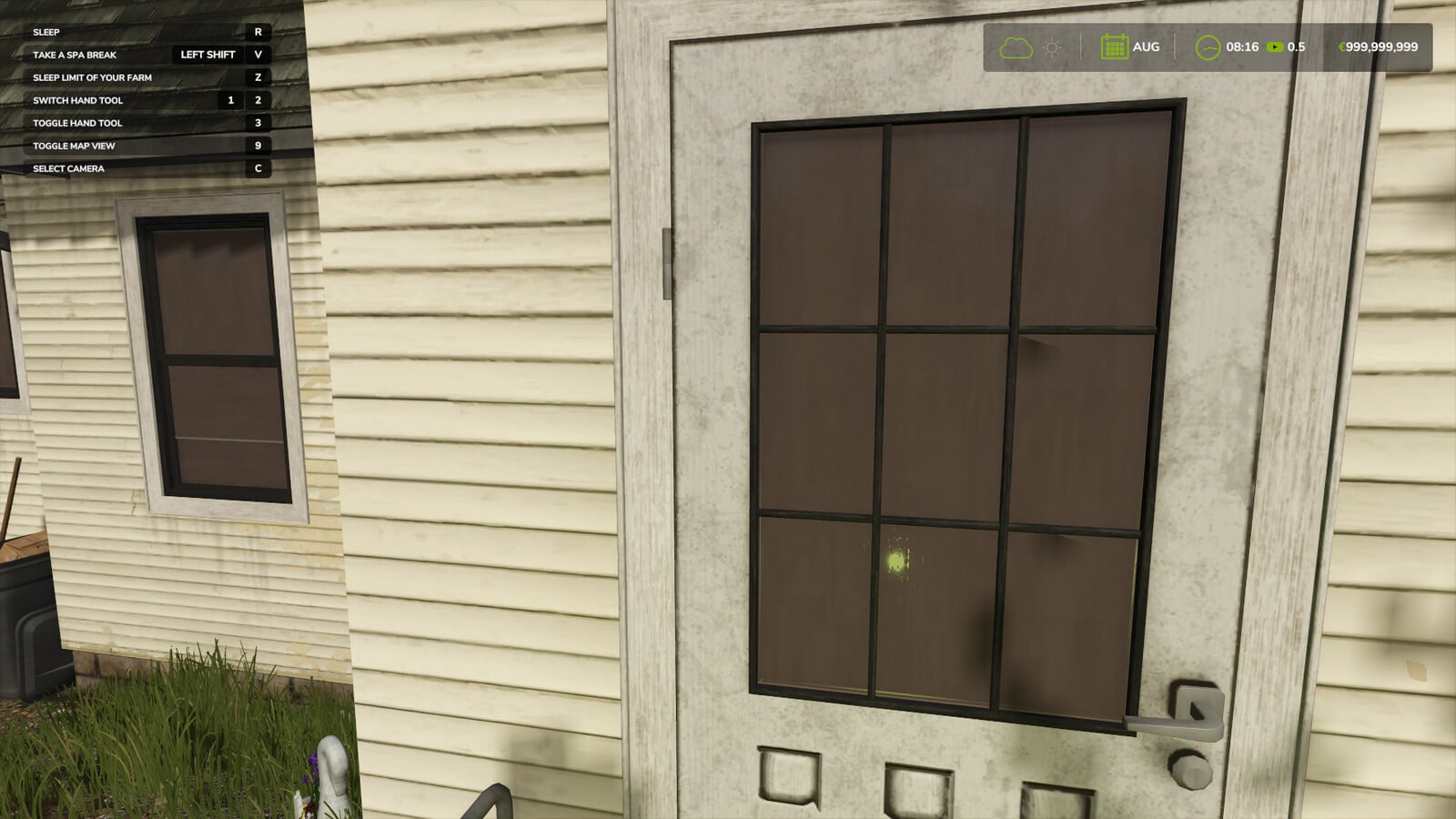
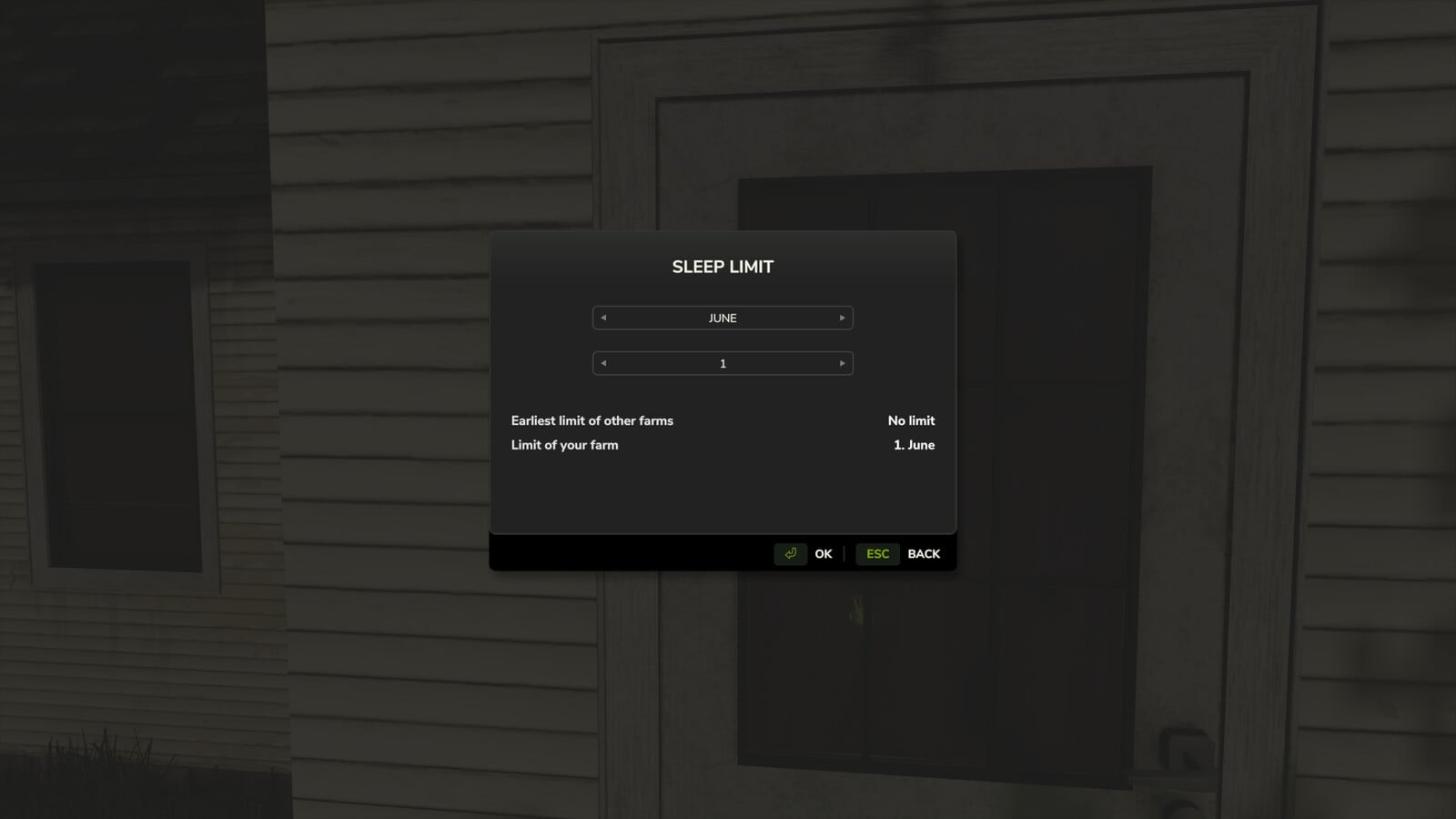
- Sleep limit: Go to your farmhouse bed and press the key for “Sleep limit of your farm”, which is Y by default. Pick the month and day you want. If you sleep or take time off, the earliest limit from the other farms stops time there. No limit set means sleep works as usual.
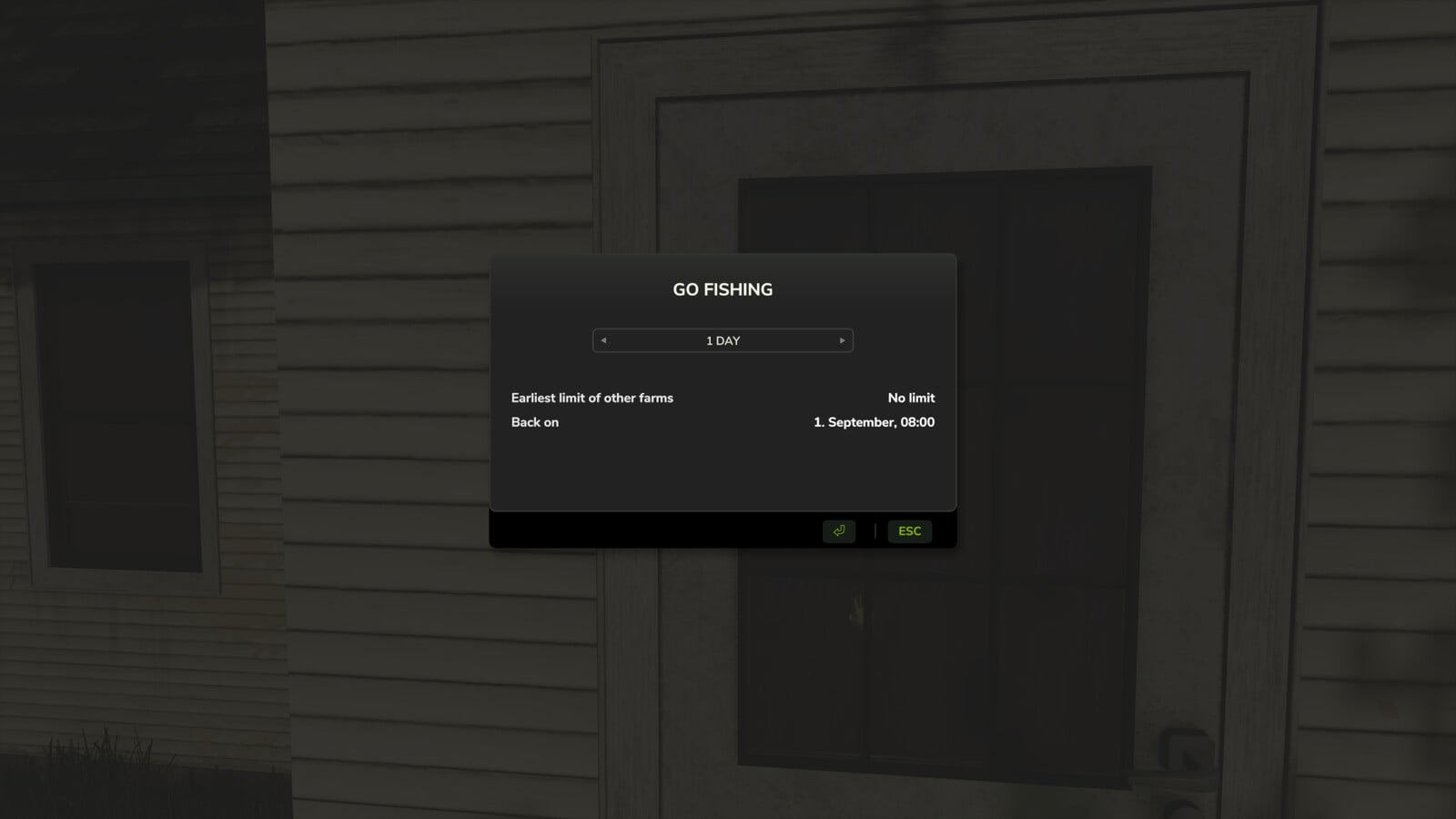
- Time off: Use Left Shift + V at your bed by default to start multi-day time off. The server settings decide the maximum length, and the activity changes with every time off.
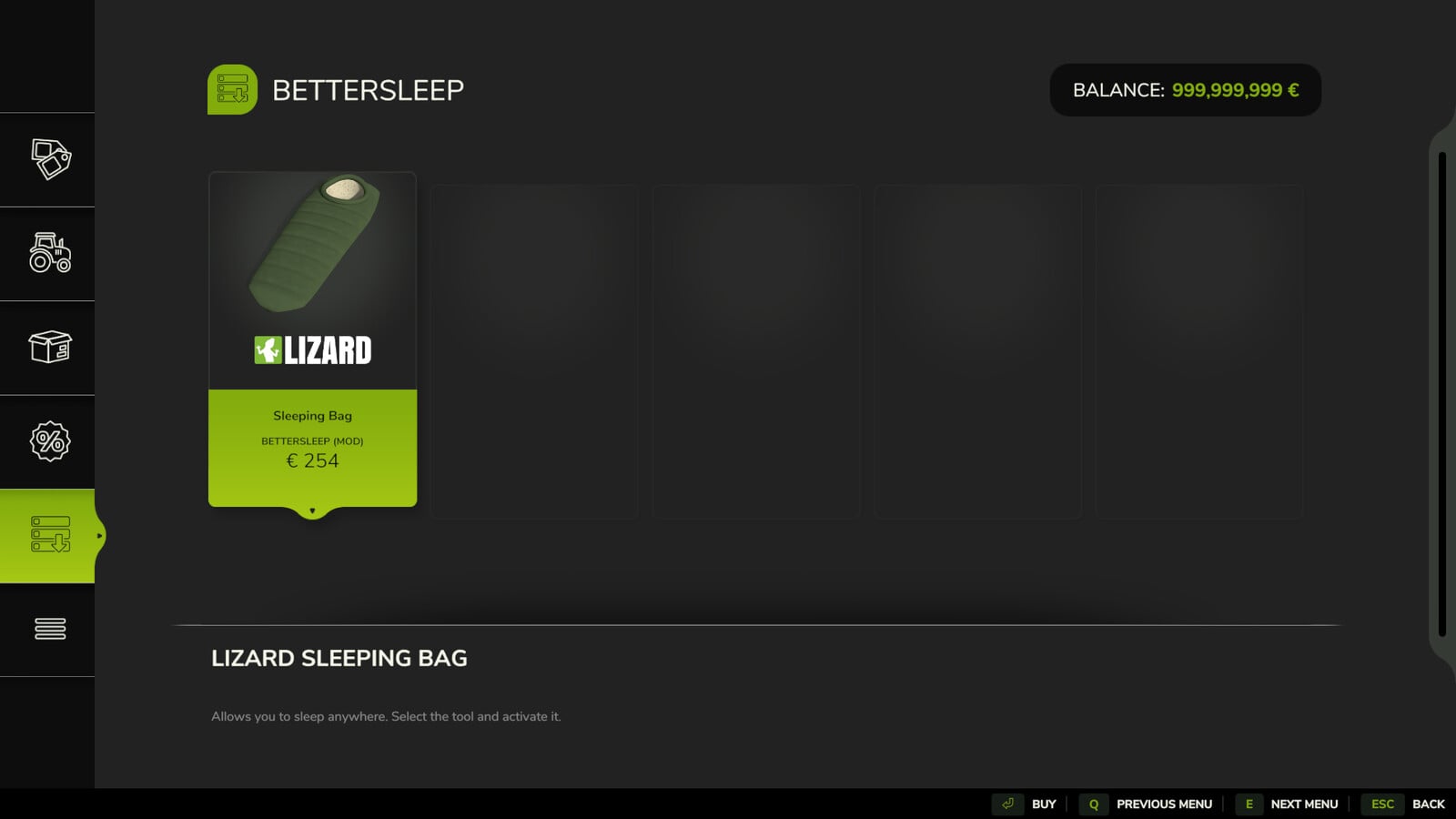
- Sleeping bag: Select the sleeping bag, activate it, and sleep anywhere on the map. A farmhouse is not needed.
Sleeping bag
- Price: 254$
- Shop: Hand Tools > Miscellaneous
Console commands (host)
bsStatus: shows all limits and settingsbsSetLimit: sets the limit of your own farmbsClearLimit: removes the limit of your own farmbsSetRights manager|member|admin: who may set limitsbsSetVacation [wakeUpHour]: length and wake-up time of the time offbsSetAnywhere on|off: switches the sleeping bag on or off