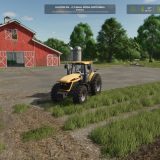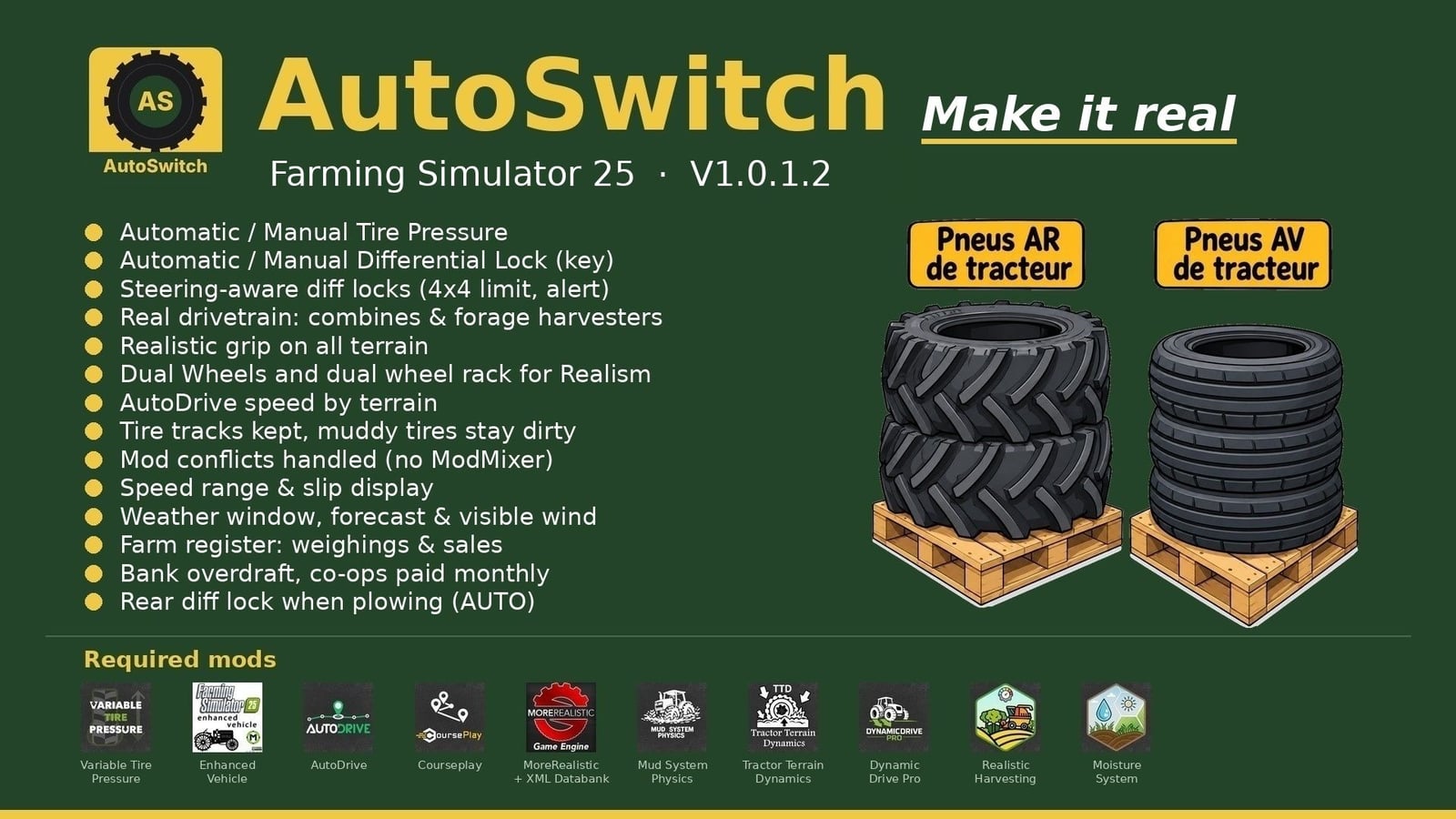
AutoSwitch takes care of tire pressure and differential locks, giving your machines more realistic traction. You can run Variable Tire Pressure, Enhanced Vehicle, MoreRealistic, Mud System Physics, Tractor Terrain Dynamics and AutoDrive together without modifying or disabling them. That means less mod juggling and more time driving, working fields and setting up your farm.
Features
- With AutoDrive or Courseplay, tires deflate while you are in the field and inflate again on the road. If you are driving yourself, choose Automatic or Manual mode.
- Enhanced Vehicle differentials react to slip: the rear locks at 15 %, while the front locks at 30 %, and the front setting is adjustable. Use 2WD on asphalt and concrete, then 4WD everywhere else.
- Plowing gets its own automatic behavior. In AUTO mode, lowering the plow locks the rear differential, and lifting it unlocks the differential again.
- Use Right Ctrl + Up arrow to switch between AUTO and MANUAL. MANUAL puts the differential locks and 2WD / 4WD in your hands. A lock that has been engaged is never released, so the tractor slides in turns. AutoDrive or Courseplay can put you back into AUTO.
- The drivetrain matches the machine. Combines, forage harvesters and 2WD machines have a separate HUD icon, and only the axle that drives the machine can lock.
- Steering in 4WD works at 90 %. Turned wheels release the locks, and a lock request is refused with the message “Straighten the wheels”.
- MoreRealistic grip includes 5 levels of wet-ground loss, a capped VTP bonus for the field and a bonus from the differential lock. Built-in tire wear matters too. Worn tires grip less in the field, but grip a little more on dry roads.
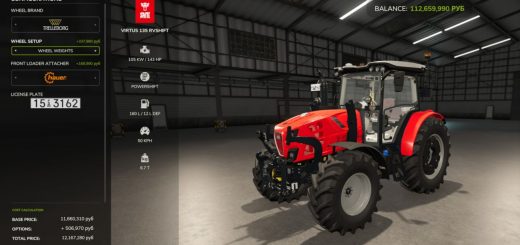
- Dual-wheel width is really used by Mud System Physics. Mount them only with the rear BKT 650/65R42 and front BKT 540/65R30 dual-wheel racks. Tires are mounted one by one, and each tire takes 15 in-game minutes.
- AutoDrive speed changes with the terrain, using separate field, track and road speeds in 2 km/h steps.
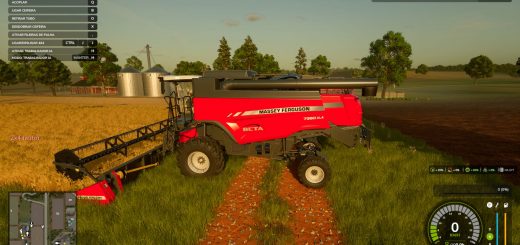
- The display adds a speed range, a tractor top view and the slip of each wheel beside the speedometer. Move the blocks around with the mouse to place them where you want them.
- MSP and TTD are connected by a mud bridge with no double resistance. Wet paths can still be driven, tire tracks remain in the savegame, and muddy tires stay dirty.
- Press Right Ctrl + M for the weather. You get current weather, the next 24 hours and the following days. There is also a mini weather widget beside the clock, plus visible wind in trees, crops and grass.
- Right Ctrl + R opens the register. It records AutoDrive Addon weighings, farm sales and totals for each month and each product.
- Money management includes a bank overdraft with interest. Co-ops are paid when the month ends.
- Opening hours are adjustable: the shop runs from 8 am to 7 pm, and selling points run from 6 am to 10 pm.
- Cars in traffic no longer overtake tractors.
- Set sleep for several hours or go straight to several days.
- AutoSwitch sorts out mod conflicts itself, so ModMixer is no longer needed.
- Sowing is protected, wheel traffic tramples grass, and implements stay still once stopped.
Racks
Put down the racks and park the tractor inside the rectangle. A green rectangle shows that it is placed correctly. Walk to the yellow marker and press Right Ctrl + I. To unmount, use empty racks. The racks work in single-player only.
Settings
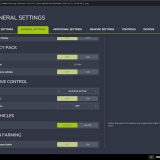
Open Settings and use the AUTOSWITCH tab. Required mods appear at the bottom, marked OK in green or X in red.
Required mods:
- Variable Tire Pressure
- Enhanced Vehicle
- CoursePlay
- More Realistic
- Mud System Physics
- Tractor Terrain Dynamics
- DynamicDrive Pro
- Realistic Harvesting
- Moisture System
- FarmPilot
Variable Tire Pressure, Enhanced Vehicle, AutoDrive, Courseplay, MoreRealistic + XML Databank, Mud System Physics 1.3.6, Tractor Terrain Dynamics 1.0.3.7 (only one TTD), DynamicDrive Pro, Realistic Harvesting and Moisture System are required. Tire wear is built in: no tire mod is needed.
License CC BY-NC-SA 4.0.
Changelog
- V1.0.7.8
All changes since V1.0.6.6 – 1.0.7.8: Courseplay, Tractor Terrain Dynamics and DynamicDrive Pro become optional. AutoSwitch works without them; Courseplay restart on load and the mud to TTD bridge are only used when they are installed. FarmPilot 1.3.1.5 and newer: FarmPilot handles its own speed, and AutoSwitch no longer changes AutoDrive / FarmPilot speeds. Mud System Physics 1.4.2: no more mud cap in the advised speed, as MSP no longer has one. Turkish translation updated, thanks to HSayar. Diagnostic logs (AI ruts, weight block) removed from log.txt. - 1.0.7.3: MoreRealistic reverse gear and clutch work again. AutoSwitch no longer overrides its driving loop; manual gearbox, direction change and neutral PTO work again.
- 1.0.7.0: Enhanced Vehicle parking brake shown in the AutoSwitch HUD (same icon, red applied / green released); Enhanced Vehicle differential locks and parking brake hidden as duplicates. Overdraft: refilling farm tanks and silos, workshop (repair, paint, configuration), pallet and vehicle selling points, animal dealer. Traffic: car sensor reduced to 50 % of its width, so oncoming cars no longer stop in front of tractors.
- V1.0.6.6
Weight block under the speedometer, movable with the mouse: total weight, front / rear split and recommended front weight for the attached tool (mounted, semi-mounted, trailed, trailer), with a green / orange / red gauge. Hidden when Realistic Mechanical Systems is active; can be turned off in the AUTOSWITCH tab. Rollers: real width of each drum for ground pressure (MoreRealistic / Mud System Physics). AI ruts: limited digging and original terrain restored. Seed protection, overdraft, field lease and tire wear: fixes. - V1.0.3.9
V1.0.3.7 – V1.0.3.9 – Differentials: new setting “Slip for lock on asphalt” (50% by default, can be turned off); on asphalt and concrete it replaces the front and rear thresholds, unlocking at half. AUTOSWITCH tab: found even when another mod, for example LooseLoad, adds its page before it in the Settings. Code comments cleaned up. - V1.0.3.0: Built-in tire wear for all vehicles, trailers and tracks, with % per wheel on the HUD and new tires at the workshop; Courseplay jobs resume on load; total hectares in the Fields window; new forage harvester icons.