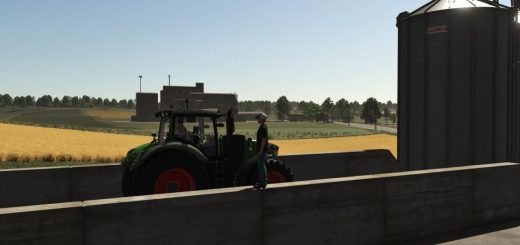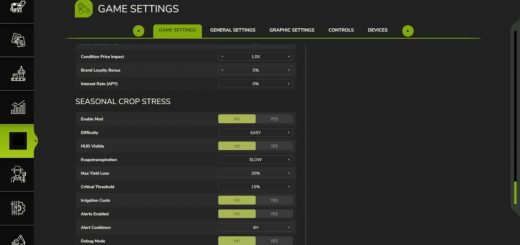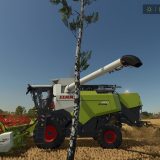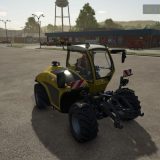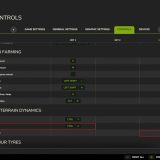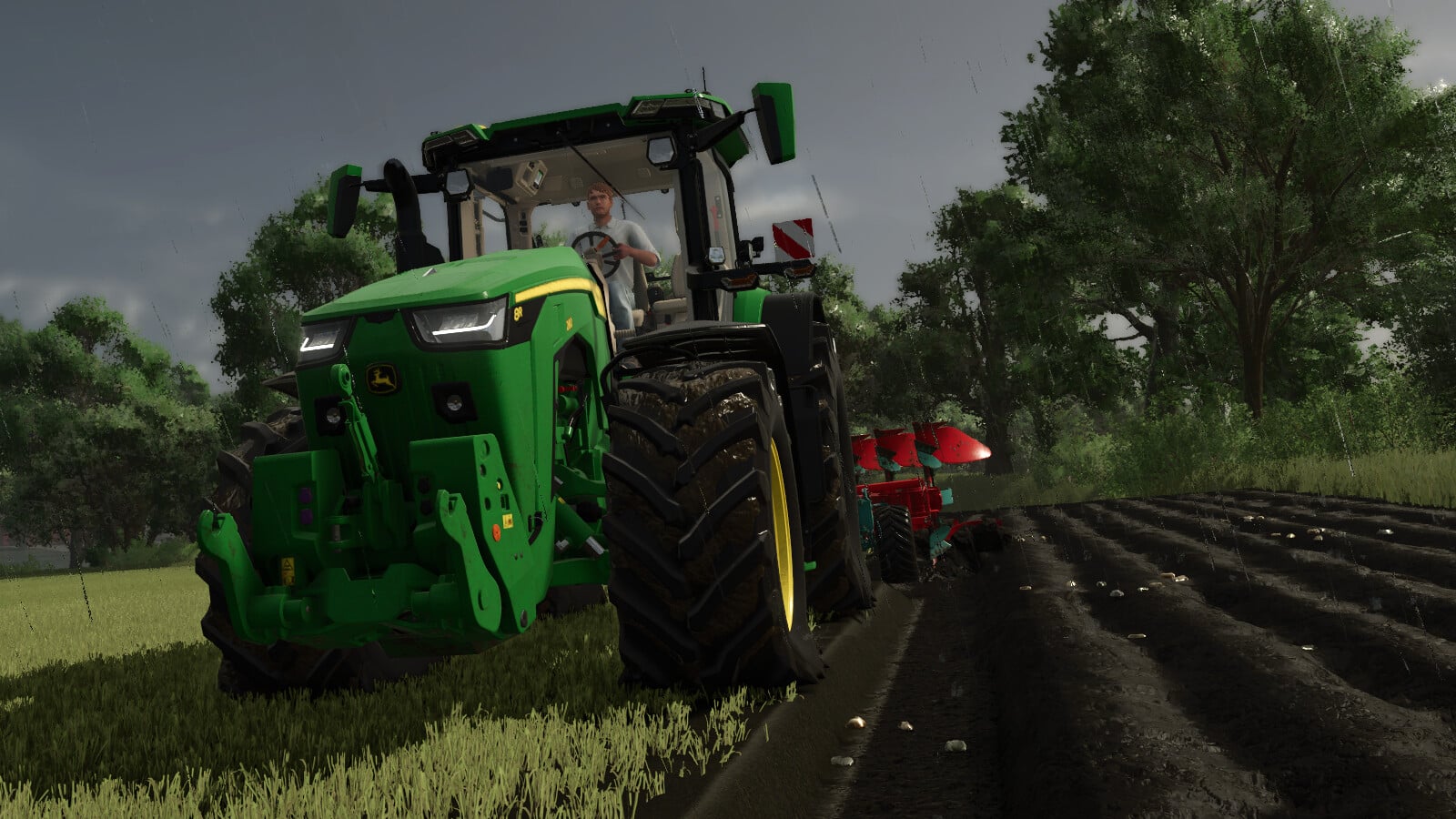
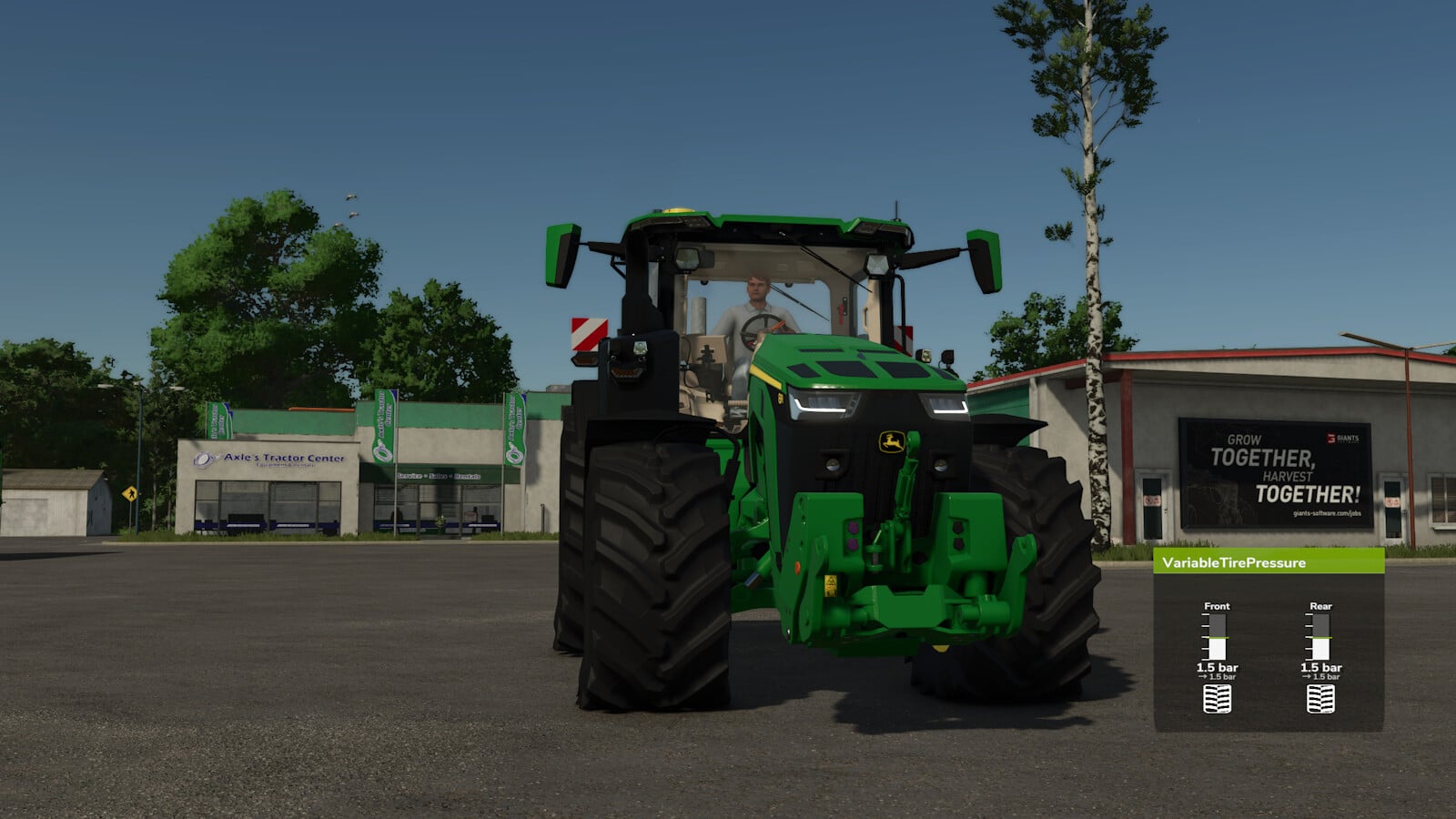
With VariableTirePressure, you can change tire pressure for the job ahead. Deflate or inflate the tires for field work or road driving, then use the lower pressure for better traction. It gives you more to manage while you drive and work.
Installation: Add a new entry to the vehicle/trailer XML. The included installation guide is available in DE/EN. VariableTirePressure only works when the script/mod is installed in your mod folder.
Features
- Full combination: Alt+V
- Set Tire Pressure Tractor with Alt+T
- Trailer only: Alt+O
- Rear axle: Alt+Ctrl+V
- Front axle: Alt+Shift+V
- Pressure Vessel: Alt+M
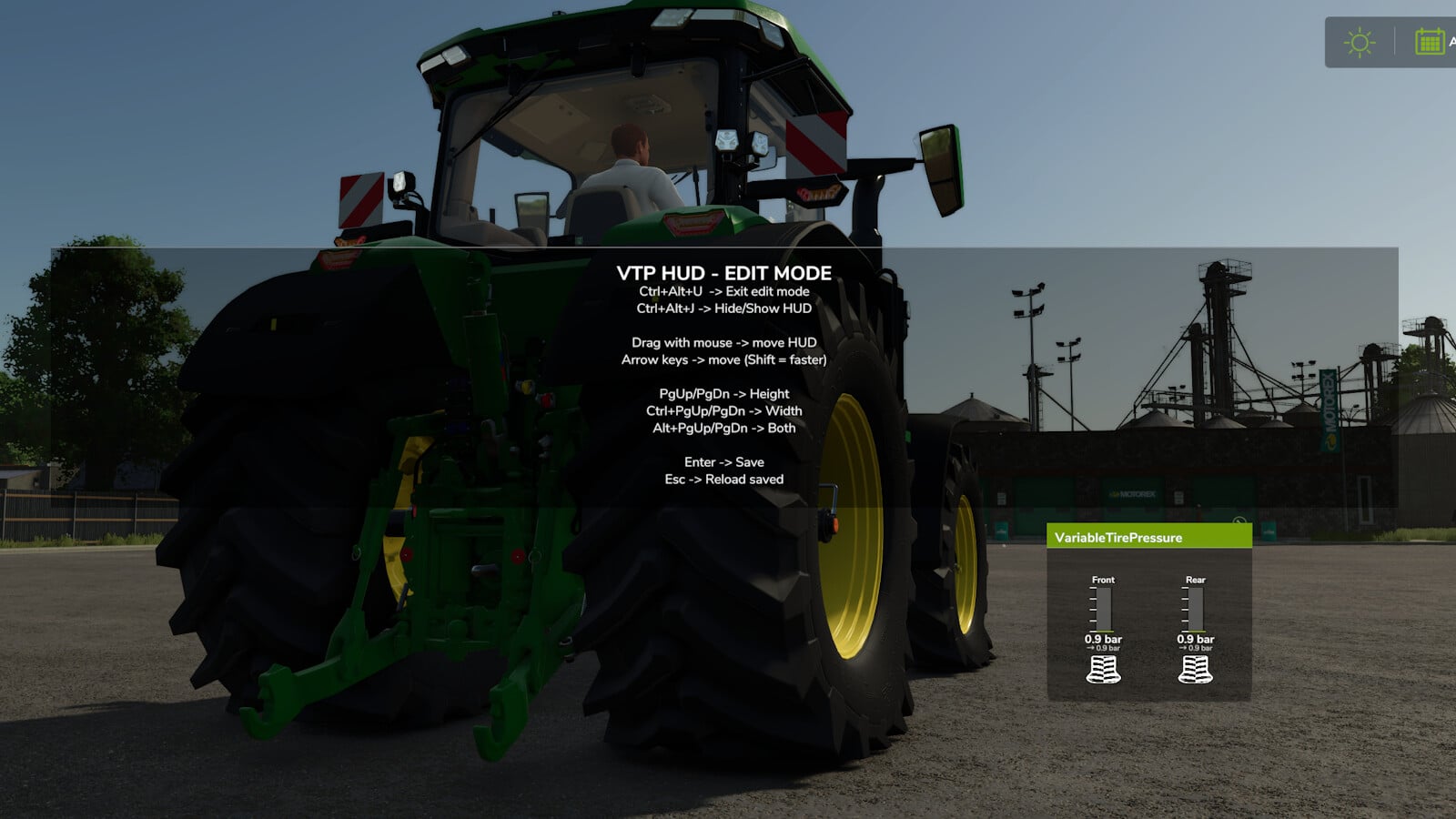
- Open HUD settings / show key help with Ctrl+Alt+U
- Hide/Show HUD: Ctrl+Alt+J
Changelog
Changelog 1.0.0.3:
- Road mode now keeps the vehicle’s normal load/weight deformation in the tire deformation and blends it into low-pressure mode.
- Rigid tire mud meshes are visually compensated, so they do not protrude below tires that are heavily deformed.
- Crawler/track wheels are excluded one by one, and mixed vehicles with tracks and normal tires are supported.
vtp=”true”can now be used on configurationSet entries.- Open the Ctrl+Alt+U panel to edit the HUD layout with the mouse. Drag the HUD to move it, or use the lower-right grip to resize it proportionally.
- The HUD show/hide state, Ctrl + Alt + J, is now saved as a local user setting and comes back after reloading the savegame or restarting the game.
Changelog 1.0.0.2:
- Vehicles from mods without an XML entry are now detected.
- Saved pressure values now load correctly when you join the server.
- Adjustments were made to the Vredo DLC.
Changelog 1.0.0.1:
- Support for base game vehicles was added.
- You can now adjust pressure values in-game.
- The HUD was completely reworked.
- The mouse cursor issue when closing the settings was fixed.
vtp=”true”can now also be added to a DesignConfig.- Trailers now have dashboard support.