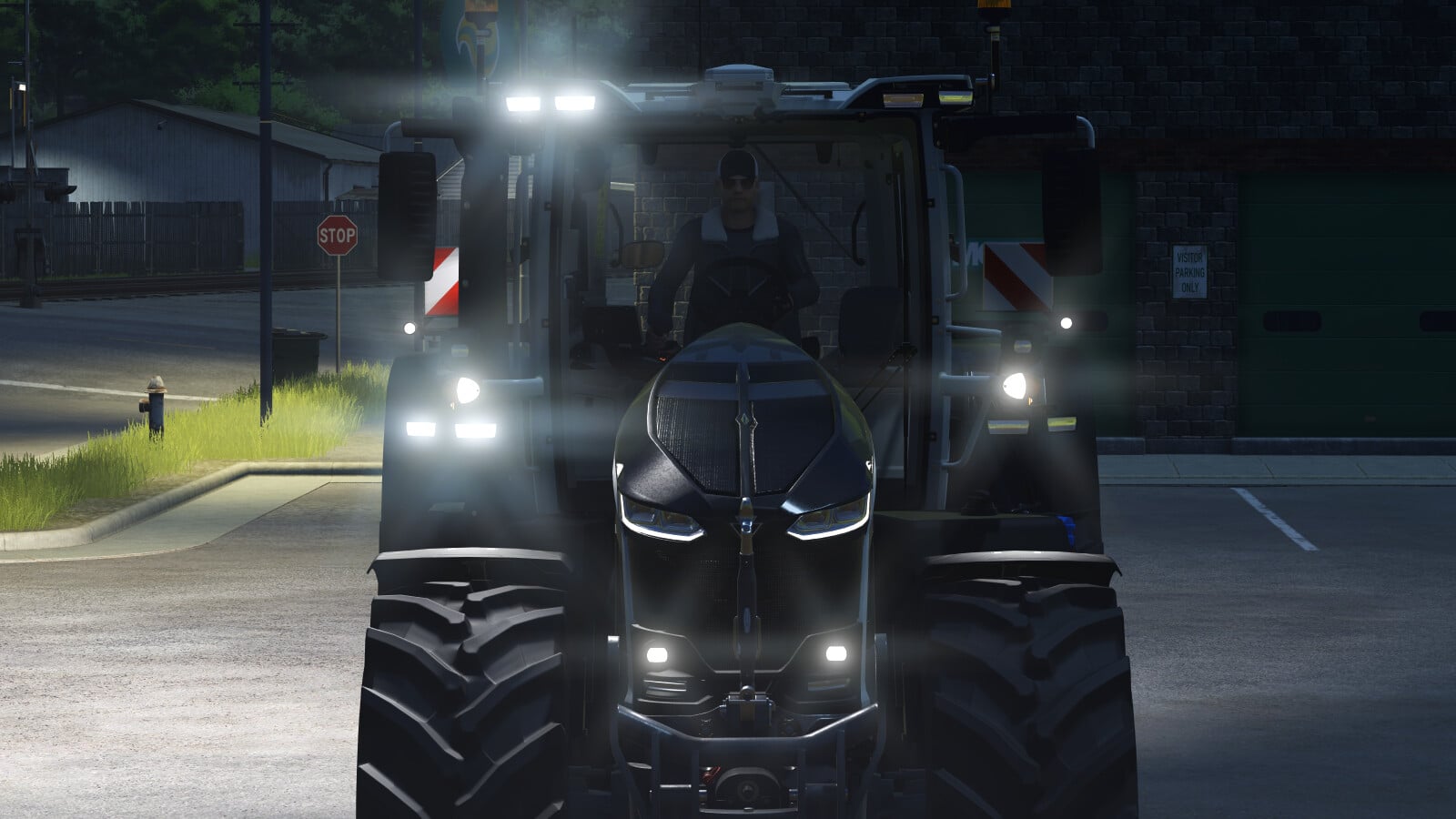
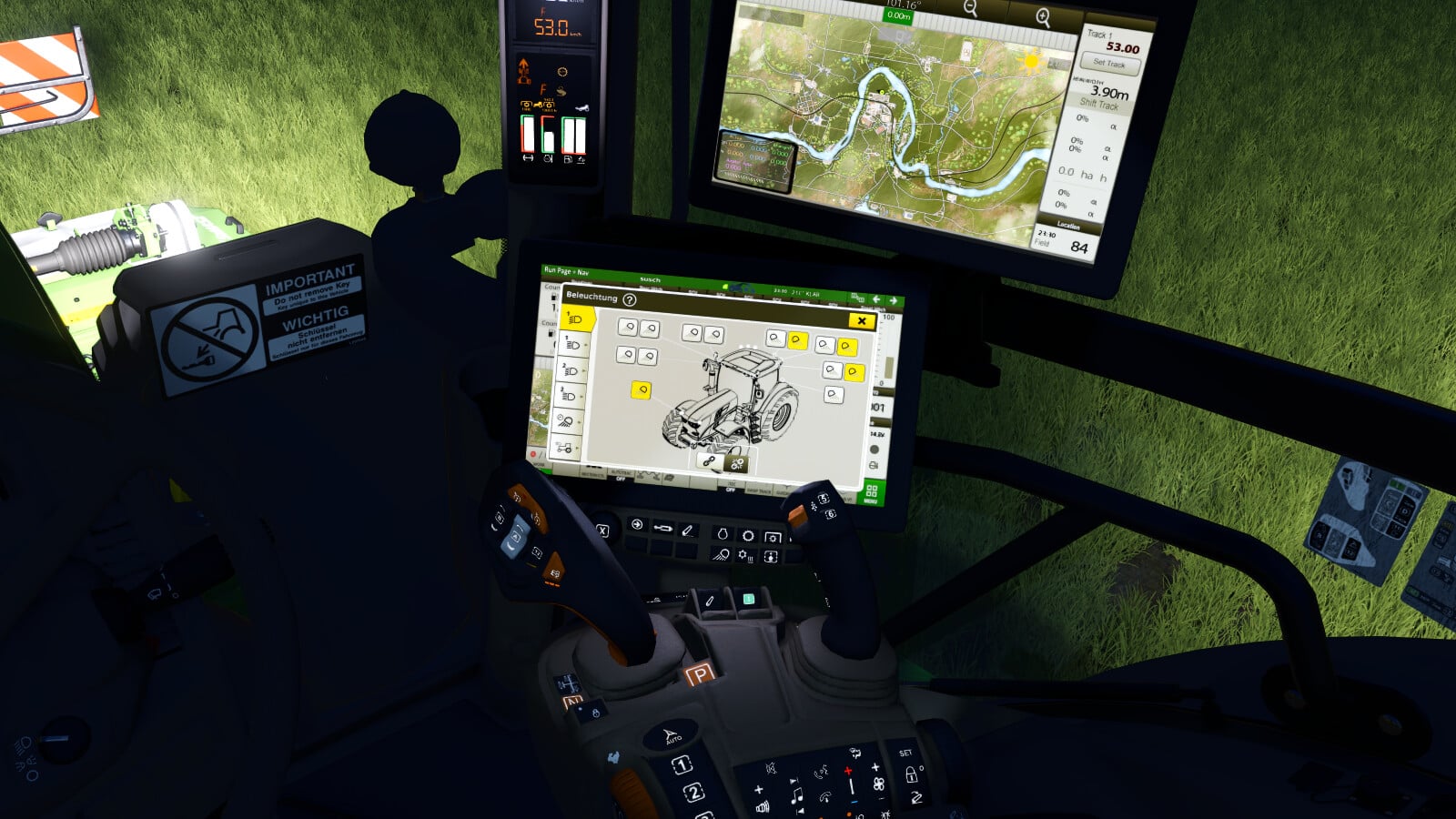
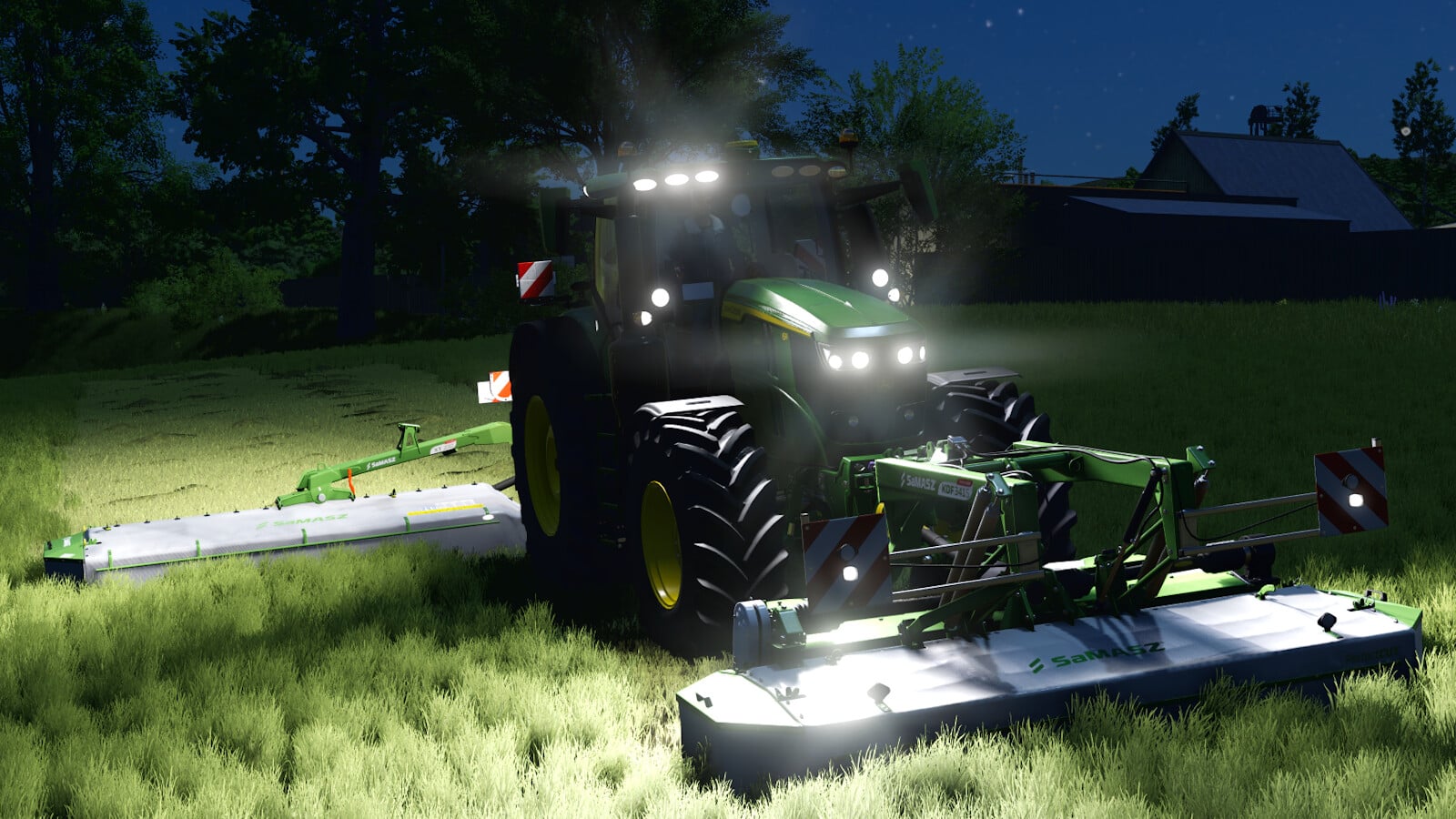
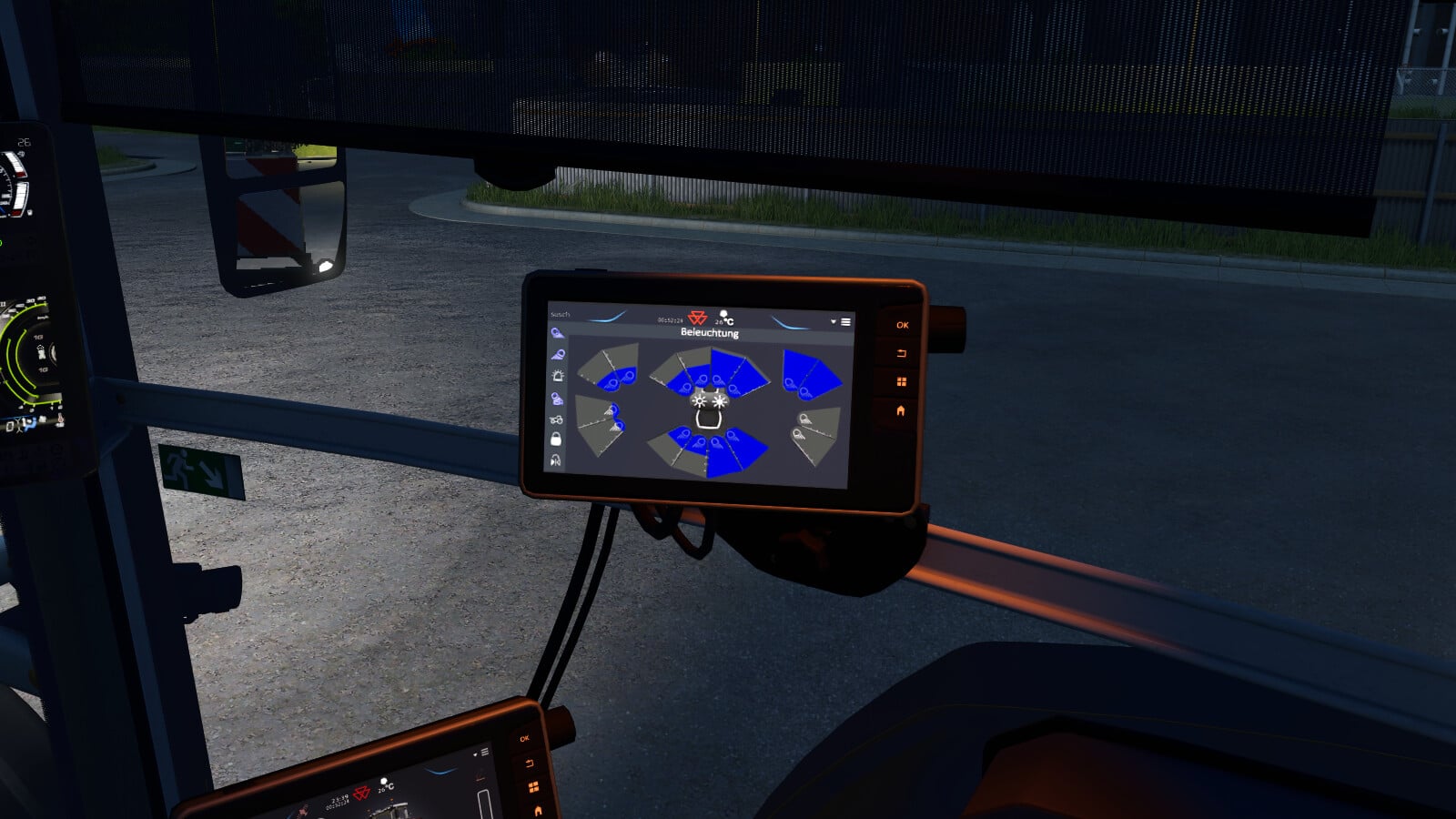
You can add this lighting control system to pre-configured vehicles. It works on prepared vehicles like the Massey Ferguson 9S by Guner348. On other vehicles, nothing happens. Set up your lights, group them, and adjust them right from the terminal.
Features
- Dim the work lights up or down.
- Make your own lighting groups.
- Mirror the groups when needed.
- Control assigned groups together.
- Use smooth stepless dimming or incremental dimming.
How to use it on the Massey Ferguson 9S by Guner348
- 1. Buy the MF 9S, then select “Yes” for the terminal (display type) configuration in the shop.
- 2. Put the Dashboard Live terminal on page 4.
- 3. Turn on the work lights and activate Interactive Control.
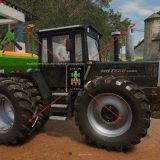
- 4. Click the points on the terminal to dim single light groups up or down, dim every group together, mirror the left and right side, or link both sides.
YOU NEED: Interactive Control