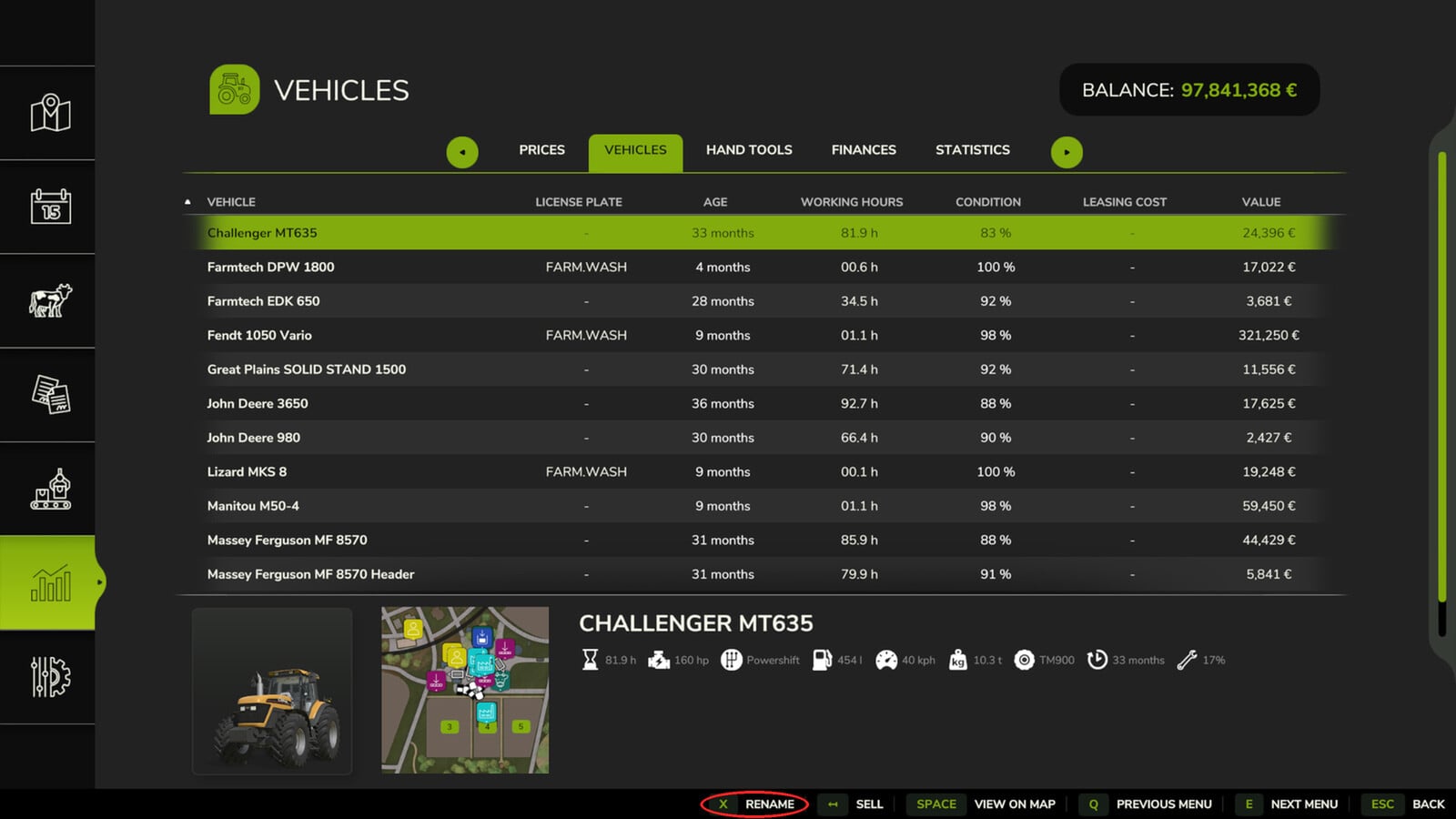
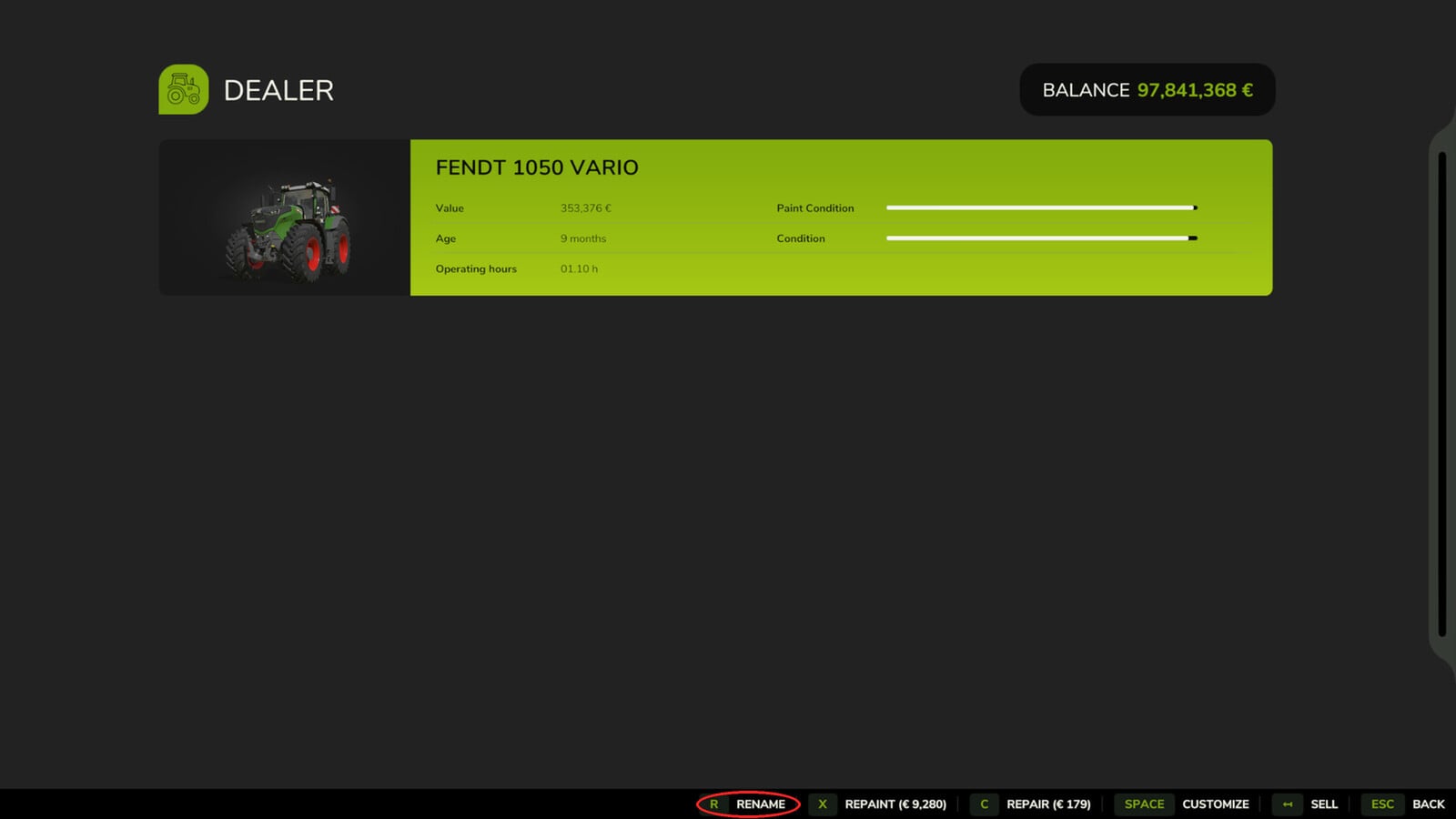
Vehicle Renamer lets you put your own name on each vehicle and implement. That makes it much easier to see what every machine is for on your farm.
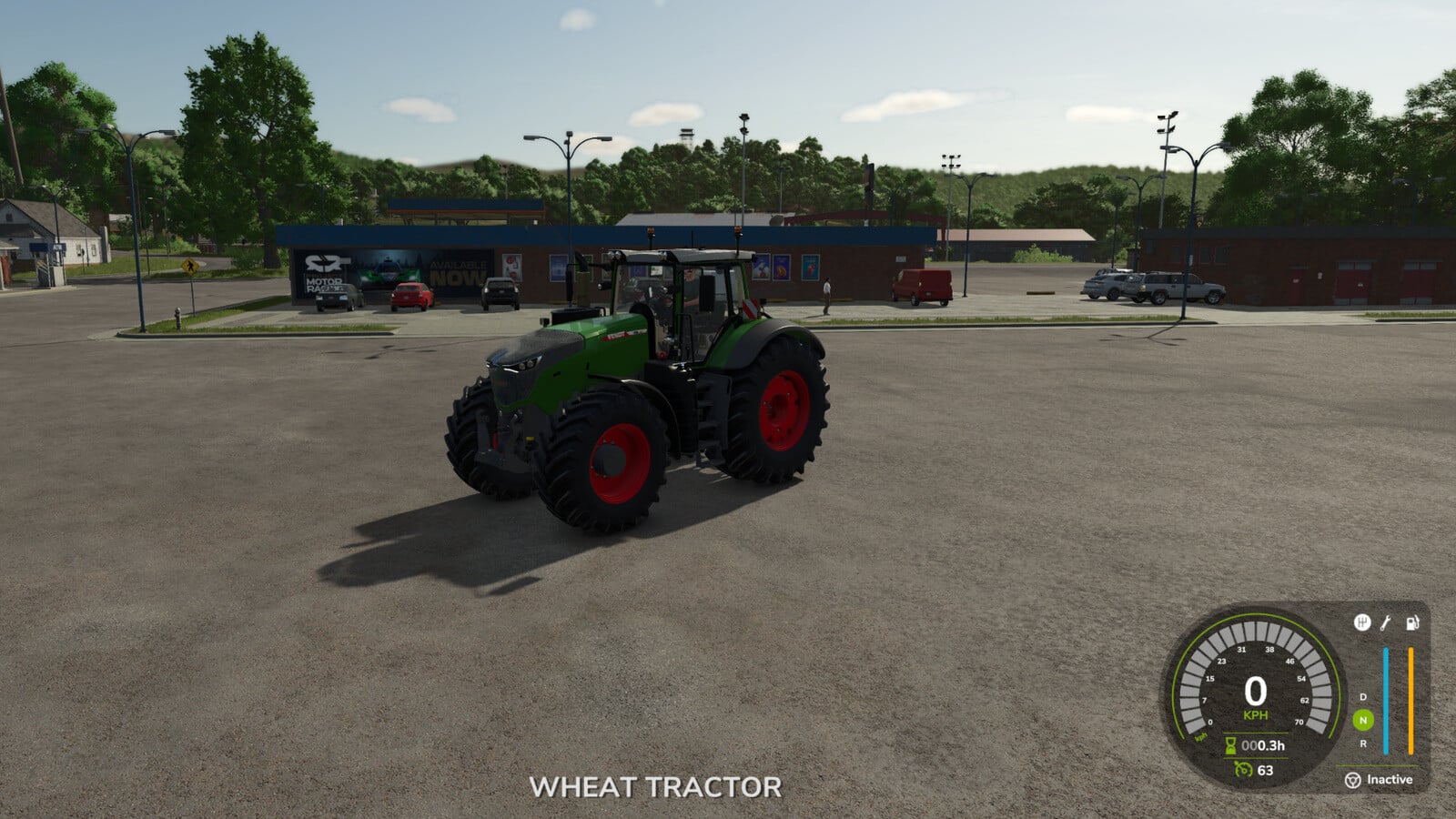
Give them names like “Wheat tractor”, “Sunflower roller” or “Wheat cultivator” and keep your fleet organised while you work. Even machines with the same model can have their own different name, so picking the right one is easier.
Features
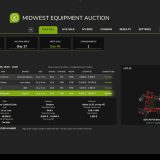
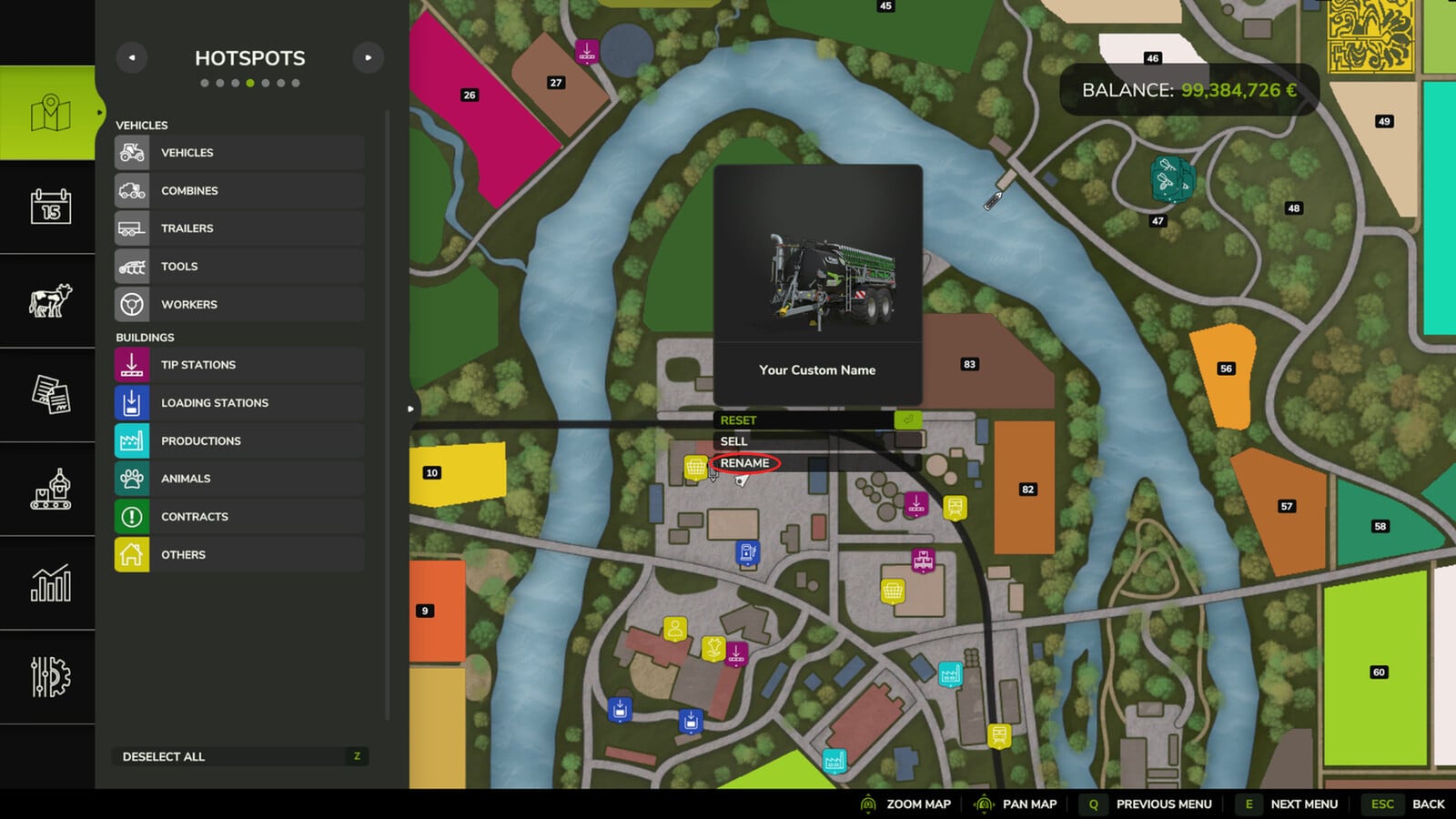
- Rename your owned vehicles and implements straight from the map, the vehicle workshop or the Vehicles tab in the Finances screen.
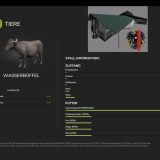
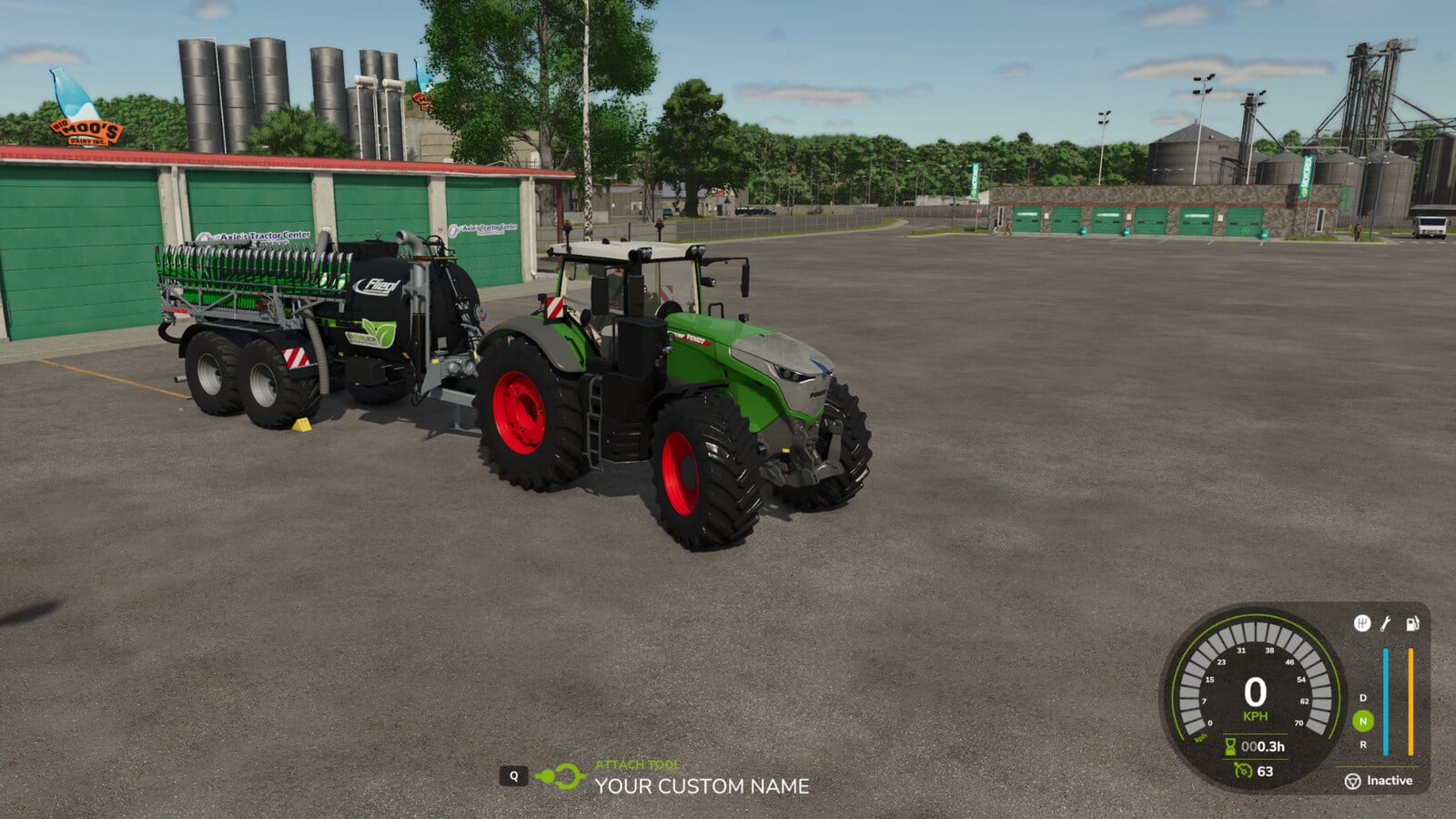
- Your custom names show up in the map selection panel, vehicle information and implement attachment prompt.
- Custom names support up to 50 characters.
- Your names stay there when you save and reload the game.
- Clear the custom name whenever you want to bring back the original name.
How to use
- 1. Open the map, vehicle workshop or Finances > Vehicles, then select an owned vehicle or implement.
- 2. Pick RENAME.
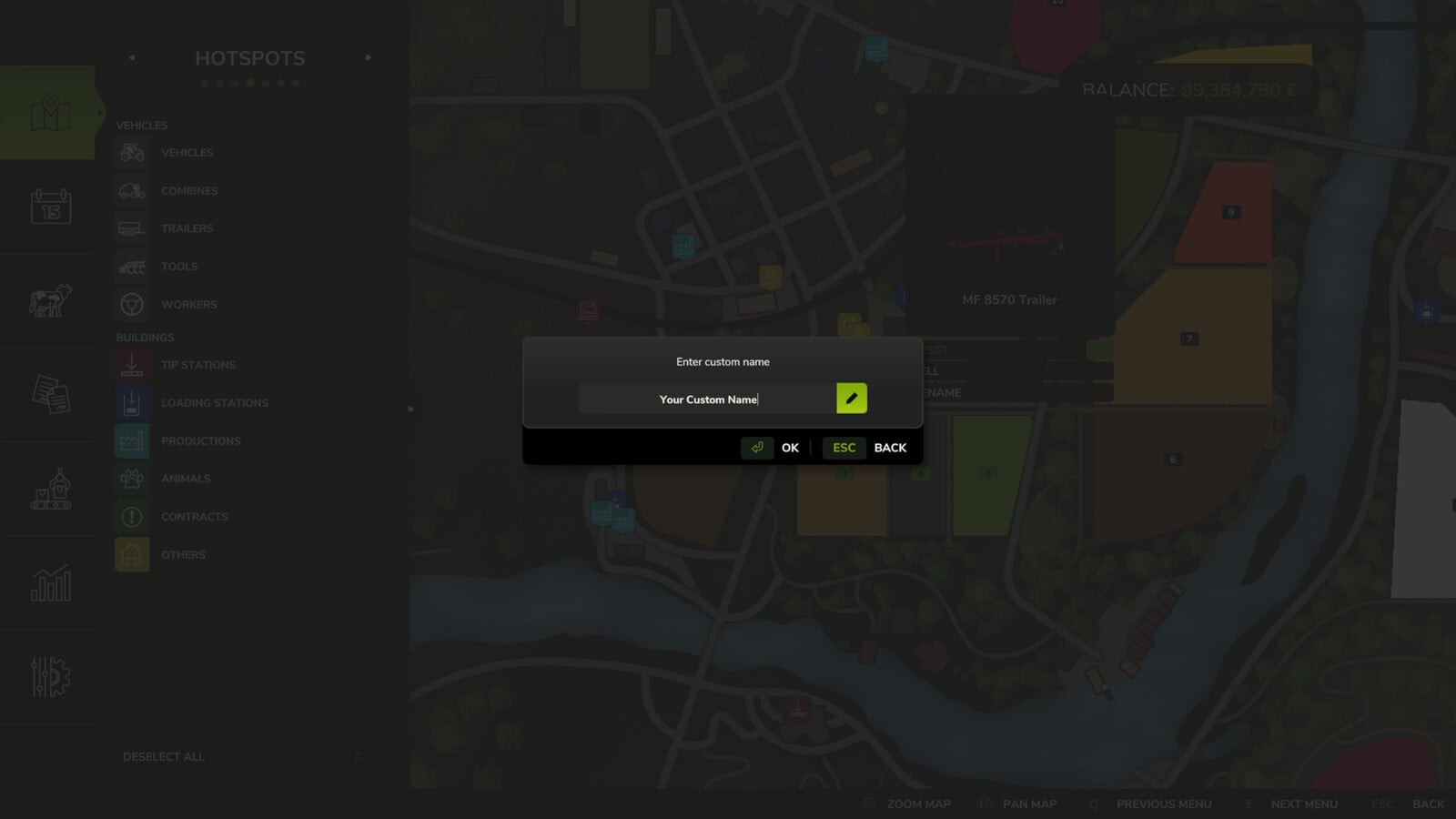
- 3. Type in your custom name and confirm it.
Want the original name back? Open RENAME again, delete the text and confirm.
Singleplayer only. Multiplayer is not supported.
In the workshop, press R to rename the vehicle. This shortcut can be changed in the control settings.