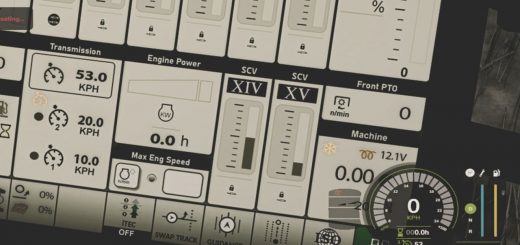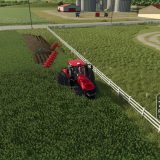
Keep your Farming Simulator 25 vehicles in view with Vehicle Management, a lightweight HUD you can customize without covering up the screen.
Features
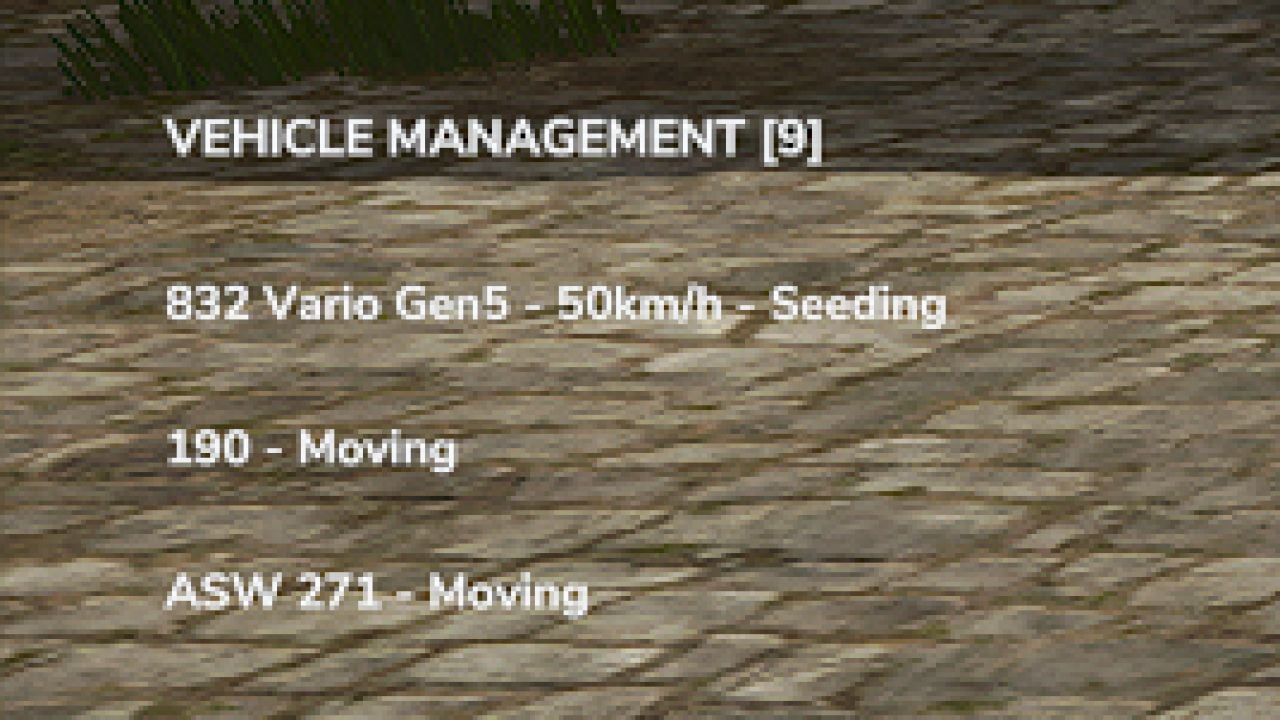
- Your active farm vehicles appear in the HUD.
- You can see their names and what they are doing.
- Field numbers are detected when available.
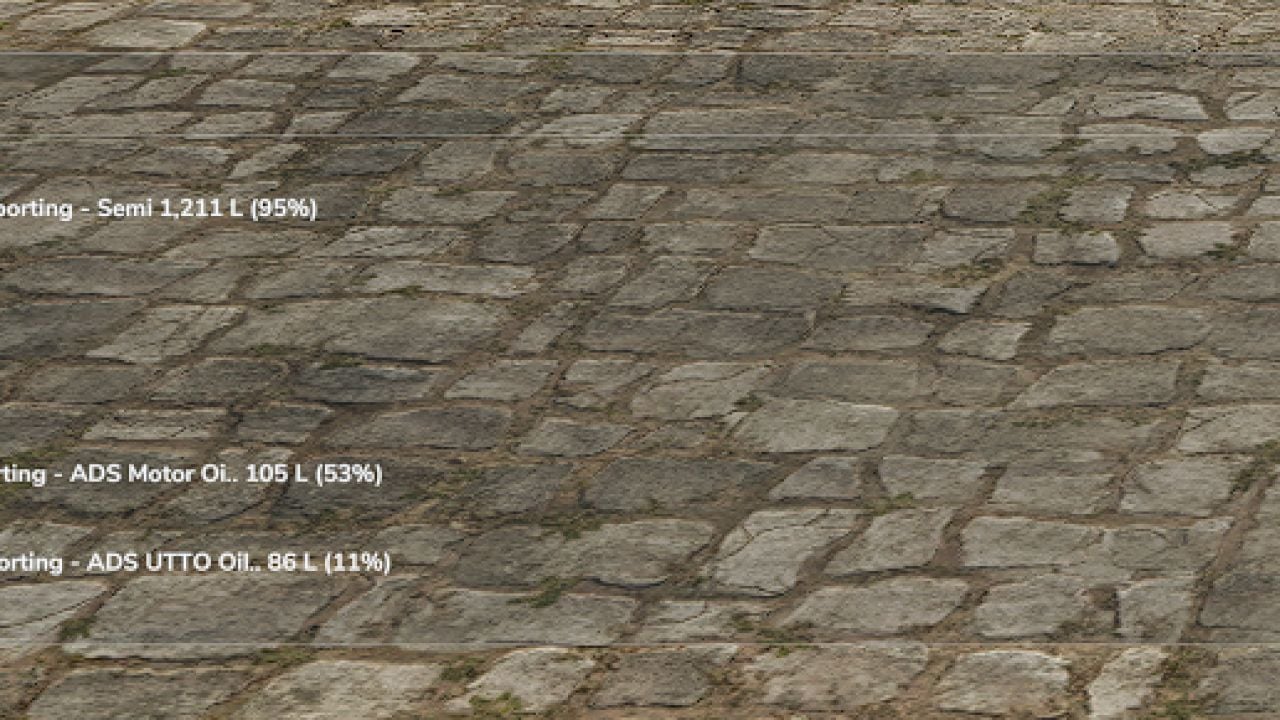
- Transported materials are shown with quantities in liters and fill percentages.
- Vehicles that are inactive disappear automatically.
- Pick one of three display modes: Full, Half or Minimal.
- Half and Minimal give you a transparent text-only interface.
- Set the HUD position and size to suit your view.
- Vehicle information updates automatically.
Controls
- Alt + B: Change the display mode.
- Alt + V: Go to the next vehicle page.
- Alt + M: Change where the HUD is positioned.
- Alt + Arrow Keys: Move the HUD around.
- Alt + Page Up / Page Down: Resize the HUD.