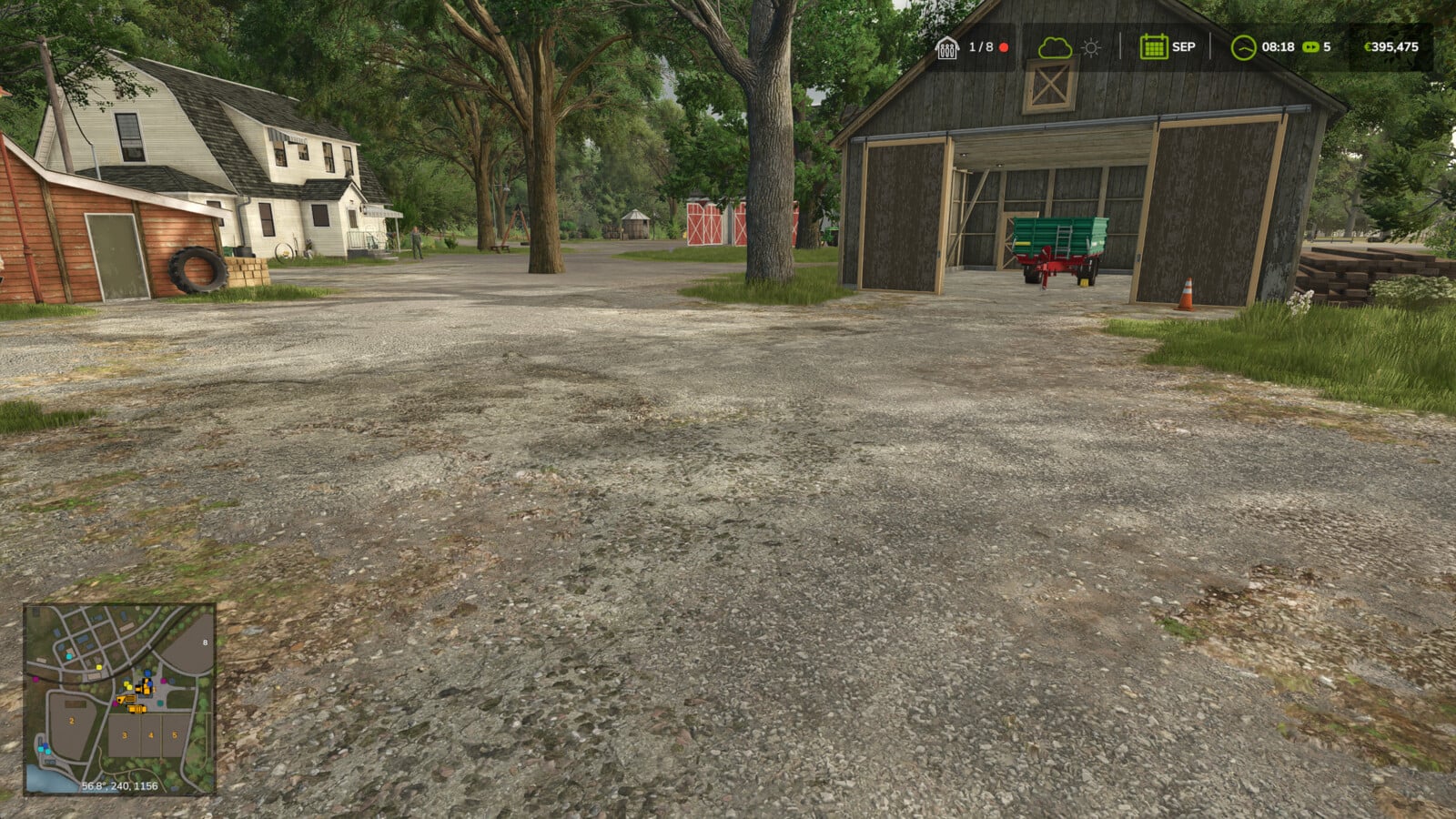
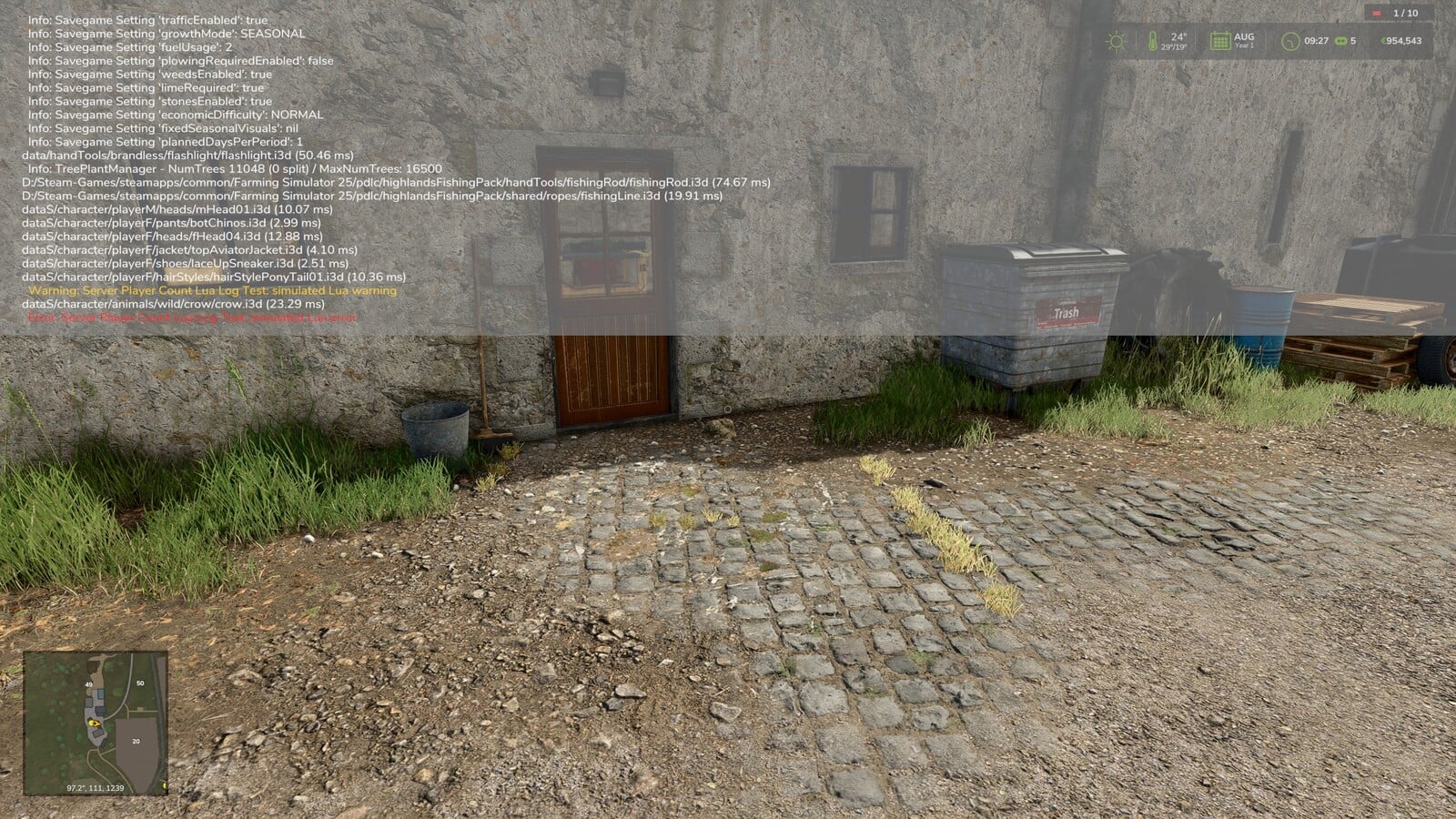
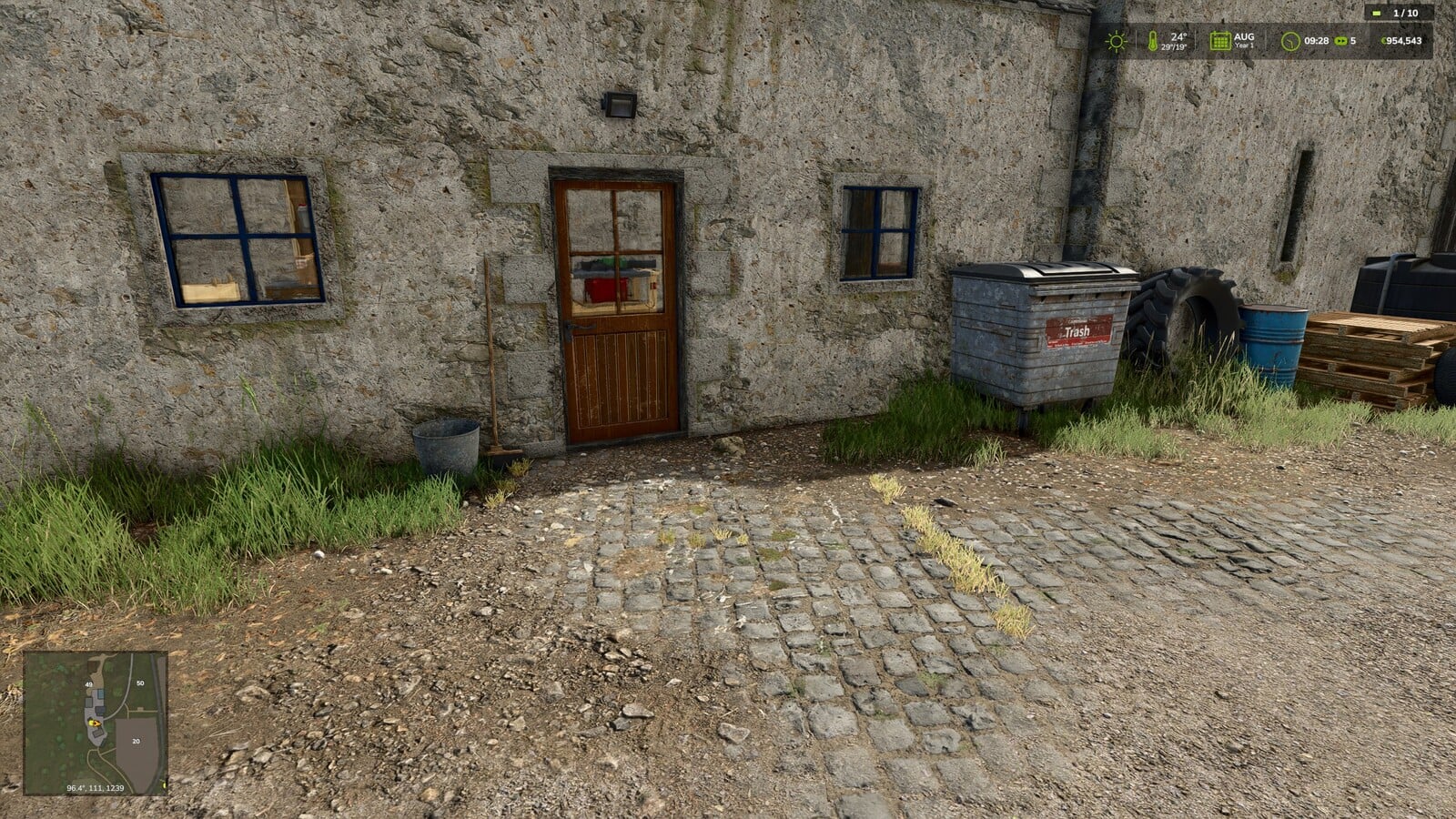
Playing on a multiplayer server? You can see the current player count right in your HUD, so the server status is always close at hand.
Features
- The player count stays compact and comes with a quick server status indicator:
Green: no server-side error detected
Yellow: server-side warning detected, only when the host or an admin has enabled it
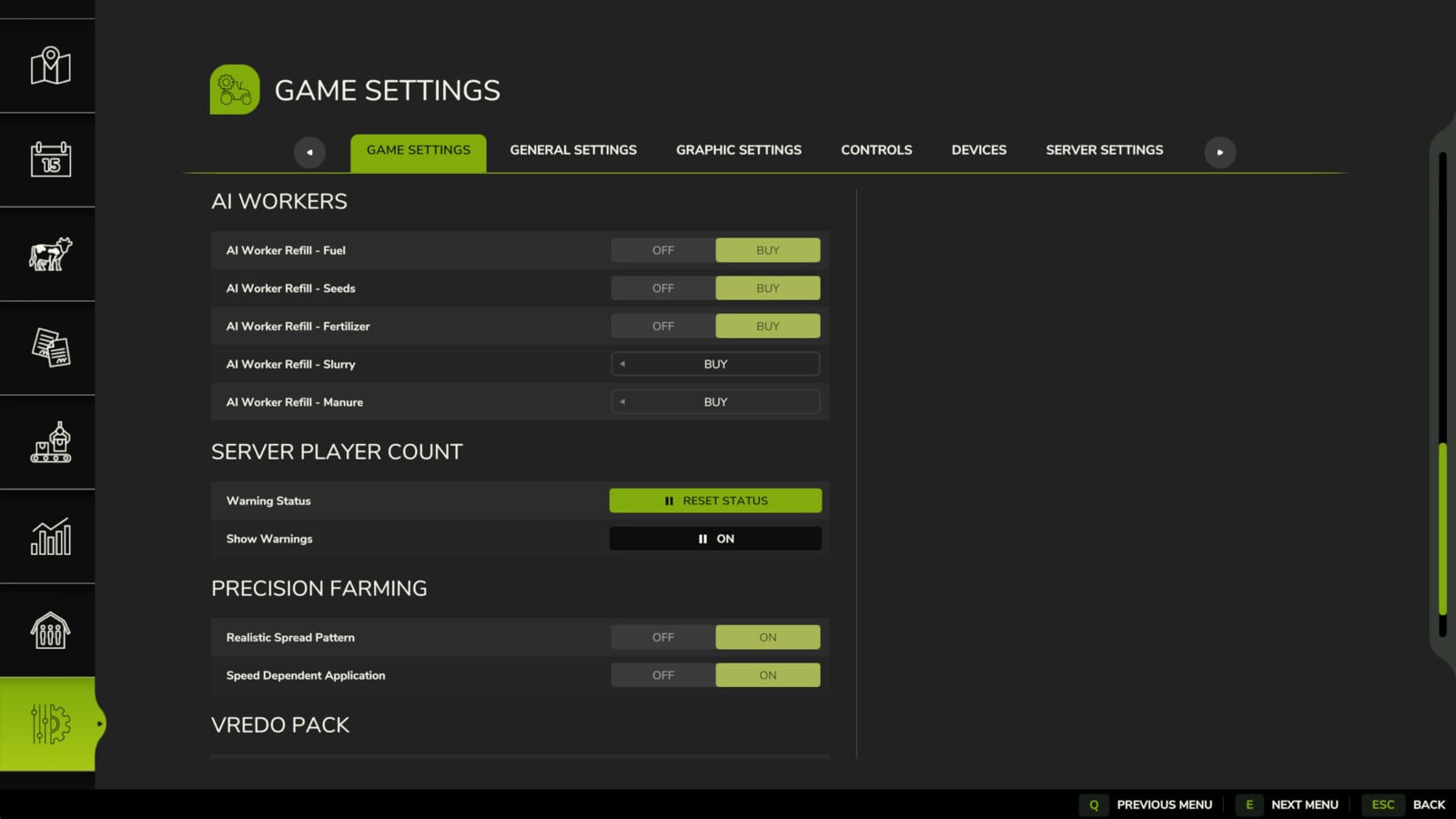
Red: server-side error detected, including script errors - Warnings start turned off, which makes sense because almost every modded server logs harmless warnings. The host or an admin can turn them on in the game settings.
- Once the host or an admin has checked a detected message and found it is not critical, the server status indicator can be reset through the game settings.
- Accidentally enabled the mod in singleplayer? The HUD display hides itself automatically there.
Send bug reports via https://github.com/Nalathan01/FS25_ServerPlayerCount/issues.
Changelog
1.1.2.0:
- Dedicated-server admins can now work with the settings too
- Admins on dedicated servers can also change “Show Warnings” now
- The game’s button look is now used for “Reset Status”
- Each of the two settings now has its own help text