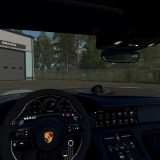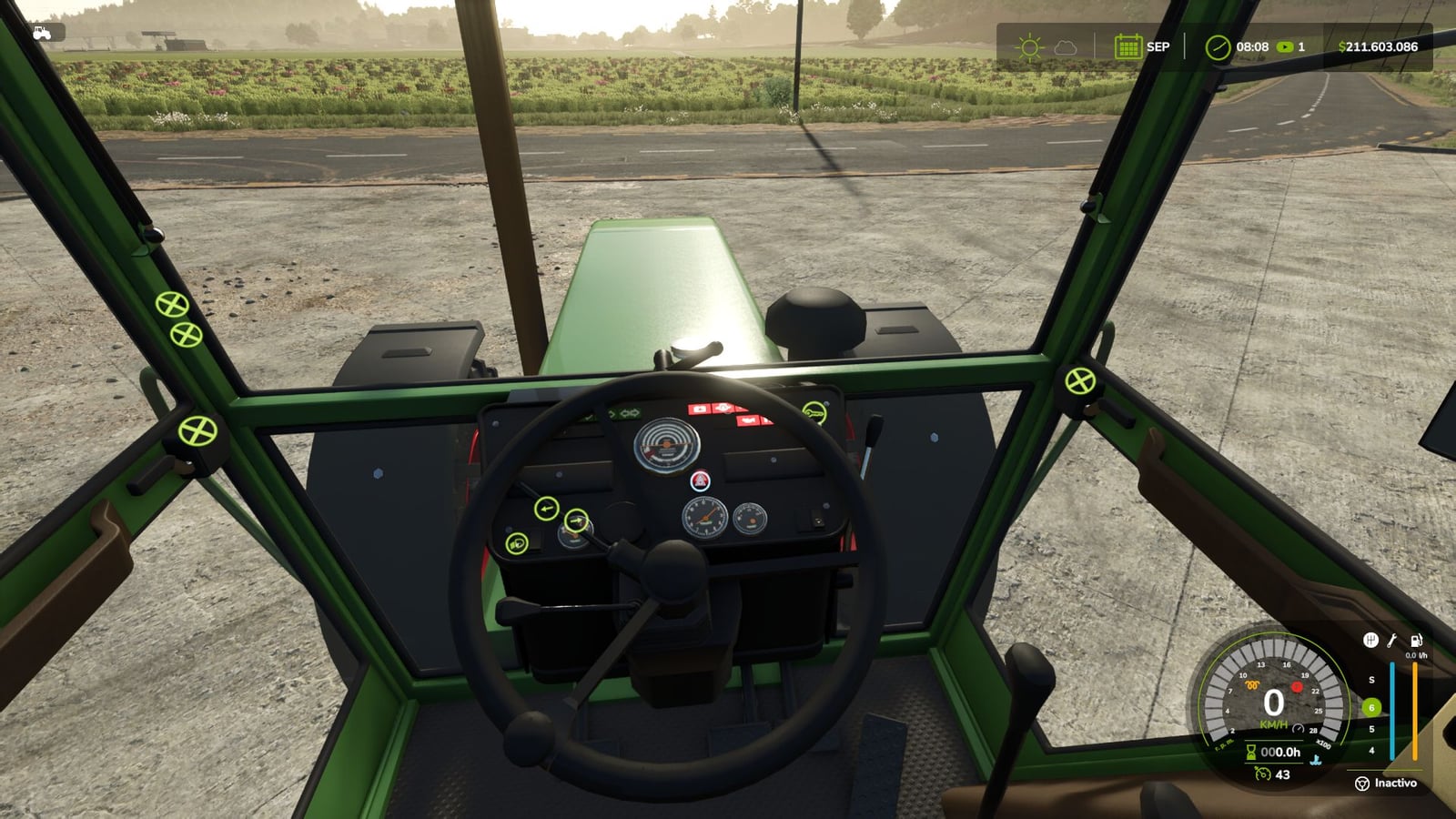
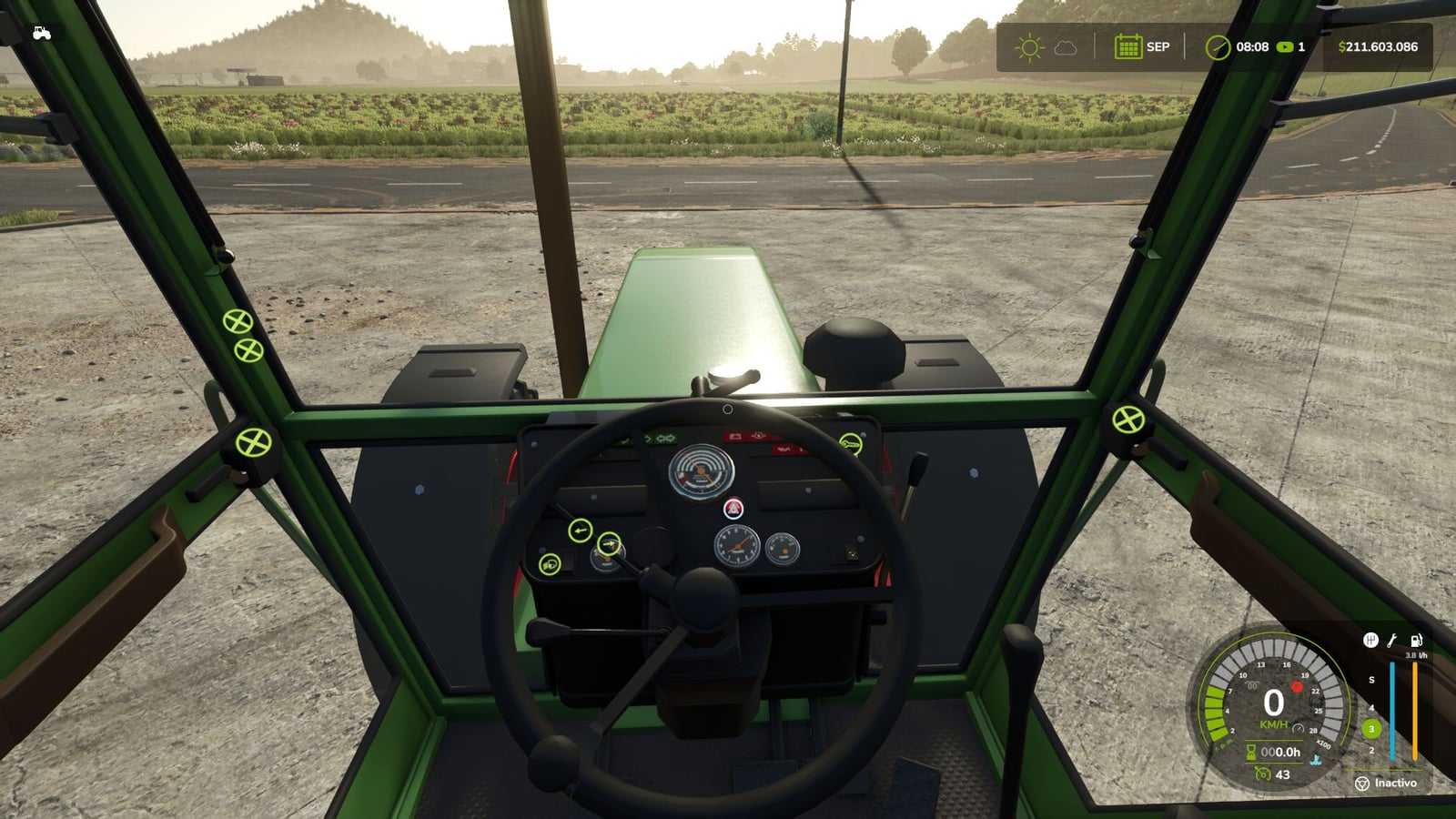
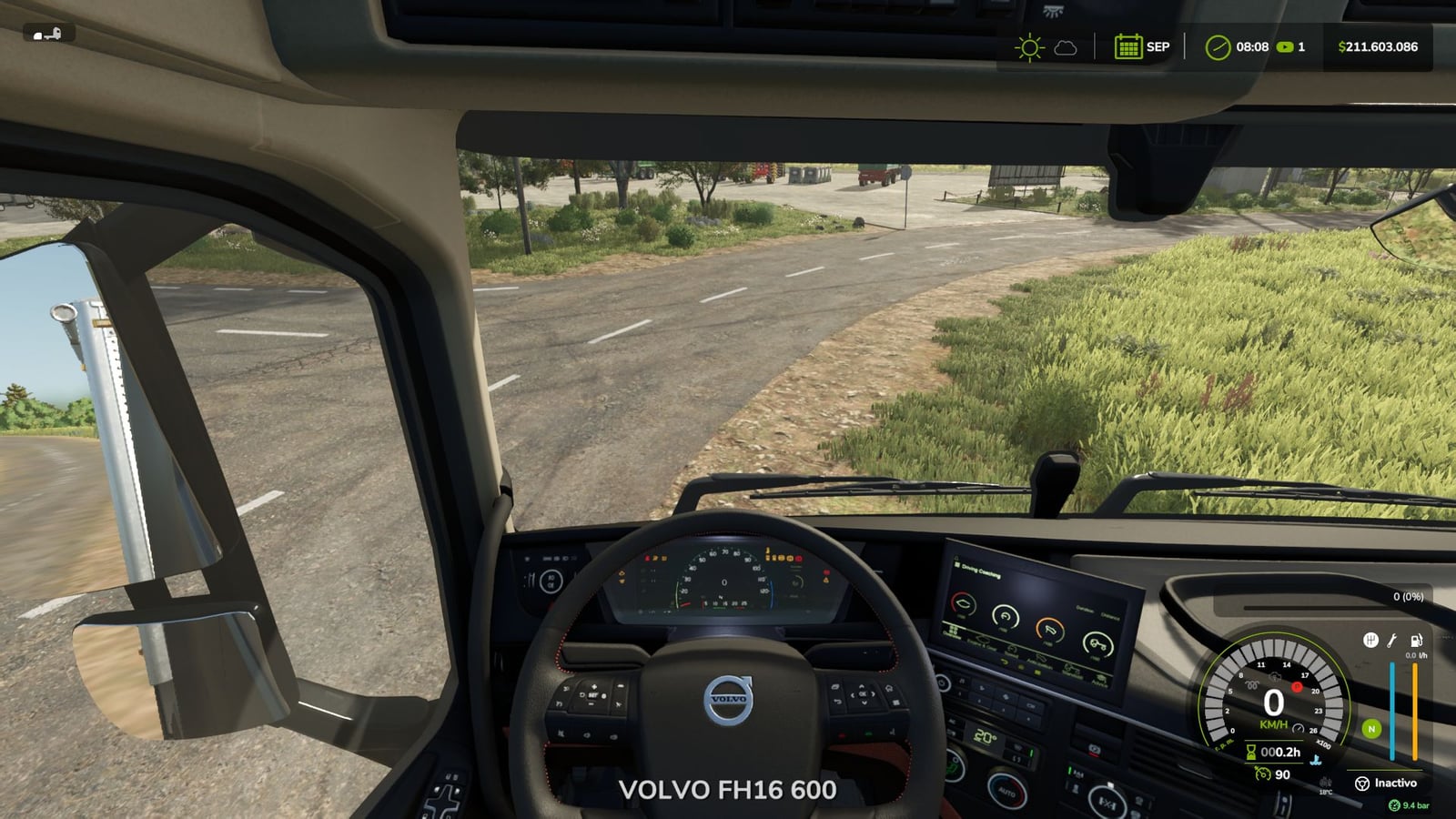
Realistic Diesel Start makes starting every motorized vehicle feel like a proper multi-stage diesel start-up.
You get glow plug pre-heating, engine temperature behavior, compressed air for trucks and dashboard controls you can interact with. That makes getting a vehicle moving more involved without changing what the mod actually does.
Features
- Tap the engine key once and the ignition comes on. The dashboard lights up, with the sound of a real ignition key.
- Watch the small light beside the speedometer for glow plug pre-heating. It reacts to the weather and the engine temperature. Deep winter means waiting a while, while a warm engine is almost ready straight away.
- Hold the mod clutch,
Alt+L, and the engine key to crank. Try it before the glow plugs are ready and the engine may refuse to start, with slight damage possible. The starter keeps turning for as long as you hold the key, and keeping at it can make the engine catch. - After a cold start, give the engine a few seconds to idle before using the throttle. The thermometer is blue when the engine is cold, then fades out once working temperature is reached.
- Trucks show a pressure gauge in the HUD. While the engine is running, the compressor builds air.
- Park the truck and pressure bleeds away. Leave it there, and air has to be built up again before you can leave.
- Run out of air and the spring brakes engage, locking the truck. Your brakes are not gone, but the truck is stuck until there is air again.
- Low-pressure buzzer.
- With Realistic Brakes, a trailer using air brakes fills its air from the truck.
- The dashboard key works through the same sequence. A click turns the ignition on, and holding the click starts the engine.
- In ESC > Game Settings, you can find clutch to start and lights without ignition.
- Use
rdsConfigin the console for damage, air system and timings. To move the HUD, userdsHudPos,rdsHudSinADSandrdsHudReset.
Compatible with:
- Advanced Damage System
- Realistic Brakes
- Diesel Fuel System, where bad fuel makes starting harder, with the same starter sound
- Interactive Control
- Keyboard and gamepad
- Multiplayer and Dedicated Server
- AI workers are not affected.
- Not compatible with other ignition or cold start mods, including Real Ignition, Cold Start System and RVB’s glow plug module. Disable them.
Changelog
- V1.4.1.1
The multiplayer settings are now part of the savegame. Clutch to start, Lights without ignition and therdsConfigsettings for damage, air system, glow plug and compressor times are all included. The host chooses them, or an admin chooses them on a dedicated server, and the same settings apply to every player, even players joining later.
Before this change, each PC had its own settings. So if the host switched off “Clutch to start”, other players could still be told to use the clutch.
An existing savegame starts with the settings the host already had. The joystick hold time and glow plug light color are still kept separately on each PC.
Savegames from 1.4.1.0 and 1.4.0.0 work with this version. Multiplayer and Dedicated Server supported. - V1.4.1.0
This update comes over the published 1.4.1.0.
If the engine does not fire up, keep holding the key and the starter keeps cranking instead of playing the old cough. Every 2.5 s of cranking counts as another attempt. Warmer glow plugs can help the engine catch if you keep trying. Let go of the key and the starter stops.
Switching the ignition on or off plays the sound of a real ignition key. Pressing the mod clutch gives a soft pedal sound too.
Interactive Control now lets the dashboard key use the mod’s sequence. A short click turns on the ignition, holding the click starts the engine, and clicking while the engine is running stops it. Before, one click started it immediately and skipped the glow plugs.
Fixed: A failed cold start no longer lets the engine run for a moment before killing it. The starter turns, but the engine does not catch.
Fixed: The glow plug light was dim beside the Advanced Damage System light because it was drawn under the speedometer background. It now shines the same.
Fixed: Icons no longer cover menus and dialogs, including a Real Fuel Consumption report.
HUD: Warning lights use the same size as Advanced Damage System’s, and the air gauge background is the same black used by the game’s HUD.
The idle icon has been removed. The thermometer stays blue while the engine is cold and fades out at working temperature.
There are default positions for Advanced Damage System 0.10, plus other positions for when it is not installed.
Savegames from 1.4.0.0 are compatible. Multiplayer and Dedicated Server supported. - V1.4.0.0
The mod clutch moved from L to Alt+L.
To start the engine, hold the mod’s clutch, just as with most modern vehicles. It is a dedicated mod key, not the game’s clutch, so it does not change how you drive the vehicle.
L is already the game’s default key for straps and bale types. When two controls use one key, the game keeps only one active, meaning either the clutch or the straps could stop working.
It now uses Alt+L. If you had been using L, the mod changes it automatically once and tells you on screen. If you had assigned it to a different key already, that setting stays.
Truck brake lights: With low air pressure, the emergency brake or spring brakes could keep the brake lights on when the truck was parked. Real Vehicle Breakdowns could then drain the battery.
With enough air pressure, the brake lights did not come on while braking.
The game now controls those lights through the brake pedal, like a real truck. The emergency brake keeps working normally.
Trailer air supply with Realistic Brakes 1.3.0.0: Hook up a trailer with air brakes and its air tank fills from the truck. The truck loses air pressure, then the compressor builds it back up.
HUD icons: If the HUD scale was not 1, icons could shift away from the speedometer or sit behind the gear column, whether or not Advanced Damage System was installed. They now stay beside the gauge at every HUD scale.
A vehicle excluded from Advanced Damage System now gets the mod’s temperature gauge.
Advanced Damage System: Some tractors showed “check the starting system” and would not start. If a difficult-starting fault happens, hold the ignition key and the starter motor keeps cranking until the engine starts.
The start key no longer starts the engine instantly while skipping the glow plugs, and releasing it no longer switches the engine off.
Tested with Advanced Damage System 0.9.2.8. Savegames from 1.3.x are compatible, so a new game is not needed. Multiplayer and Dedicated Server supported.