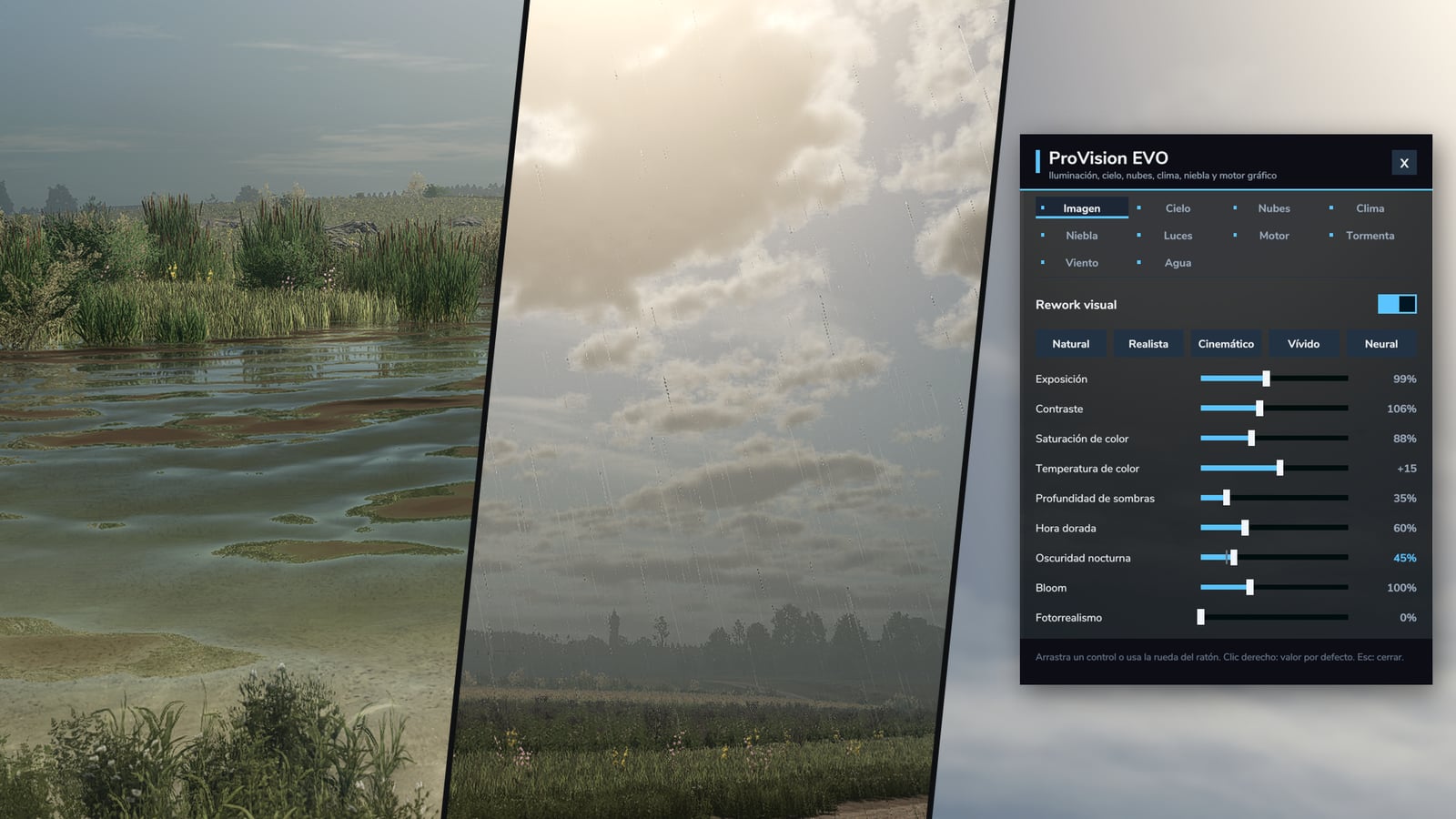
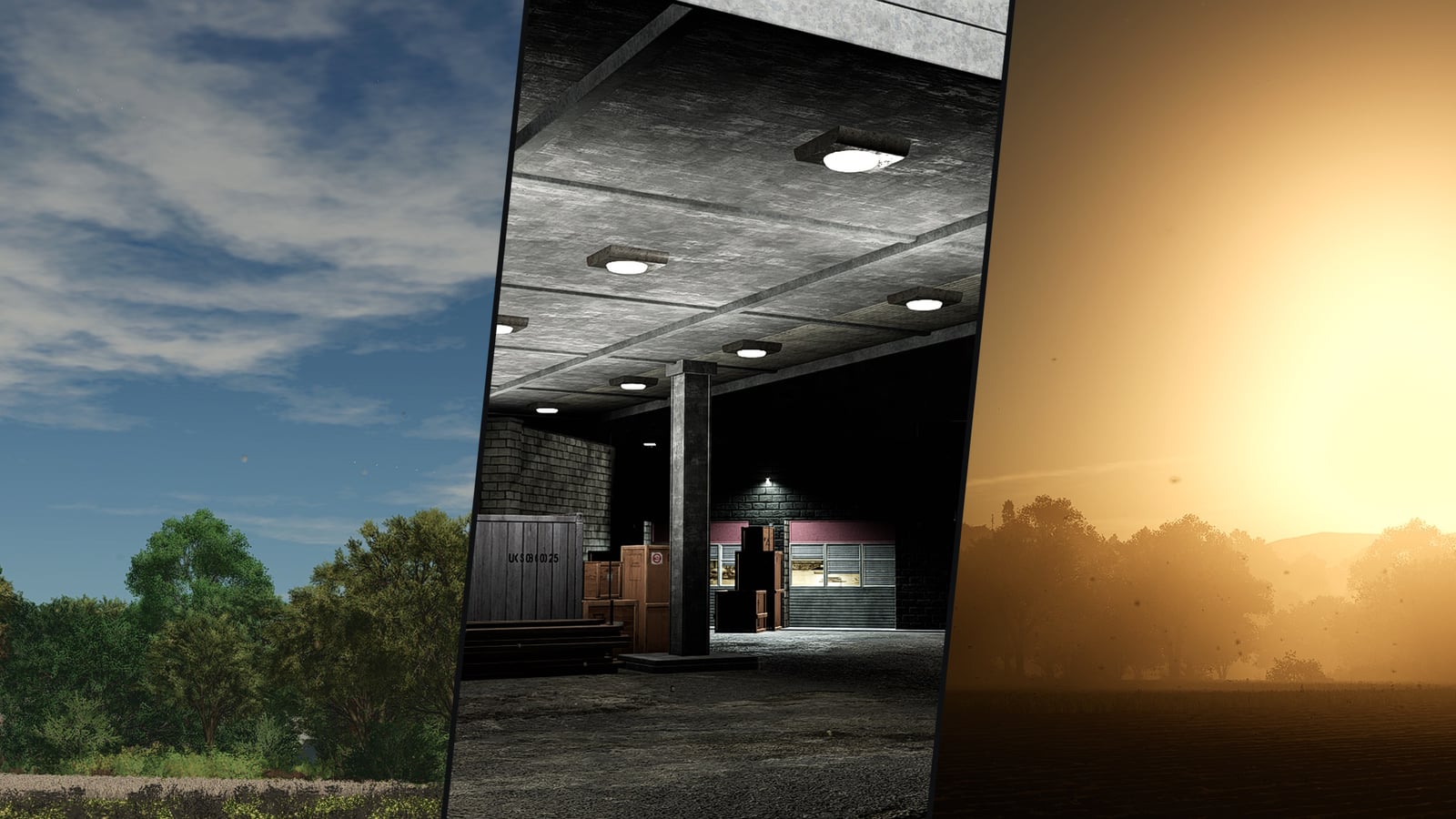
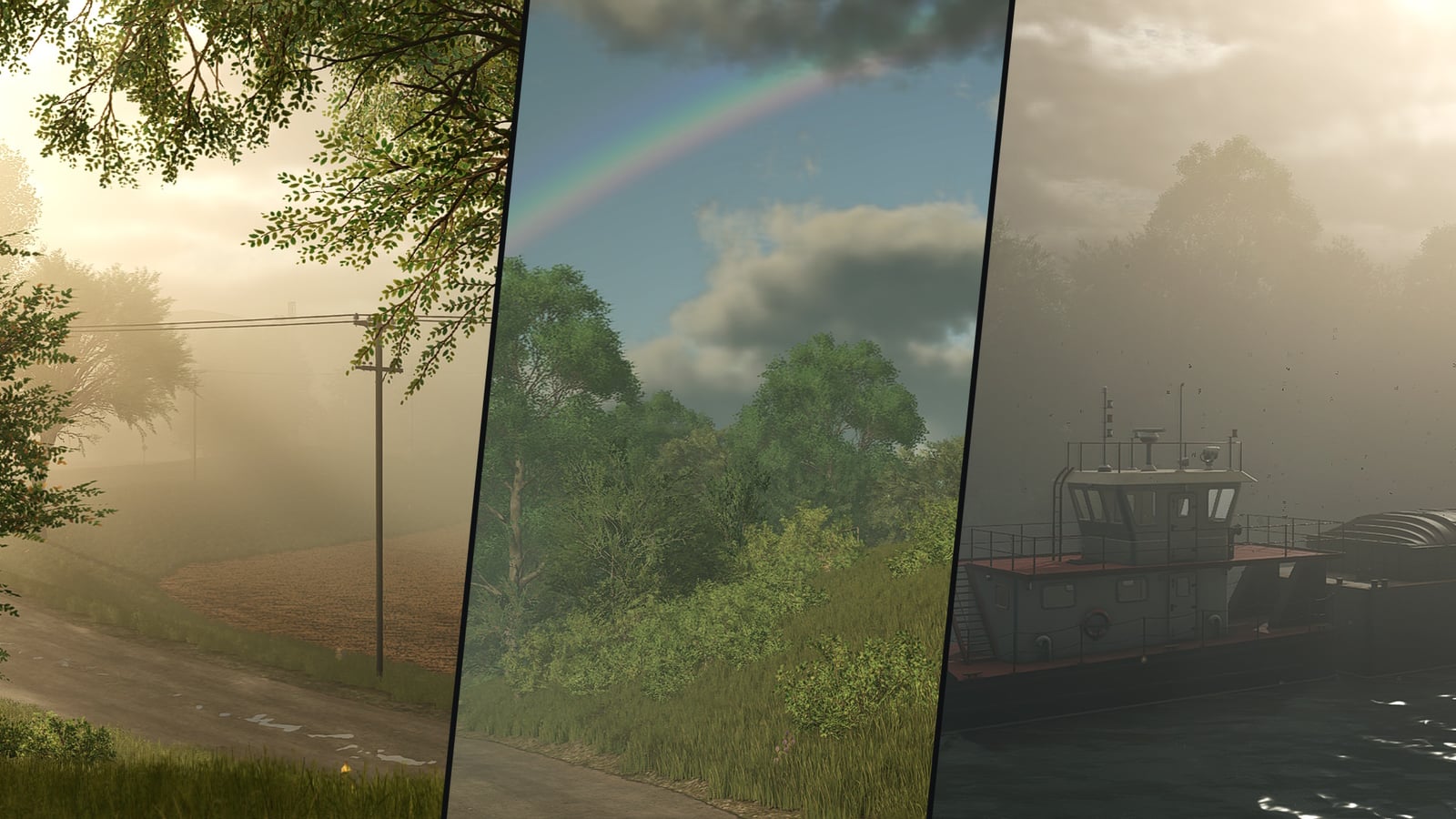
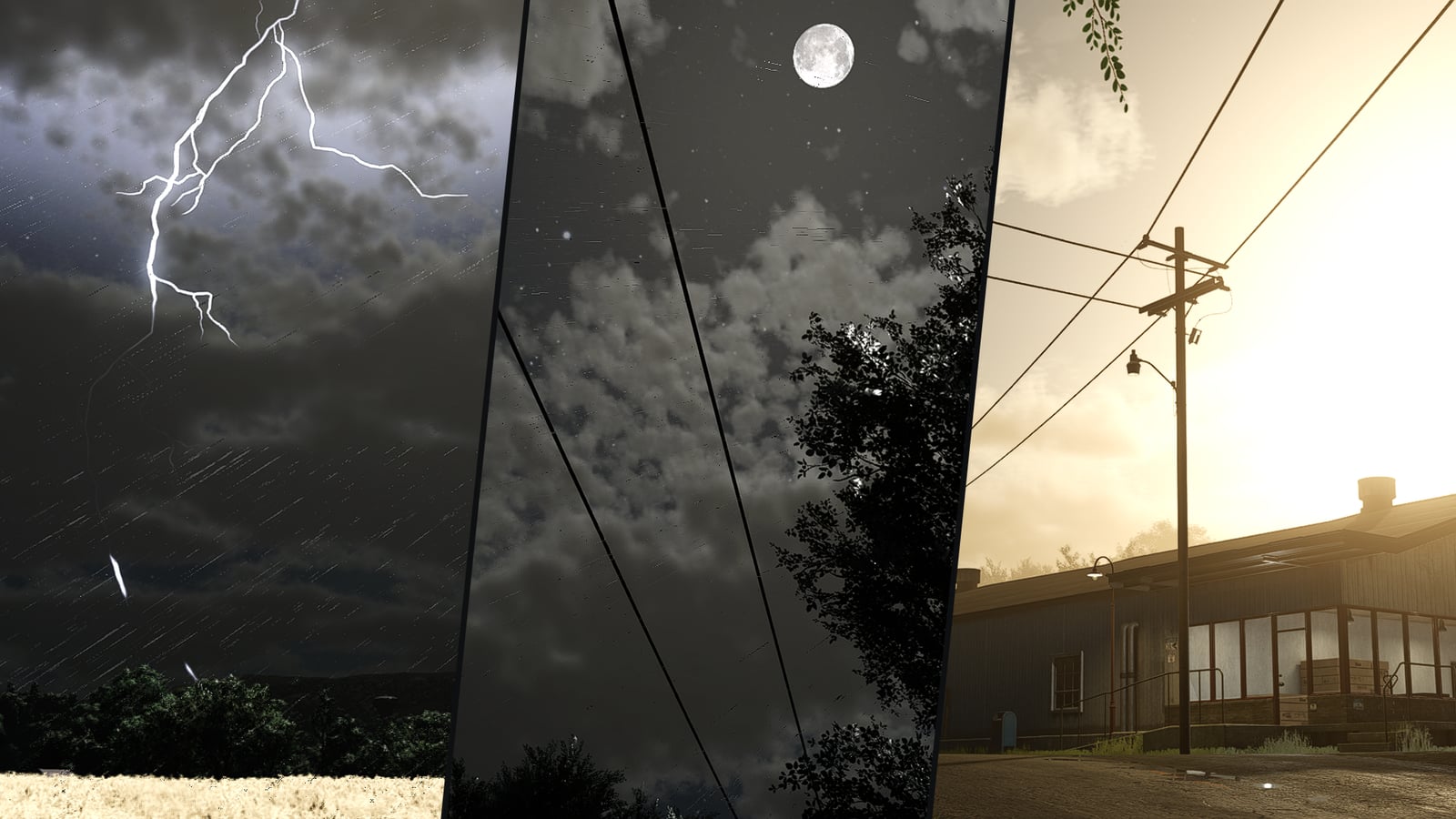
ProVision EVO gives your Farming Simulator 25 maps a fresh visual setup, whether you are driving around, working fields or building up a farm. It changes the lighting, colours, sky, clouds, rain, fog, storms, water and trees on every map. You can adjust everything while playing in its own settings panel, and it does not change any game file.
Sky and clouds
- Fair-weather cumulus clouds get big billowing tops, flat bases and wide breaks where deep blue sky shows through
- During the day the clouds look silvery, at night they catch the moonlight, and at sunrise or sunset their undersides turn golden and rose
- Your map’s cloud presets keep their weather, and each one still has its own form
Lighting and image
- The lighting is rebuilt from the values of each map, so the map keeps its own character while you play
- Daytime, golden hour and night have separate colour grading, with deeper blacks and darker nights
- You can use exposure, bloom and lens flare, plus the Natural, Realistic, Cinematic and Vivid presets
- The moon is bigger and gives real moonlight, with brighter stars and Milky Way, a moon halo and longer twilight
Weather
- New rain brings its own drops and splashes, and they stay visible with DLSS, FSR and XeSS
- Wet surfaces, rain atmosphere and varied snowflakes make the weather feel different while you work
- Sun rays break through trees and clouds, and morning mist fills the valleys
- Once a shower passes, a rainbow can appear opposite the sun together with the secondary bow
Volumetric fog
- Fog spreads across the whole map, starts building after sunset, is thickest at dawn and lifts in the morning
- Set the frequency for foggy nights, or let fog stay around all day
- Headlights and lamps show a halo and visible beams when they shine through the fog
Thunderstorms
- Heavy rain can grow into a thunderstorm, then build up, come closer and move away again
- Branched bolts light the land, clouds flicker, and up to three strikes can happen at the same time
- The recorded thunder comes later when the strike is farther away, and it sounds muffled from inside a cabin
Wind and trees
- Game wind pushes dust across dry fields
- Trees, bushes and plants sway with the wind, and a storm makes them move much more
- With its own tree shader, the sun glows through the crown when you look against the light, while every tree gets its own shade
- Grass and crops glow when the sun is low
Realistic water
- Ponds, rivers and lakes use a dedicated water shader and a new wave texture
- Shallow bottoms have caustics, the shore gets foam, rain makes rings, and shallow water is clearer
Vehicles and renderer
- Vehicle paint gets real clear coat, so the sky and sun have sharp reflections
- Soft light beams appear from every vehicle spot light, building and street lamp
- Your hardware gets the highest renderer quality it supports, with an optional longer draw distance
Settings panel
- Use Left Ctrl + P to open it, and change that control in the controls menu if needed
- The tabs are Image, Sky, Clouds, Weather, Fog, Lights, Renderer, Storm, Wind and Water
- Values save on their own, while right click resets the selected value to its default
Installation
- Download
FS25_ProVisionEVO.zip. - Drop the zip into
Documents/My Games/FarmingSimulator2025/modswithout unpacking it. - Start the game, then activate ProVision EVO from the mod selection of your savegame.
Compatibility
- Farming Simulator 25 on PC, tested on version 1.25.1.0
- Works on every map, base game and mod maps
- Multiplayer supported. Lightning, thunder and dust are shown on each computer separately
- Works together with ProNaturLife, wildlife, hunting and fishing
- Not for consoles: the mod uses its own shaders