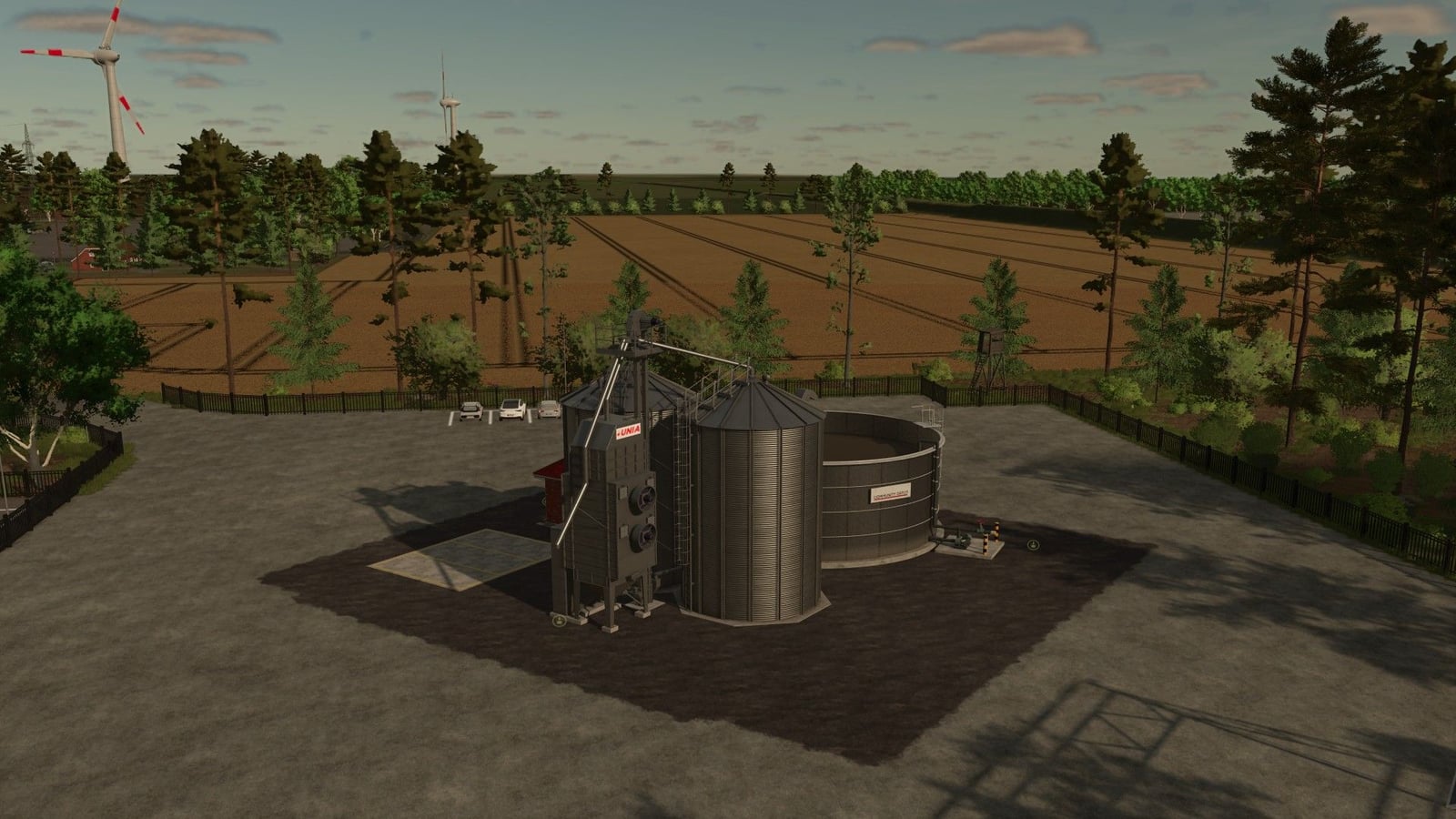
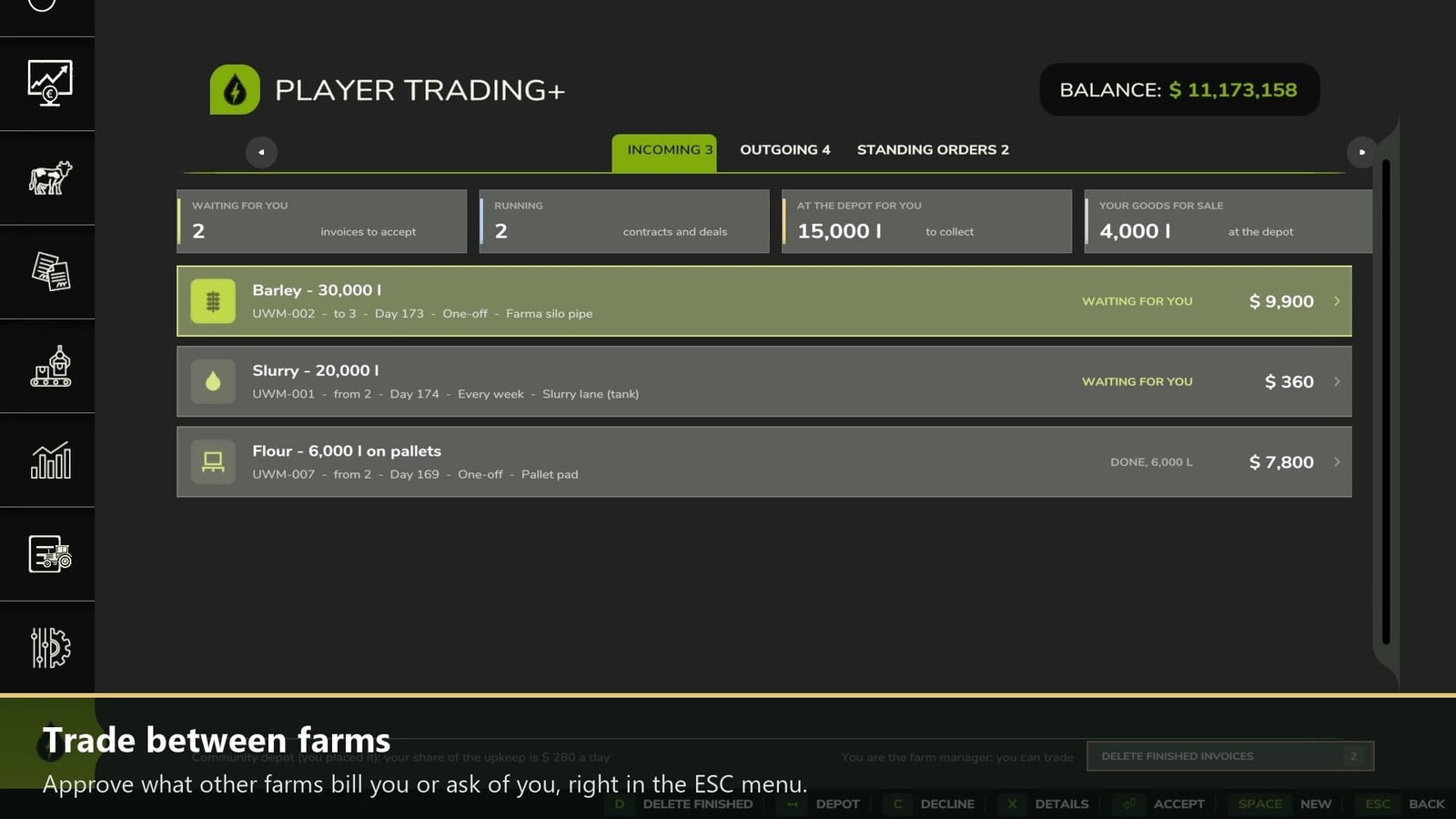
Player Trading+ gives you a way to trade electricity, slurry, manure, bulk goods such as grain, and pallet goods between farms. Use invoices or standing orders to handle the deals. Money only moves from one farm to another. It is built for multiplayer, while several farms can also use it in single player.
Features
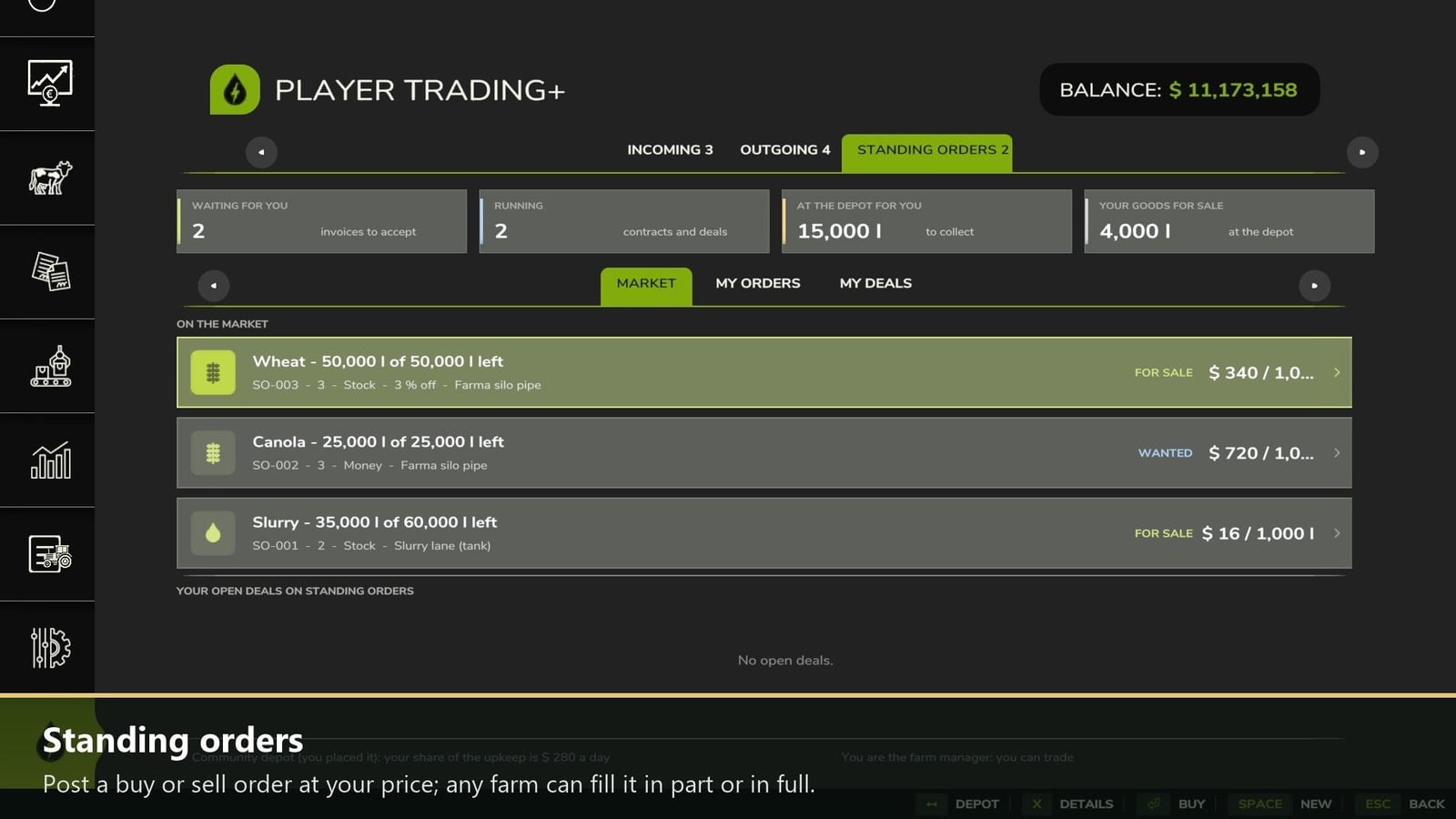
- Invoice another farm, ask for an invoice, or put up a standing buy or sell order that any member farm can fill partly or completely
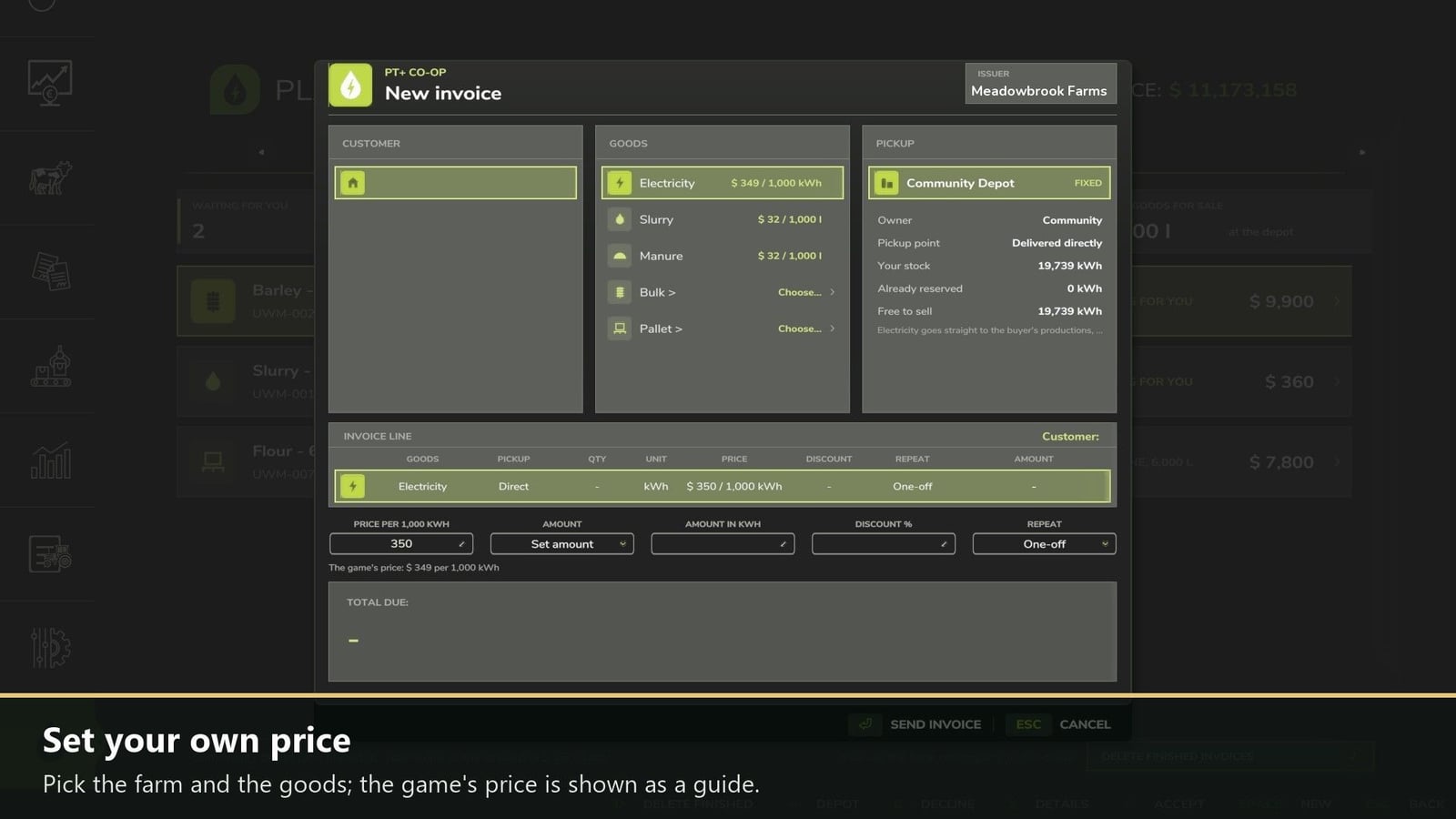
- Pick the price per 1,000 liters yourself, check the game’s price as a guide, choose an amount or everything in stock, add a discount, and trade once, daily or weekly
- Your goods stay at the depot until the buyer picks them up. Anything unsold goes back home, and liters that are never collected are refunded
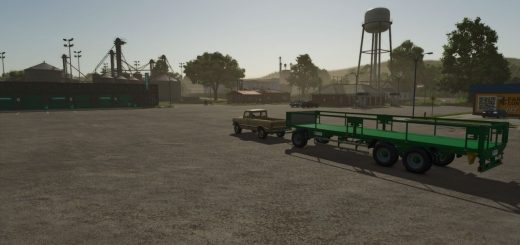
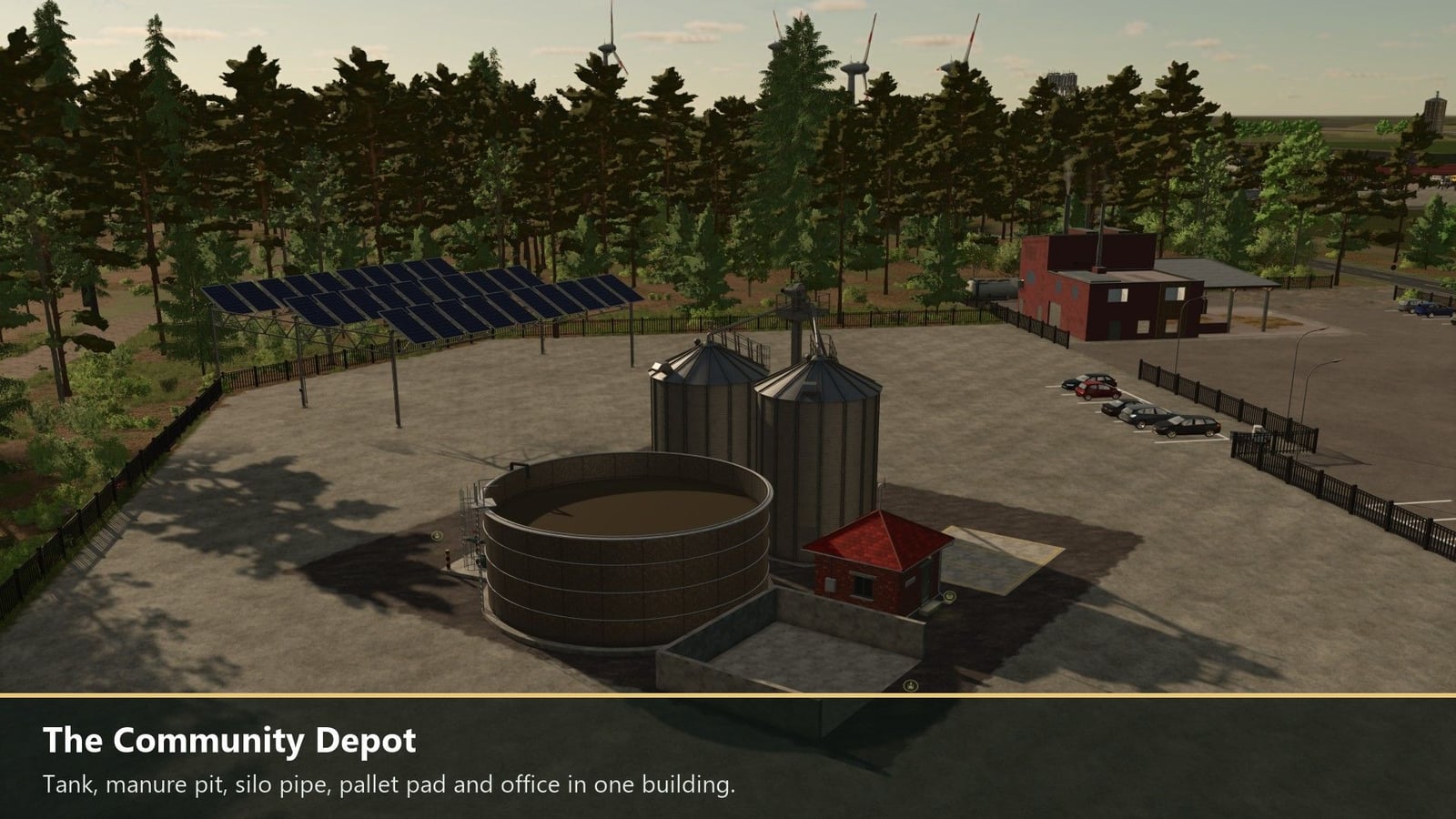
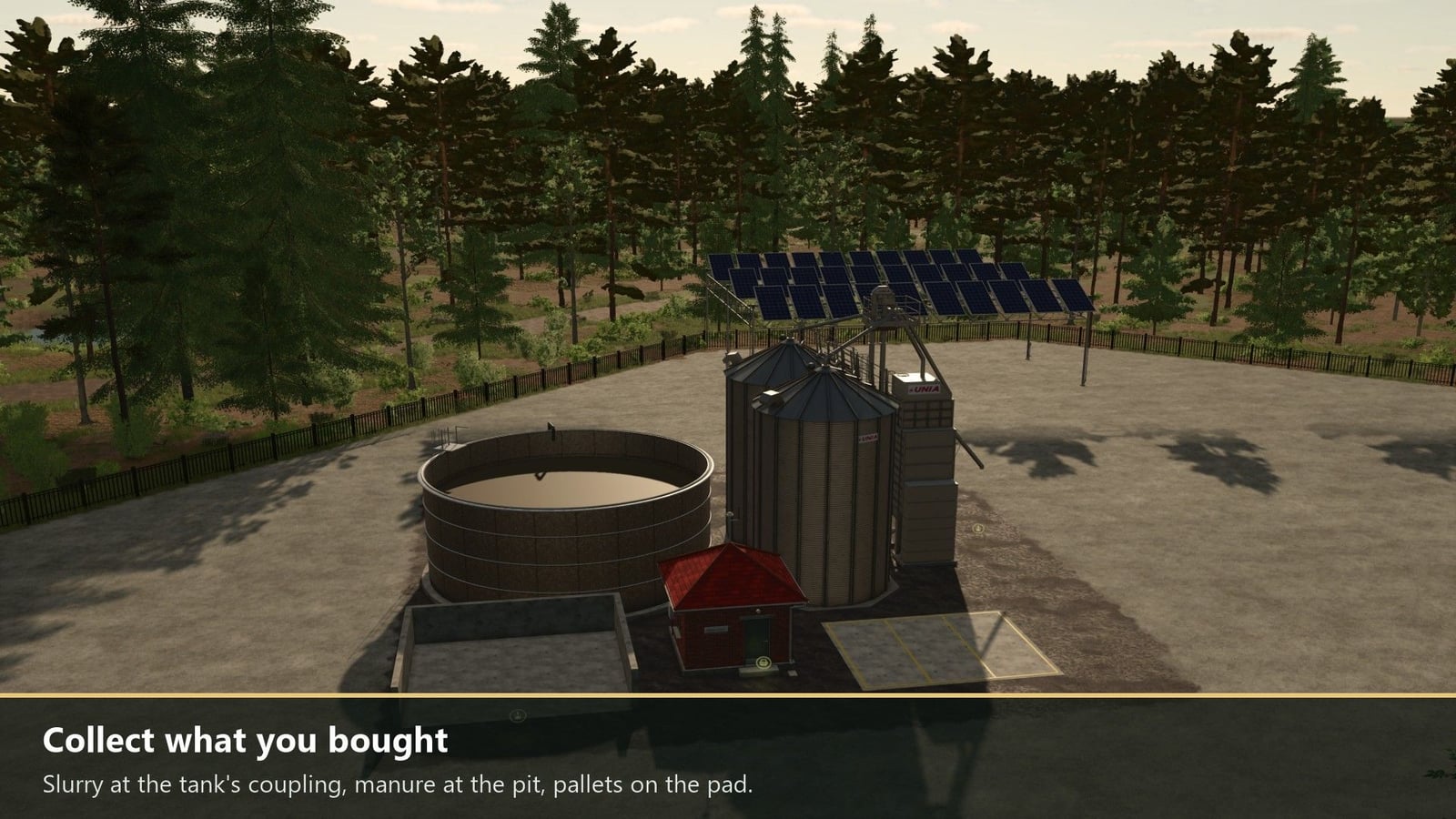
- Pick up slurry at the tank coupling, manure at the manure pit, bulk goods at the silo pipe, and pallets at the pallet pad
- Electricity moves directly from the seller’s power productions into the buyer’s productions
- Every farm gets the option to join the depot, and members share the daily upkeep
- Only farm managers can make trades
Specifications
- Community Depot shop location: Production > Selling Points
- Price: 268,000
How to use: buy the Community Depot, then open Player Trading+ in the ESC menu.
Changelog
0.12.1.1
- The mod list now credits the author as DTM Mods, PropaineX.
- Player Trading+ is the new name, replacing Utilities & Waste Management. Your invoices and orders carry over, but any depot placed under the old name needs to be placed again (0.12.1.0).