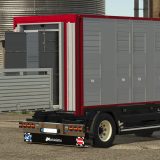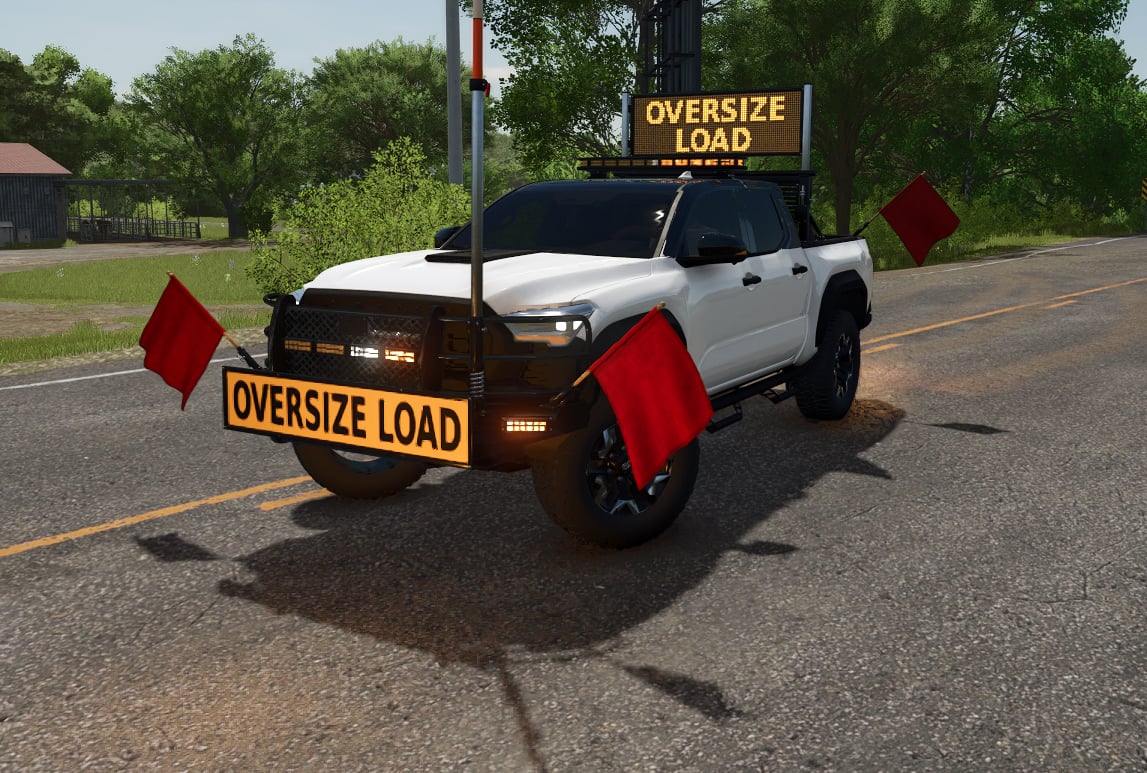
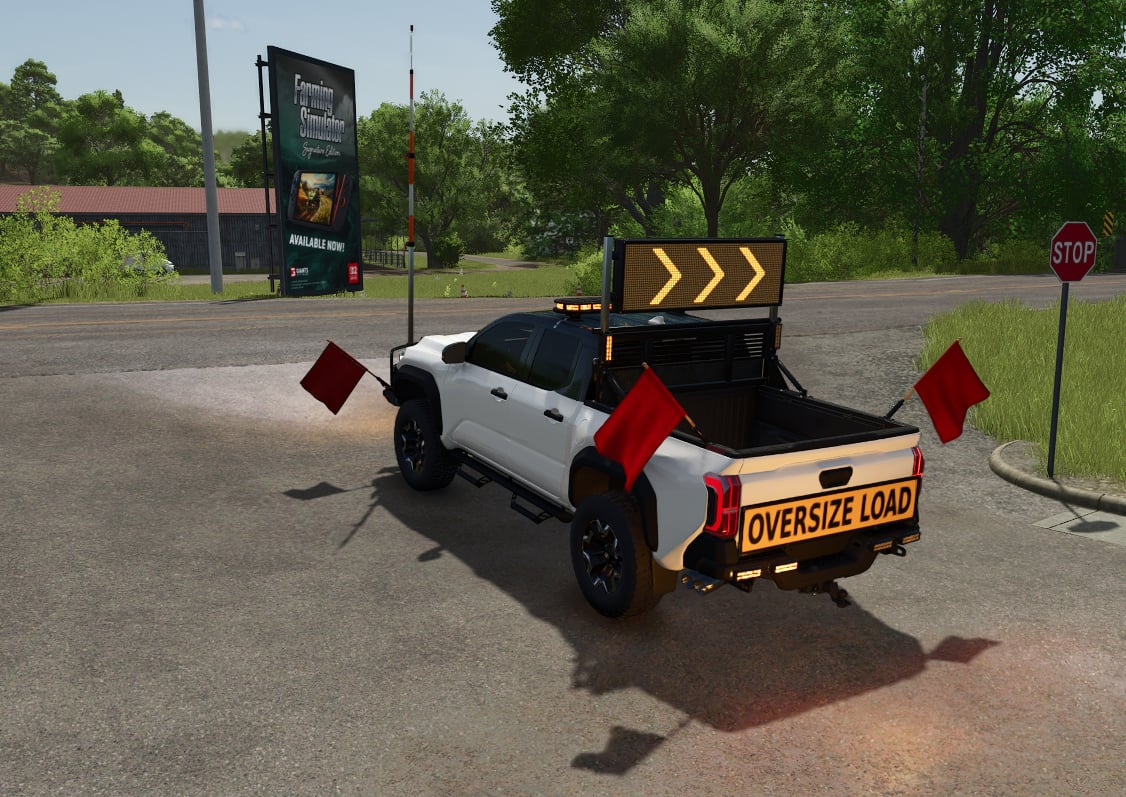
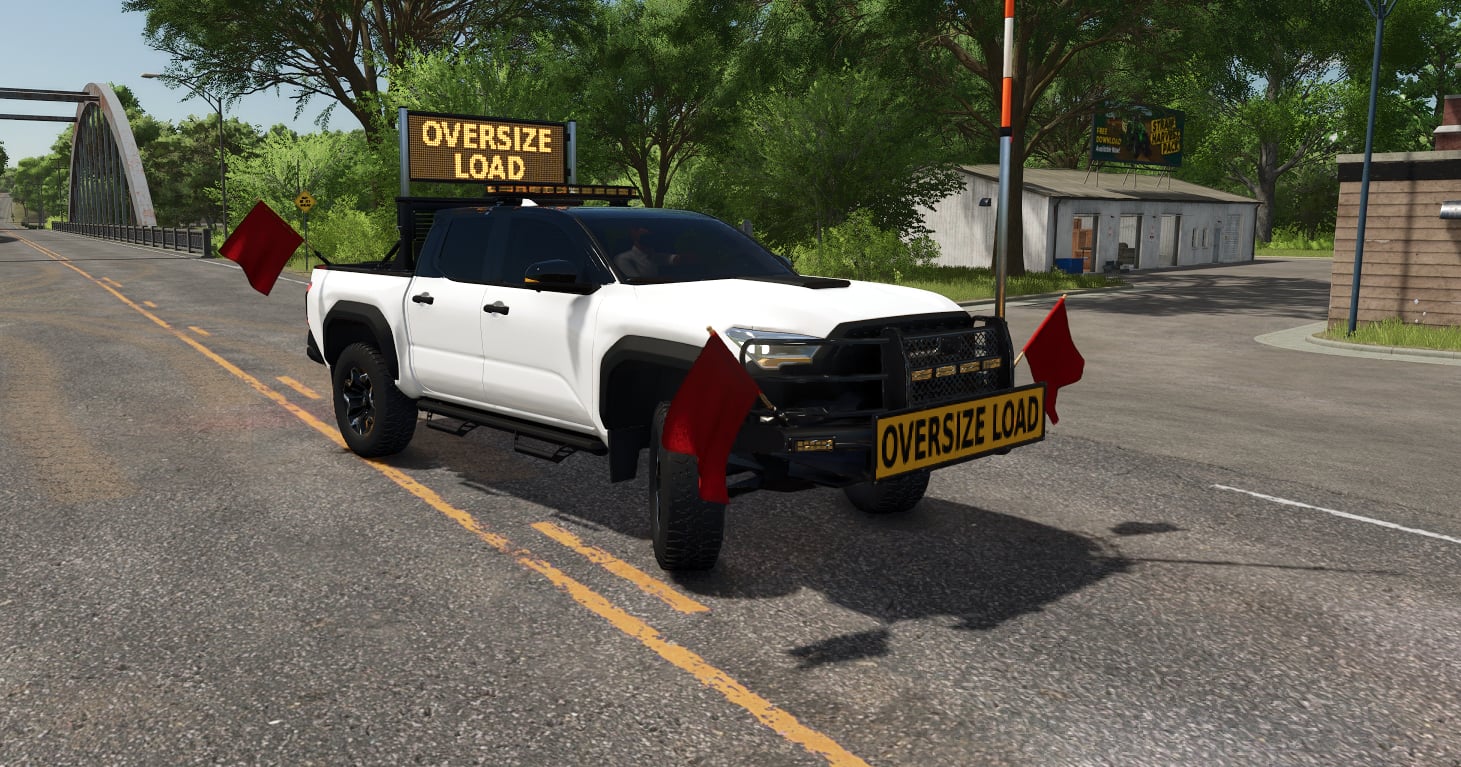
You get a drivable pilot and escort truck for Farming Simulator 25, ready to run oversize loads.
Features
- Set the telescoping high pole anywhere from 9 ft to 18 ft in 6 in steps. The collision follows the pole height
- Raise the double-sided LED sign to show OVERSIZE LOAD, then let it flash left/right arrows with your turn signals
- Hit the beacon key for the roof light bar and the grille, bumper and rack strobes
- There are OVERSIZE LOAD banners on both ends, plus four cloth safety flags that move with the wind and your speed
- You can build out the truck with a brush guard, headache rack, working tailgate, usable bed with tension belts, and a trailer hitch with light plug
- Working mirrors, a lit instrument cluster and escort equipment are all in the cab
- In the shop, pick the body colour, trim colour for the fender flares, grille and surround, five window tint levels, or the “tuxedo” option
Controls
- Press X to open or close the tailgate
- Press Left Ctrl + X to raise or lower the LED sign (rebindable)
Interactive Control (optional)
You can drive the truck without it. Install Interactive Control and click points become available for raising and lowering the high pole, removing or fitting each flag, opening the tailgate, raising the sign, and switching it on or off. Without Interactive Control, the pole stays at 14 ft and the flags stay fitted.
Notes
- Singleplayer tested.
- The pole height and sign state are saved, but they are not synced in multiplayer.