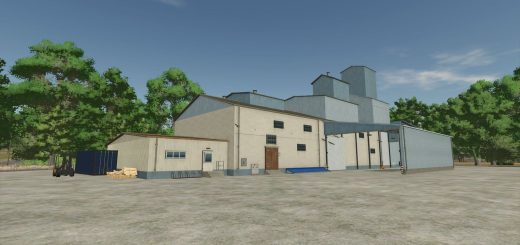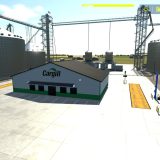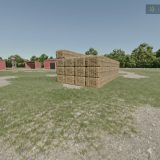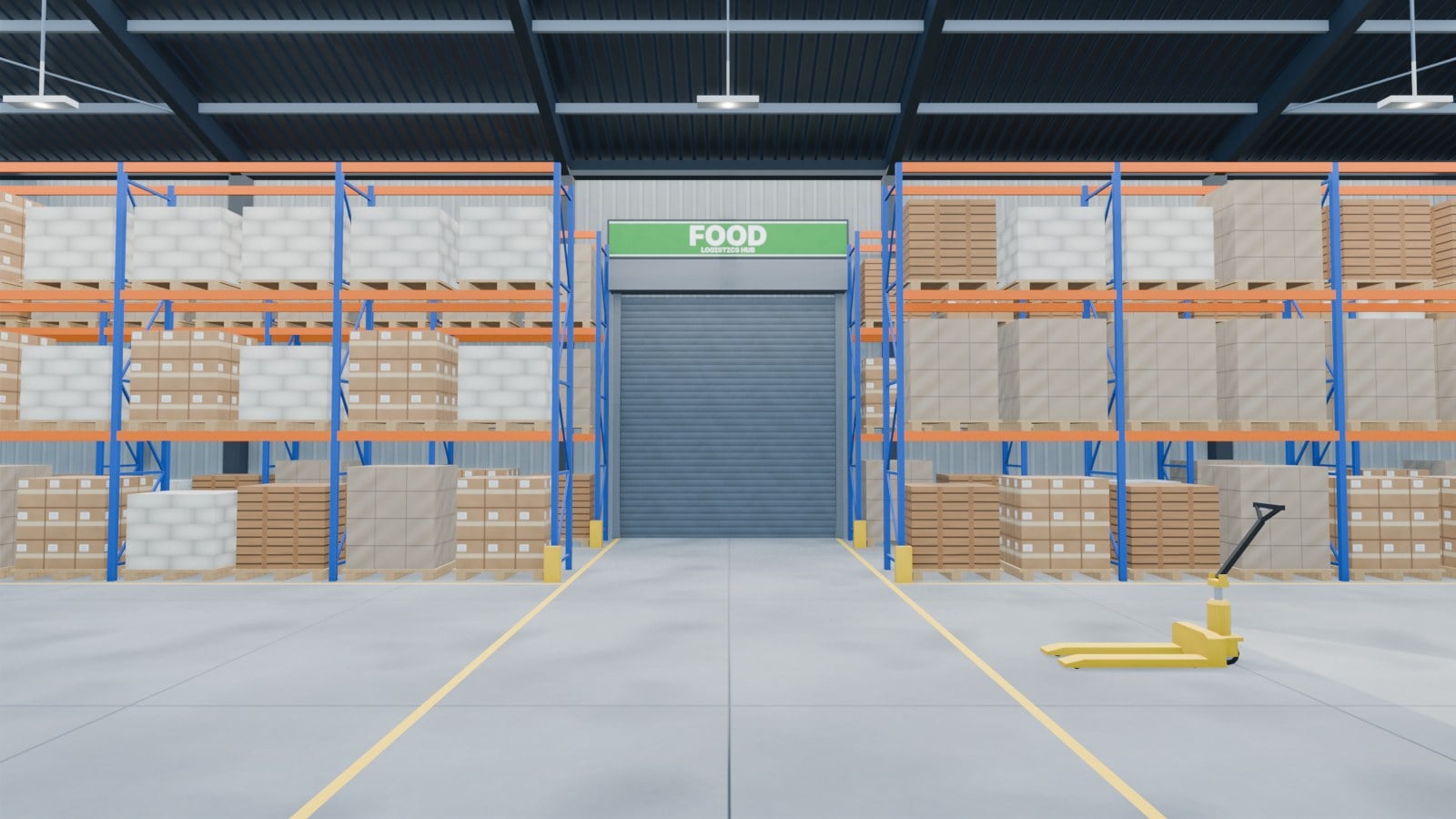
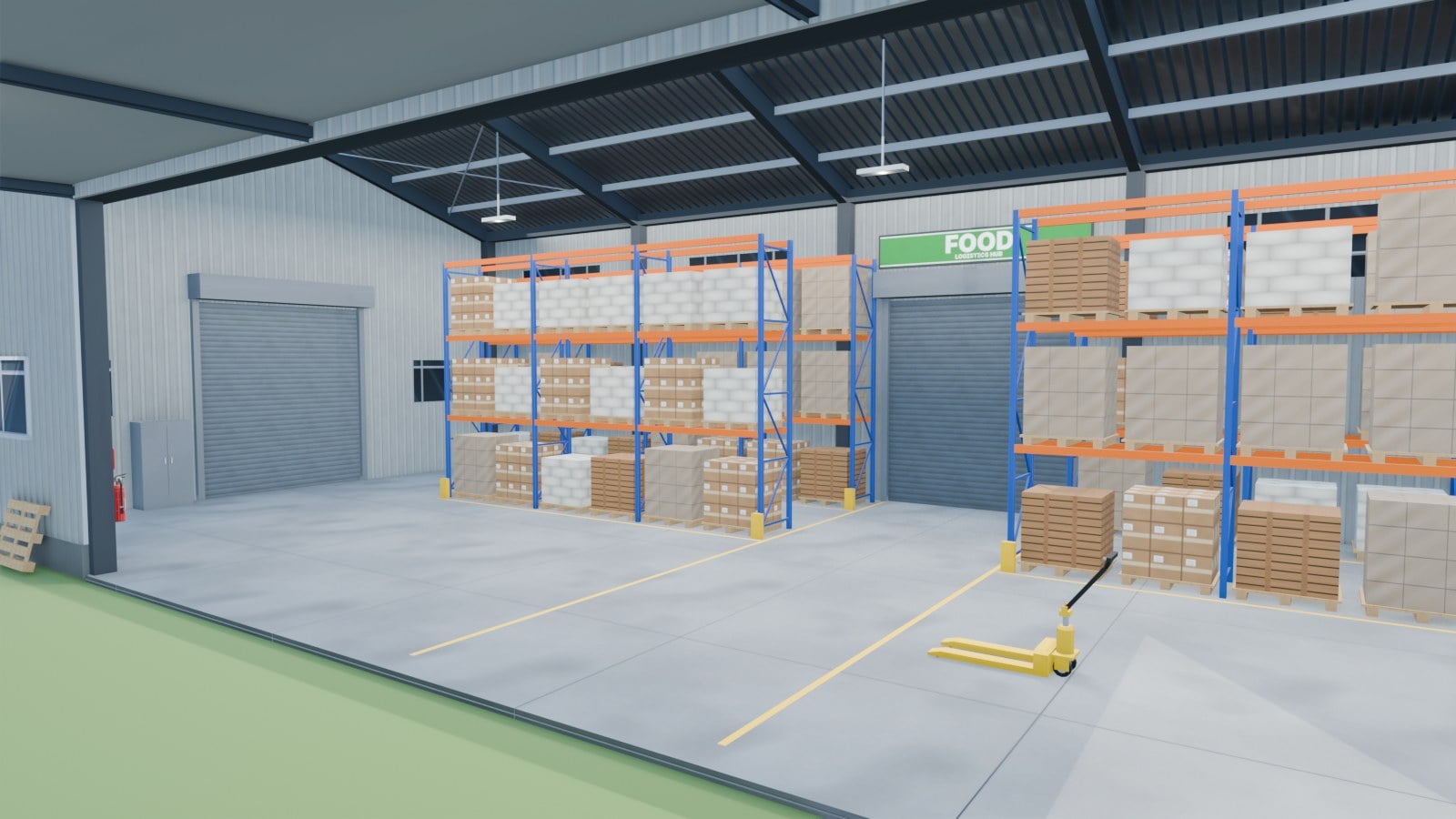
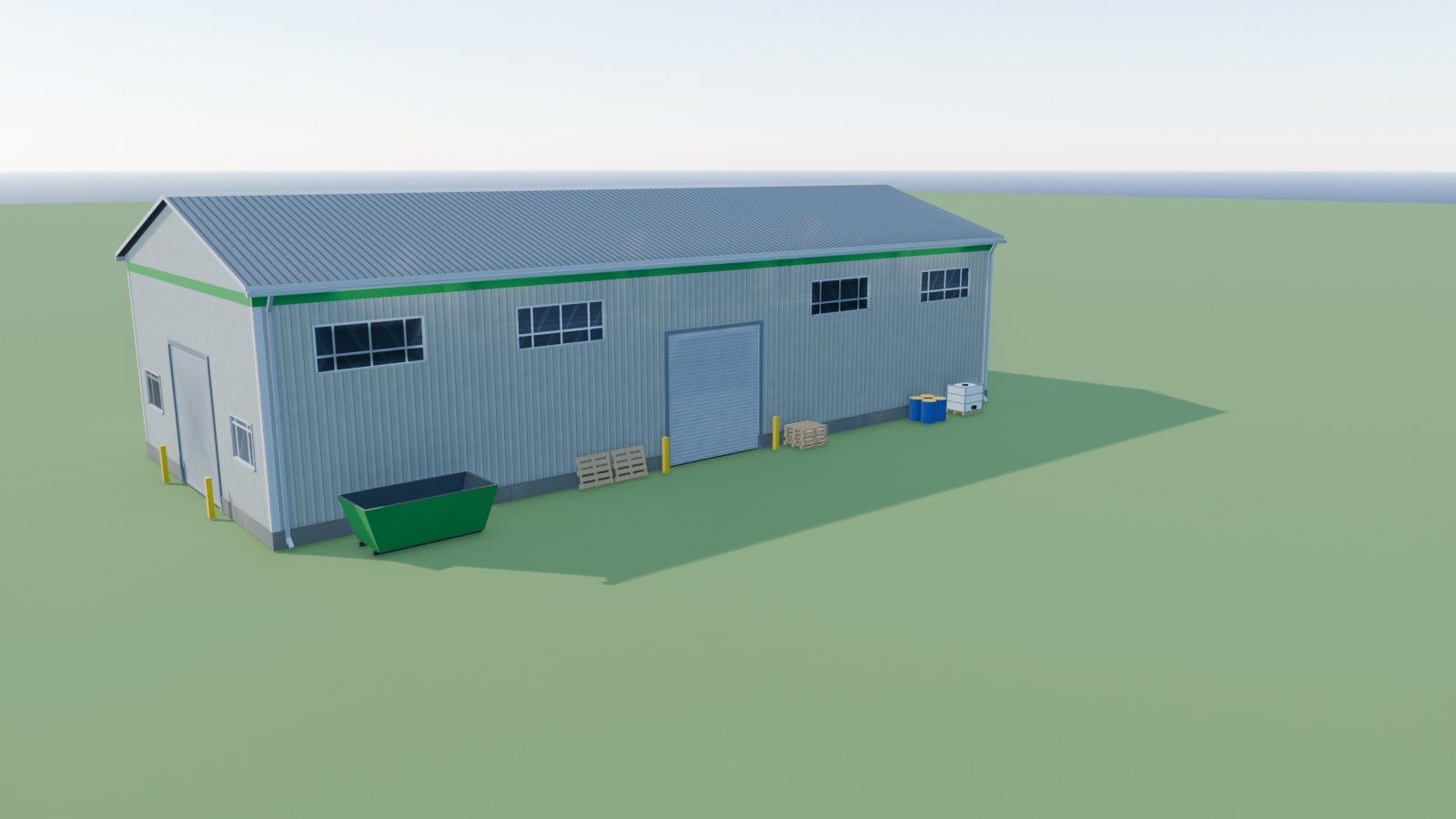
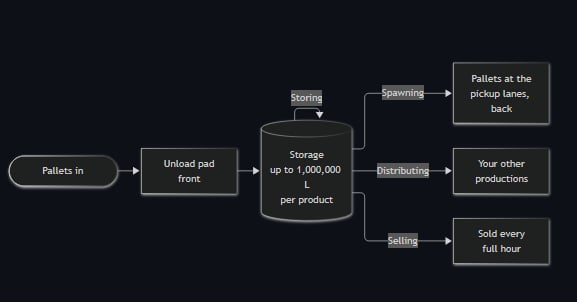
Need a place to keep your pallets moving in Farming Simulator 25? Logistics Hub V1.5.8.4 gives you a pallet hall that stores products and sends them onward. Put pallets on the unload pad at the front, choose the next destination for each product, and let the hub handle the rest. This is for pallets only, so bulk goods, field crops and bales are not accepted.
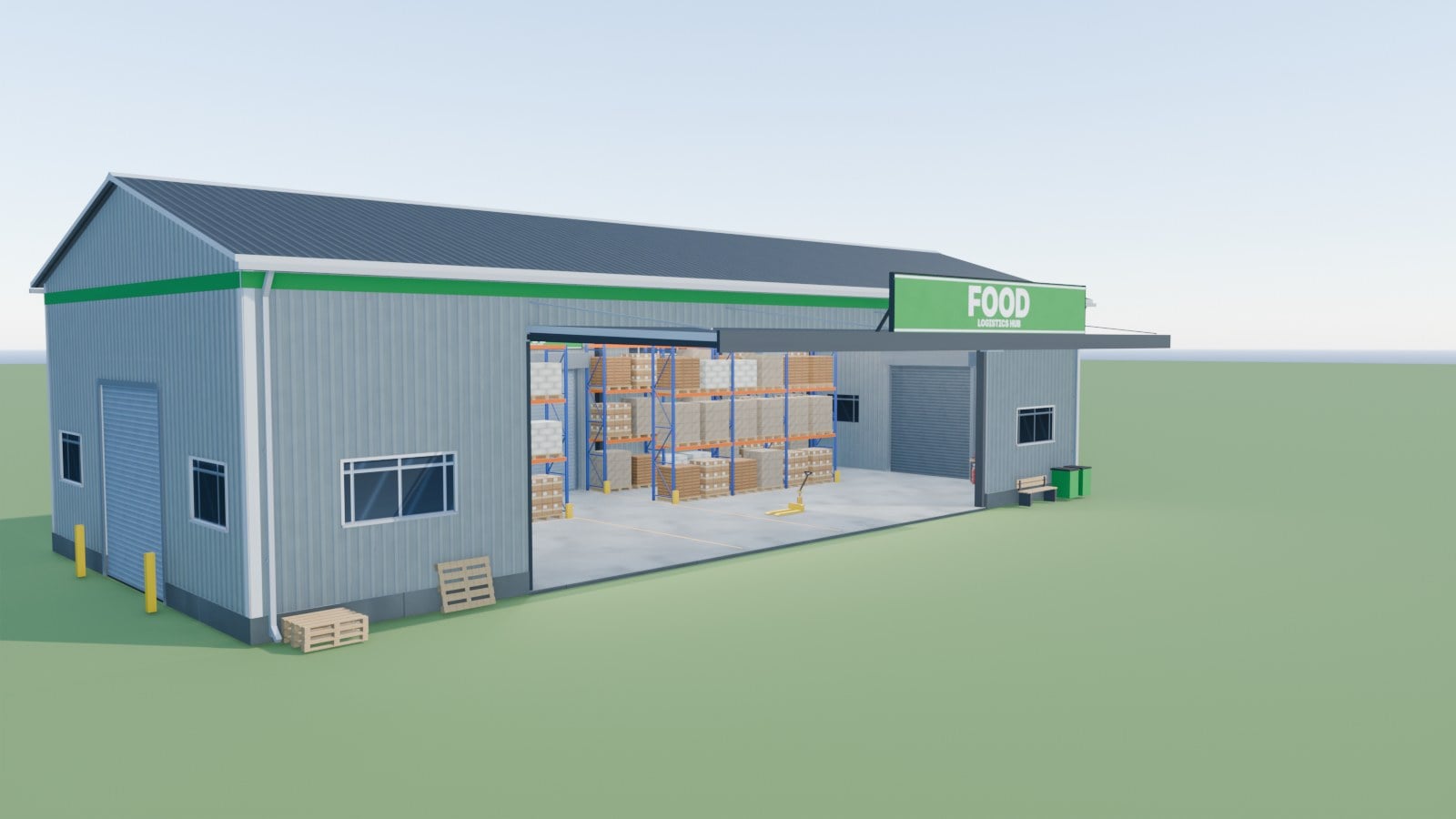
Food & Drinks
- Green sign.
- Here you can handle dairy, bread and cakes, oils, flour, sugar, honey, vegetables, fruit, juices, canned and preserved food, rice products and soups.
- Cost: 50,000.
- Daily upkeep: none.
- Pick 100,000 / 500,000 / 1,000,000 L per product for each hub.
- Load everything and Food & Drinks can have up to 199 products available.
- Leave out the FedMods packs and the Beans & Alpacas pack, and the hub provides the base-game products.
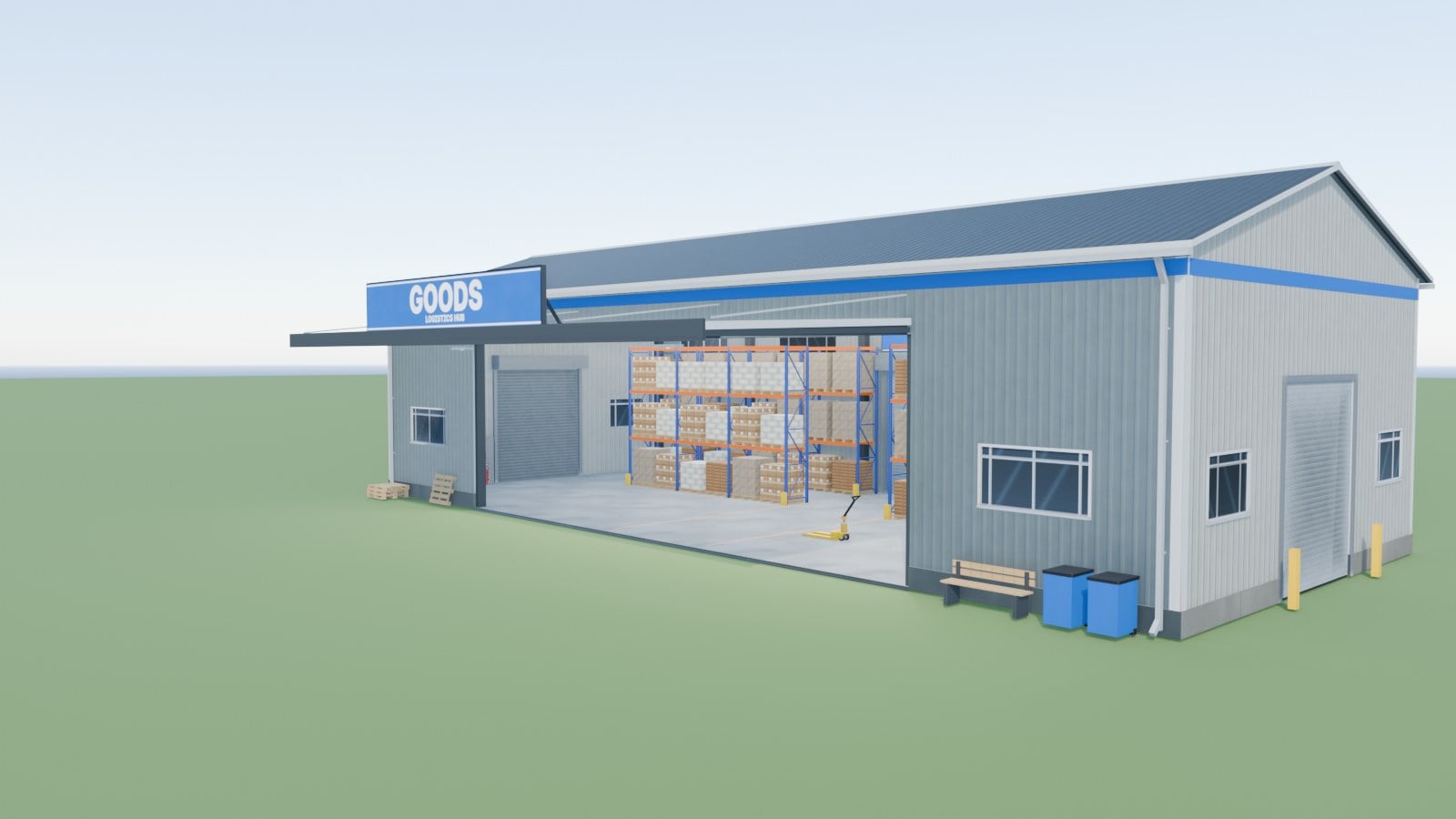
Textiles & Goods
- Blue sign.
- This section covers fabric, clothes, wool, rope, furniture, paper and carton, building materials (cement, planks, boards, roof plates, prefab walls), seeds, fertilizer, herbicide, lime and road salt.
- Cost: 50,000.
- Daily upkeep: none.
- The hub offers 100,000 / 500,000 / 1,000,000 L per product as capacity options.
- With every product loaded, up to 81 products are available in Textiles & Goods.
- Without the FedMods packs and the Beans & Alpacas pack, you get the base-game products in the hub.
Features
- A single hub can carry up to 1,000,000 L of every product it accepts.
- The hubs also work with products from the FedMods packs, whether standard or ProEdition.
- For Beans & Alpacas, send bananas and banana products, coffee and coffee products, and tiramisu to Food & Drinks. Alpaca goods, pigments, resin, paint buckets and fungicide go to Textiles & Goods.
- You decide the route for each product: keep it stored, spawn it as pallets, deliver it to your productions, or sell it every full hour. Storing is already included, with no other mod required, and the hubs hold the stock until you take it out.
- Depot pallets are available in 1,000 L / 2,500 L / 5,000 L, all built on a 1.20 × 0.80 m base.
- Their full heights are 0.364 / 0.804 / 1.464 m, using 1 / 3 / 6 cargo layers.
- The cargo keeps the original product models and material maps from the game or an installed mod, including open lettuce crates and carrot bags.
- Collision is built in and follows the full layers as the fill level changes.
- All three lettuce bag and carrot bag sizes were visually checked in GIANTS Editor, but gameplay is still untested.
- Universal Autoload gets the depot footprint and current collision height directly. That lets three narrow sides fit across the Krone Profi Liner, even when the cached measurement is wrong.
- Other productions continue using their existing pallets.
- The spawn goods window needs no other mod. Select stocked goods, choose a 1,000 L, 2,500 L or 5,000 L depot pallet, decide between full pallets only or one last part-filled pallet, choose the farm and set the pallet count. The goods appear at the pickup lanes.
- Your last choice is remembered for each building. The spawn goods window also warns when the pallet limit is reached or pallets are still sitting at the lanes.
- As stock rises, the racks fill up and display 84 pallet places.
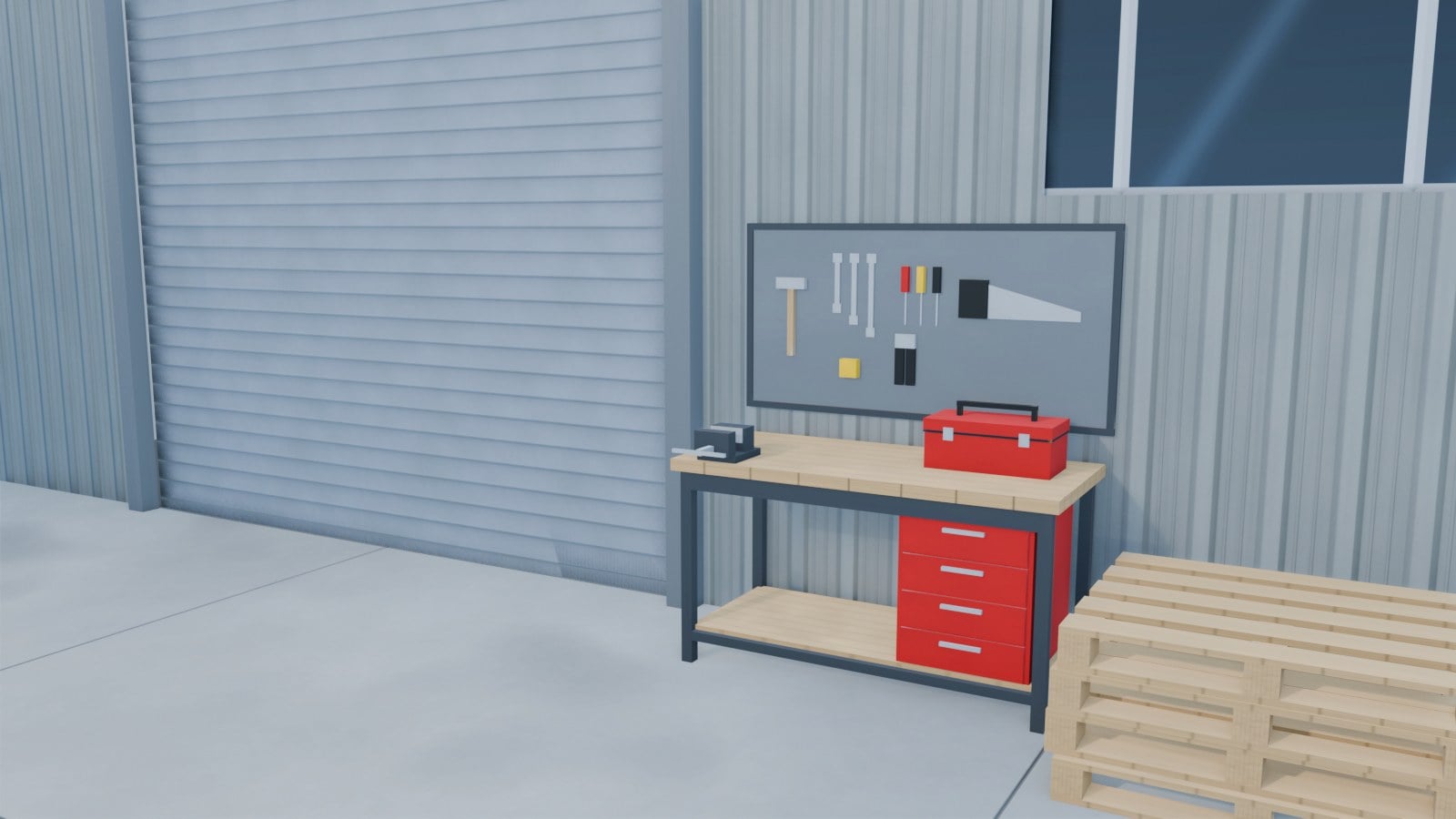
- Working roller doors are fitted on three sides. Use them like garage doors, opening or closing them, and their state is saved.
- At 06:00, each hub gets a daily report covering what came in, went out, was delivered and was sold.
- Press C in the game’s production menu to hide empty materials, so the hub does not fill the list with 180 rows of 0 L.
- Placing the hub imports its AutoDrive route.
Productions window
Use Right Shift + P to bring up one table for all your productions, not just the hubs. You can see inputs, five per line, recipes, finances and logistics together.
| Key | Main page | Logistics page |
|---|---|---|
| X | inputs / outputs | schedule: the months a line runs |
| C | recipes | hide inactive |
| Q | finances | spawn goods |
| E | logistics | |
| Enter | settings | change output |
| Backspace | spawn goods | recipe on / off |
| Space | CSV export | |
| Esc | close | close |
On the settings page, you can use:
- Auto-management stops stuck lines so they no longer cost money, then starts them again when running is possible.
- Alerts for lines that pause or restart, inputs that are low and outputs that are nearly full.
- Building options for the production you selected, including the hub’s capacity and the pallets it spawns.
Settings, schedules and options are saved in the savegame and shared with all players on a server.
Compatibility
| Mod | Needed? | What it adds |
|---|---|---|
| FedMods (standard or ProEdition) | optional | Fed products in both hubs |
| Beans & Alpacas (DLC) | optional | banana, coffee, alpaca and paint products in both hubs |
| Highlands Fishing (DLC) | optional | fish, onion products, roof shingles and coal in the hubs |
| Production Storage Control | not needed | Spawn goods and Storing are built in. With PSC installed, its spawn window at a hub offers the 1,000 L / 2,500 L / 5,000 L depot pallets too, and its own Storing mode stays in charge |
| AutoDrive | optional | imports the hub’s route when it is placed |
| Price Ticker | optional | the hubs are taken out of its station list, its files are not changed |
Multiplayer works, as long as the server and every player have the same zip.