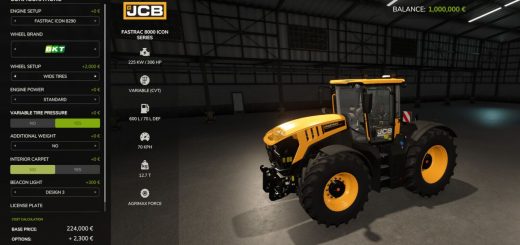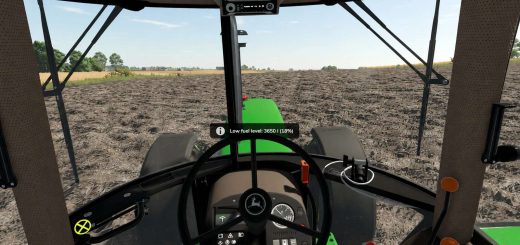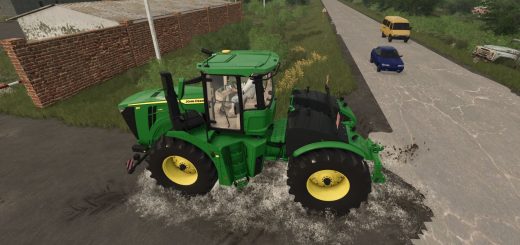
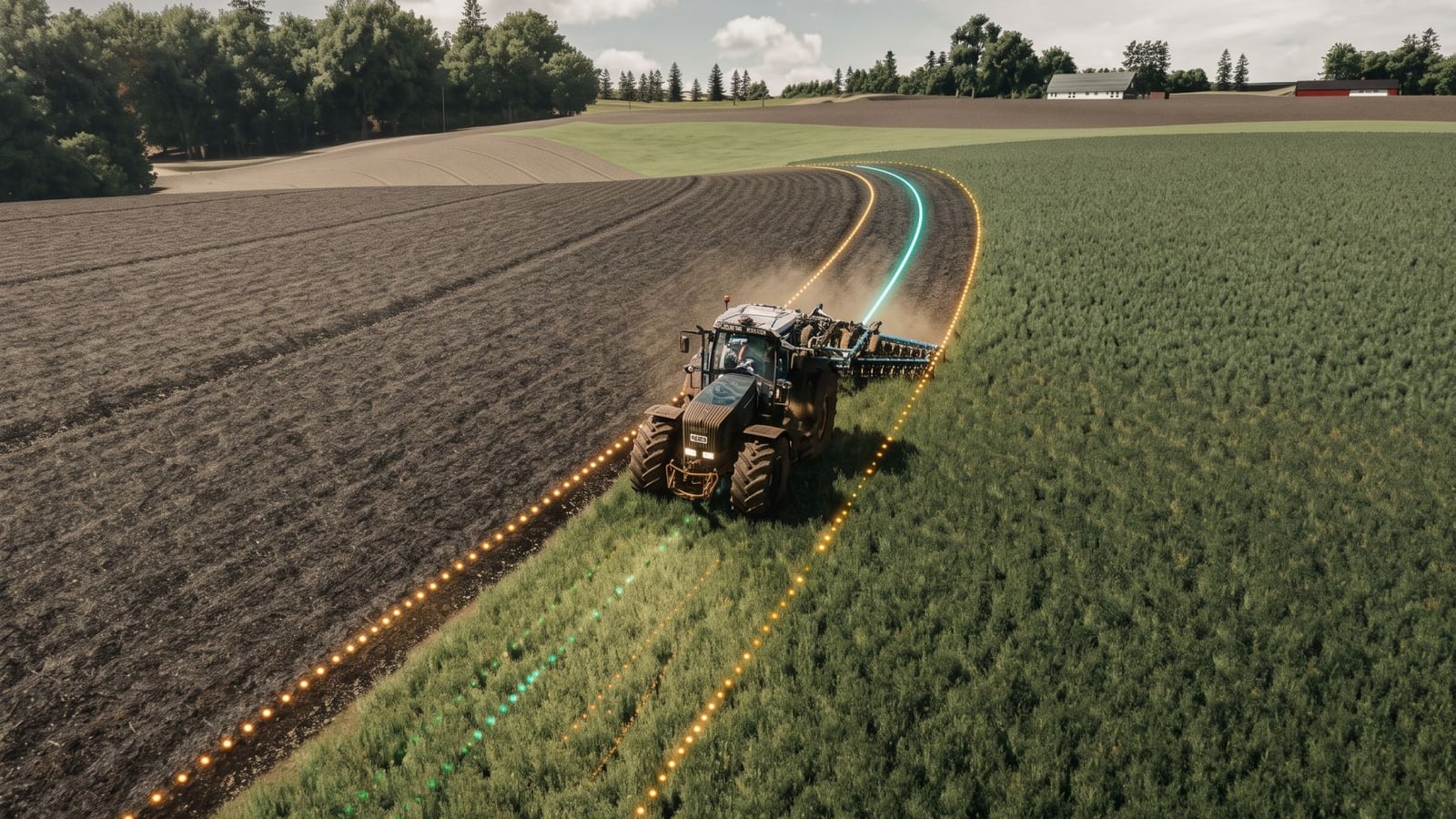
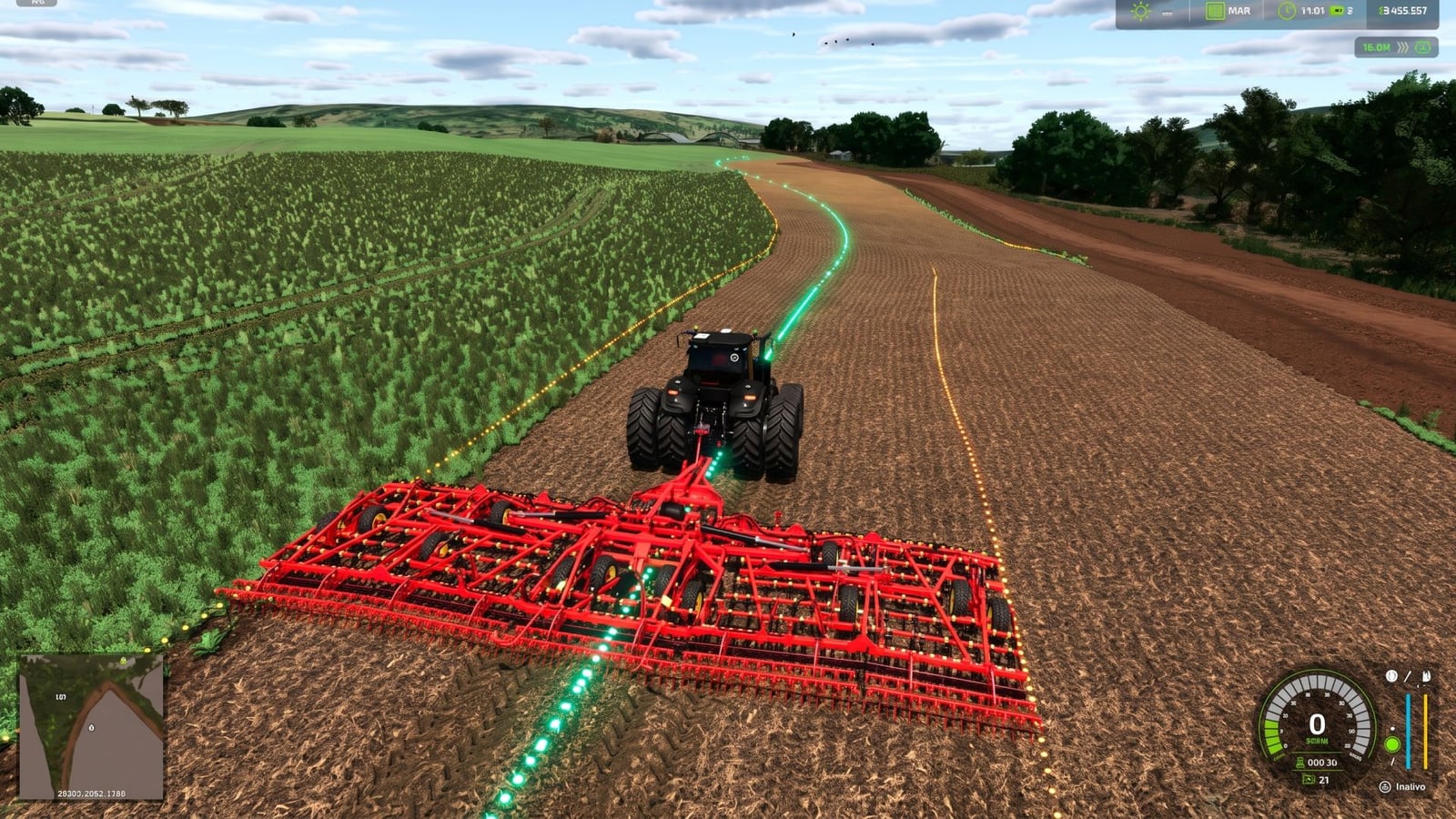
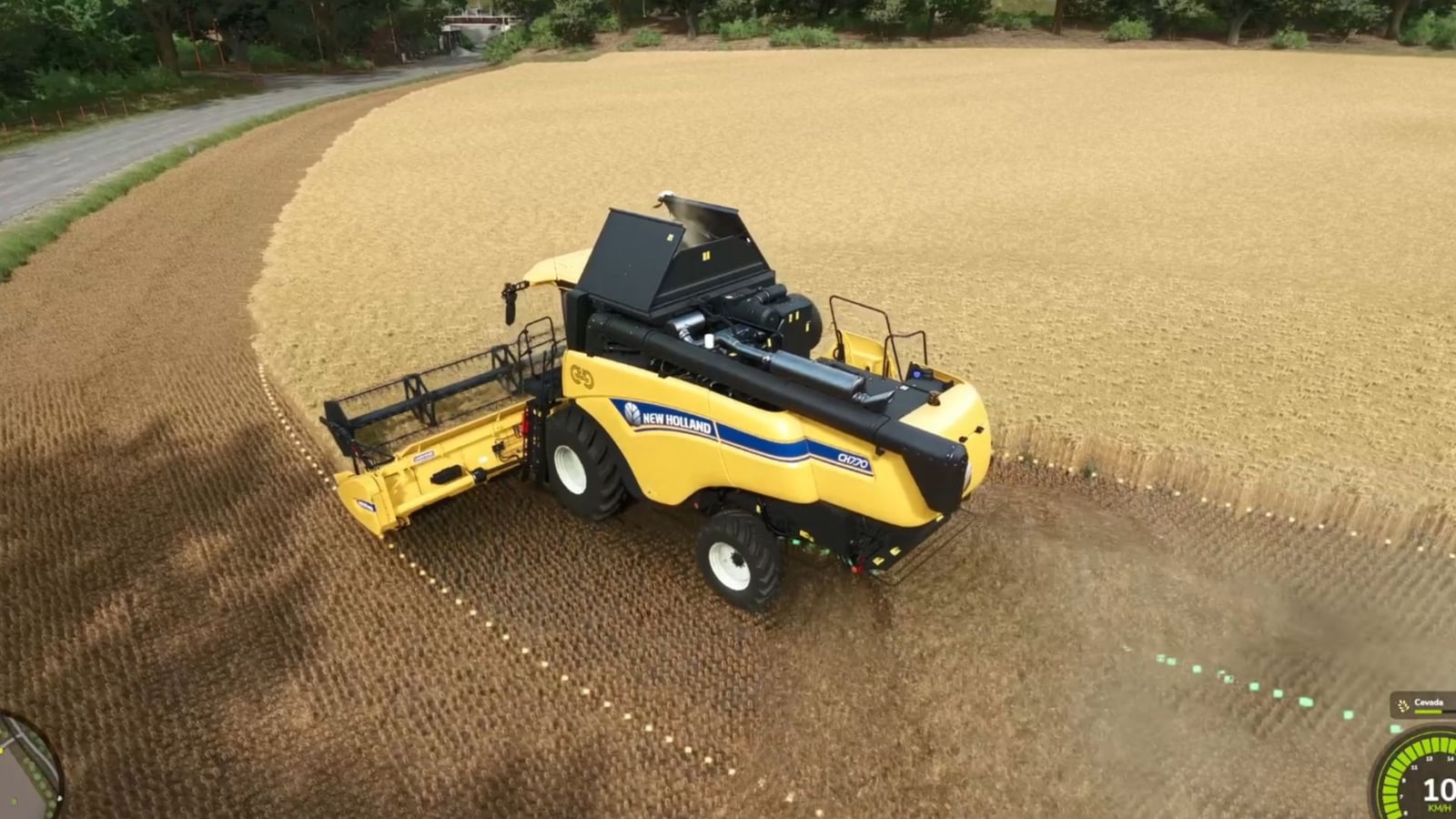
With GPS Plus, you can follow curved paths in Farming Simulator 25 while driving tractors, combine harvesters, or sprayers.
You get centimeter-accurate guidance, automated steering, speed and equipment management, and guidance lines that make field work easier to set up and use.
Features
- Straight AB lines: Mark A and B, then build parallel lines across your field.
- Instant steering mode: Press one key to make a guidance line from the vehicle’s current heading. You do not have to drive all the way to the other side of the field first.
- Fine-tune angle (0.5°): Adjust the guidance line by 0.5° at a time for a better match with roads, fences, and field boundaries.
- Lateral line offset: Nudge the active track 10 cm left or right as you work. Terrain changes can be handled without resetting the line.
- Smooth curve recording (Curved AB mode): Record irregular contours, terraced slopes, or riverbanks. The custom algorithm uses cubic spline smoothing and tangential extension.
- Automatic implement width detection: Click once and attached implements, including planters, cultivators, sprayers, and headers, are analyzed for their exact working width.
- Manual implement width adjustment in 0.1 m increments.
- Automatic headland turns: Reach the field end, press the turn shortcut, and the machine makes a clean 180° turn ready for the next pass.
Controls and shortcuts
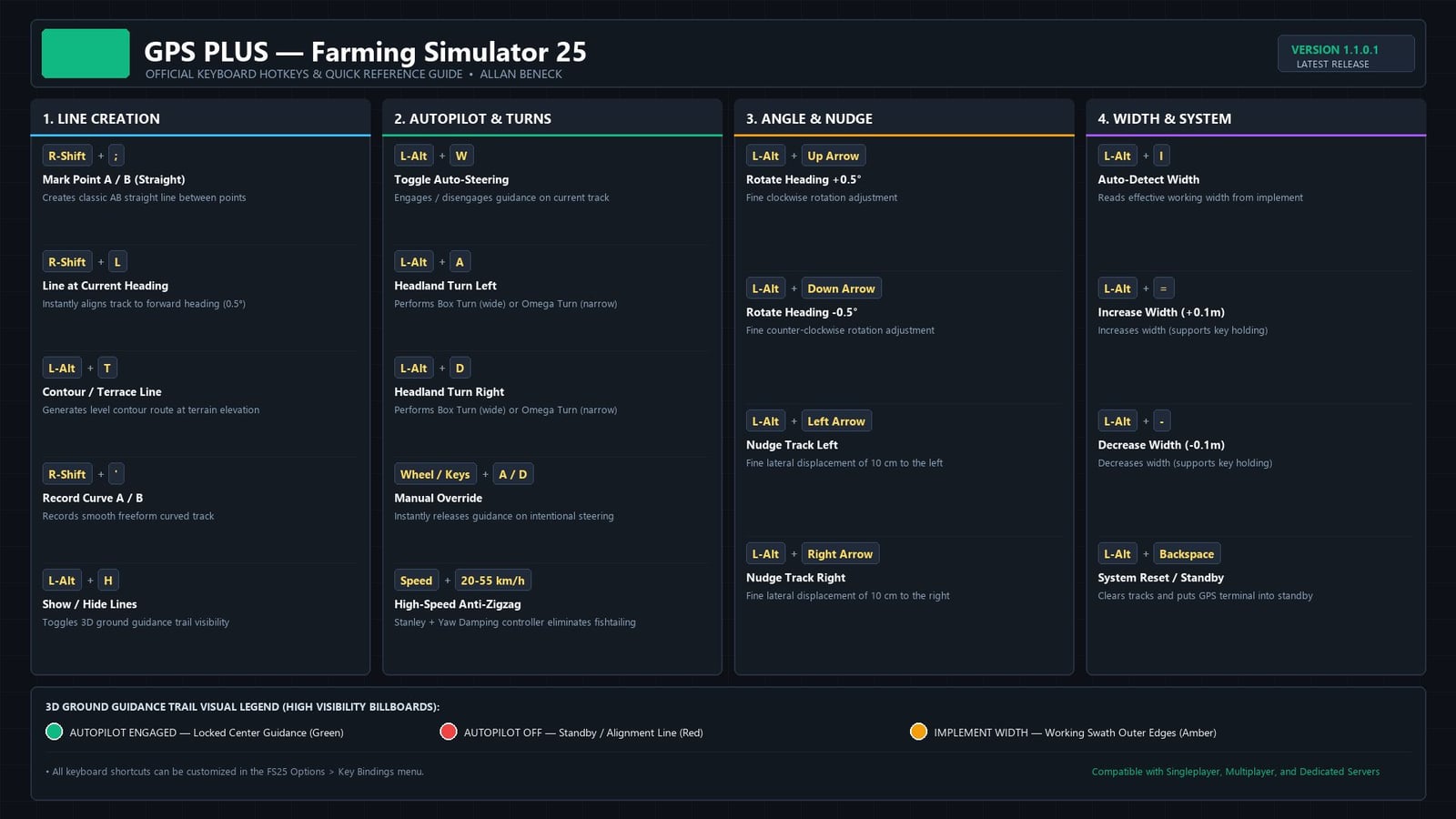
- Right Shift + ; – Set point A / B (AB line)
- Right Shift + L – Straight line based on current heading
- Right Shift + ‘ – Set curved A / B line
- Left Alt + W – Toggle direction / autopilot
- Left Alt + A / D – 180° headland turn (left / right)
- Left Alt + I – Automatically detect implement width
- Left Alt + = / – – Adjust width (+ / – 10 cm)
- Left Alt + Up / Down – Rotate heading (+ / – 0.5°)
- Left Alt + Left / Right – Shift line (+ / – 10 cm)
- Left Alt + H – Toggle guidance line visibility
- Left Alt + Backspace – Reset guidance lines
- Left Alt + T – Create a guide at the same elevation
Changelog
- V1.1.0.1
High-speed fishtailing/zigzagging on tractors, sprayers, and trucks was fixed, with stability up to 55 km/h.
Rectangular headland turn was added for wide implements (>= 12m), keeping them from driving outside field margins.
Steering smoothness and stability were improved on tracked/crawler vehicles.
Full Polish (PL) translation and dynamic localization were added. - V1.1.0.0
New function – TERRACES: Adds the ability to create a guide track that always follows the same terrain elevation, ideal for working on the creation of terraces (contour lines) in fields, as it guides the tractor along a level path.
Default shortcut = left Alt + T (can be changed in the shortcut menu) - V1.0.2.1
Bug Fix: Fixed an error that prevented the autopilot from being disengaged when turning the steering wheel (for steering wheels only).