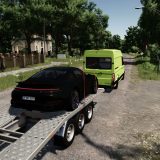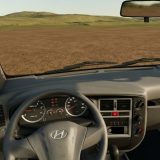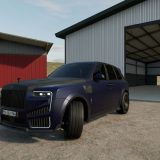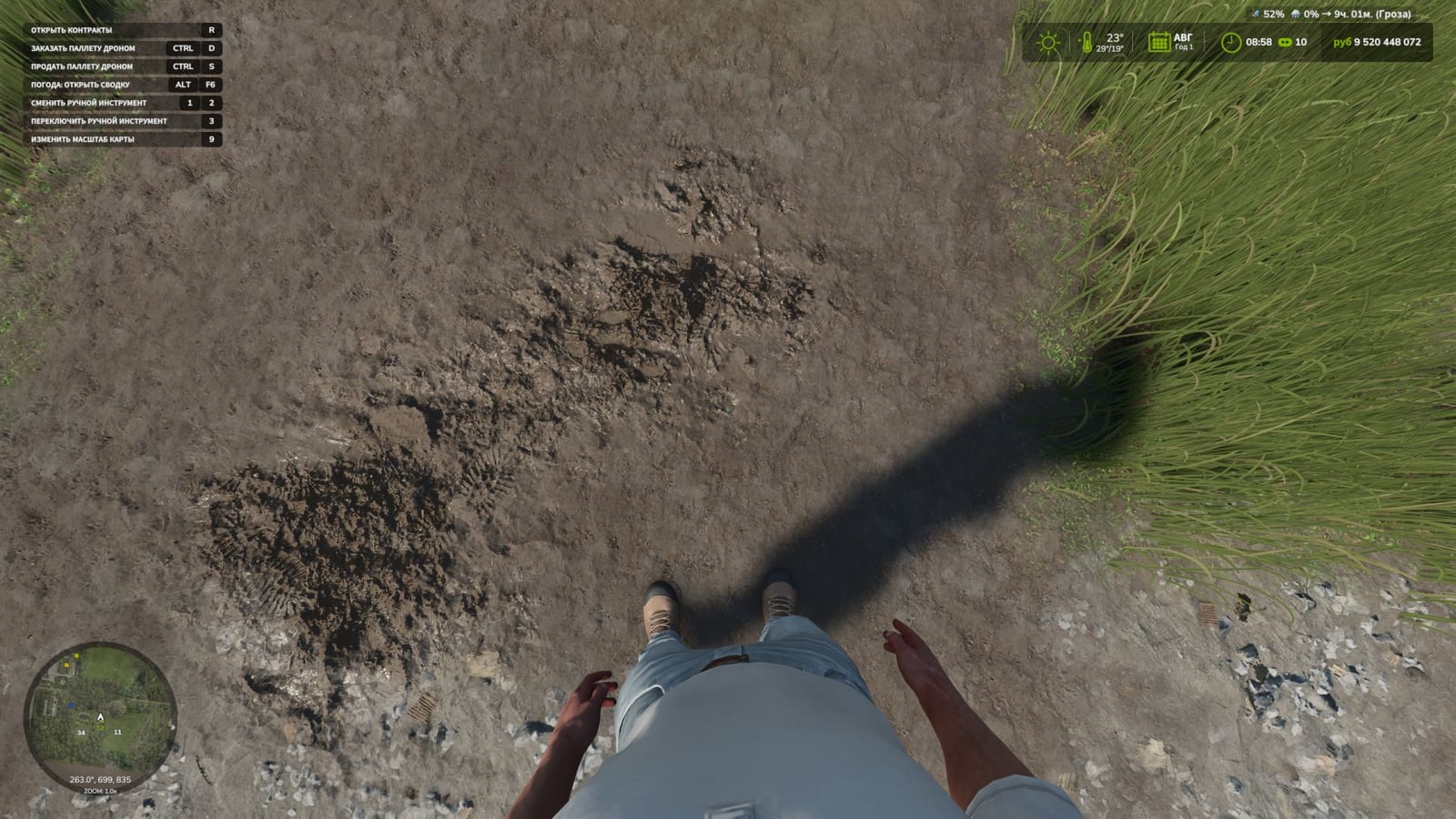
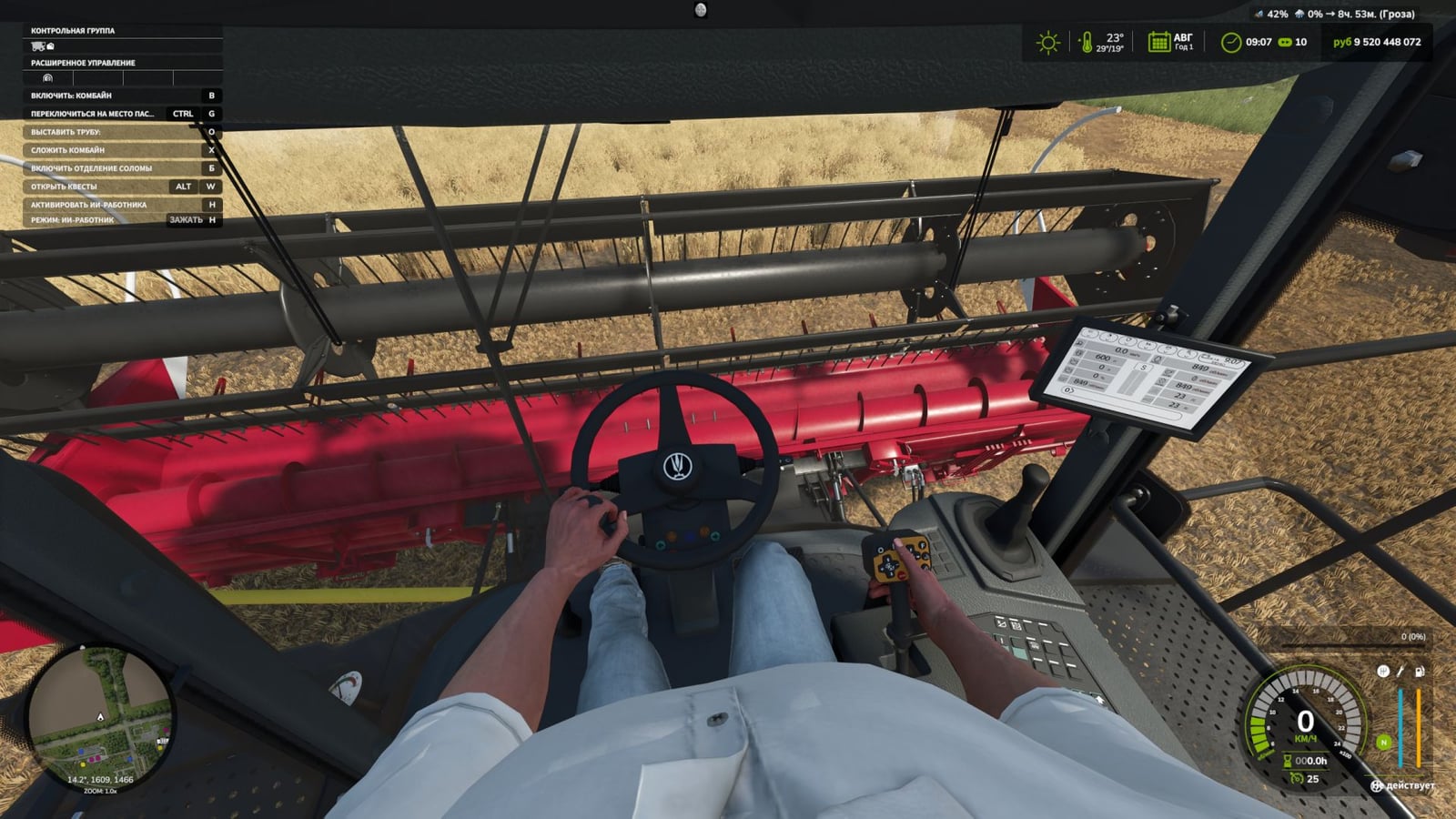
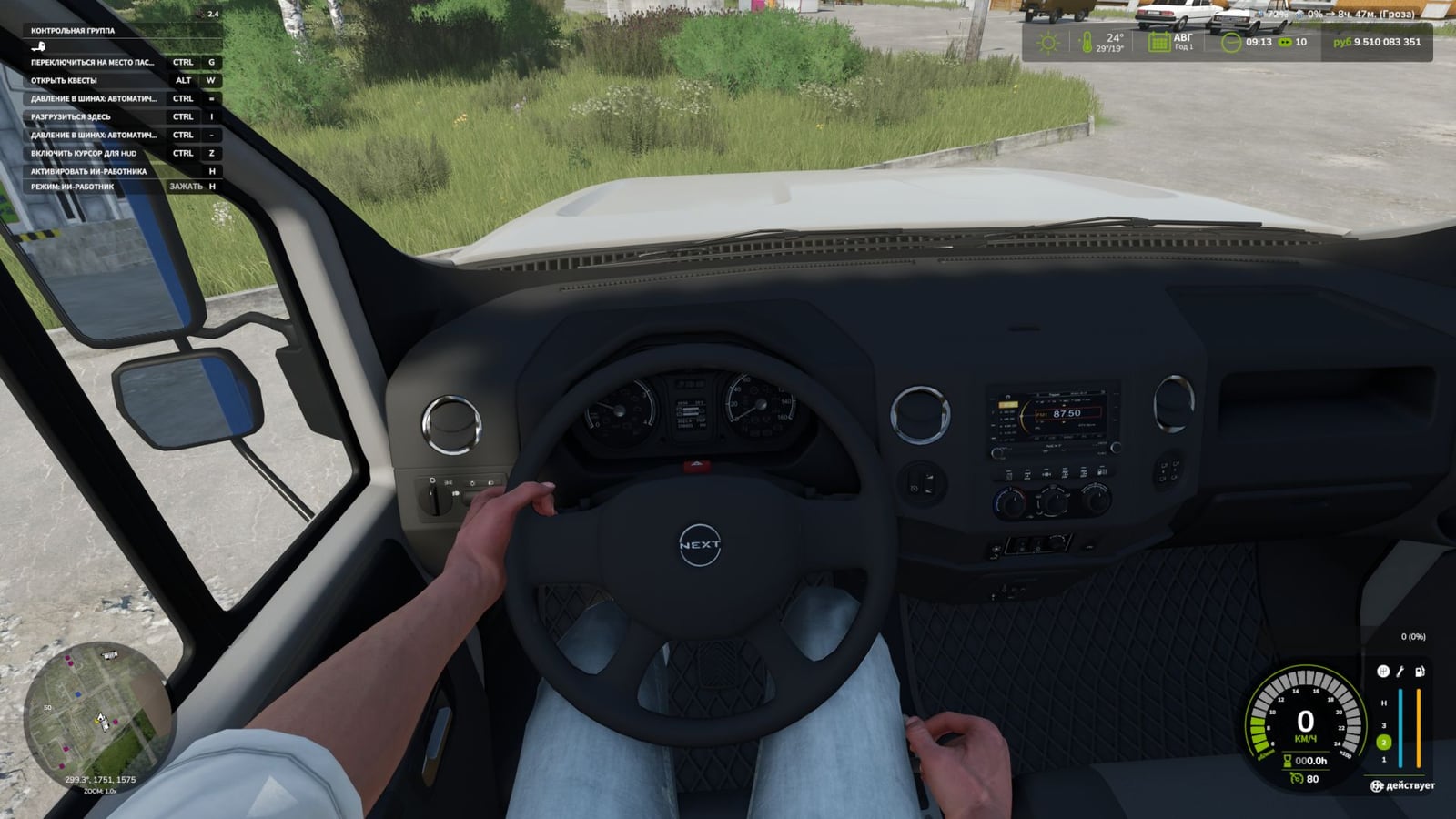
With First-Person Player Body, you get a “full” character display while walking around in first-person mode in Farming Simulator 25. When you climb into a vehicle, the first-person view also shows the standard seated driver model and follows the seated character’s eye animation and movements.
Features
- On foot
- Your player body stays visible.
- The camera sways from side to side.
- In vehicles
- The driver body is visible.
- Choose a standard camera position or eye level.
- The camera follows the driver’s animation.
Look down and you can see your animated body, legs and arms. Your character’s movements appear correctly with the camera, which makes using the first-person view more engaging. The head stays behind the camera, so it does not get in the way of your view, but it still helps form the shadow.
To shift the camera in standard mode, or move the whole character in eye-level mode, use these controls:
Rctrl + Arrow keysRAlt + Arrow keys
Rctrl + h – adjust the position of the hands on the steering wheel.
Changelog
- V1.2.1.0
The option for turning off control-element tracking in vehicles is back. It disables the player jerking and lifting toward control nodes. - You can now choose a walking style, and that choice also changes walking speed. 3 options: Slow – Casual – Brisk.
- The game settings items were put into a new order. (General settings)
- Various minor file adjustments.
- V1.2.0.0
Press RCtrl + H in a vehicle, or change it in the settings, to adjust the steering-wheel hand position the way you want by controlling the arm bones. - V1.1.0.0
Spanish translation added (Pericops). - The hand takeover mode now gets fixed when one hand switches a lever and then fails to take over the steering wheel again after returning. (This issue should no longer occur)