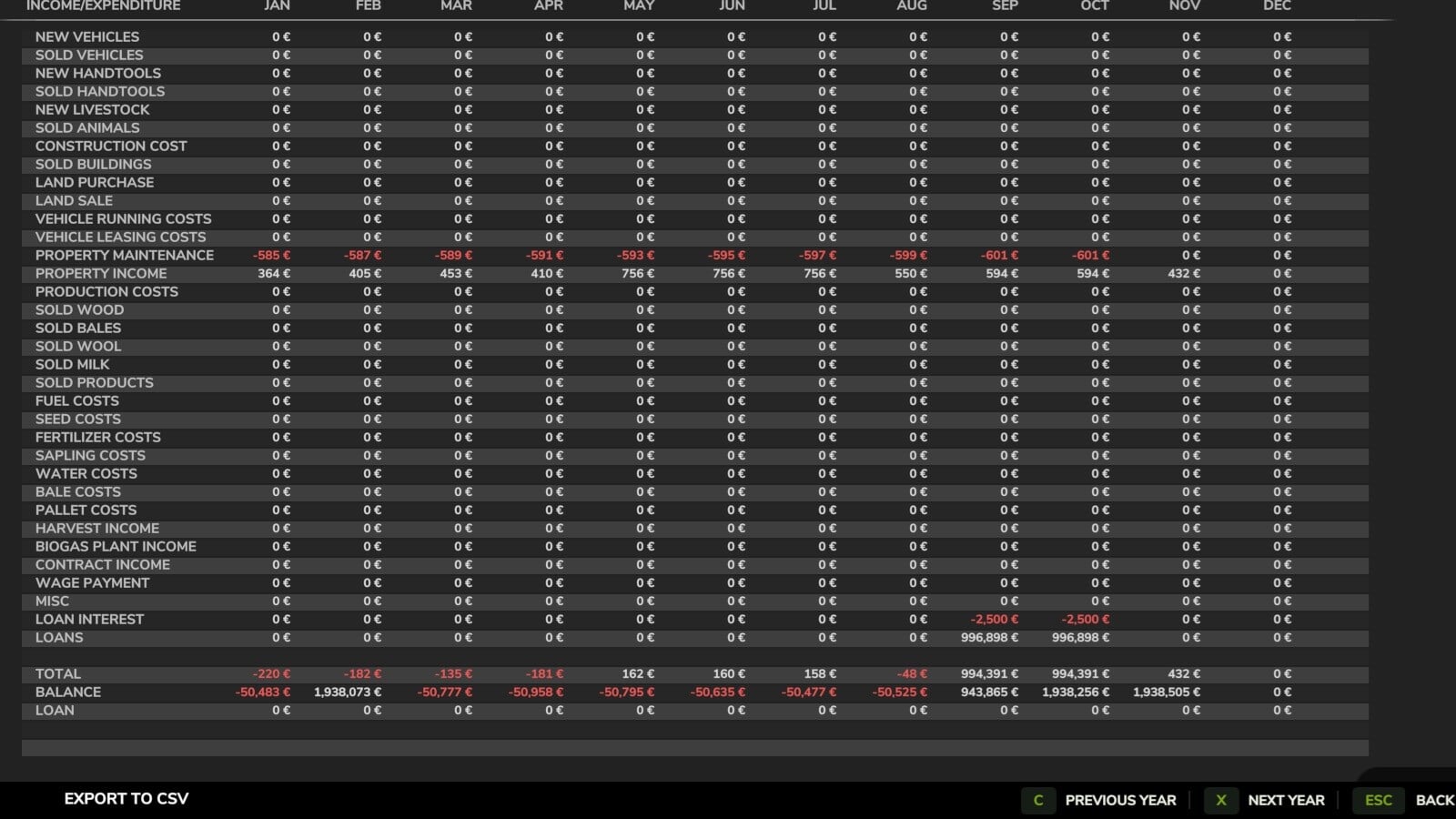
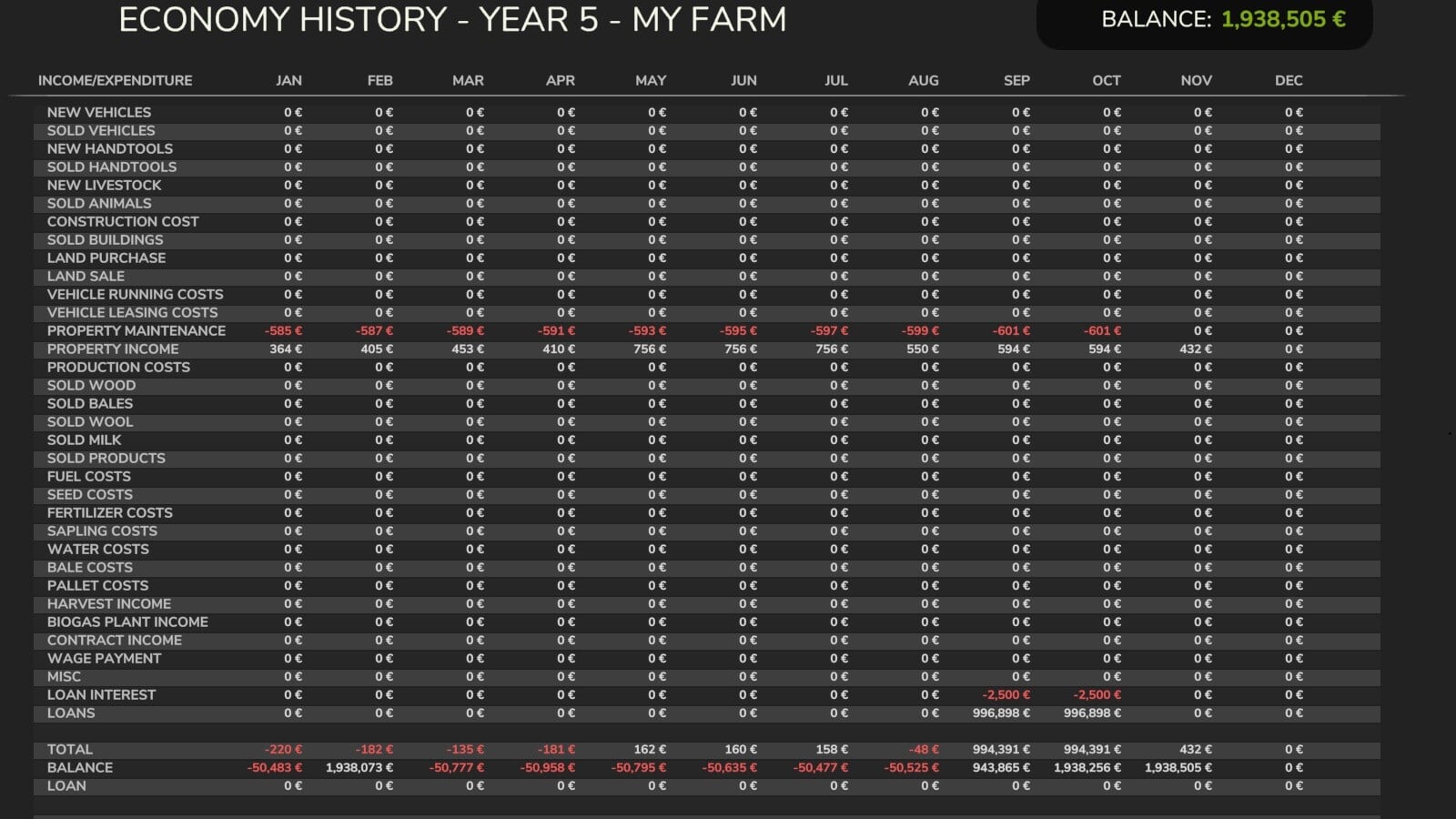
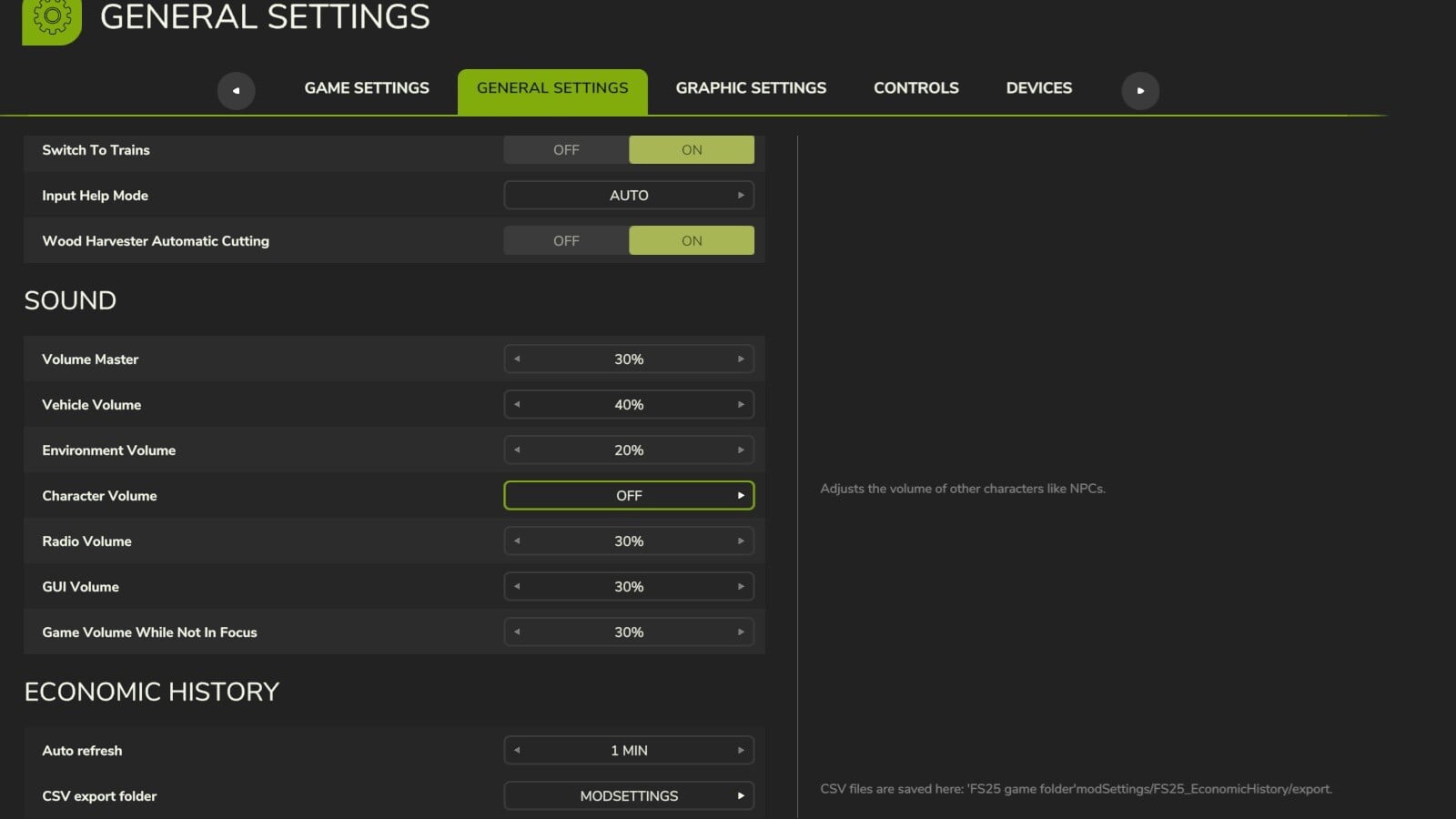
Install this mod and you get the full financial history right from that point onward. You can send the data to a CSV file, then choose where that file is saved. Handy when you want to check how your farm is doing.
Features
- Your CSV files stay stored locally.
- Running a multi-farm farm means you can see the data for your own farm only.
- Log in as admin and you can look through every farm’s data.
- Open GENERAL SETTINGS to set how often this page auto-refreshes and pick the location for the CSV export file.
- Choose Custom Path, then enter the export folder in the Economic History section inside General Settings.
Changelog
Version 1.0.0.1:
- The finance data for all months is saved correctly now, including February.
- You can enter the export save path through a new dialog box.
Version 1.0.0.2:
- When the items do not fit in the screen window, a vertical scrollbar is added.