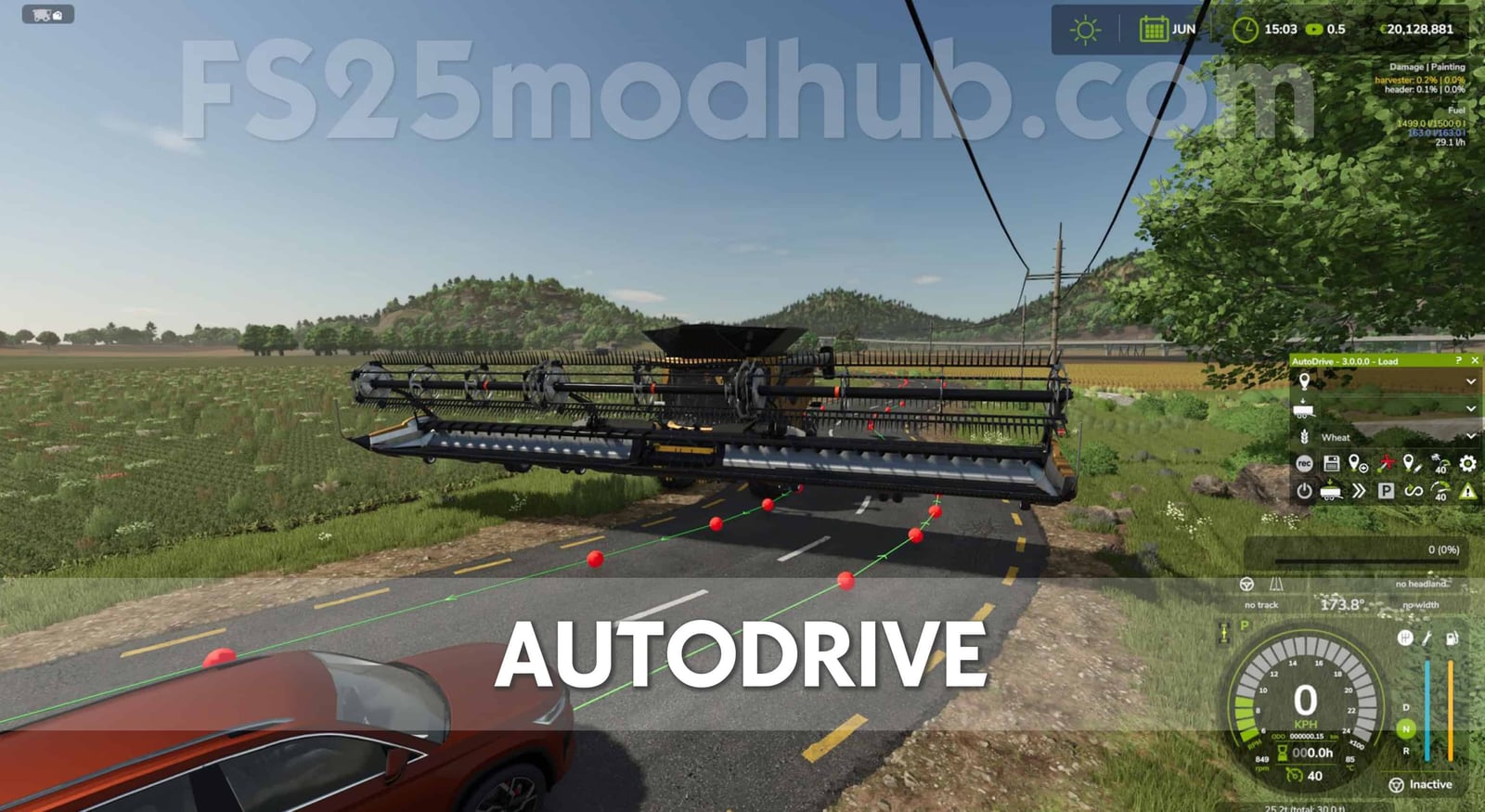
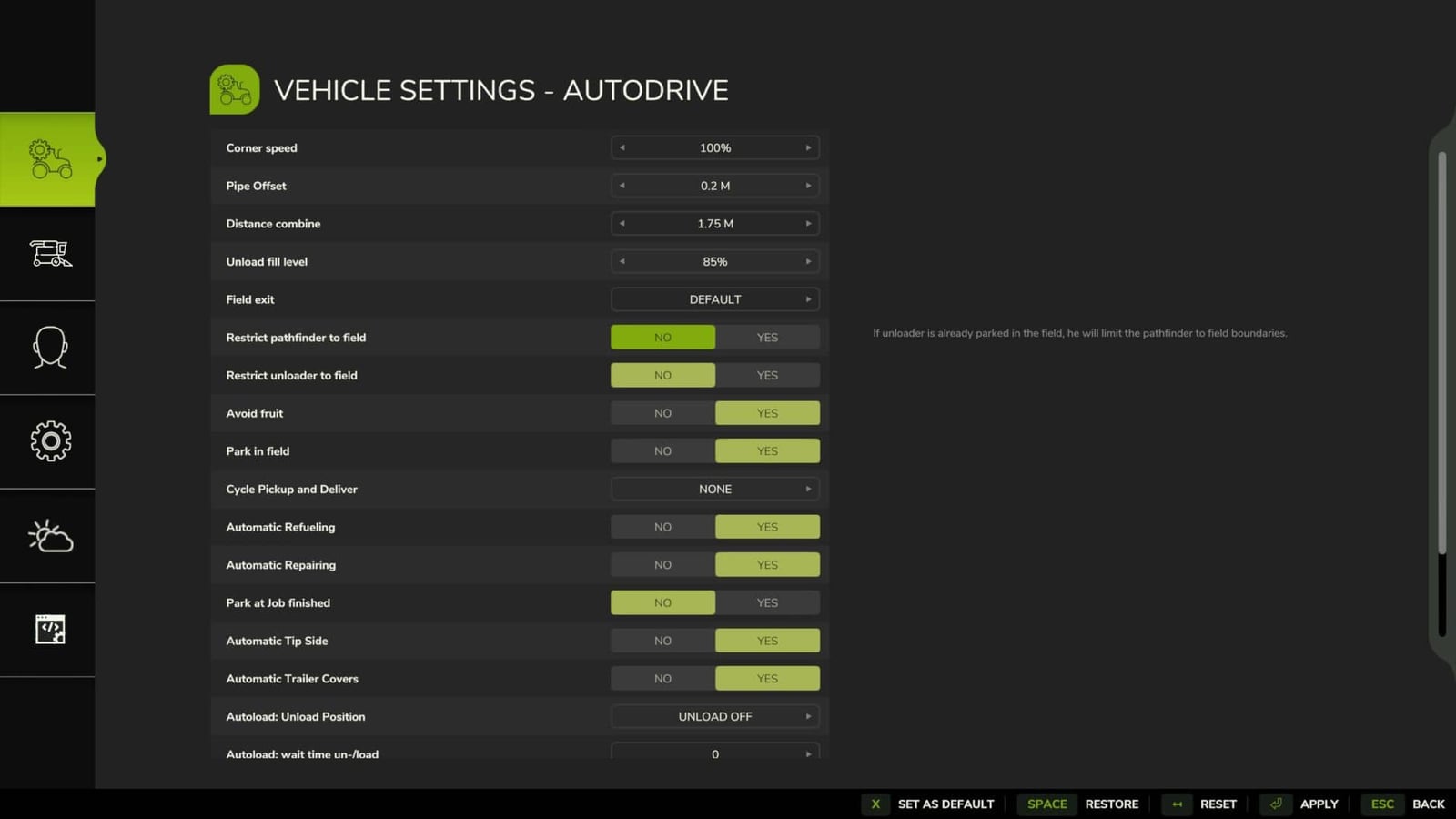
In FS25, Autodrive gives you the tools to set up your own races and keep your workers moving across your maps. You can shape the routes yourself, then manage how the vehicles handle the work.
Features
- Editor mode now lets you create field points (catch line).
- Want to make field points? Park the vehicle on a field that belongs to an agricultural area. The field needs to show on the map and be selectable by number.
- You can find Fieldpoint Offset in Global Settings. It controls how far the waypoints sit from the field boundary.
- Field point max. distance is another option in Global Settings. It controls the greatest distance allowed between waypoints.
- The default key combination for creating field points is LCTRL + LSHIFT + F.
- Field points can be generated over and over with different settings. Only the points inside the selected field are removed and created again.
- During one game session, move from one field to another and reset the fields separately.
- After you restart the game or load a save, you must delete the old field points manually before creating them again.
- Vehicle AD settings now have Copy & Paste.
- LSHIFT + C: This copies all AD settings the vehicle needs for its task to the clipboard.
- LSHIFT + V: Use this to paste the copied settings into a second vehicle.
- You can reassign all keyboard shortcuts.
Changelog
v3.0.1.4
Bug Fixes and Improvements
- Driving below the water plane no longer breaks trains.
- Broken trains can be reset in-game again. Previously, you had to remove
isBroken="true"fromvehicles.xmlto reset one. - Train physics have been improved, so trains are prevented from drifting out of loading and unloading positions.
- At row ends, the unloader now stops differently so harvesters are not blocked while turning (#524).
- AD no longer fails to drive under inactive conveyor belts (#535).
- AD now refuels the vehicle, rather than attached tanks (#560).
- “If silo empty” has been removed. A vehicle waits only when rotary loading is disabled and the configured fill level has not been reached at the destination.
- Set the fill level to 0%, and the vehicle keeps driving no matter whether cargo was loaded or how much was loaded.
- Multiselect now supports loading big bags and similar items, as well as seeders with a fertiliser unit.
- Universal Autoload behaviour stays the same. Check the Wiki page for details.
- Bunker silo detection and the calculation of internal dimensions are now improved.
- Connected silos are detected from a range of 1 metre.
- The activation delay after a handoff from the helper, CP, or UAL to AD is now 2 seconds.
- The issue with vehicles swerving on roads has been fixed (#486).
- Field pathfinding has been improved with adaptive obstacle detection and more A-Star steps.
- Strapped objects on vehicles or attachments now count as part of the vehicle, just like attachments, instead of separate collision objects.
- The GIANTS helper no longer goes back to the previous field to continue working instead of starting the new job on the new field.
- AD can now get across the hose bridge from the PnH DLC (#570).
- Minor error checks, including nil checks, have been added.
Release 3.0.1.2 (March 27, 2026)
- Active unloading of harvesters now works without the previous issue.
- The issue with loading seeds and fertiliser into seeders has been fixed.
- Loading multiple trailers has been fixed.
- Harvested and withered crops are detected more reliably, especially root crops.
- Open the AD HUD and the mouse cursor appears automatically. Close it and the cursor hides again.
- Light and rotating beacon settings are vehicle-specific again.
- When “If silo empty” is set to “Drive on”, the vehicle still tries loading a few times before driving on.