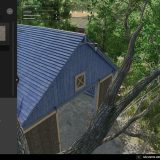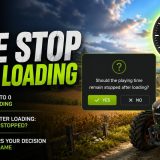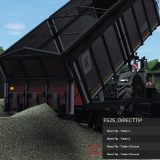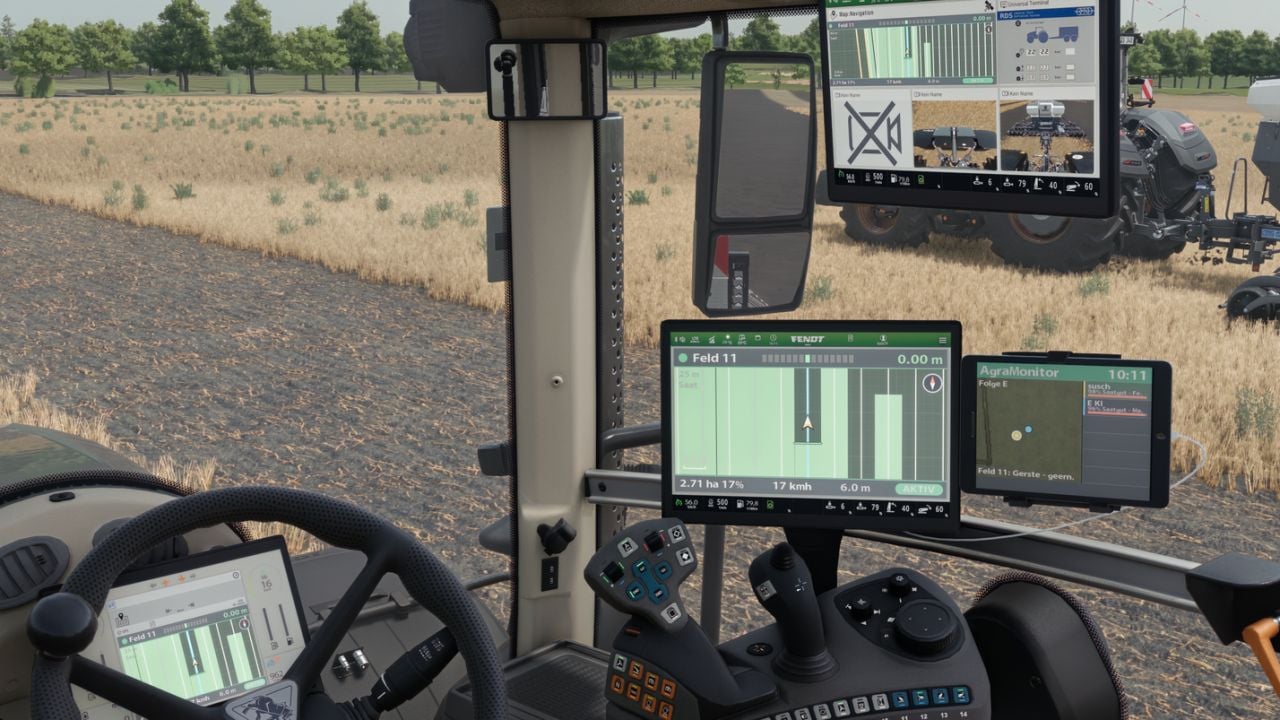
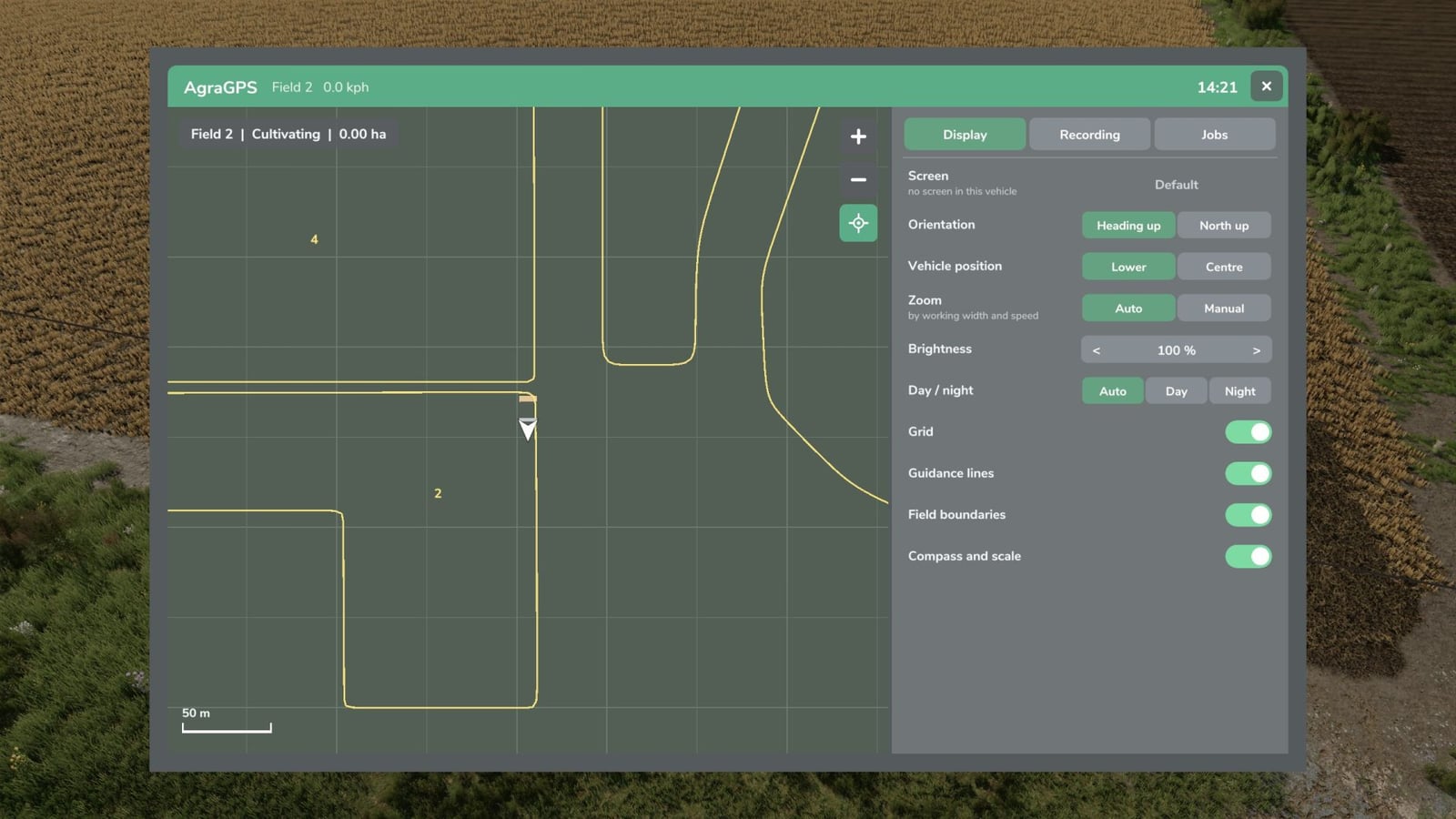
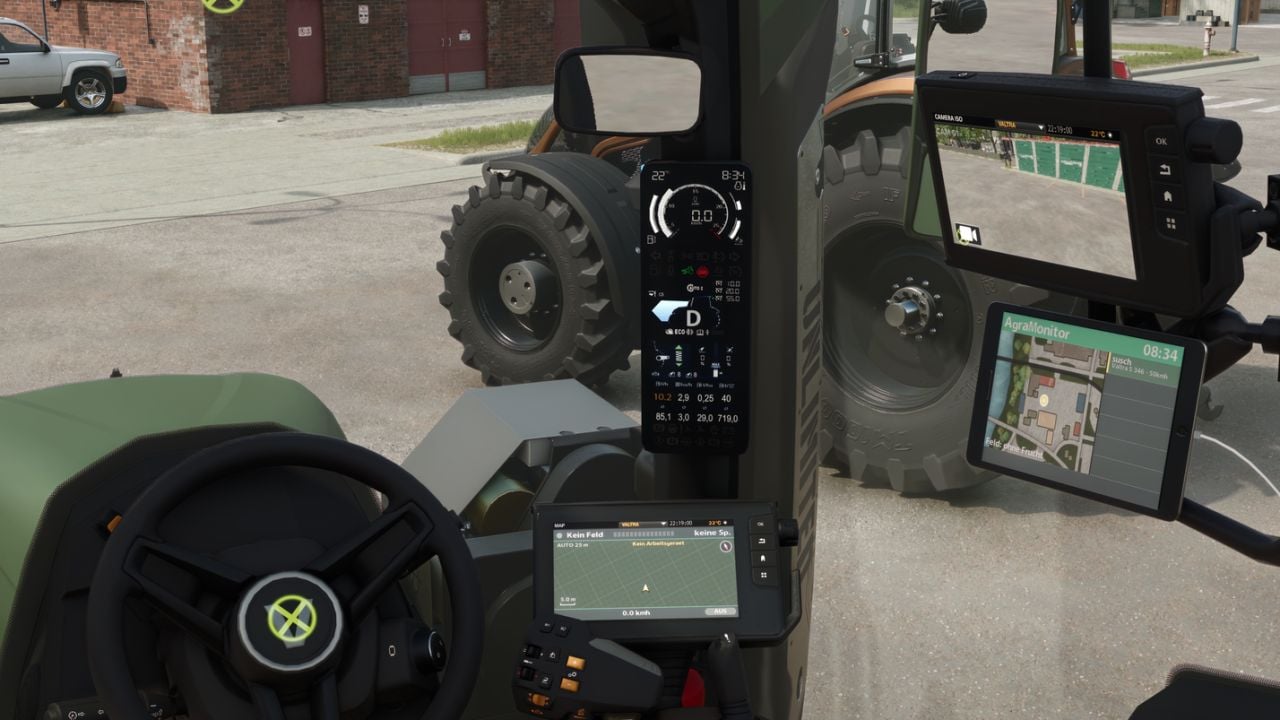
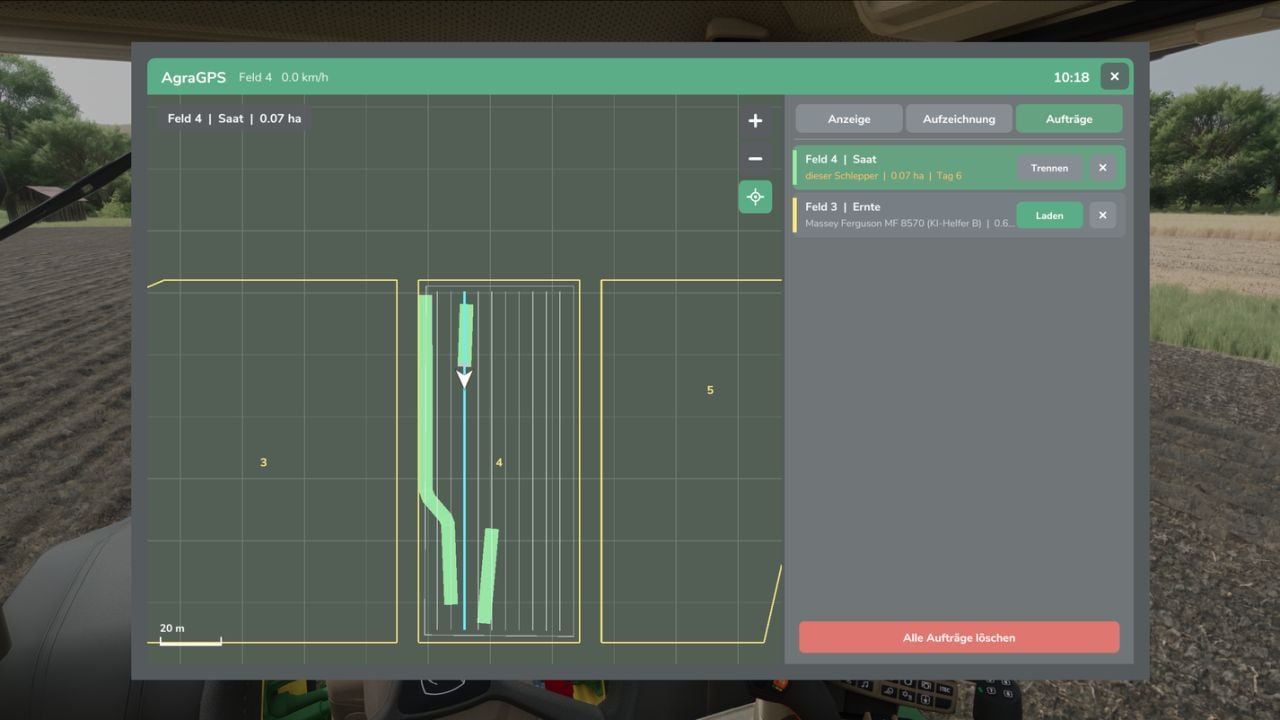
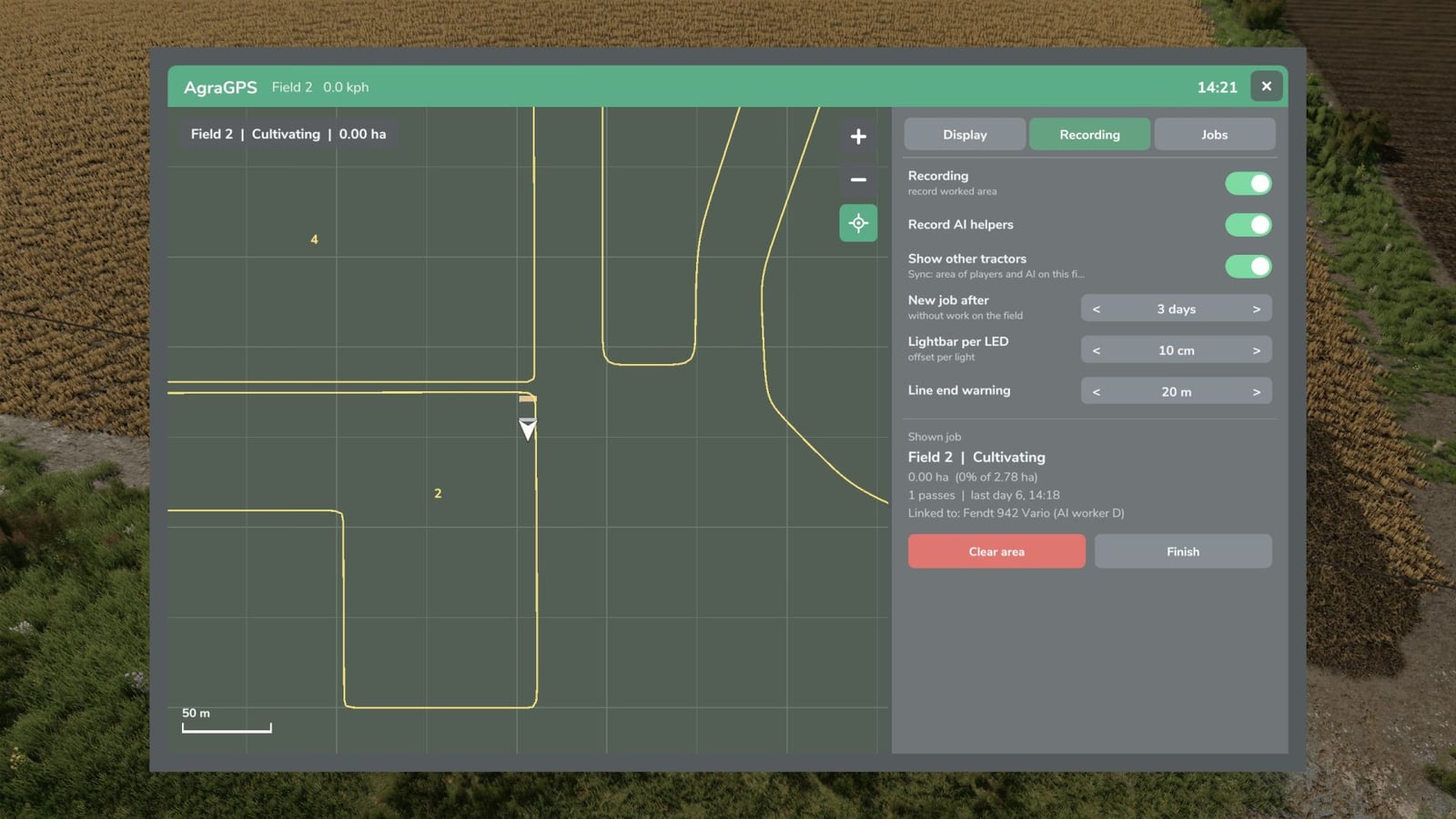
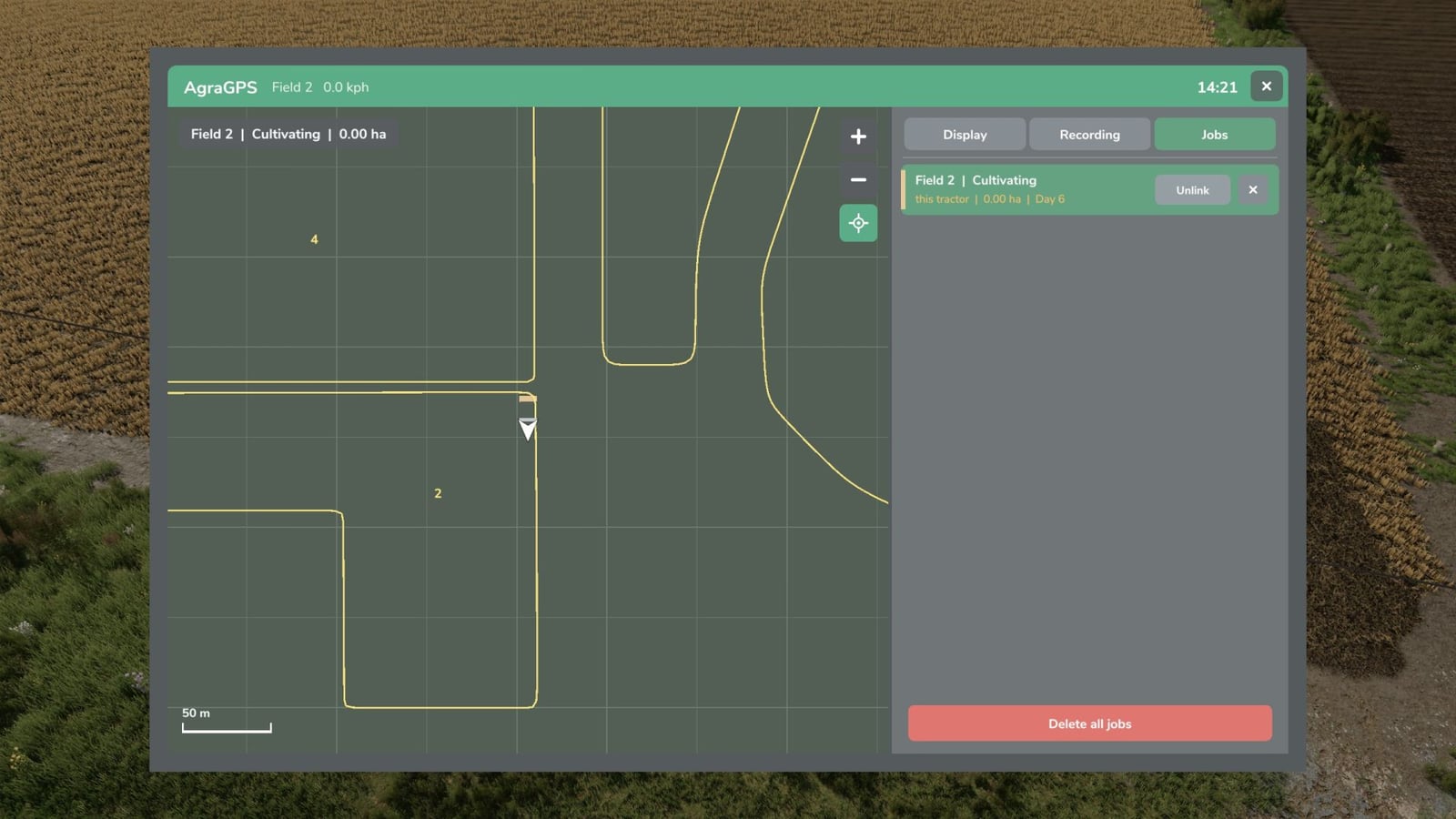
AgraGPS brings an optional GPS screen and a course management interface into Farming Simulator 2025. The functions are made for pre-configured vehicles, so you can set up your work and keep track of it while driving.
Features
- You get a complete lane guidance screen with the full set of lane guidance lines on display.
- The area worked by your attached device is displayed and recorded. Even after you save or leave the field, you can still see that worked area when the job continues.
- An optional GPS terminal screen can be placed in the cabin.
- You can use several screens, with each one operated separately.
- The display shows the worked area, field boundaries, and steering assist lines together.
- Worked areas can be recorded while you are working.
- Recordings are made for each field and work type, tied to the tractor. Other tractors can load them too, including AI helpers and players in multiplayer.
- The terminal includes an overview map and extensive settings. Open it with
Alt left + G(you can change this in the control menu).
Changelog
V1.1.0.0
- Fixes:
- When fields are combined, they are now saved as one entry. Its name will be, for example, Field 3 + Field 4, etc.
- The free space between two combined fields is now included in the recording.
- Excessively large screen font sizes have been fixed, so attributes no longer become impossible to read.
- The sync function for two tractors in one field caused issues and has been removed.
- New:
- A GPS window is now available for vehicles without a screen or external view player. Adjust it like the screens in the GPS menu, then open it with
Alt left + H(changeable in the control menu). - Through the GPS menu, you can dock the GPS window left, right, top, or bottom and resize it.
- Personalize the GPS screen and window colors in the GPS menu. The colors are linked to the vehicle type.
- Worked area recording has been revised. Two tractors share a recording only when both have loaded the same recording.
- AI helper recording can now be enabled separately for each helper.
- Automatic deletion after X days is no longer included.
- You can operate the screen without text and LED strip attributes. In the XML file, set the attribute value
onlyMapLayertotrueto do this. - Note on the recording process:
- A field recording always starts, whatever task is being performed in the field, even if active guidance is not being used.
- Start a task in the field and recording begins automatically, linking your vehicle to the recording.
- If an AI helper or another player wants to do the same field task, they have to load the existing recording. Both vehicles then record their work in that recording.
- If the AI helper or other player skips loading the recording, a new one starts, even when the task is the same.
- After you finish the field, complete the task in the GPS menu. The task is saved then and can be opened later to check whether the whole area has been worked.
- A completed area cannot be loaded anymore. You can only view it or delete it.
- Any incomplete area can be loaded into a vehicle at any time.