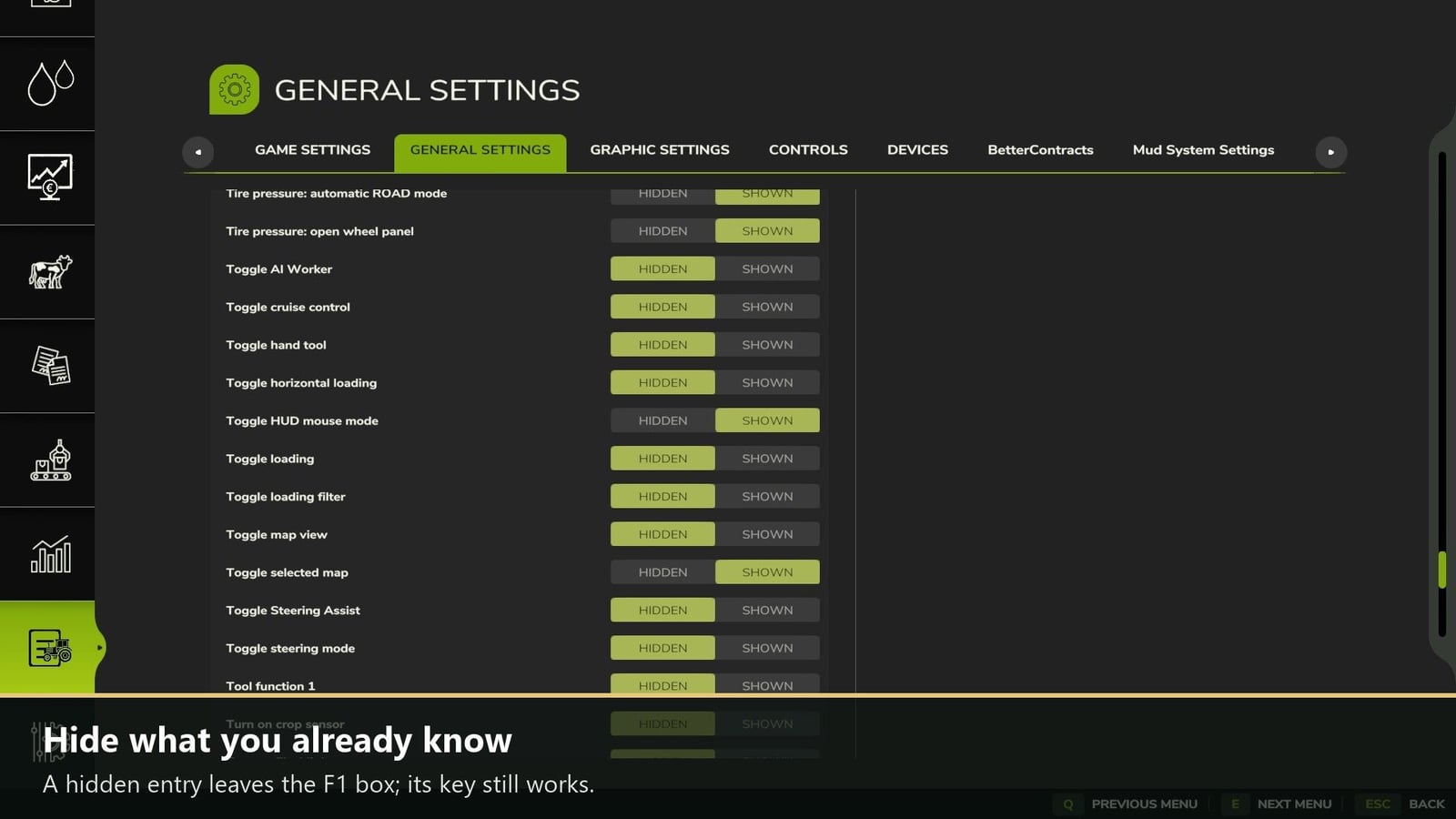

Your F1 box can get pretty long when you play with mods like AutoDrive and Courseplay. F1 Toggle gives you a simple way to hide the key hints you already know. The hint disappears from the F1 box, but the key still works, so you can keep playing without losing the control.
Features
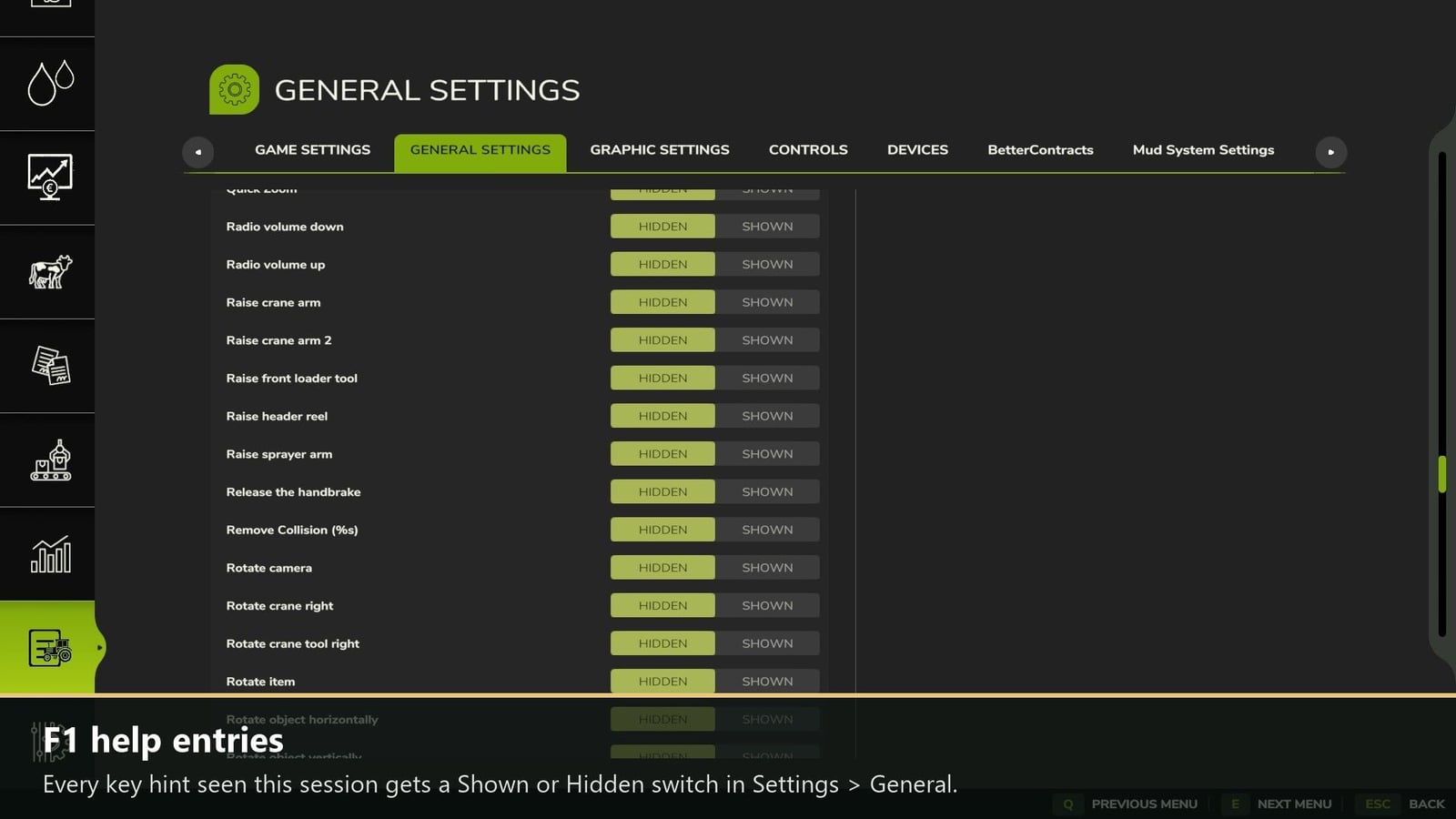
- All key hints seen in the current session appear in the list, including ones from the base game and from mods.
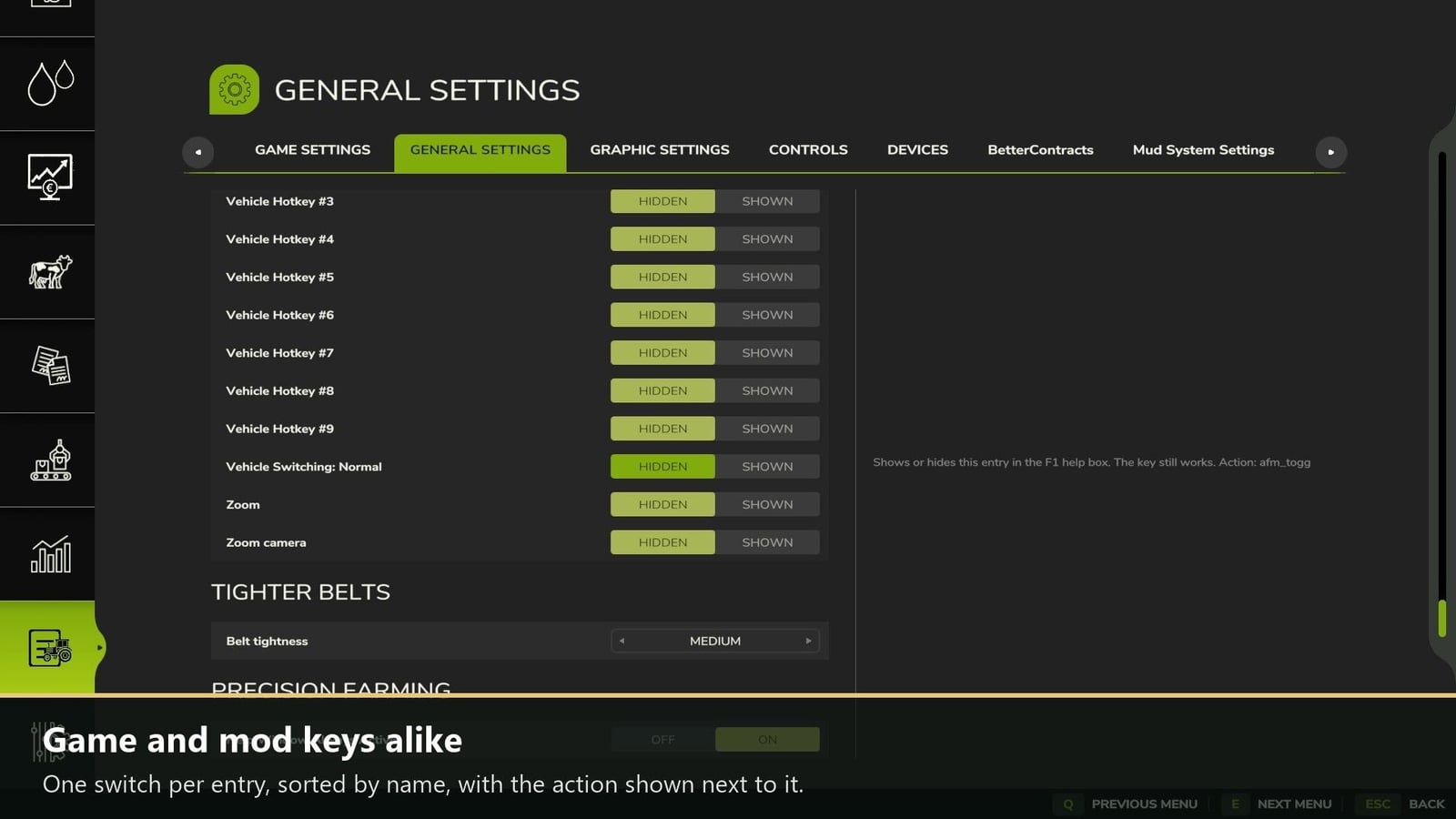
- Every entry gets its own Shown / Hidden switch. The entries are sorted by name, and the action is shown beside each one.
- Your settings are saved for every savegame in
modSettings/FS25_F1Toggle/F1Toggle.xml. This file also contains every entry seen so far, and you can sethidden=”true”there too. - Check the list with
f1tList, or bring everything back withf1tShowAll. - You can use it in single player as well as multiplayer.
How to use: Press ESC, open Settings, choose General, and scroll to “F1 help entries”. Set any entry to Hidden, and it leaves the F1 box.