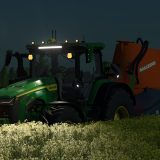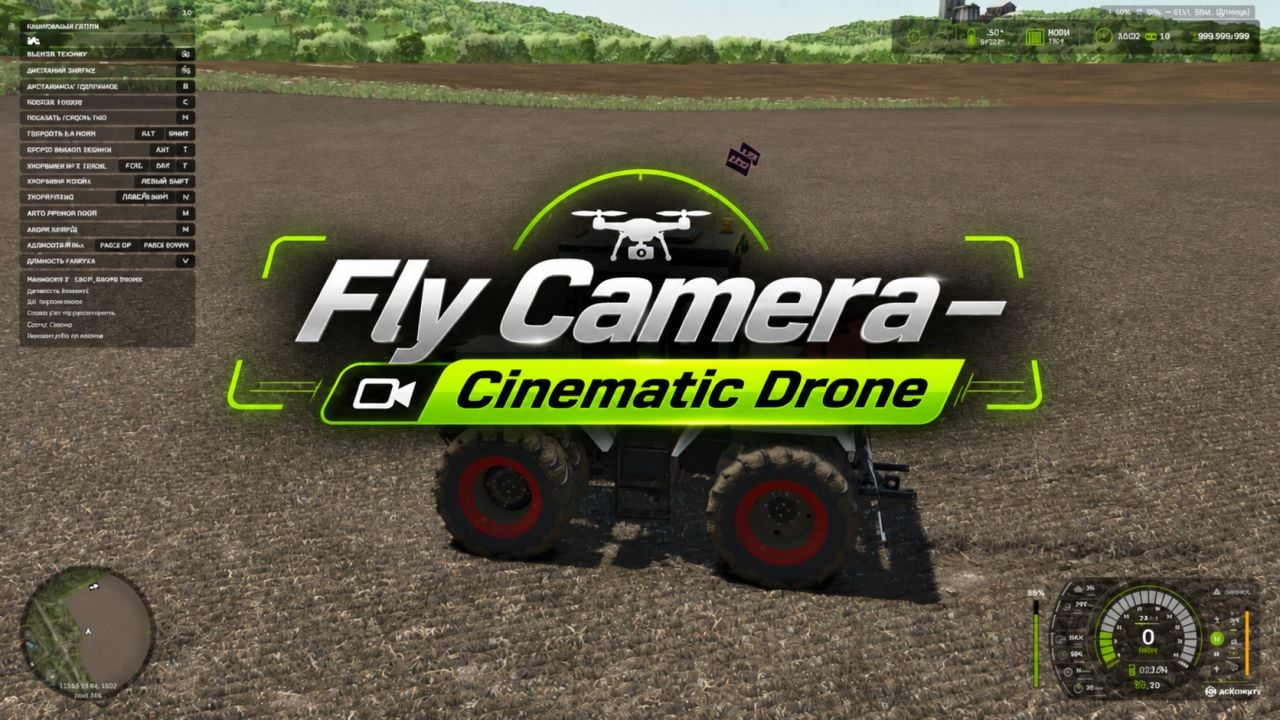
With Fly Camera, you get an advanced cinematic camera for Farming Simulator 25 that makes drone flight feel smart and controlled. Let it film vehicles automatically, follow your player or a vehicle, or take over with manual controls for free flight.
Features
- Film vehicles automatically with cinematic camera shots.
- Follow your character and their vehicle.
- Take the drone into free flight with manual control.
- Pick from 18 different cinematic angles.
- Switch angles automatically, or keep the selected angle held.
- Set the filming distance group to near, medium or far.
- Use intelligent obstacle avoidance.
- Let the camera adapt to the terrain around it.
- Select vehicles straight from the mouse cursor.
- Move quickly between active hired workers.
- Adjust how fast the drone flies.
- Check the HUD for the mode, status, distance and viewing angle.
- Hide the interface when you want to film.
- Add the autopilot camera to the usual vehicle camera switching cycle.
- Multiplayer support is included. (Not tested for extended periods)
Controls
Left Ctrl + Left Alt + F turns observation mode on or off.
Left Alt + T brings up the vehicle selection cursor.
Use LMB to select a vehicle.
Page Up / Page Down moves between hired workers.
Left Alt + Home sends the camera back to following the player.
M switches automatic and manual flight mode.
B switches automatic angle changing and angle hold.
N / Shift + N changes the angle.
V changes the distance group.
H shows or hides the HUD.
WASD moves the drone in flight.
Q / E controls descending and climbing.
Hold Shift to accelerate.
Use the Mouse to aim the camera direction.
Turn the Mouse wheel to change the flight speed.
You can activate the extra cinematic vehicle camera in the game’s general settings.