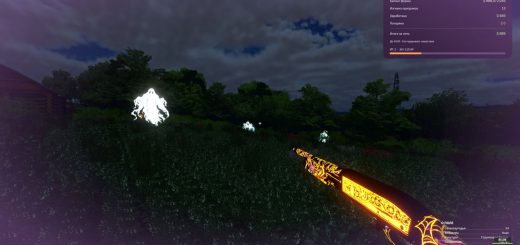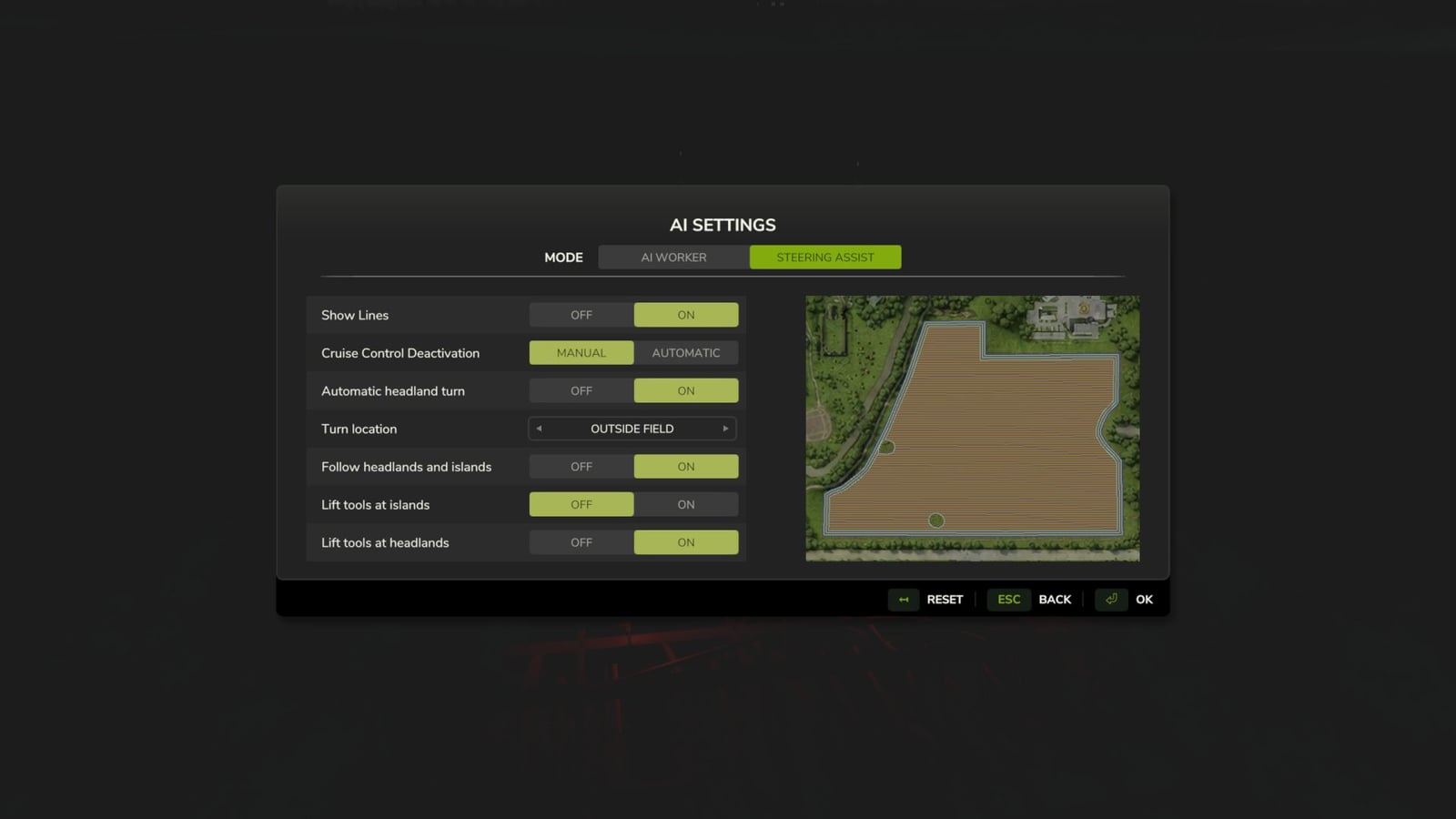
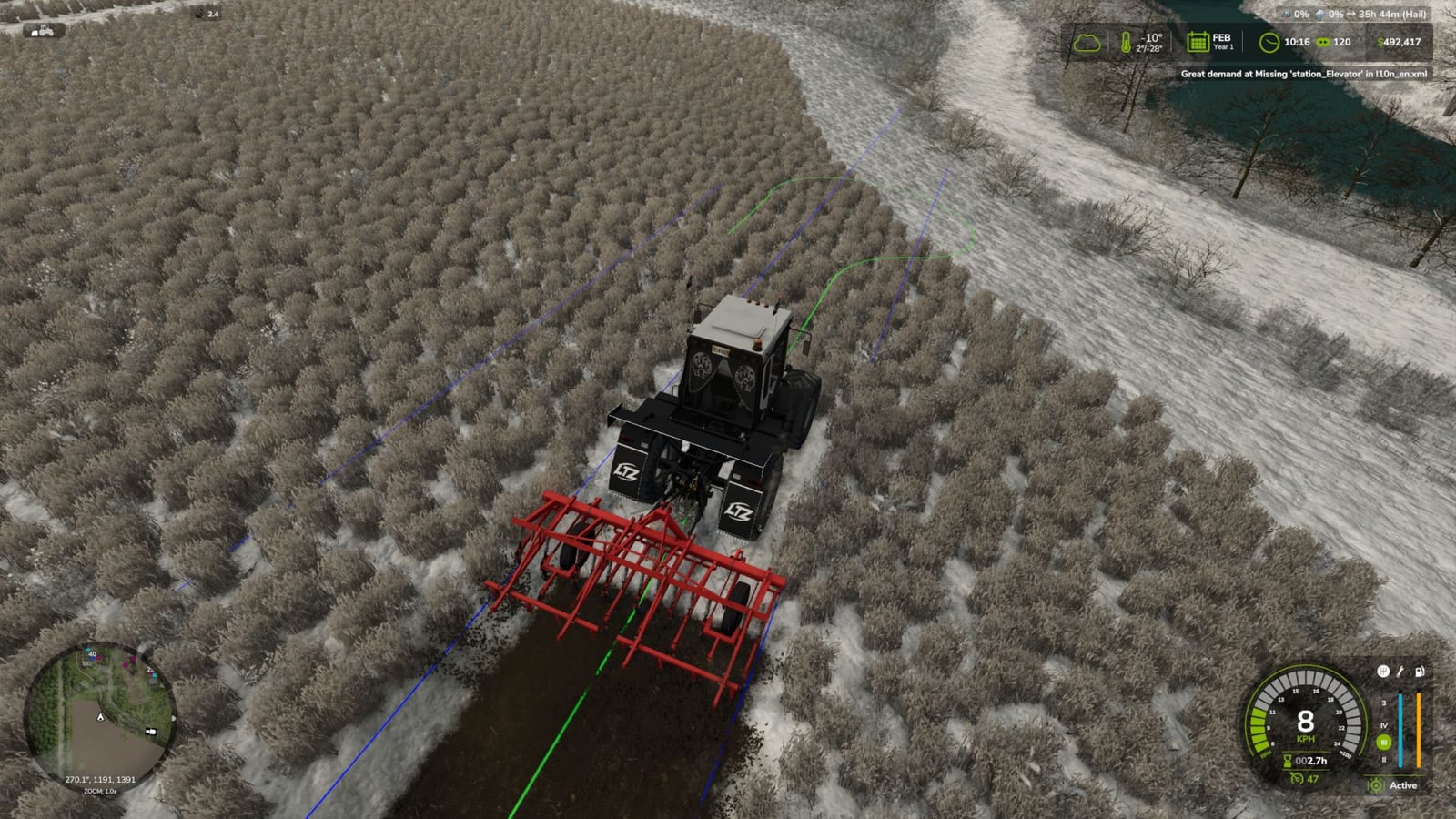
GPS Extended takes the standard “Steering Assistance” and adds automatic turns to the workflow. Turn on cruise control, finish a work pass, and the vehicle turns at the end, moves to the row you selected, then keeps working. The GPS lines show the turning trajectory and target row ahead of time, so you can see what the next move will be.
Features
- Headland turns happen automatically. In the settings, choose whether the turn takes place inside the field or past its boundary.
- Pick the next row yourself with Left Ctrl + Left Alt + ← for the left row or Left Ctrl + Left Alt + → for the right row. You can jump as far as ten rows from the current row, even to rows that are already processed.
- Contour guidance joins the headland sections and goes around islands. If an island cuts through a work row, the mod searches for a way back to the continuation of that very row.
- During the manoeuvre, the implement is raised and the working mechanisms are switched off. Once the row is reached, their operating state comes back. Turns and island bypasses each have their own settings.
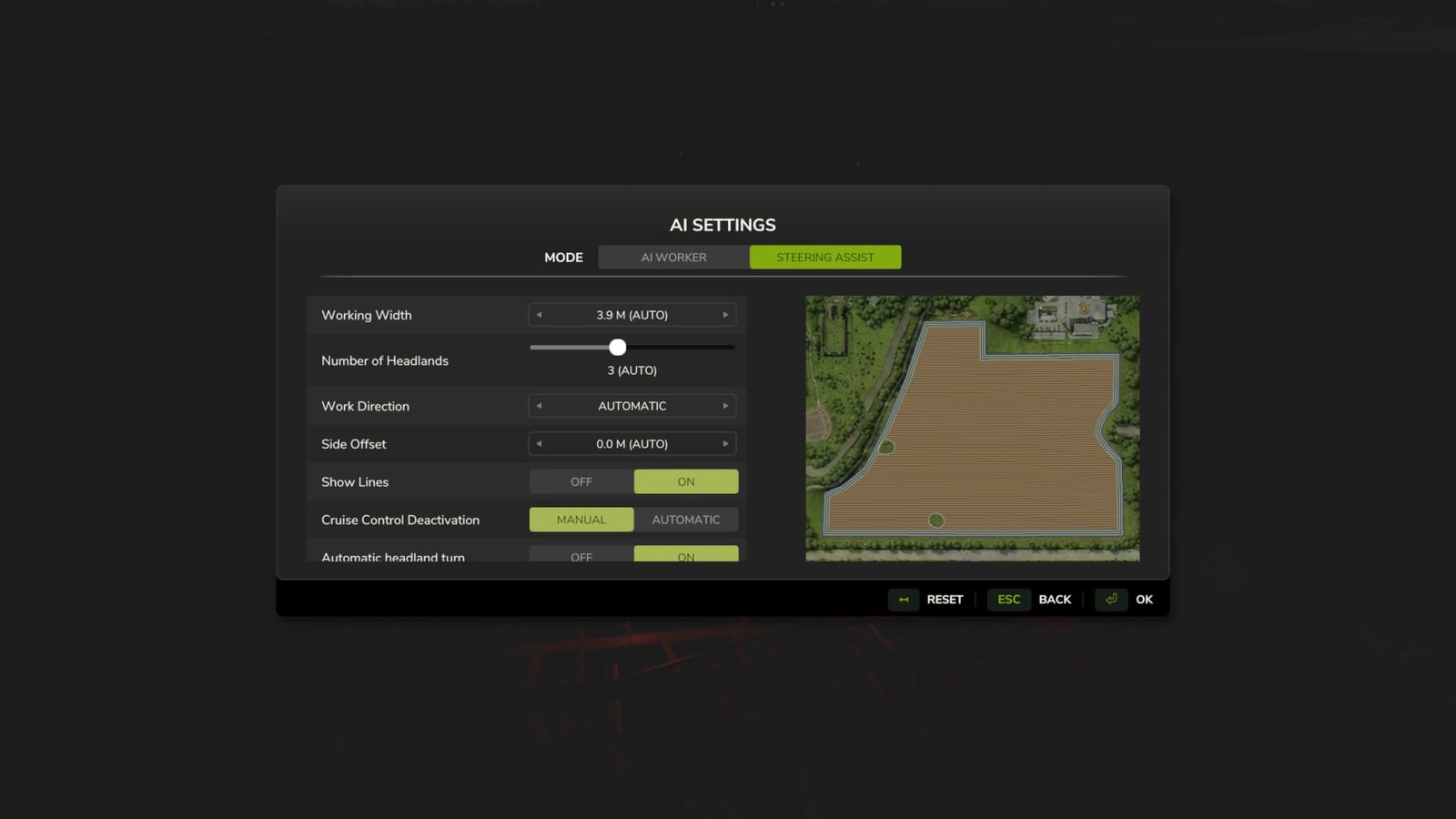
- You can also run a course with no headlands. Set the headland count to zero in the course settings and build the route from the work rows only.
How to enable
Start in the “Steering Assistance” settings. Create a field course and enable “Automatic headland turn”, then activate GPS and cruise control. If the game cannot find a suitable turning trajectory, the vehicle stops.
Changelog
- V1.0.1.0
- French, Polish and German translations have been added.
- The conflict with ADS (Advanced Damage System) is fixed, so it no longer stops when a turning maneuver begins.